What the Free plan and Coffee Club include, how to upgrade and pay, how to update your card or cancel, and what happens to your feeds and articles when you go back to Free.
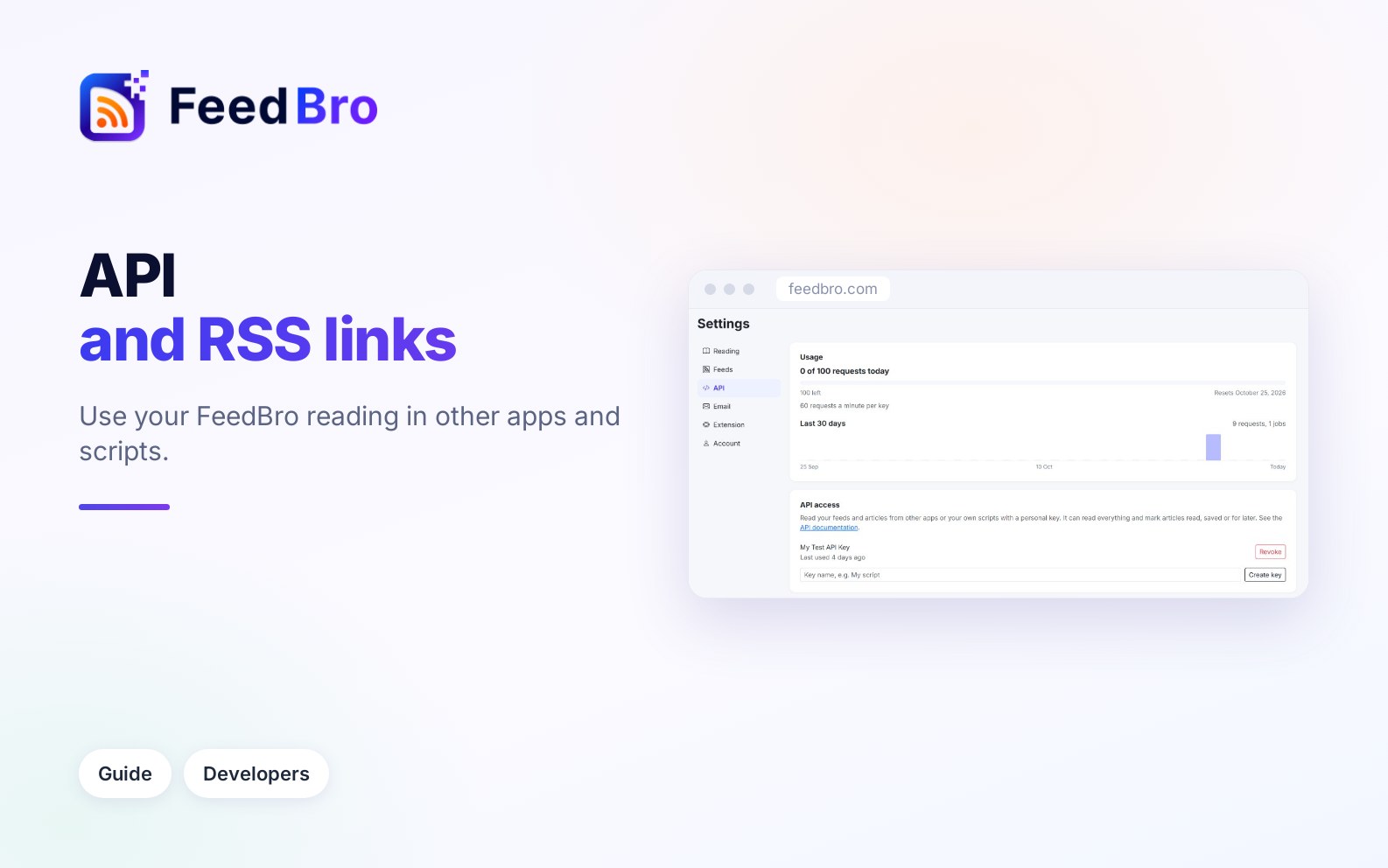
Copy private RSS links for your Saved articles and collections into any RSS app, or create an API key so your own scripts can read your feeds and articles.
What FeedBro's messages about feeds and articles mean and what you can do about them: blocked sites, sign-ins, YouTube's daily pause, moved or paused feeds, and subscriber-only or missing articles.
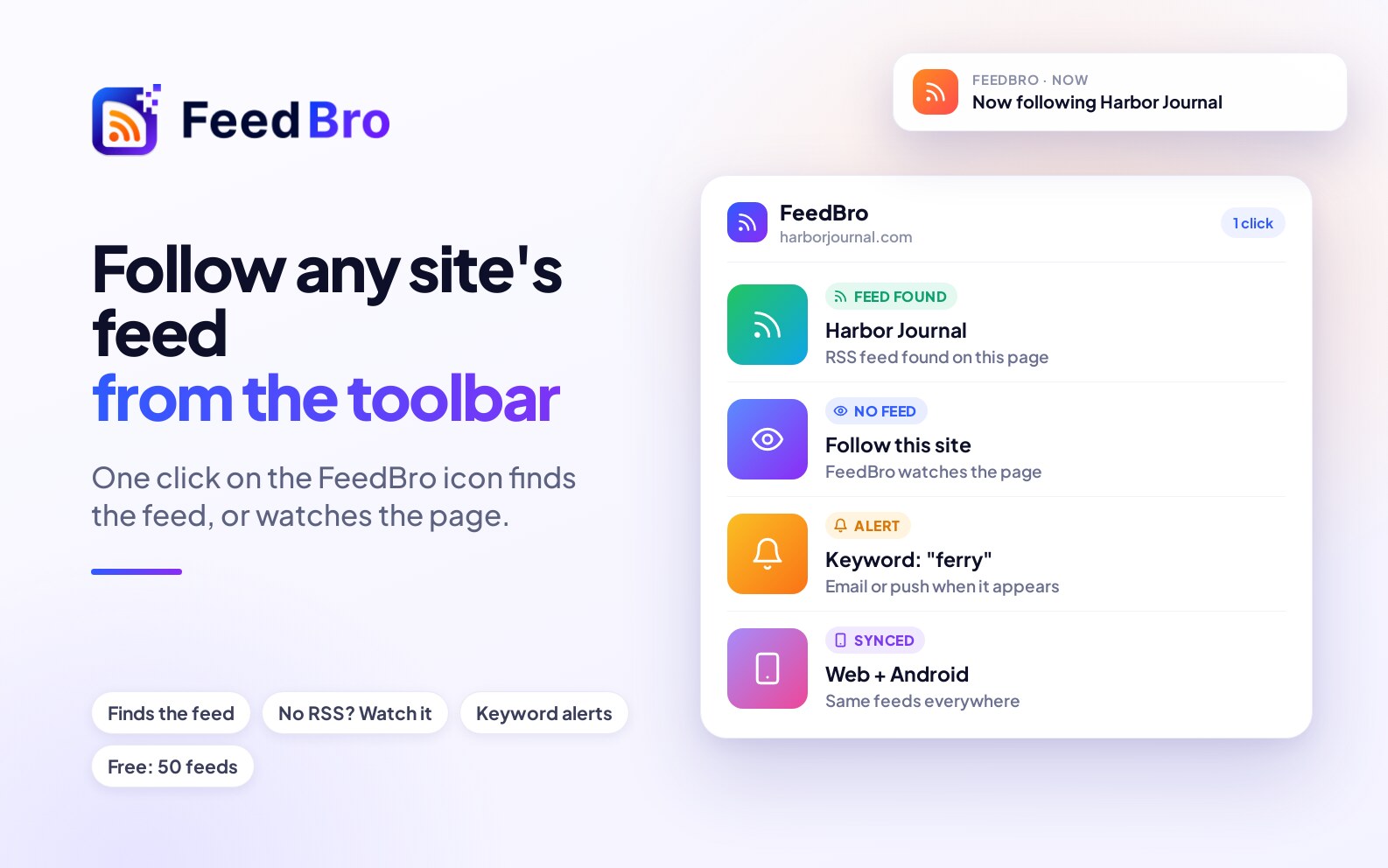
Find and follow a site's RSS feed from the Chrome toolbar in one click, with the FeedBro extension: three steps, no feed address needed.
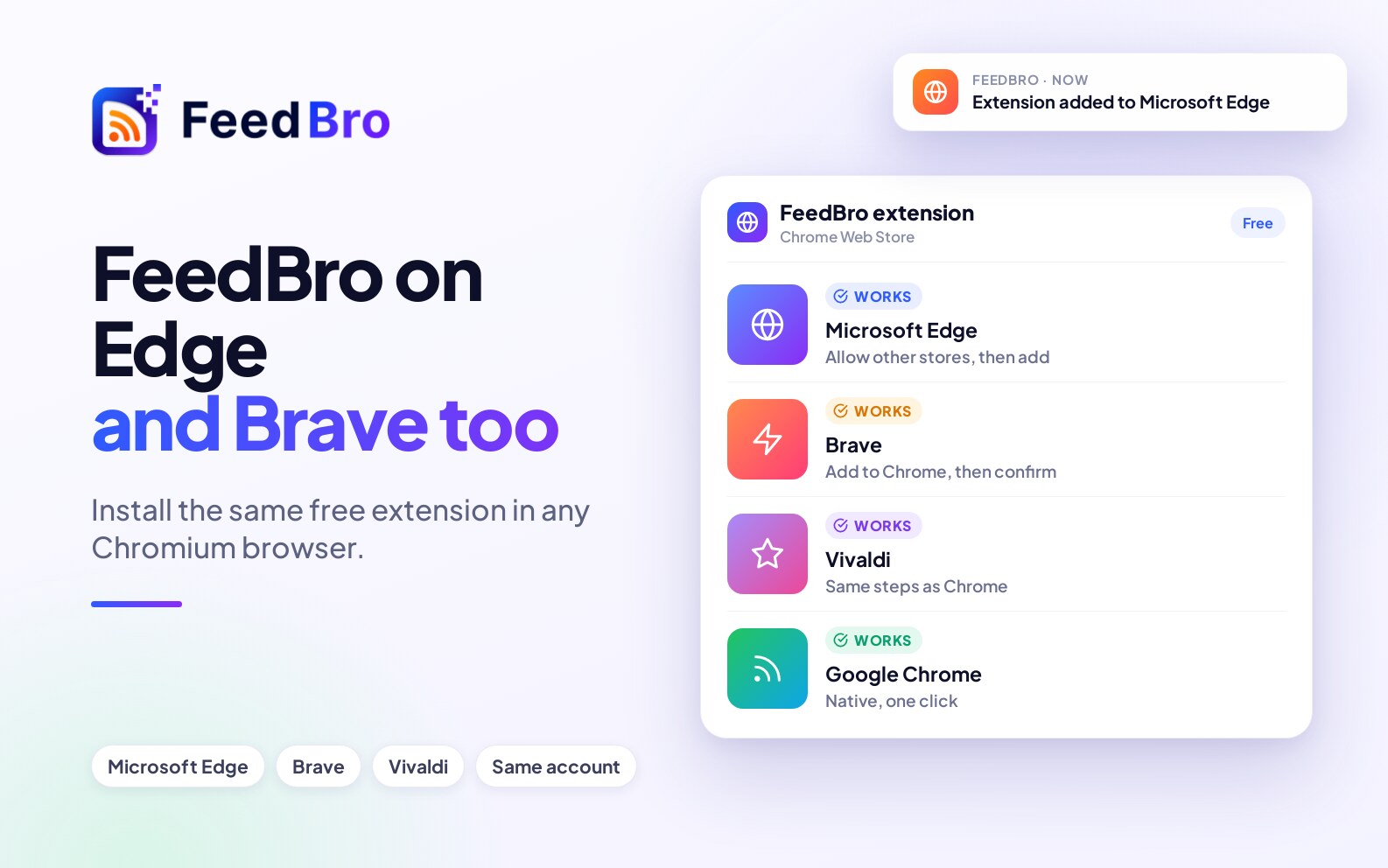
FeedBro works in Microsoft Edge, Brave and Vivaldi as well as Chrome. Here is how to install the extension and what you get.
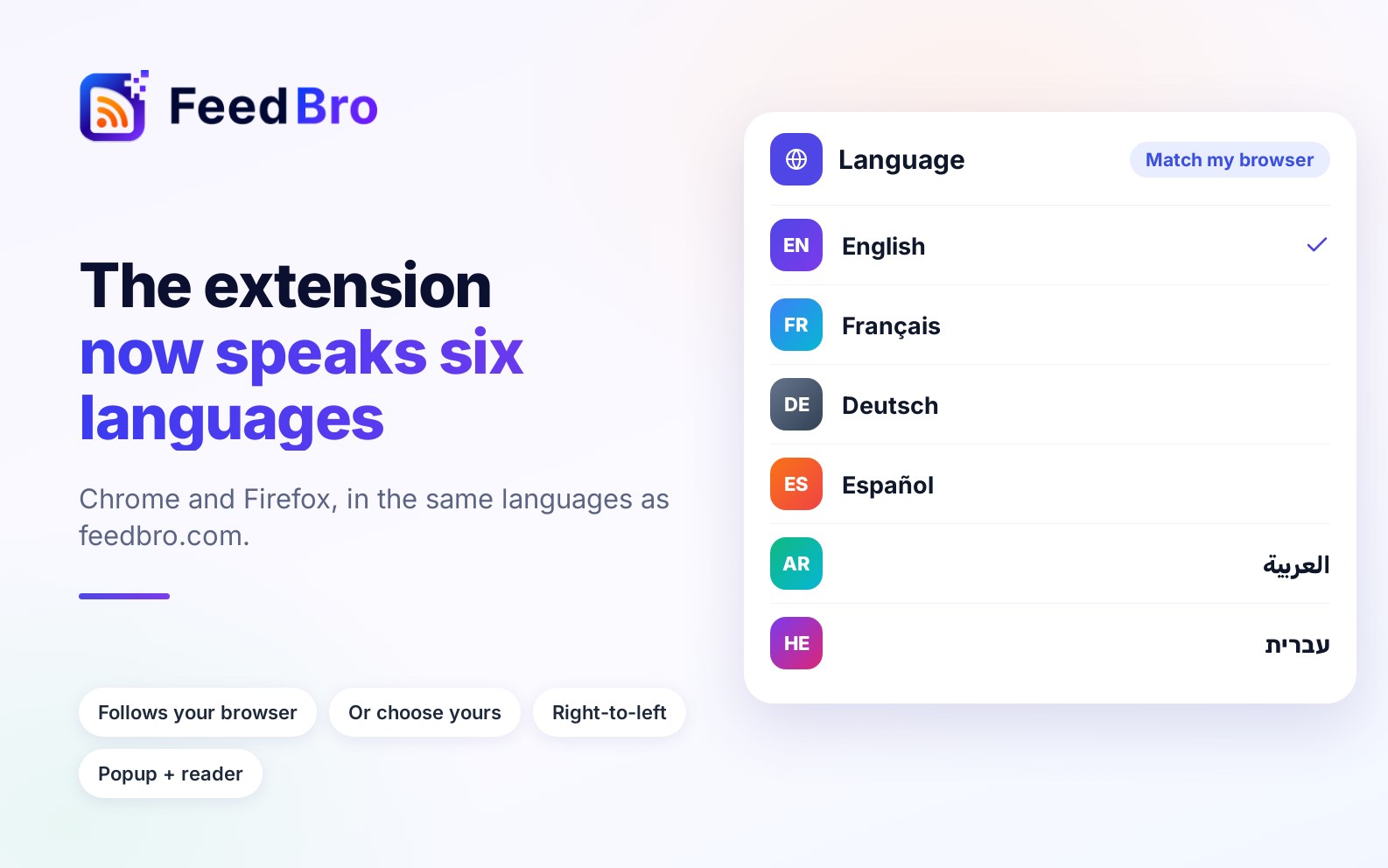
The FeedBro extension for Chrome and Firefox now follows your language: English, French, German, Spanish, Italian, Portuguese, Japanese, Traditional Chinese, Arabic and Hebrew, matching feedbro.com.
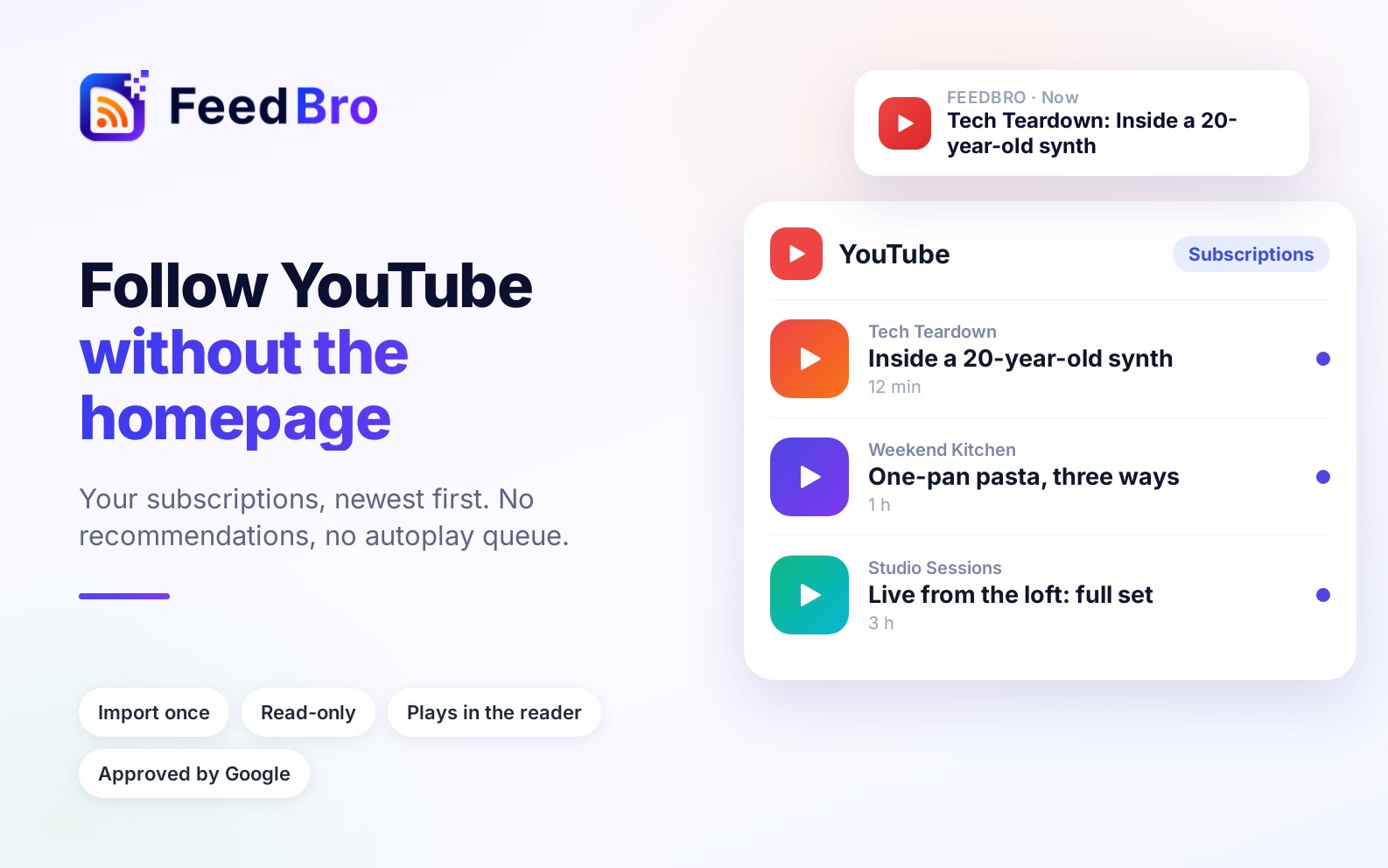
Your YouTube subscriptions, newest first, with no recommendations or autoplay queue. Import them into FeedBro once and watch them next to the rest of what you follow.
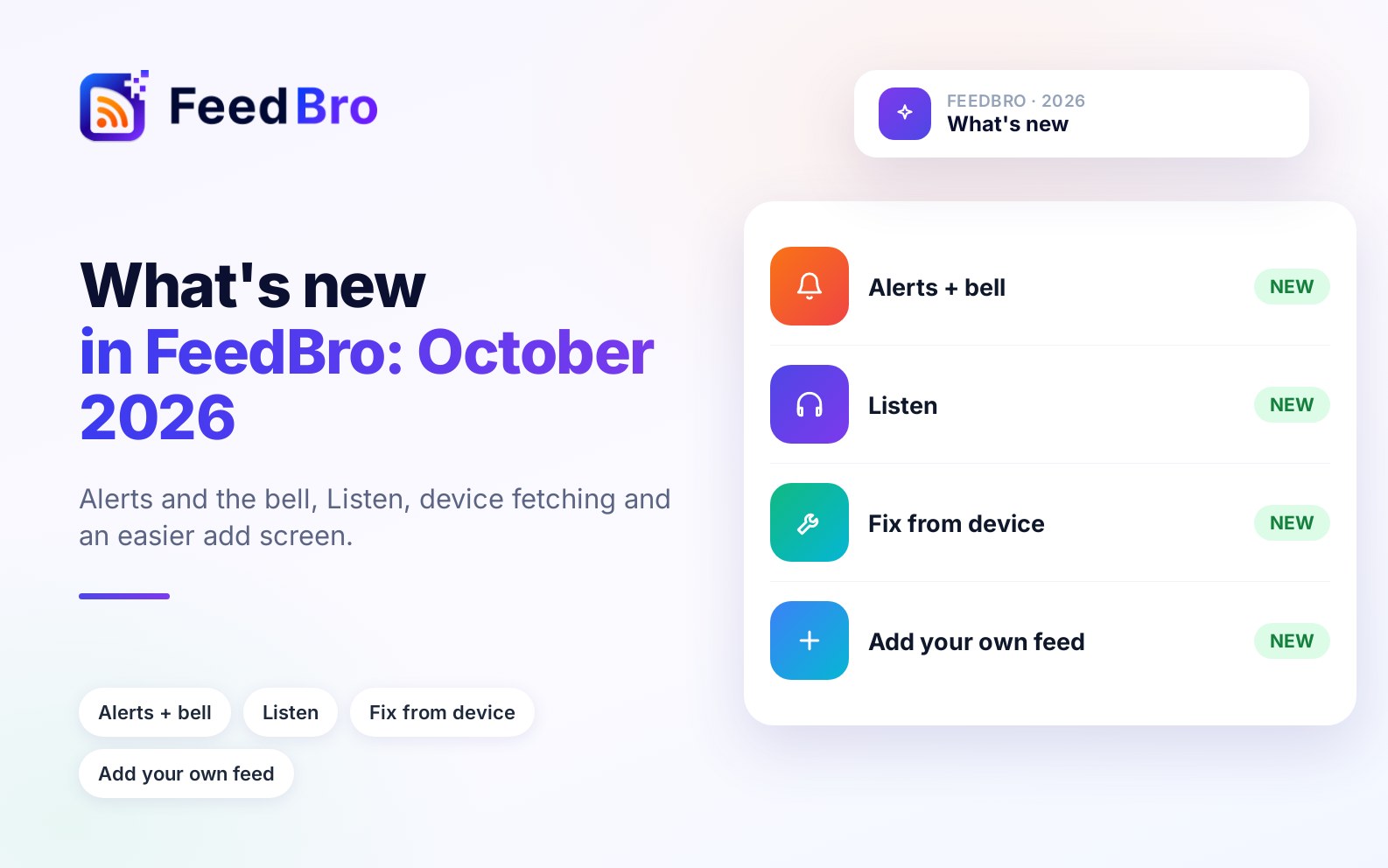
What changed in FeedBro this month, newest first, including what still doesn't work.
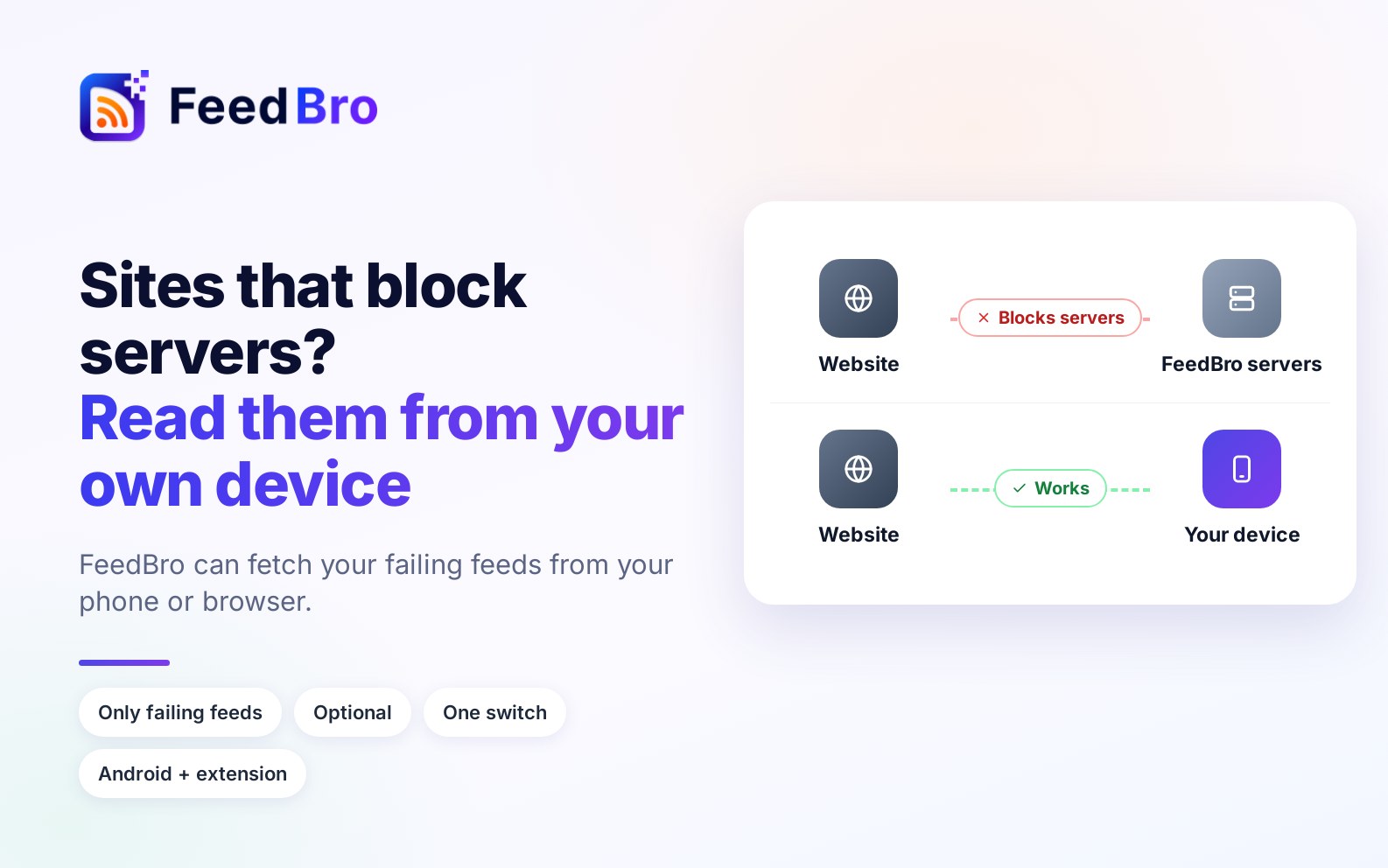
Some sites refuse FeedBro's servers but open fine for you. With your permission, your phone or browser can fetch just your failing feeds and keep them updating.
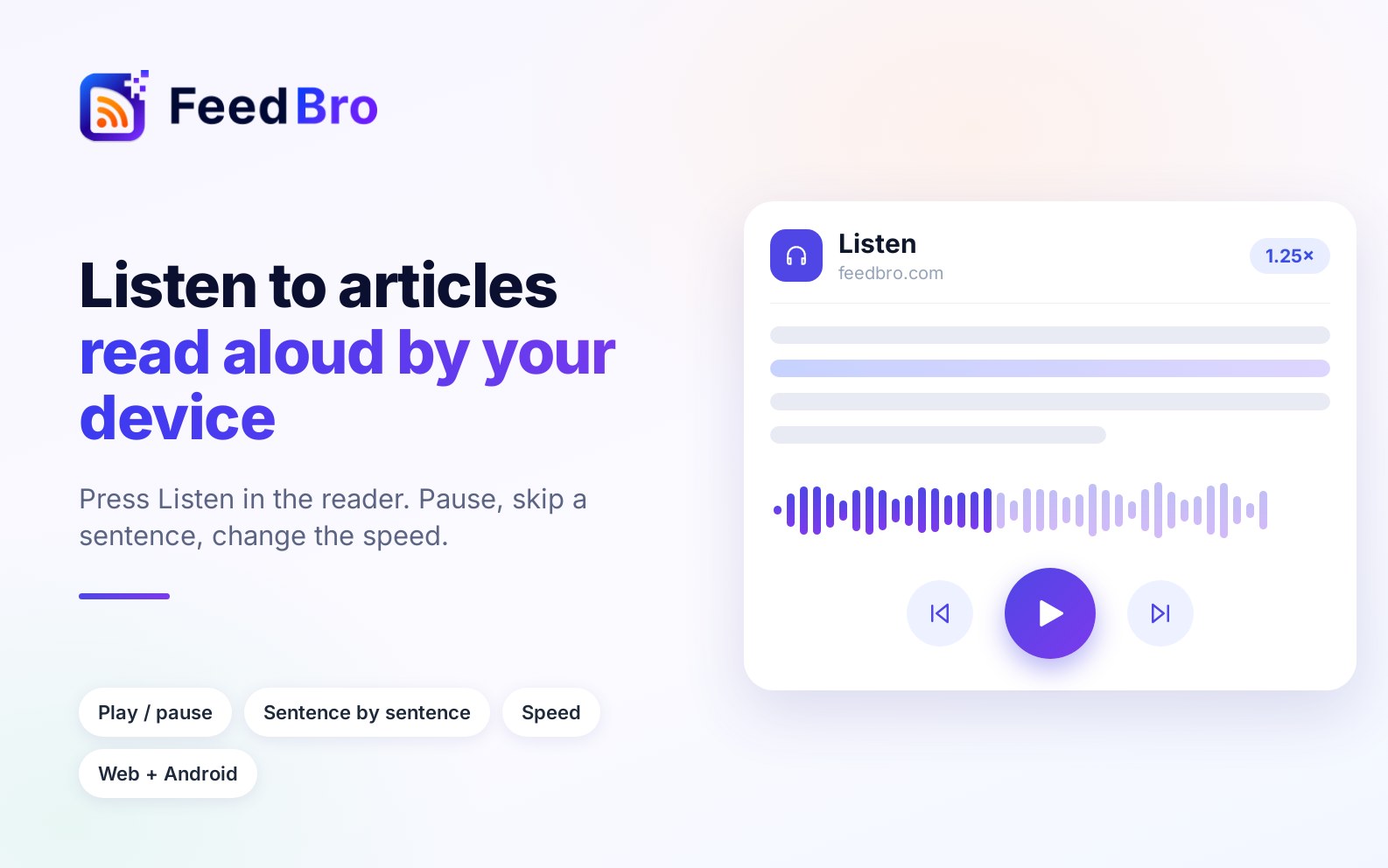
Press Listen on any article and FeedBro reads it aloud with the voices already on your device. Pause, skip a sentence, or change the speed.
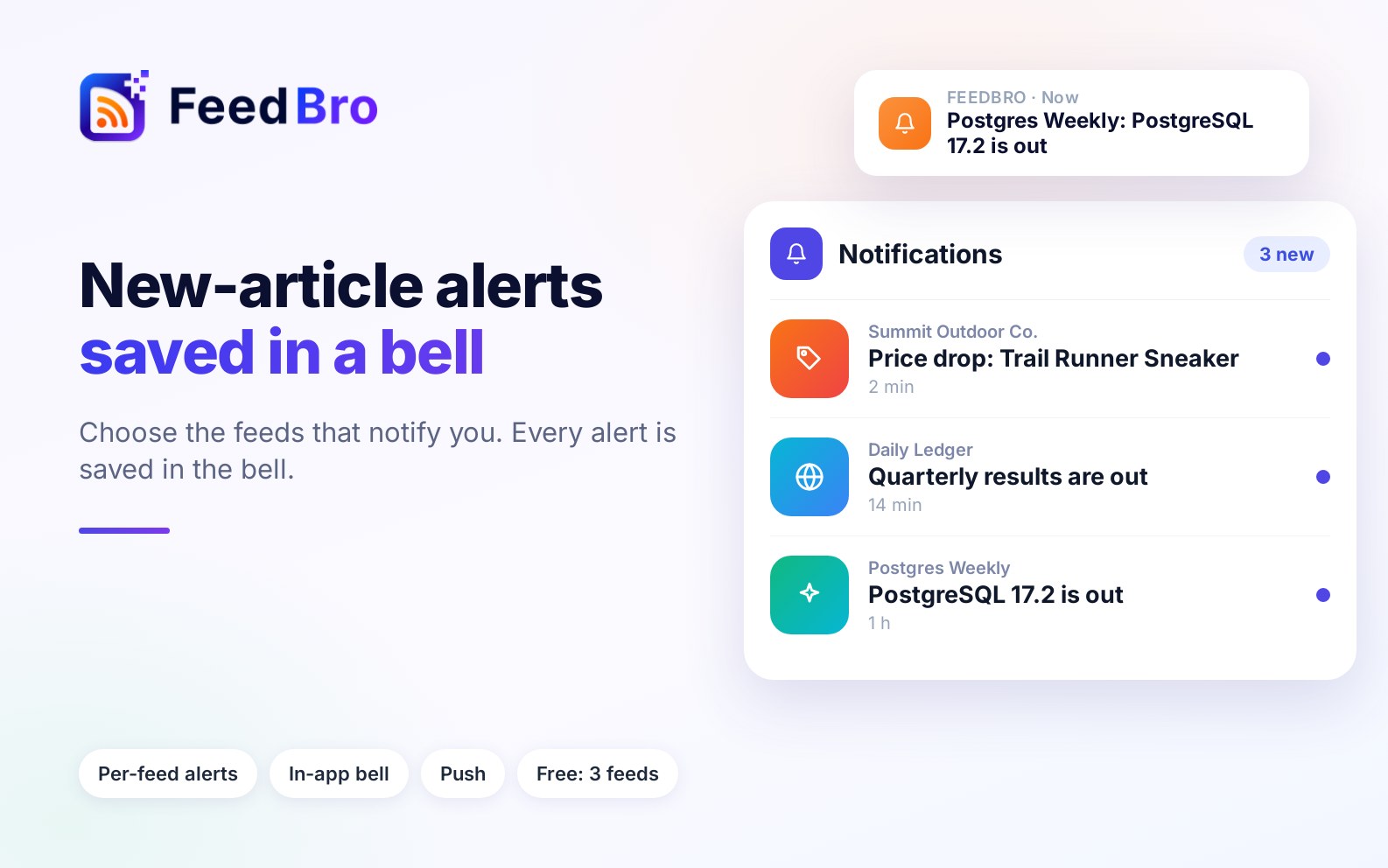
Turn on "Notify me of new articles" for the feeds that matter. Every notification is also kept in the bell inside FeedBro, so you can find it again later.
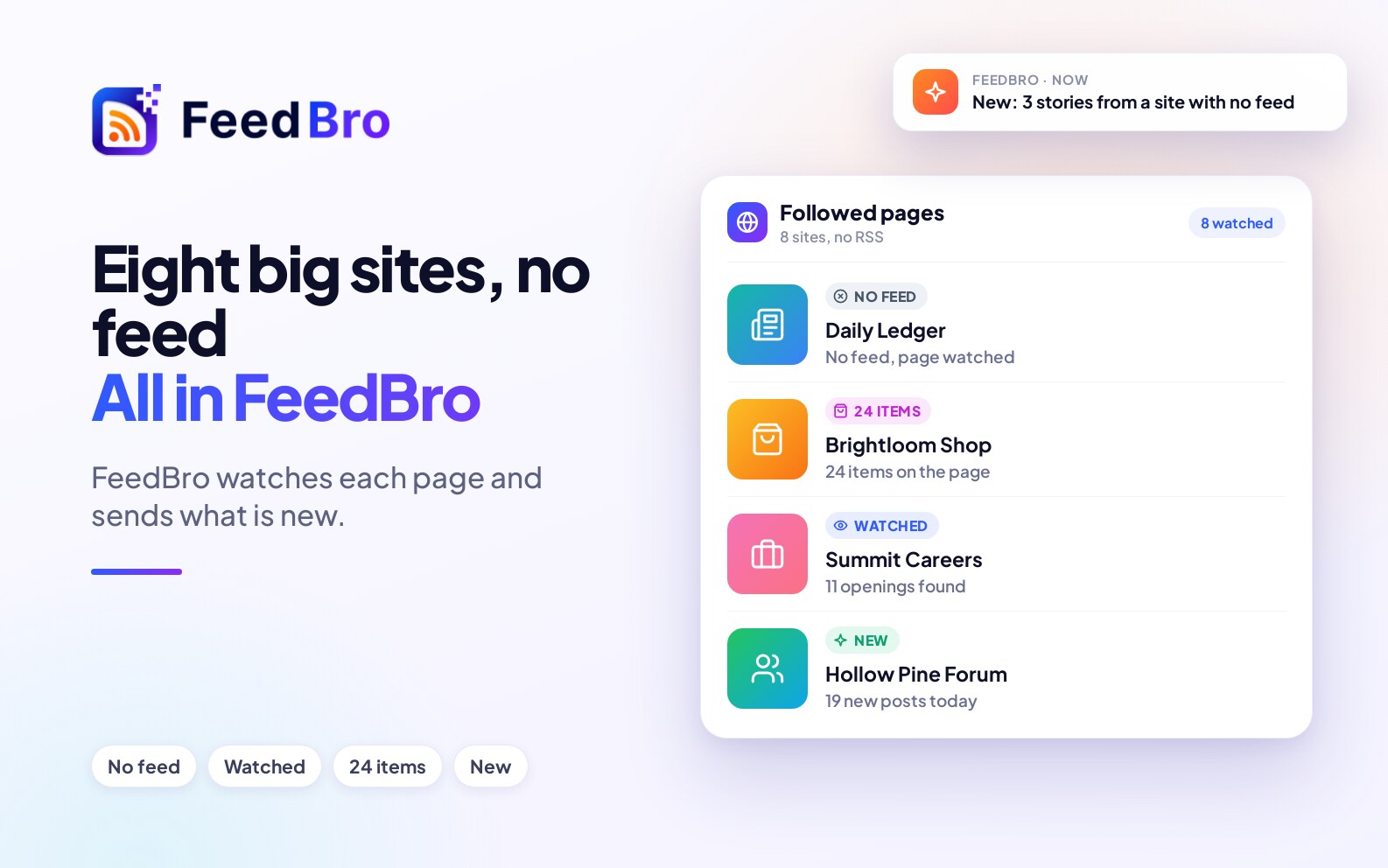
Reuters, AP News, Nike, IKEA, Meta Careers and more publish no feed we can find. Here is how to follow each one in FeedBro, tested in October 2026.