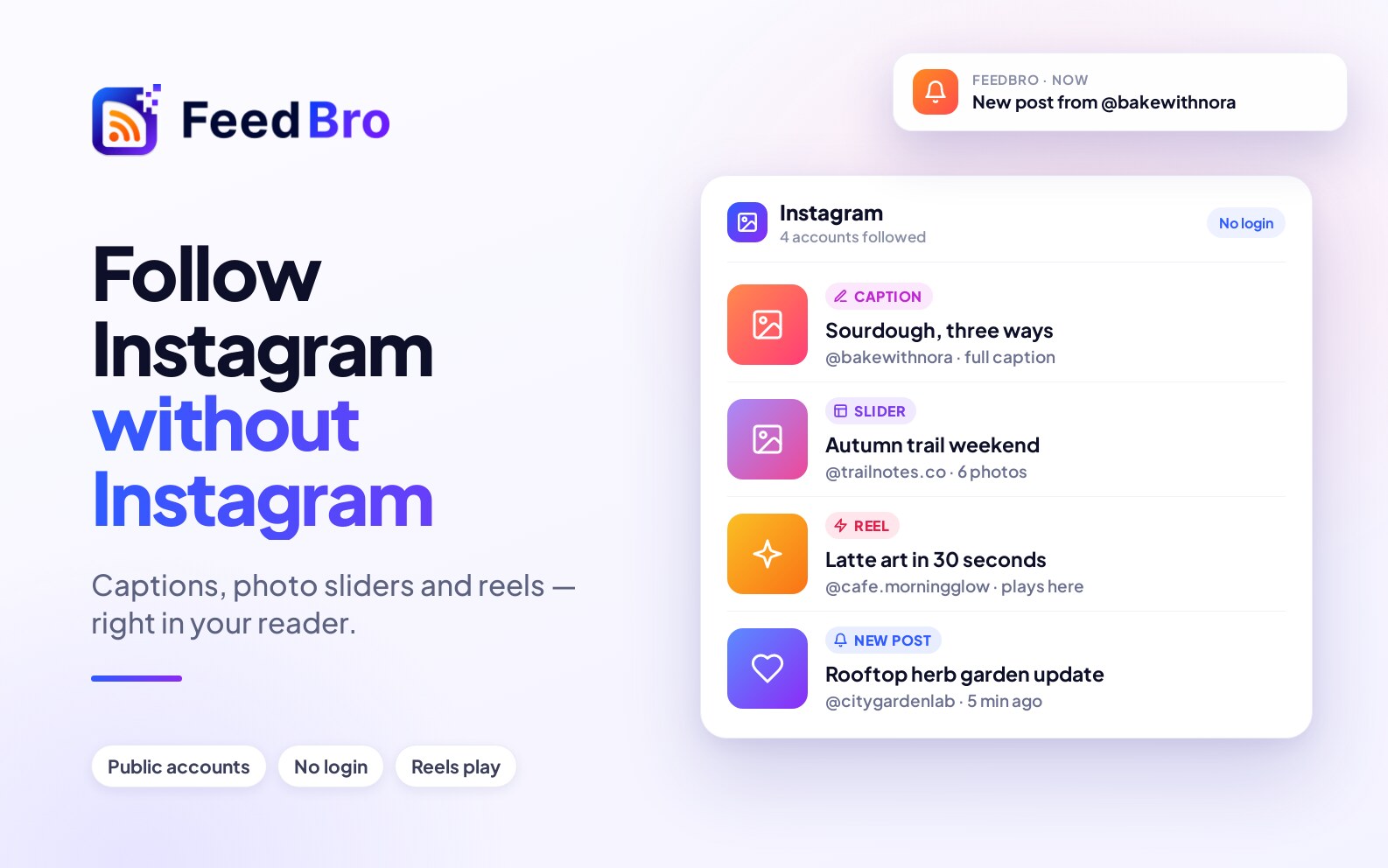
You can now follow a public Instagram account in FeedBro the same way you follow a blog. Paste the account's address, and its latest posts show up in your reader next to everything else you read. You don't need an Instagram account, and you never have to open Instagram.
How to follow an account
Open Add in FeedBro and paste the account's address, for example instagram.com/natgeo. You can leave out the https://. FeedBro recognises it as Instagram, reads the profile, and adds the account to your feeds. The posts that are already there become the starting point: you won't get a flood of old posts as new, only the ones published from now on.
What arrives in your reader
- The caption. Each post comes with its own text, not just a picture, so you can read it like an article.
- All the pictures. A post with several pictures becomes a slider you can swipe through, so nothing is cut down to the first photo.
- Reels that play. A video post plays in its own player inside the reader. You don't get sent to another app to watch it.
- Everything FeedBro already does. Mark posts read, save them for later, put the account in a collection, and give it rules, so you get a push notification when a post mentions something you care about.
What to know
This works for public accounts. A private account can only be read by its approved followers, so FeedBro can't see it. An Instagram account counts as one of your Website Watch pages, the same as any page you follow without a feed, so your plan's limit for watched pages applies. The details are in Free vs Coffee Club.
Try it now
Open the app or the website, tap Add, and paste an Instagram address. If you want the same for any other page that has no feed, read how to follow any website without RSS.