
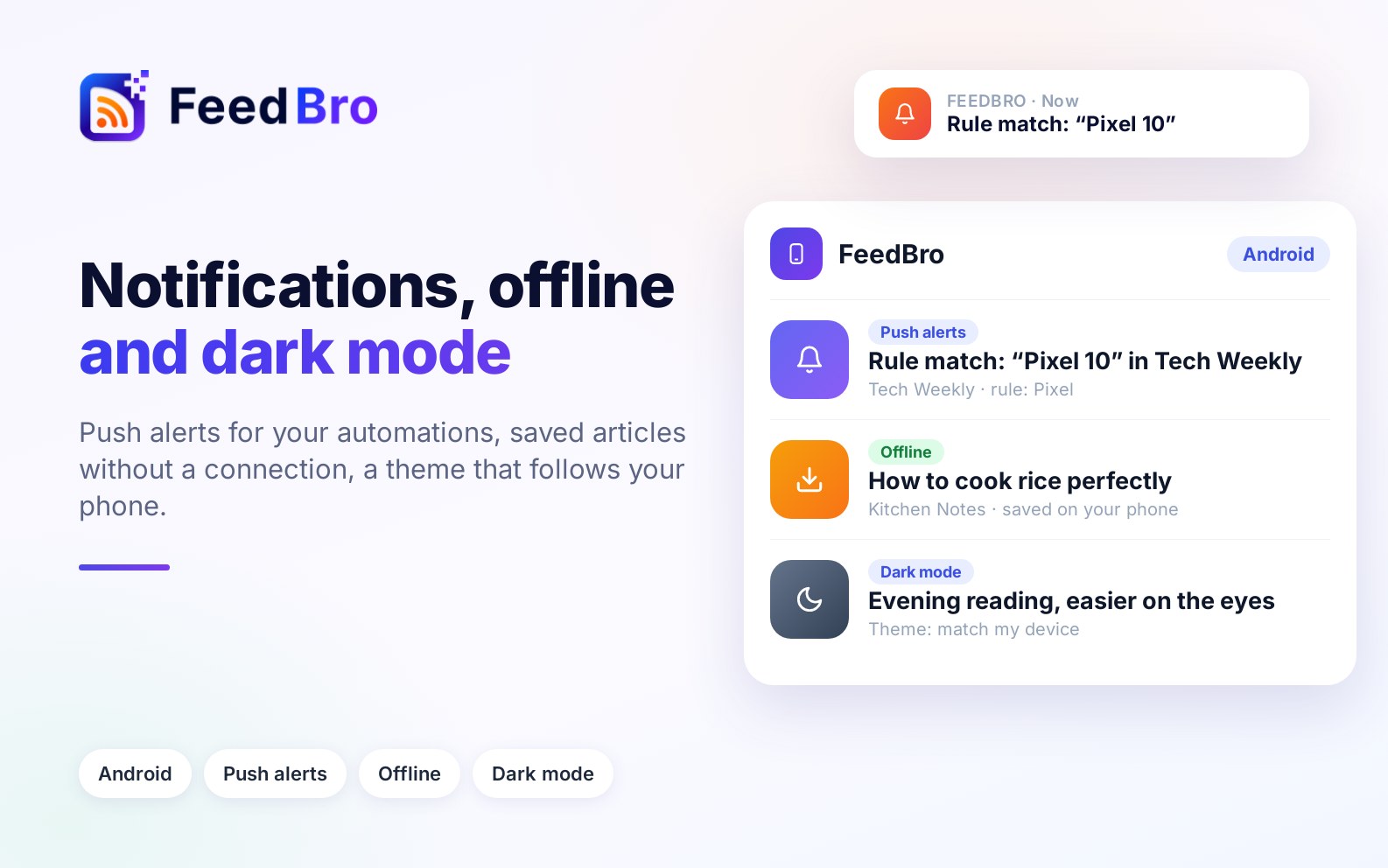
This page covers three parts of the FeedBro app for Android: notifications, offline reading and dark mode.
Notifications when an automation matches
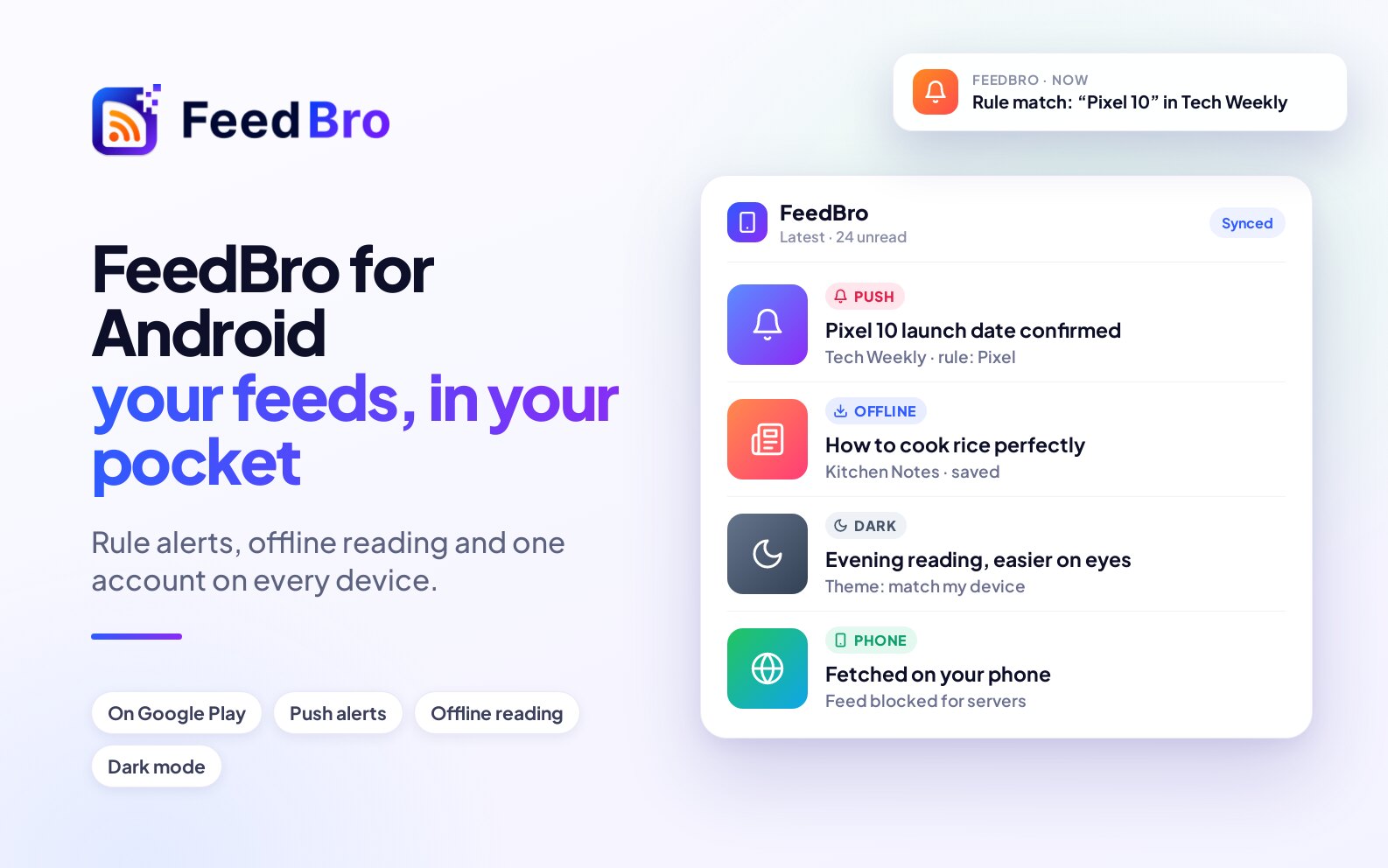
Give an automation the Push notification action and your phone tells you as soon as a matching article arrives. Automations you make in the app also work on feedbro.com and in the browser extension.
Offline reading
The app keeps your latest, saved and read-later articles on the phone. On a plane or in a tunnel it opens them instead of an error page, as long as you have opened FeedBro online at least once.
Dark mode and themes
Set the theme to Match my device and FeedBro follows your phone's dark mode, switching when your phone does. You can also pick light, dark or sepia yourself.
Installing it
Install FeedBro from Google Play and sign in with Google or your FeedBro email. Your feeds are already there. The app is free to install and runs on Android 5.0 and newer.
The full tour of the app is in FeedBro for Android, and the setup steps are in How to use the FeedBro Android app. If something doesn't look right, the contact page reaches us directly.