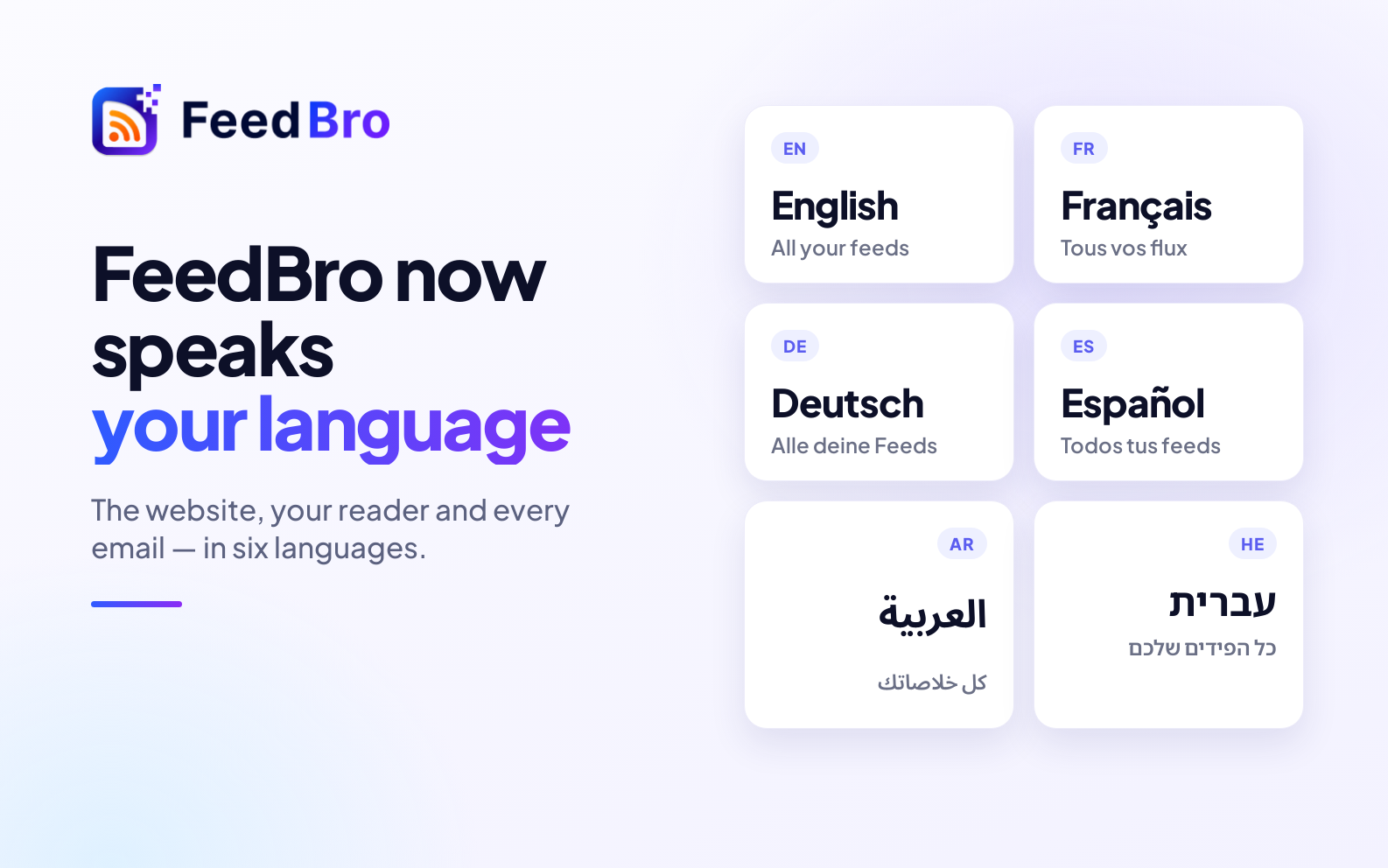
FeedBro started in English, but the people reading with it don't all live in English. Starting today, FeedBro is available in six languages: English, Français, Deutsch, Español, العربية and עברית.
What's translated
- The website — the home page, pricing, the blog pages, sign in and sign up, each at its own address (feedbro.com/fr, /de, /es, /ar and /he).
- Your reader — the dashboard, the article view, collections, rules, Website Watch, Explore, settings and billing. Every button, menu and message.
- Every email we send you — welcome and verification emails, password codes, digests, rule alerts and plan emails arrive in your language.
- The Android app — it shows the same reader, so it follows the same setting.
Right to left, properly
Arabic and Hebrew aren't just translated — the whole layout reads right to left: menus, the article list, the reading panel and the emails. Names that are written in Latin letters, like the sites you follow, stay as they are.
How to choose your language
Open Settings › Account › Language and pick yours. It's used everywhere at once: the reader, the website while you're signed in, and your emails. You can also switch from the language list at the bottom of any public page.
New accounts start in the language of the page you signed up on — or your browser's, if FeedBro speaks it — so most people won't need to change anything.
What stays the same
The articles themselves are shown exactly as their publishers wrote them. FeedBro translates its own interface, not your feeds, so a German blog stays German and a Japanese news site stays Japanese. The browser extension is still in English for now.
Which language next?
We picked these languages from where our readers are. If you'd like FeedBro in yours, tell us — it helps us decide what comes next.