Step-by-step help for every FeedBro feature, written for everyone.
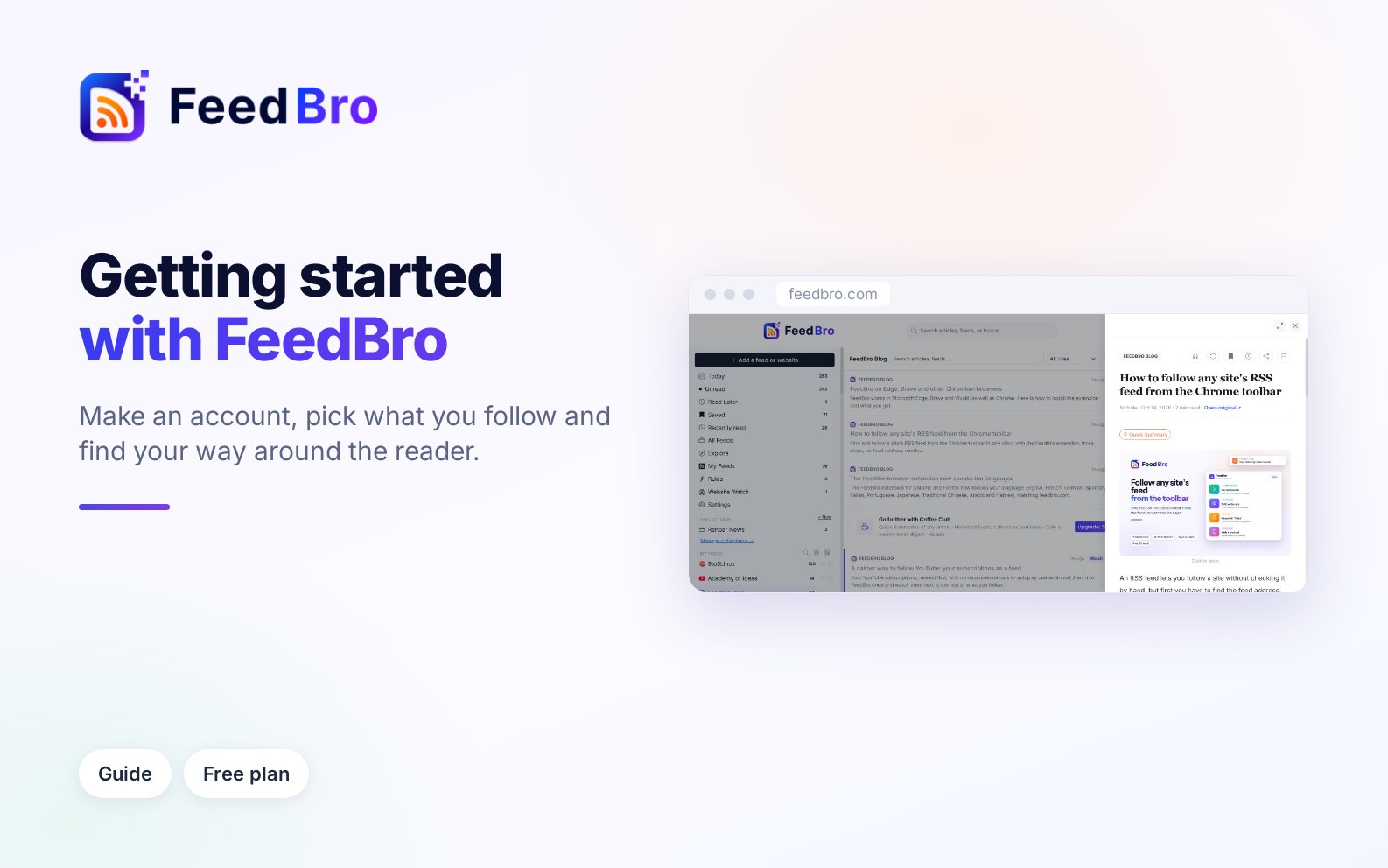
How to create your account, follow your first sources and find your way around the reader, from the left menu and the article list to Settings, notifications and Plan & billing.
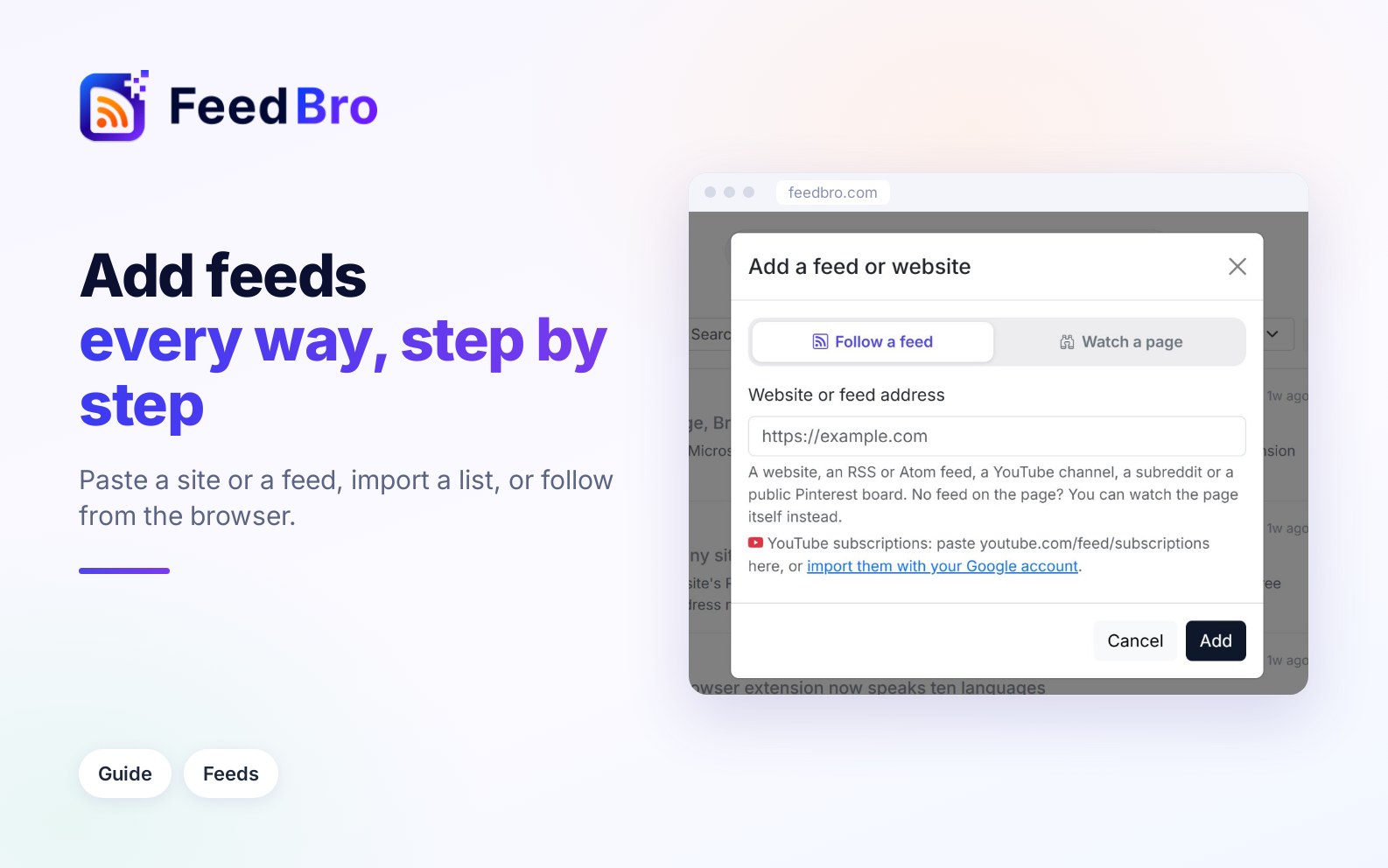
Paste a website, follow from Explore, import an OPML file or your YouTube subscriptions, or use the browser extension, and see what to do when an add fails.
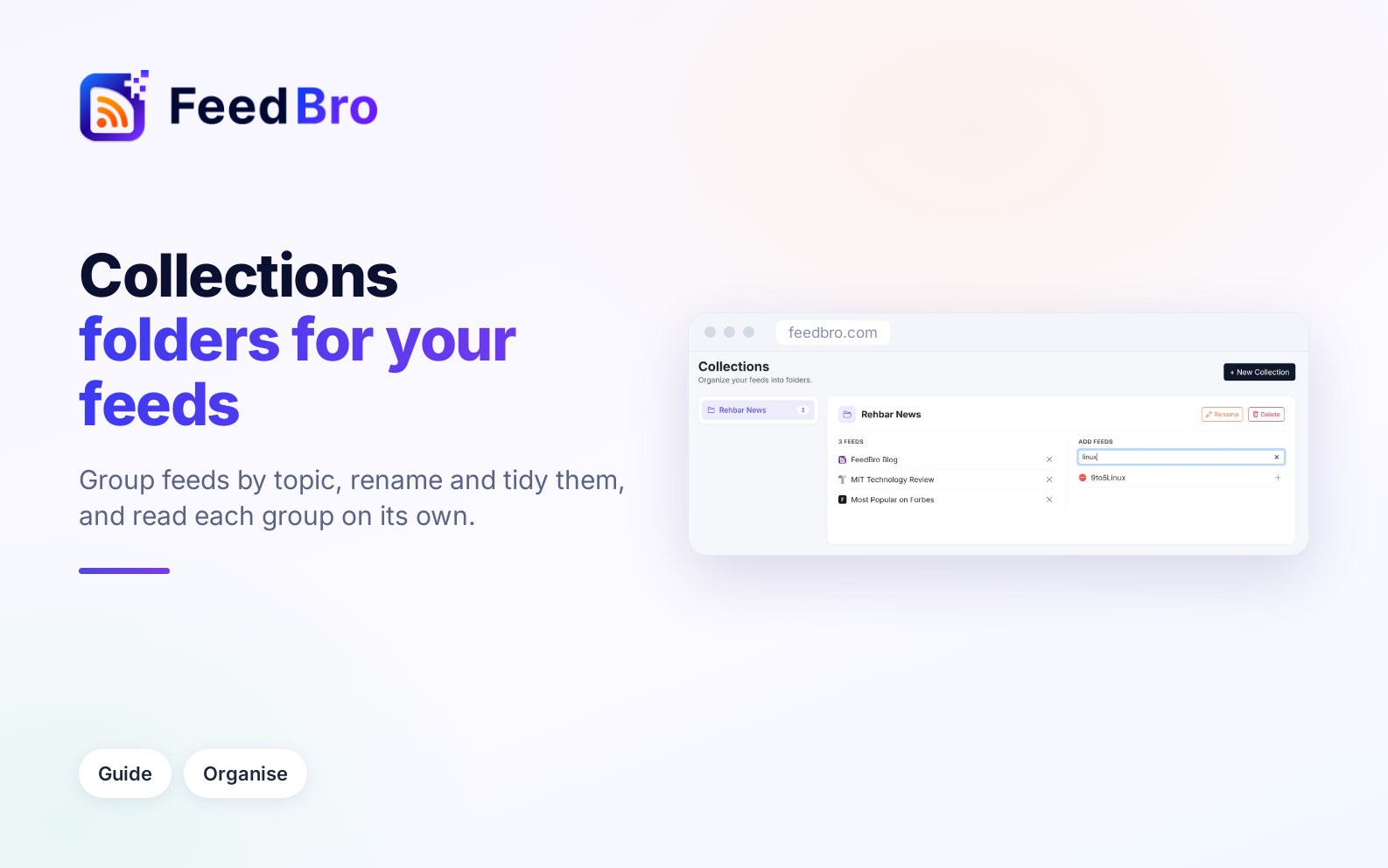
Collections are folders for your feeds. Create one, switch feeds in and out, read one group at a time or open FeedBro on it. Coffee Club gives each collection an RSS link.
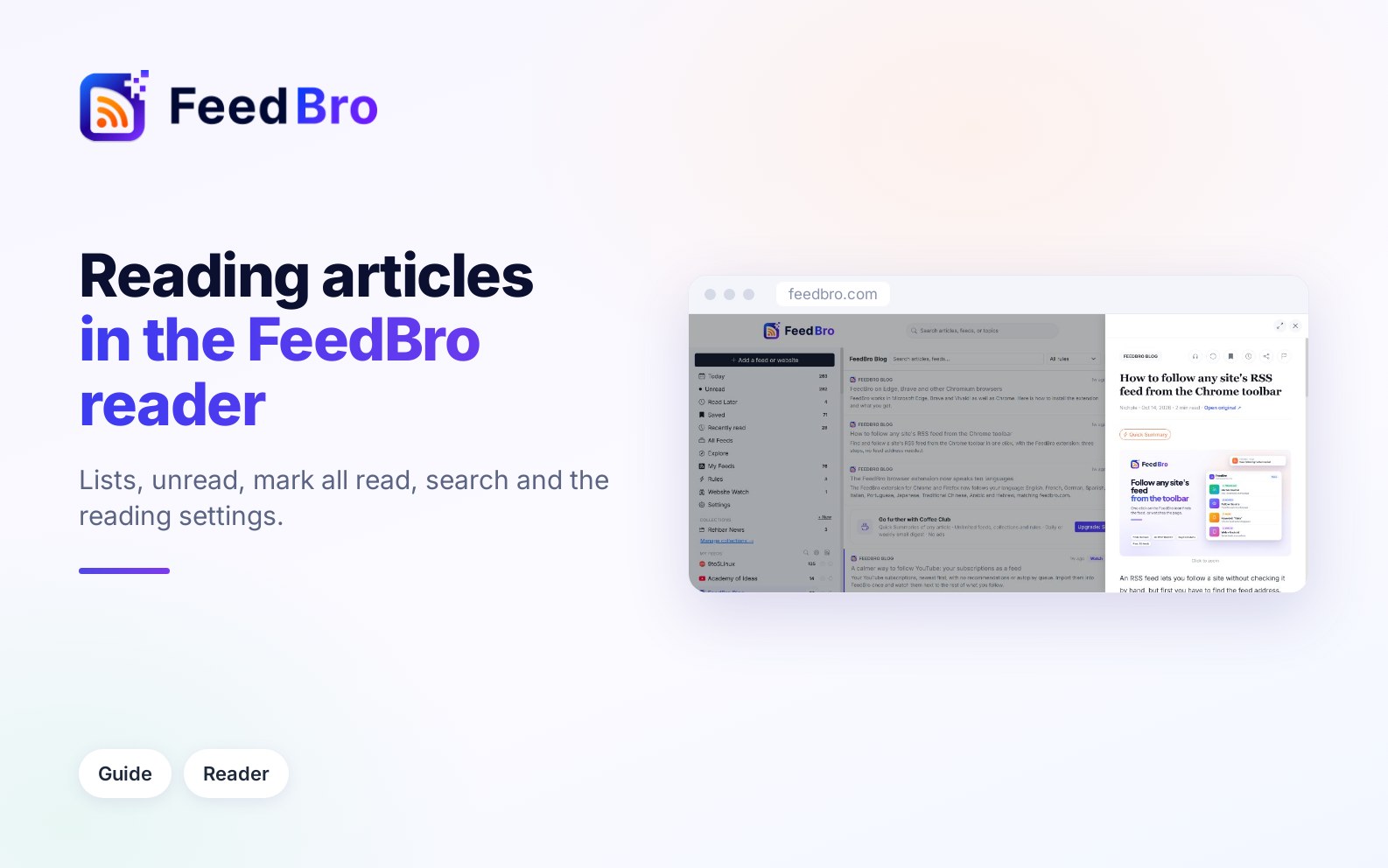
How the article list and the reader work, including read and unread, Mark all as read, Count as unread for, search, keyboard shortcuts, themes, layouts, sharing and PDFs.
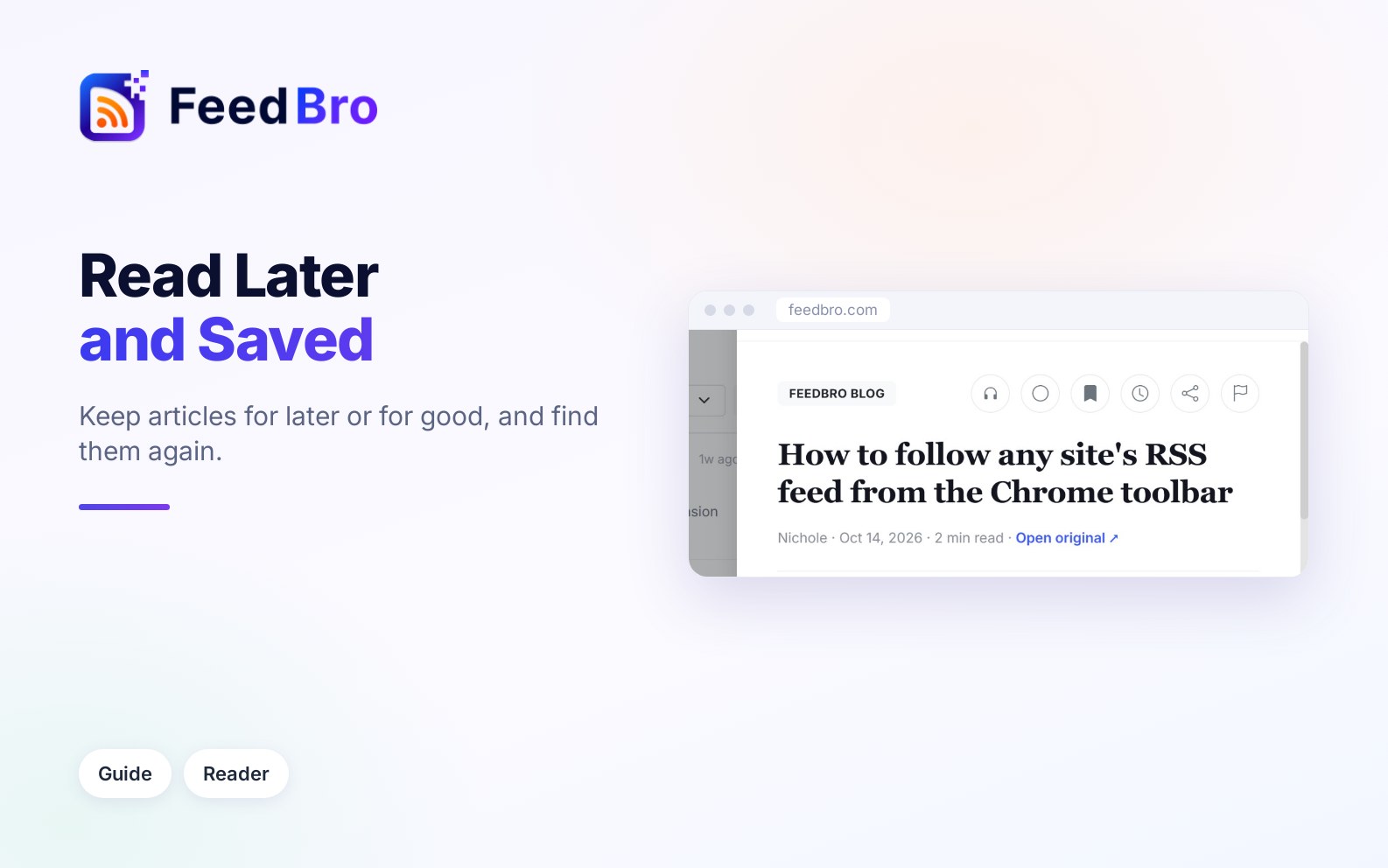
When to use Read Later or Saved, how to add and remove articles and where to find them, plus tags, a private RSS link for your Saved articles and reading offline.
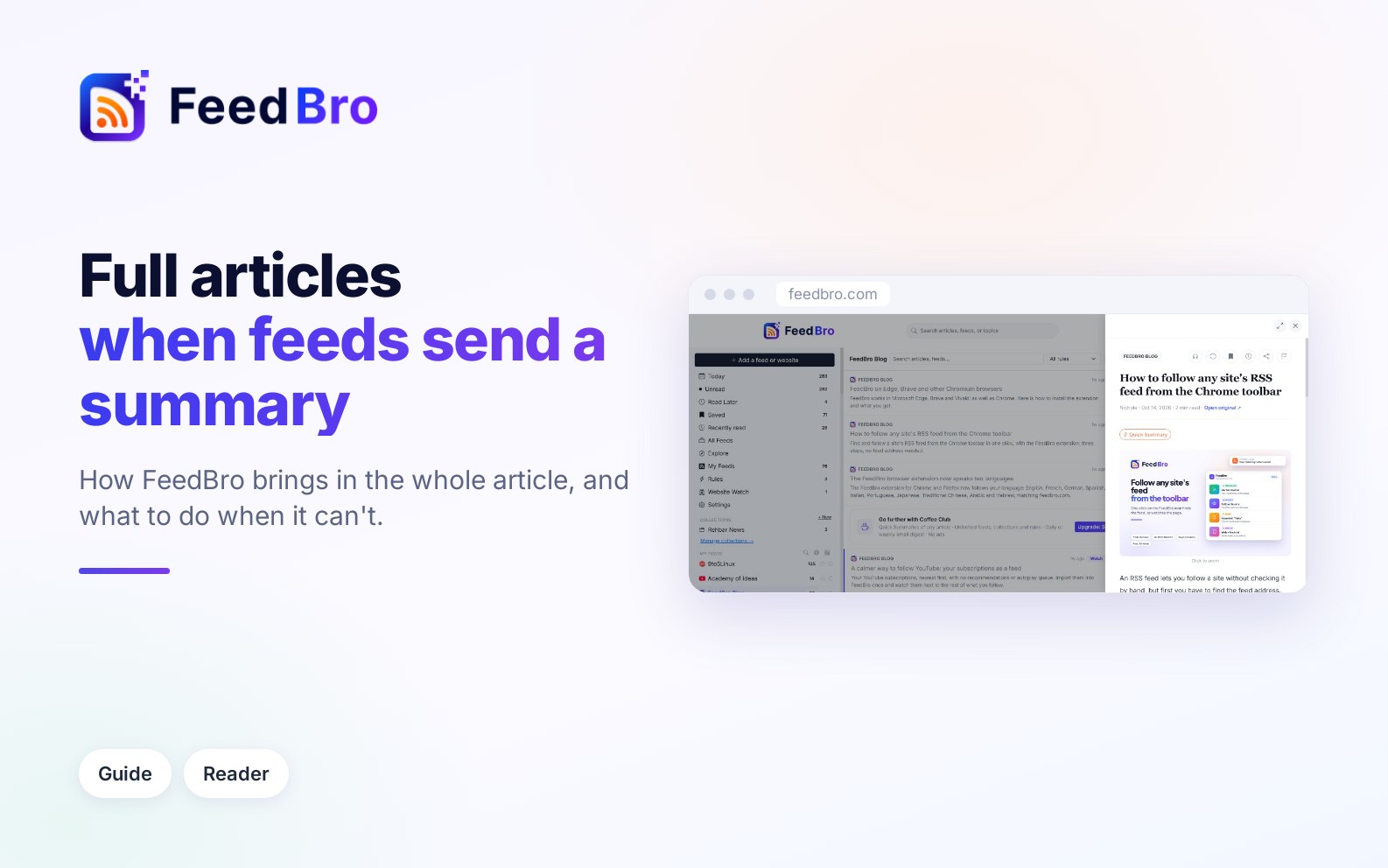
Many feeds send only a summary, so FeedBro fetches the full article from the publisher's page. When a site blocks it, you can fix the article from your own browser or phone or report a problem, and Coffee Club uses premium fetching whenever it is needed.
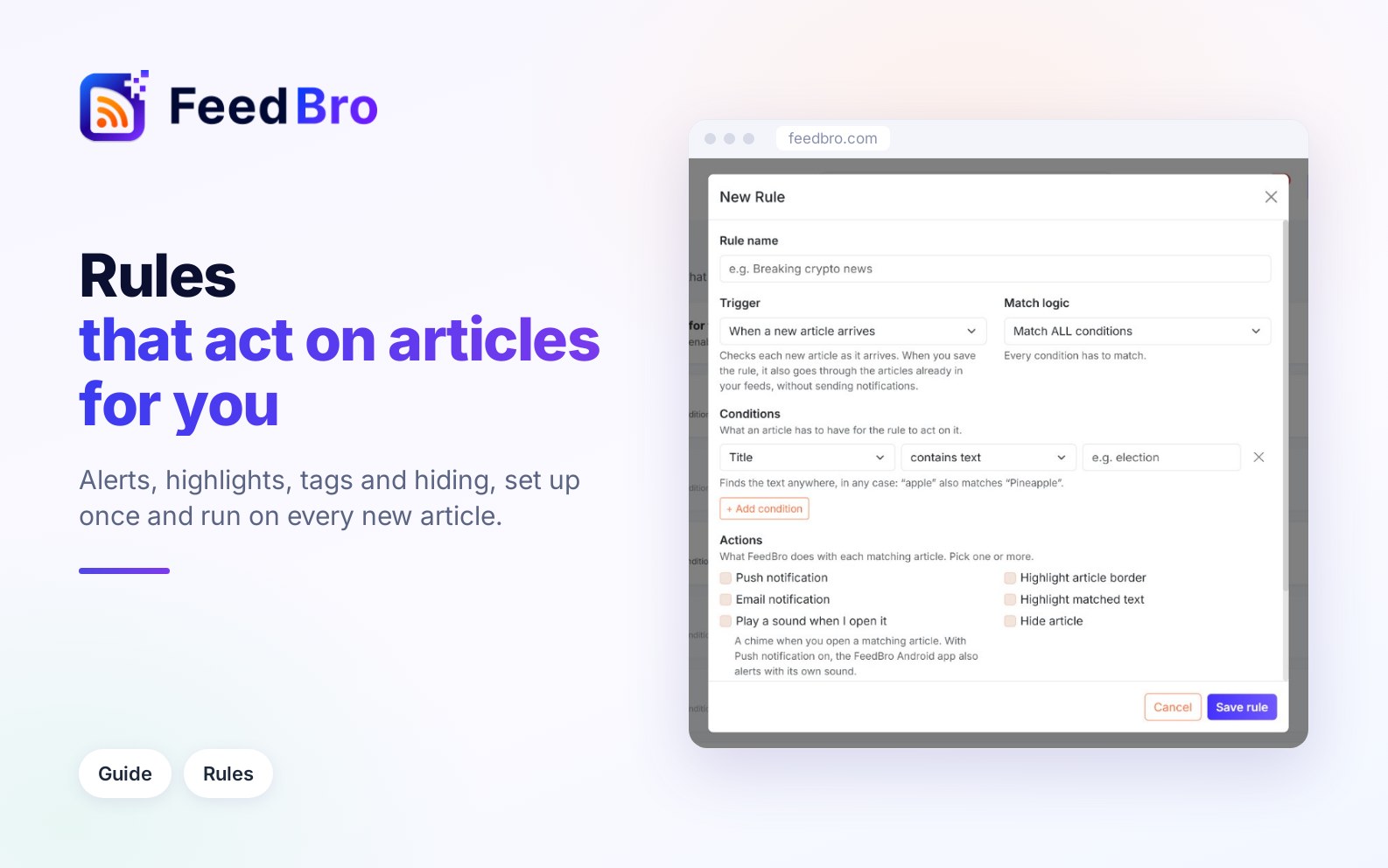
Rules make FeedBro act on matching articles for you. Every trigger, condition and action is covered, along with how undo works and step-by-step examples for hiding YouTube Shorts, tracking company mentions and catching price drops.
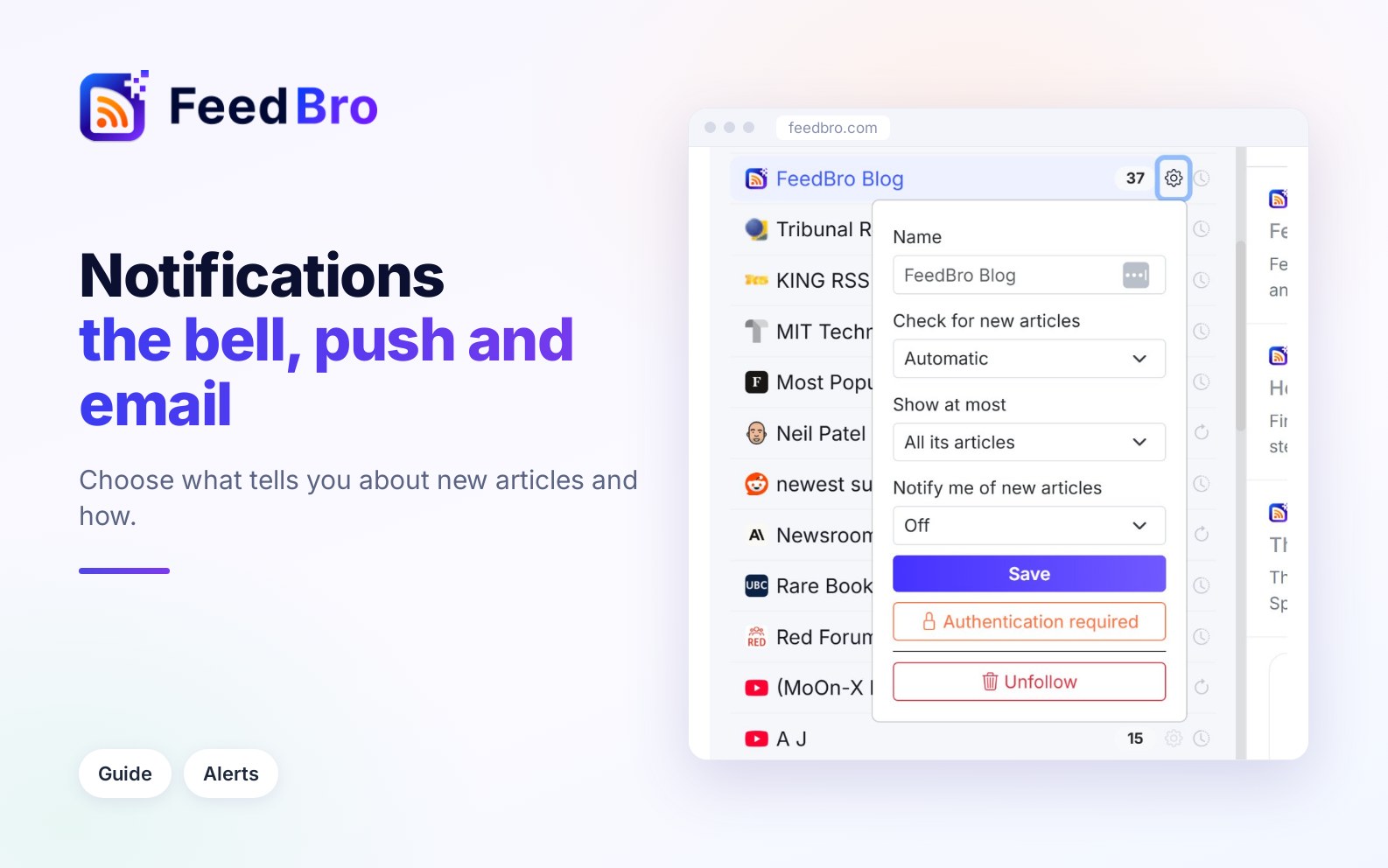
FeedBro's notices appear in the bell, as push notifications in your browser or the Android app, and by email. You can get alerts for chosen feeds and turn off any email you don't want.
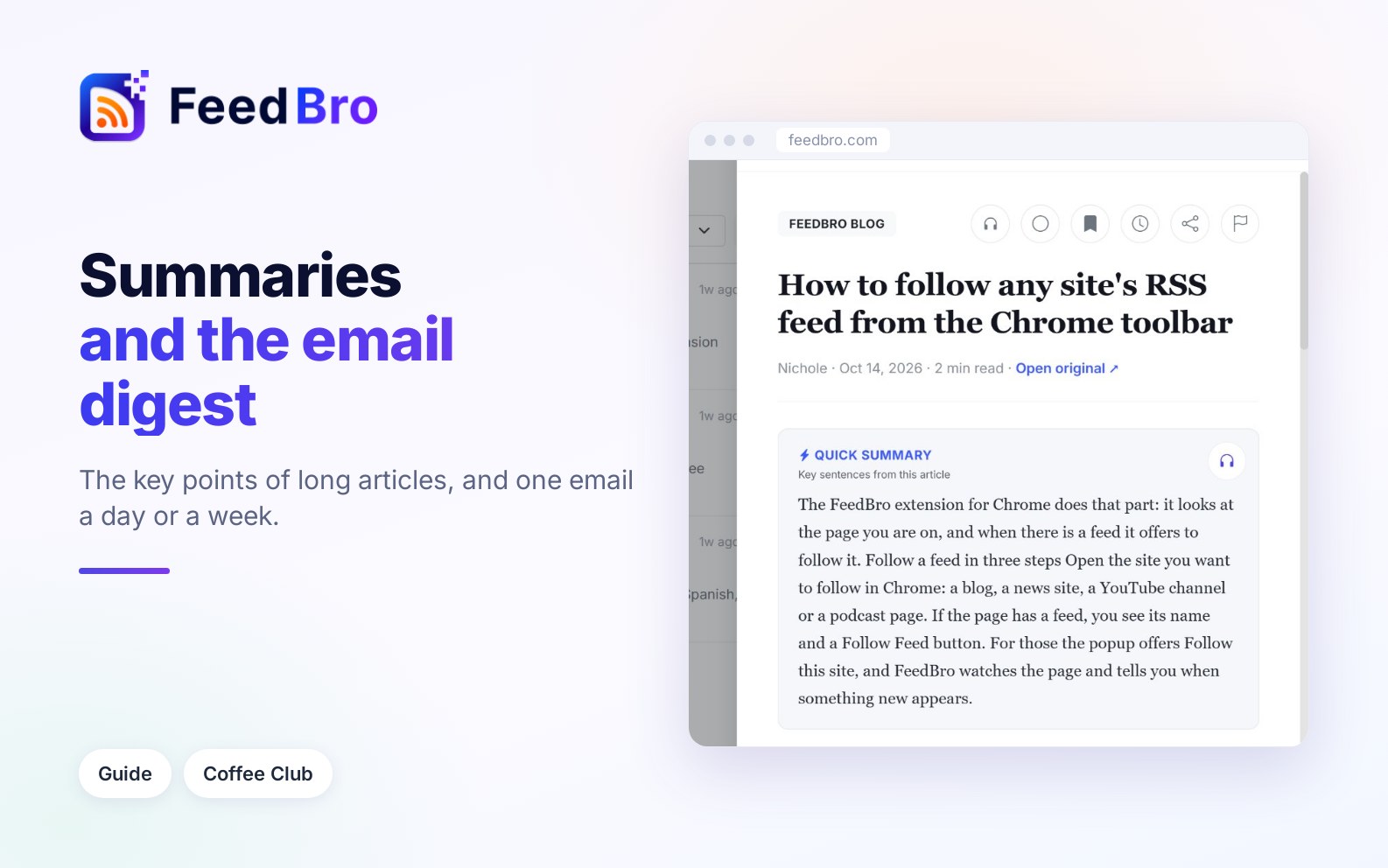
Coffee Club's Quick Summary picks the key sentences of a long article. The email digest sends you the newest articles from your feeds once a day or once a week, at the hour you choose.
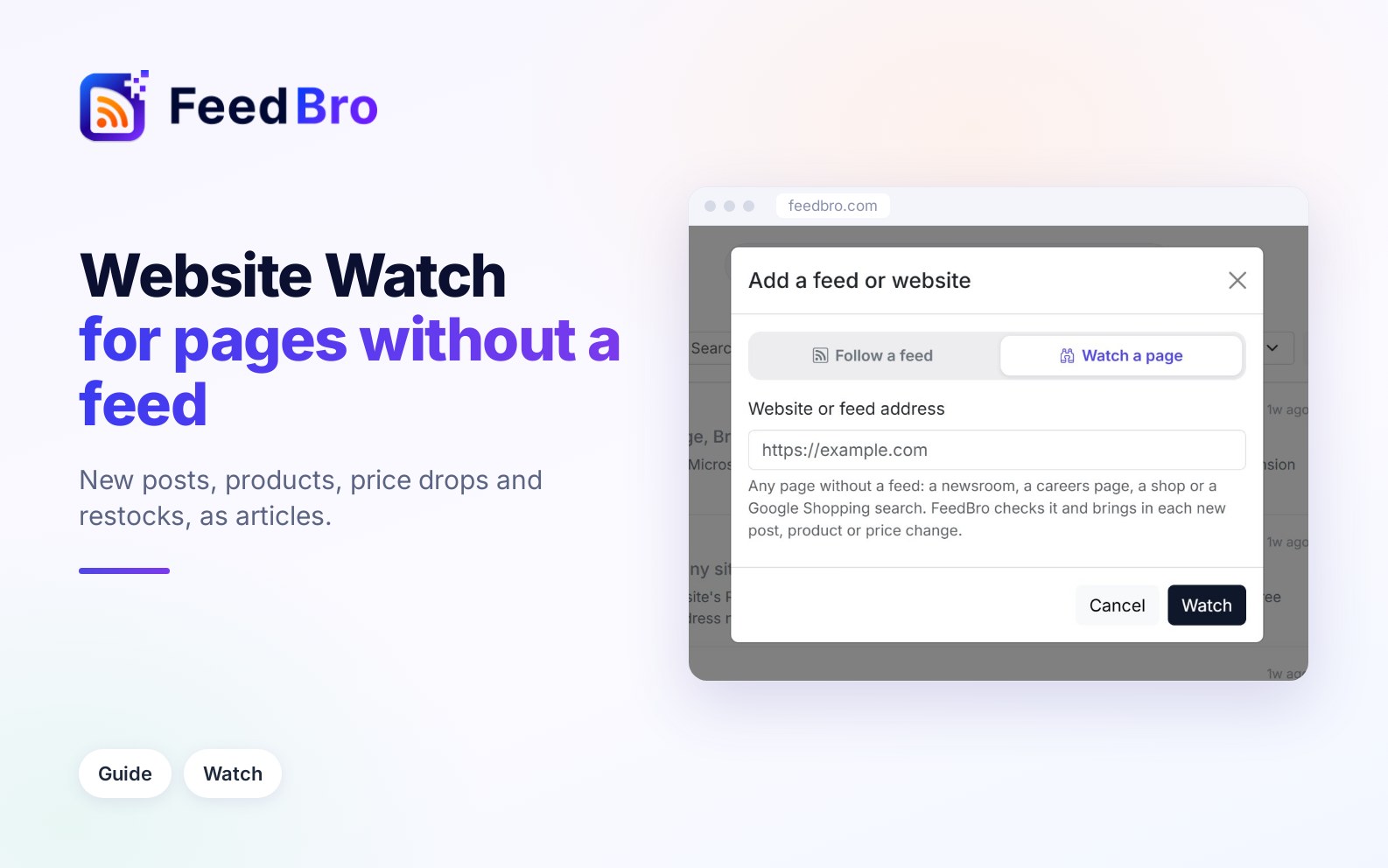
Watch a newsroom, careers page, online shop or Google Shopping search that has no RSS feed. New posts and products arrive in your reader, and you can get alerts for new posts, price drops, sales and restocks.
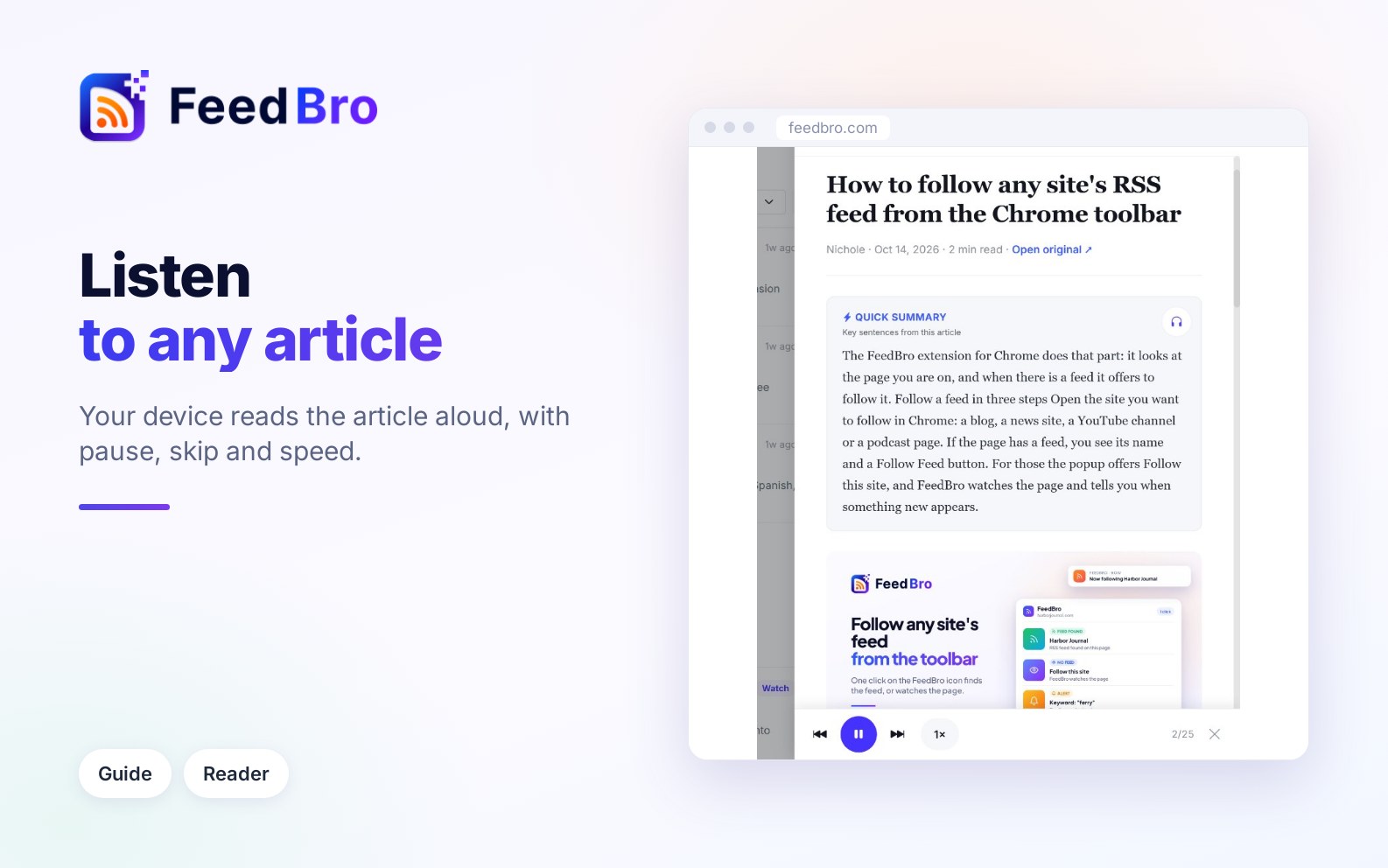
Listen reads articles aloud with the voices on your phone or computer. Learn where the button is, how the player and speed controls work, how to hear only a summary, and what to do when the button doesn't show.
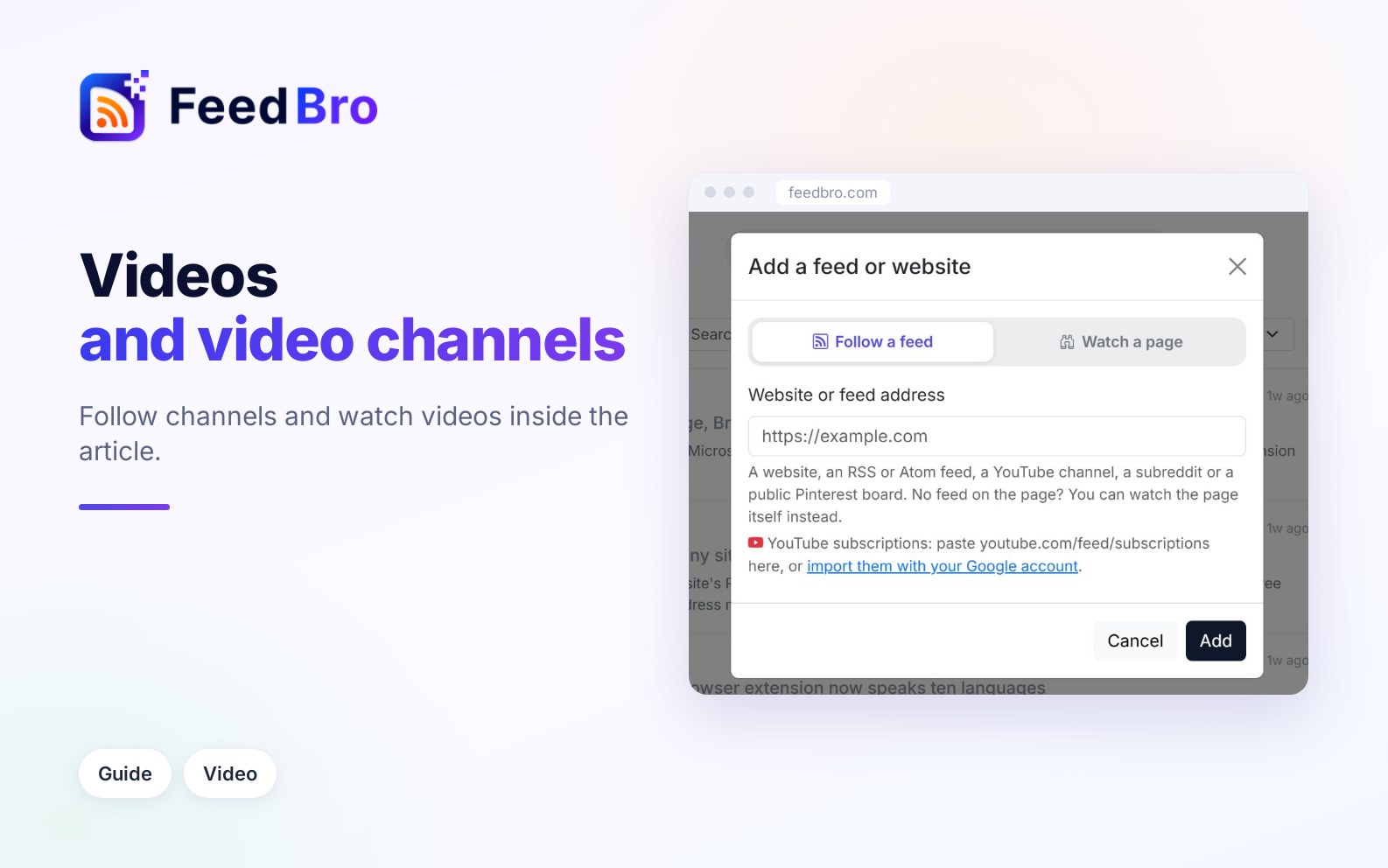
Follow YouTube channels one by one, or import all your subscriptions with a read-only Google sign-in. Shorts can be hidden with a rule, and videos from YouTube, Reddit, Instagram, TikTok, Facebook and other sites play inside the reader.

