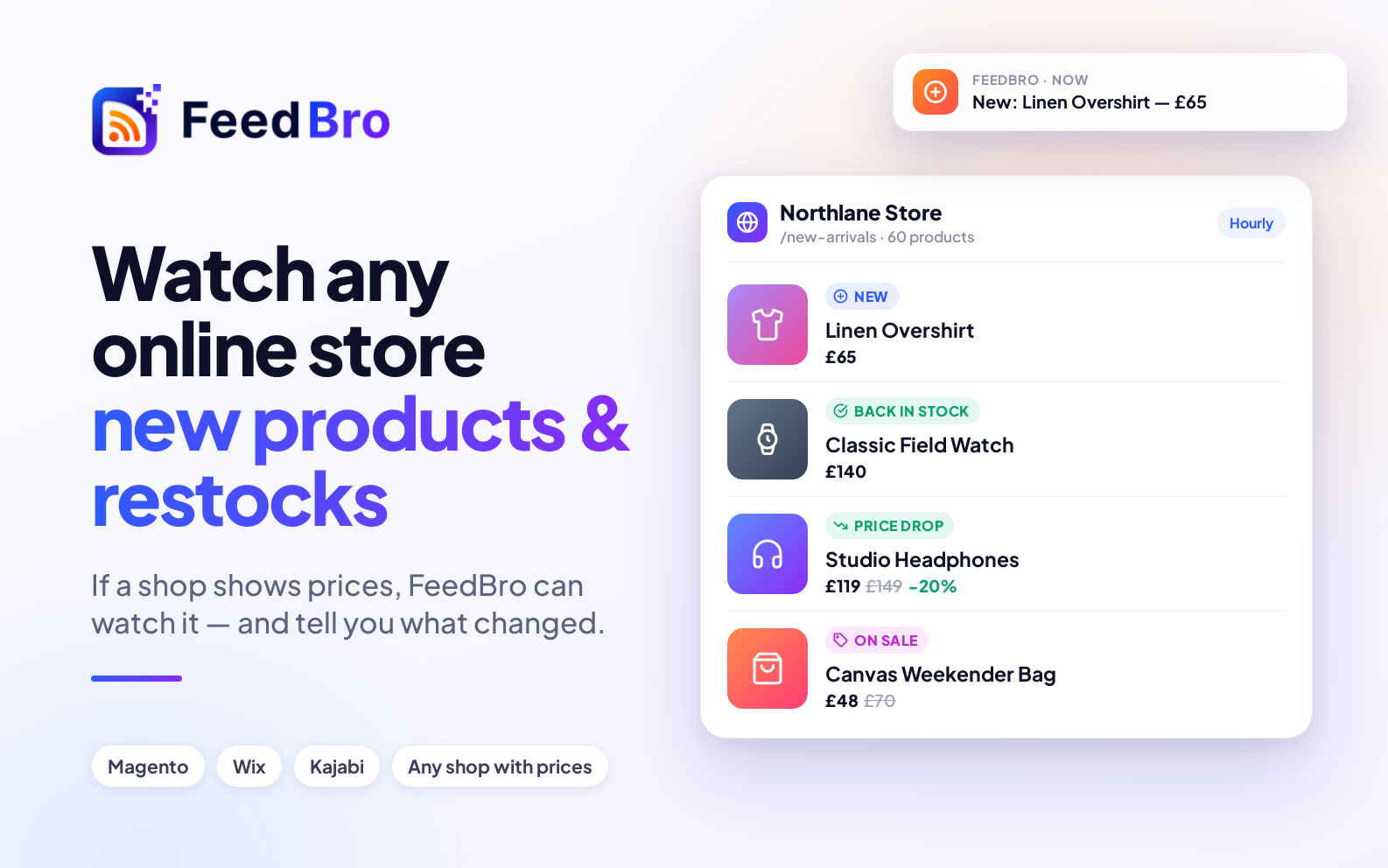
Not every shop runs on Shopify or WooCommerce. Plenty are built on Magento, Wix, Kajabi, Squarespace, BigCommerce, or something made just for them. FeedBro's Website Watch can follow those too.
How FeedBro reads a store
FeedBro uses the most reliable information each shop offers:
- Shopify and WooCommerce: the store's own product information — exact prices and stock. See Shopify and WooCommerce.
- Stores that describe their products for search engines — Magento, Wix, Kajabi and many others publish each product's name, price and stock in a standard format, which FeedBro reads.
- Any shop that shows prices on its product cards: FeedBro finds the list of products and reads each card's price, its old price when it's on sale, and "sold out" or "out of stock" labels. Prices in $, €, £, ₹, Rs, PKR and more, written any common way.
What you'll be told
- 🆕 New products
- 💸 Price drops, with the percentage off — 📈 and price rises
- 🏷️ Sales starting
- ✅ Back in stock — ⛔ sold out
Set it up in a minute
- Open the shop page you want to follow — a category, a search, the "new arrivals" page, or one product.
- Paste it into Website Watch.
- FeedBro records the products there now and, from then on, tells you only about changes.
Alerts for the changes that matter
Use Rules to turn changes into notifications — "Back in stock" for the thing you're waiting for, "Price drop" plus a brand name, or a product type.
Free and Coffee Club
- Free: watch up to 3 pages or stores, checked once a day (the first page of each list).
- Coffee Club ($4.99/month): up to 10, checked every hour, every page of a long list read, and pages that build their list with JavaScript.
Shops that load their products with JavaScript after the page opens are covered on the Coffee Club, which reads the page the way a browser does.