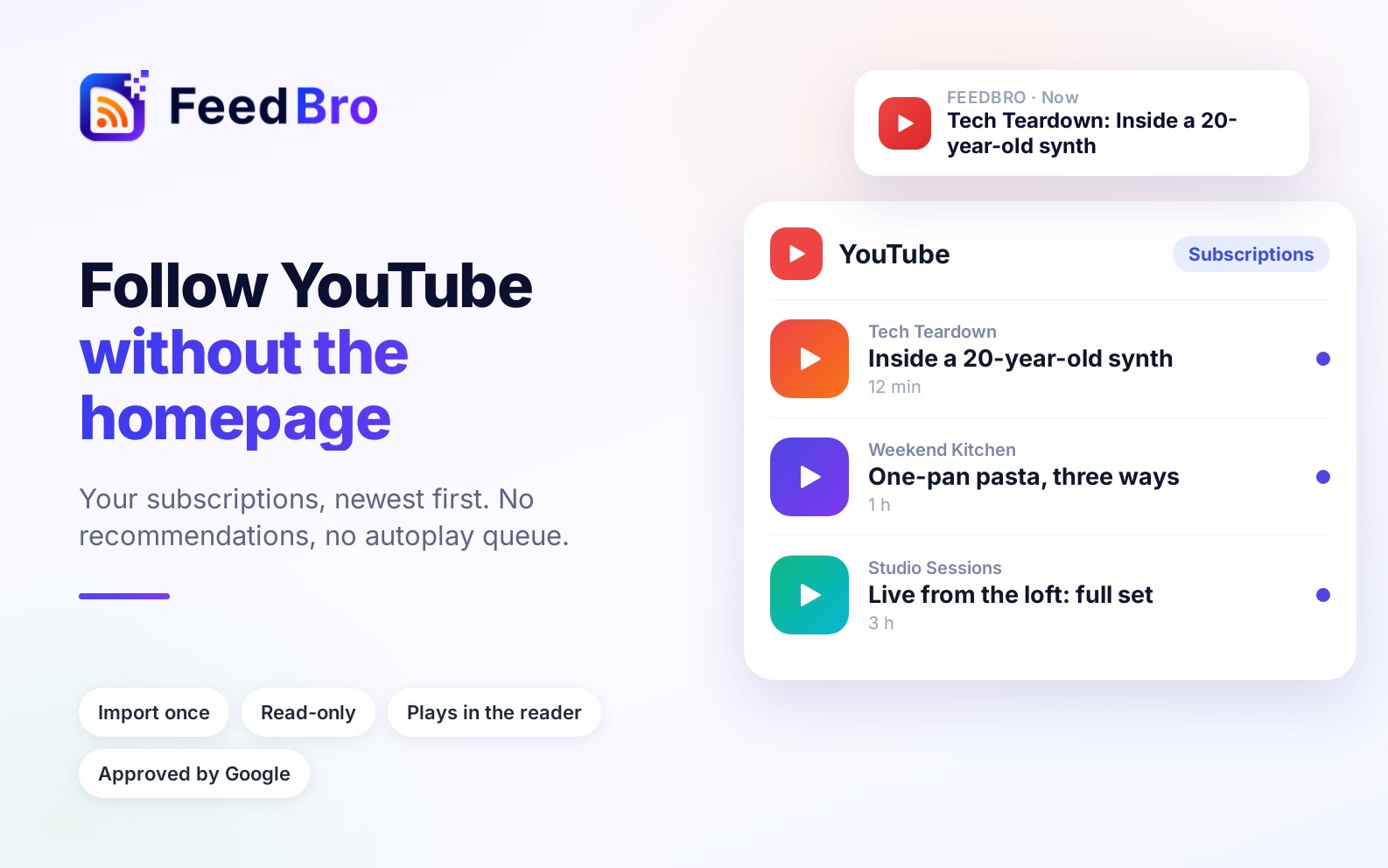
Your YouTube subscriptions, newest first, with no recommendations or autoplay queue. Import them into FeedBro once and watch them next to the rest of what you follow.
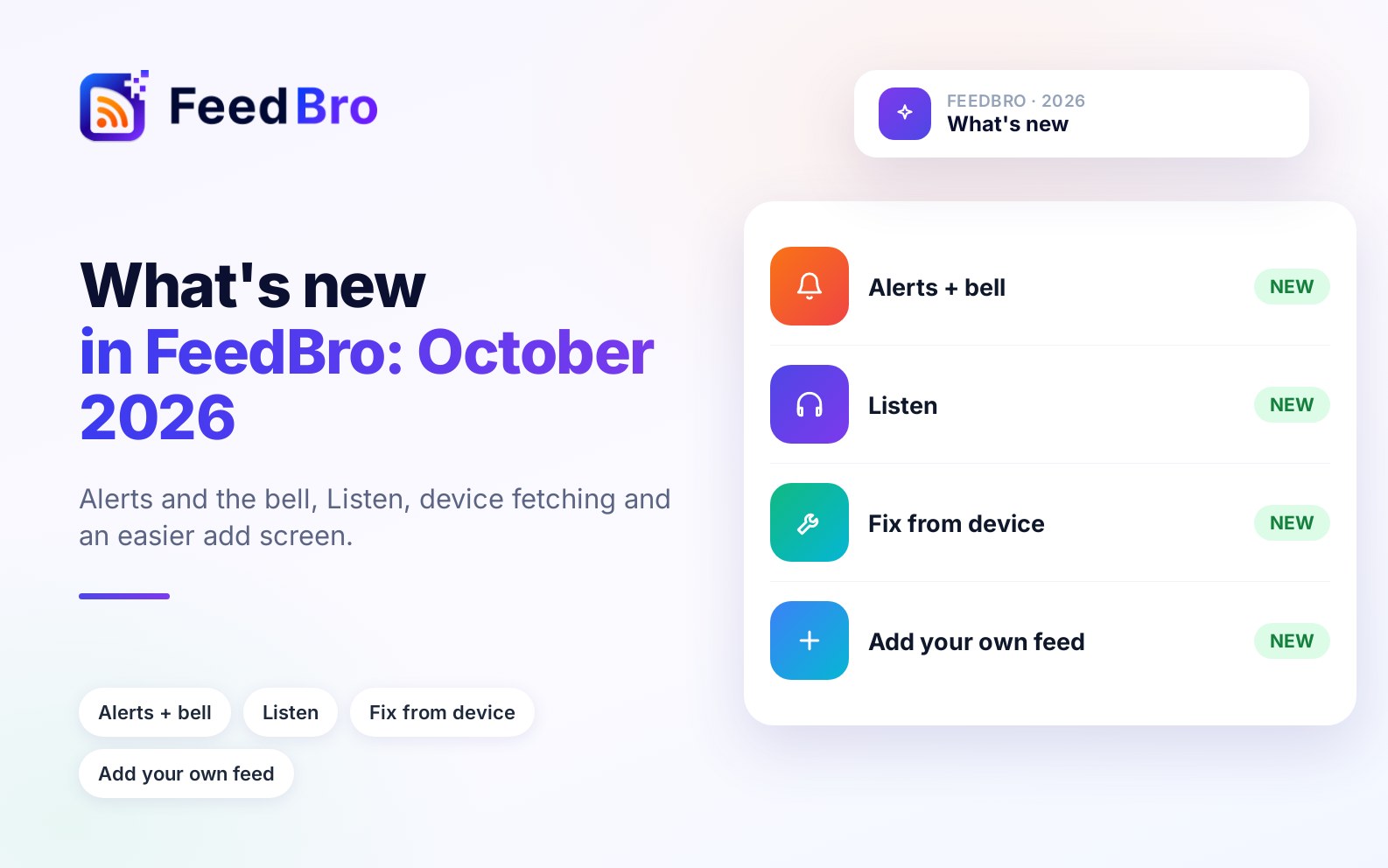
What changed in FeedBro this month, newest first, including what still doesn't work.
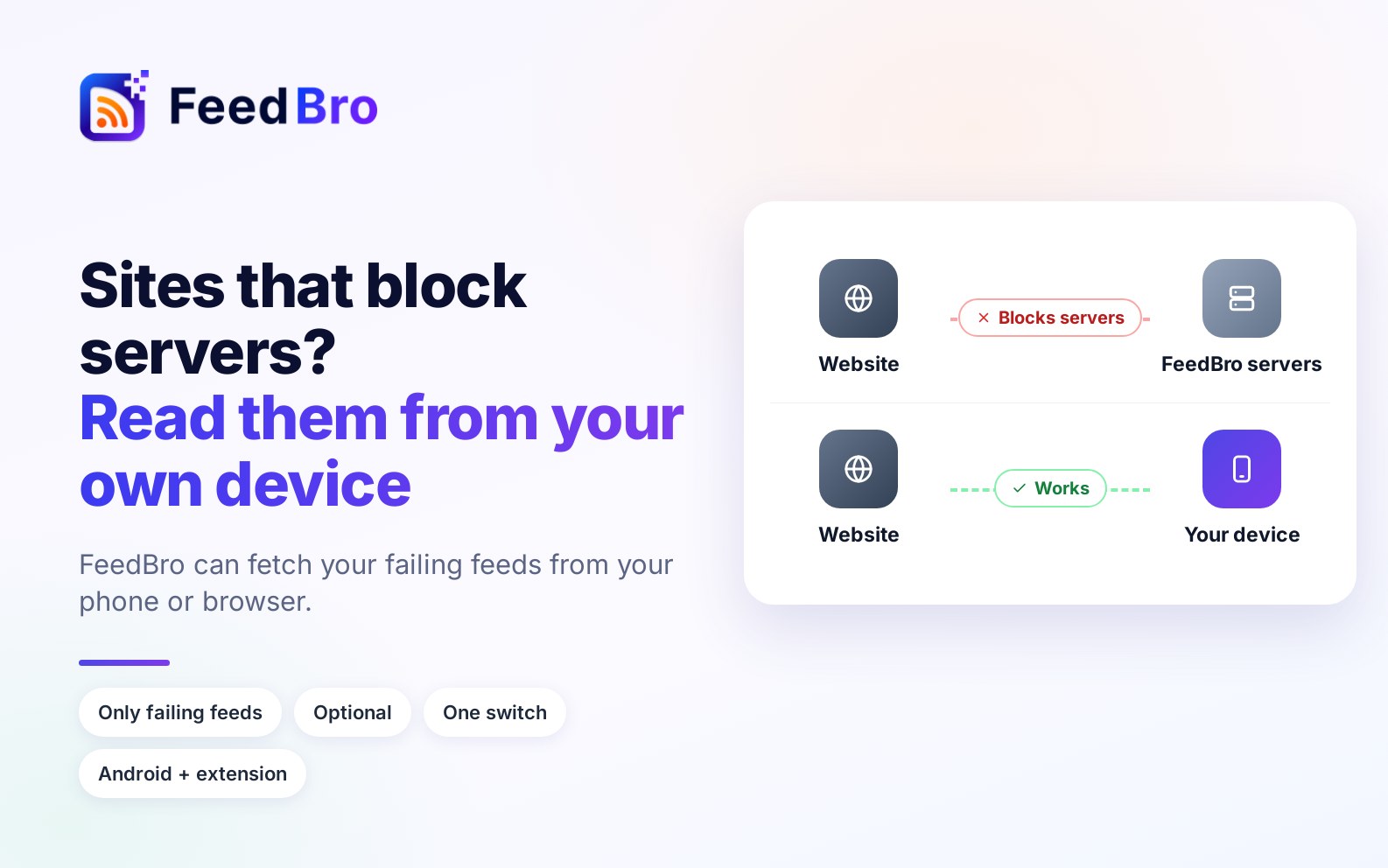
Some sites refuse FeedBro's servers but open fine for you. With your permission, your phone or browser can fetch just your failing feeds and keep them updating.
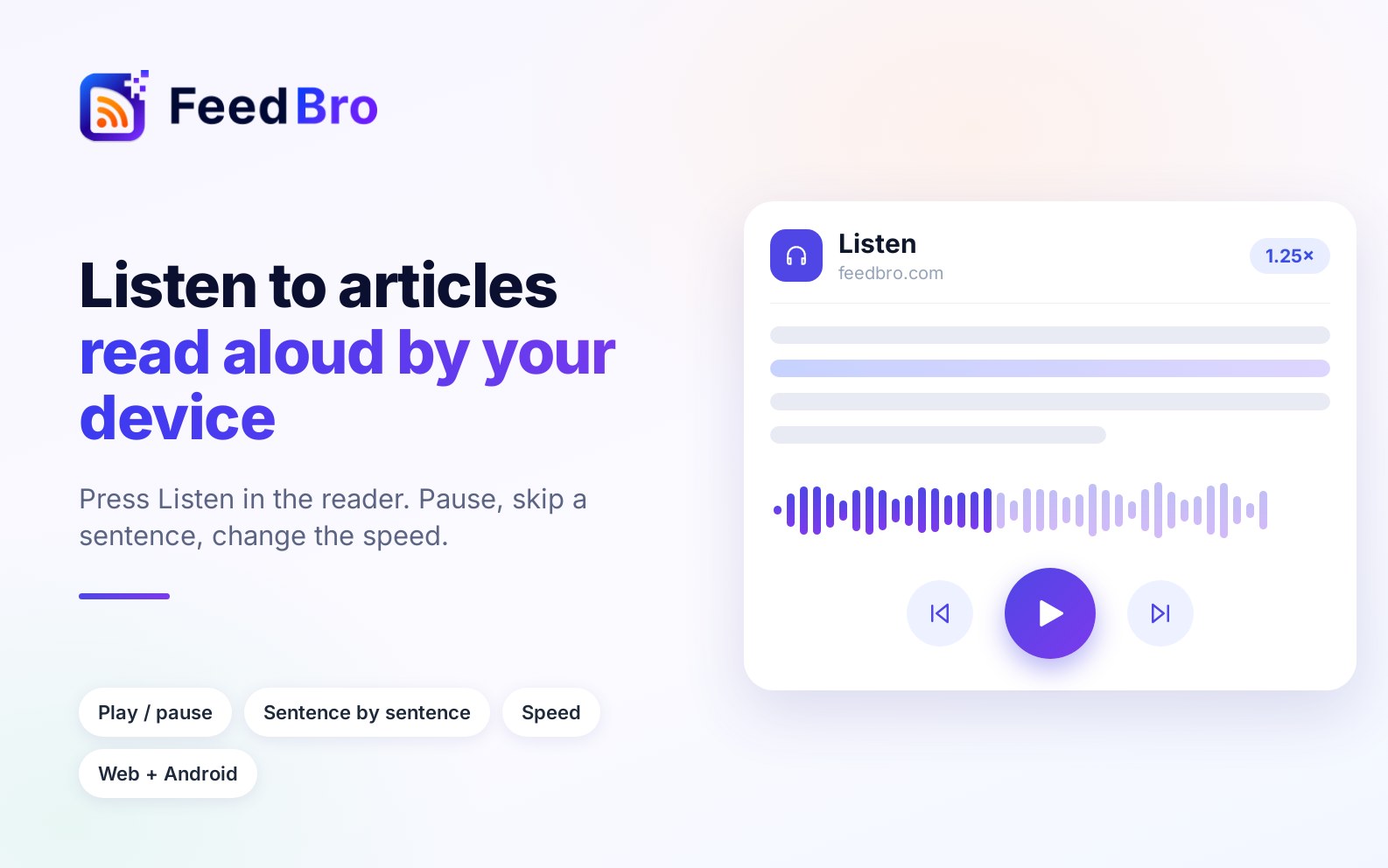
Press Listen on any article and FeedBro reads it aloud with the voices already on your device. Pause, skip a sentence, or change the speed.
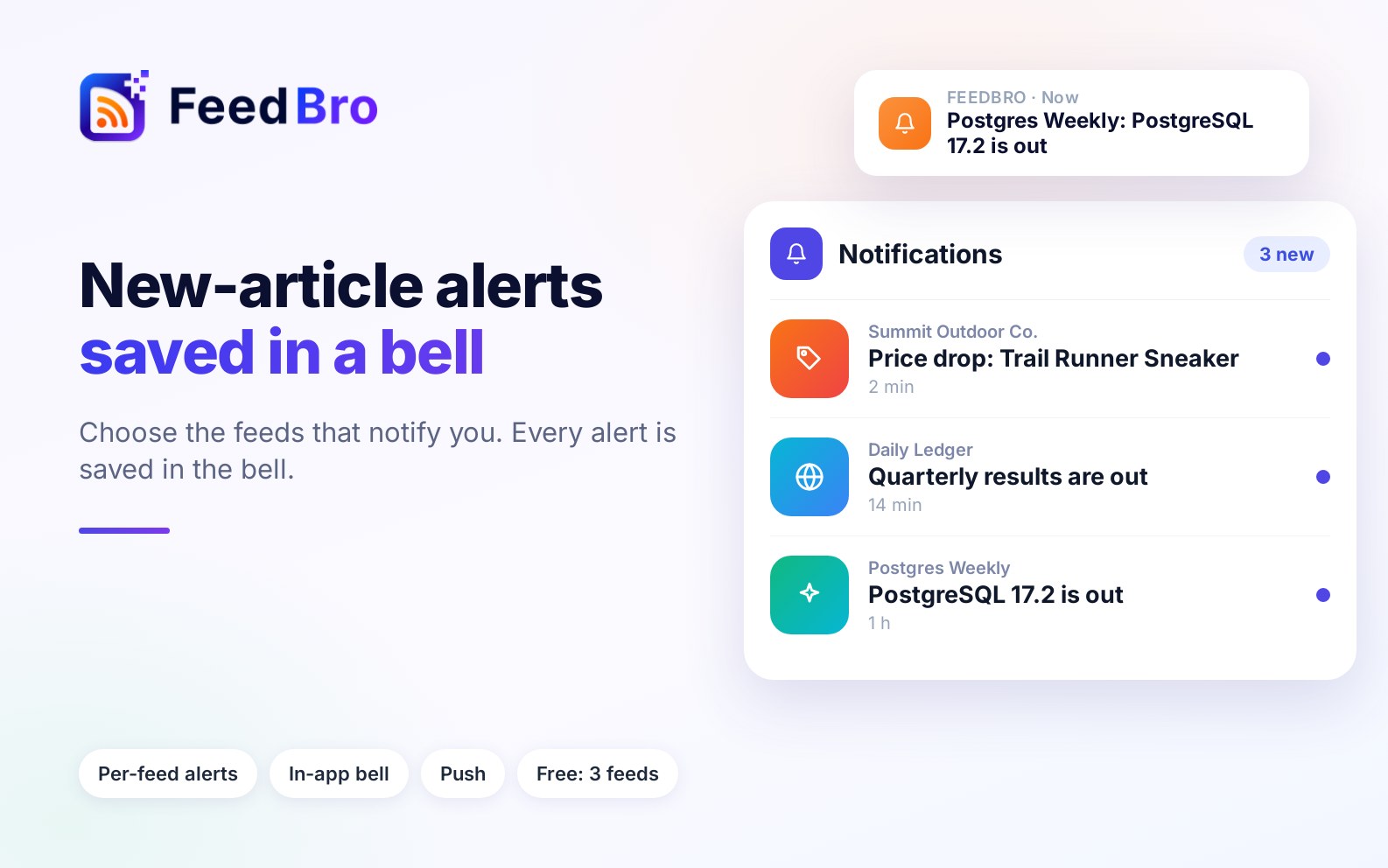
Turn on "Notify me of new articles" for the feeds that matter. Every notification is also kept in the bell inside FeedBro, so you can find it again later.
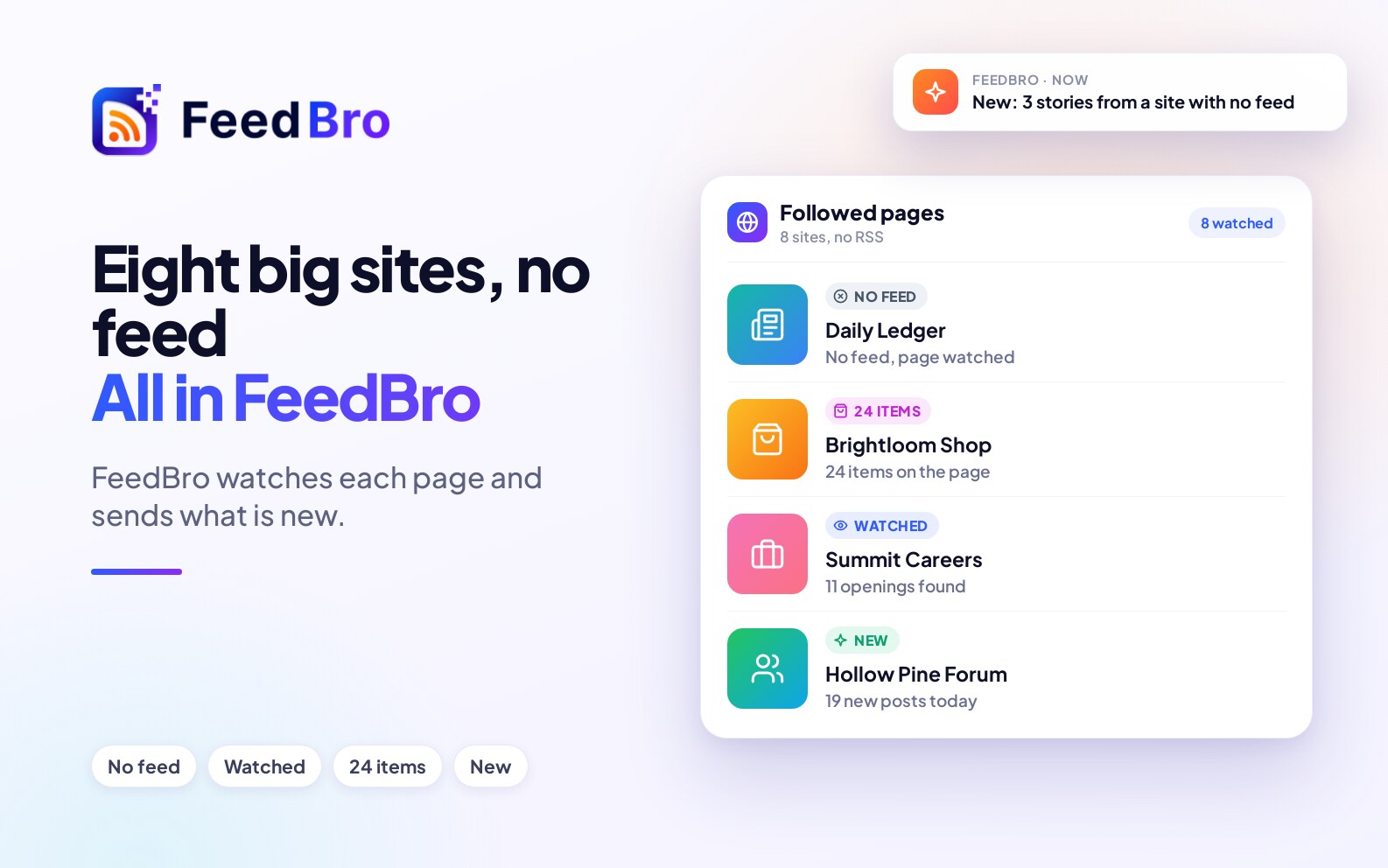
Reuters, AP News, Nike, IKEA, Meta Careers and more publish no feed we can find. Here is how to follow each one in FeedBro, tested in October 2026.
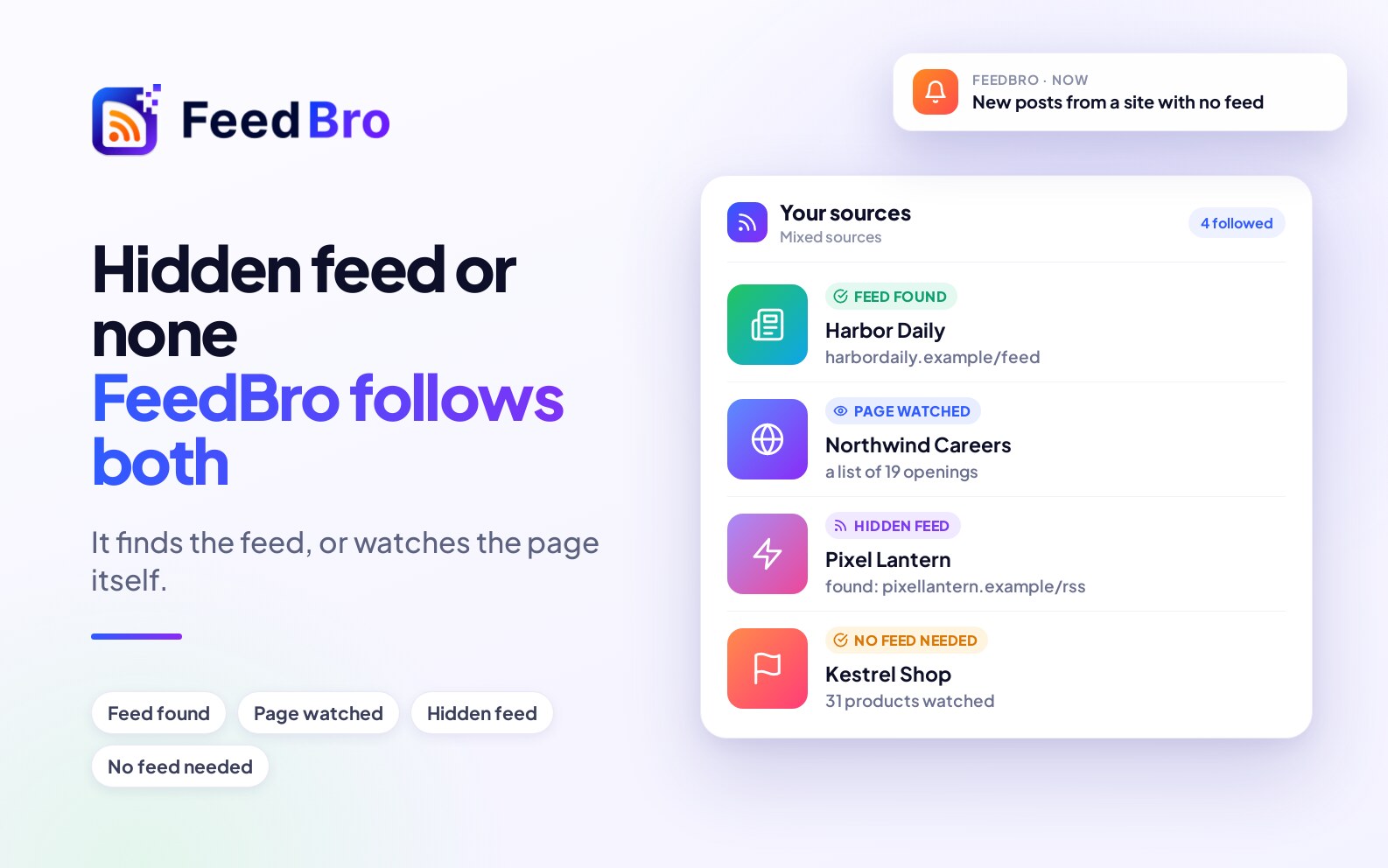
Many sites people think have no RSS feed do have one, and FeedBro finds it. For the ones that really have none, it watches the page itself. Examples tested in October 2026.
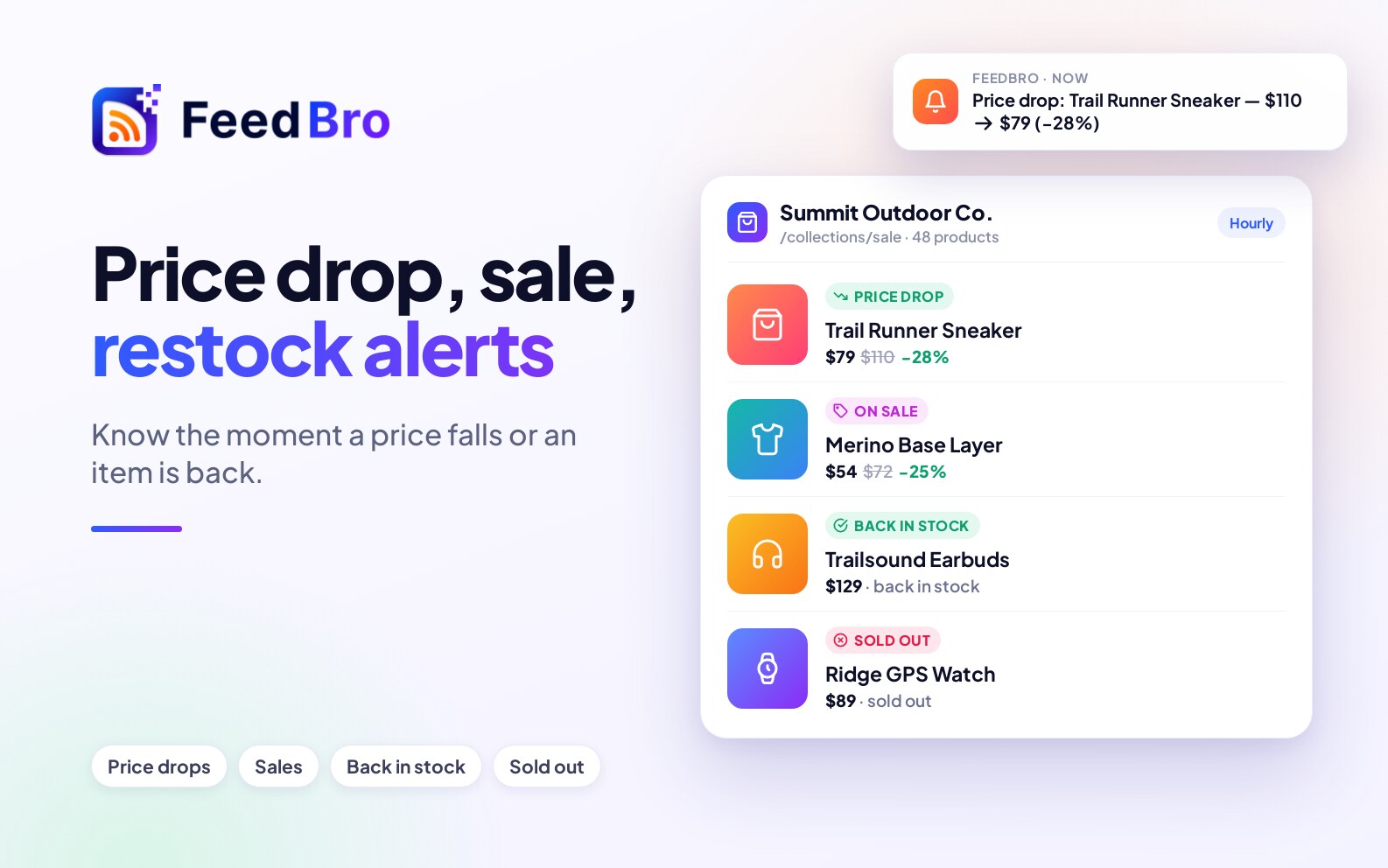
FeedBro watches shops for price drops, price rises, sales, restocks and sold-out items, with alerts on your phone and in your browser. What it tracks, how often, and what it does not do.
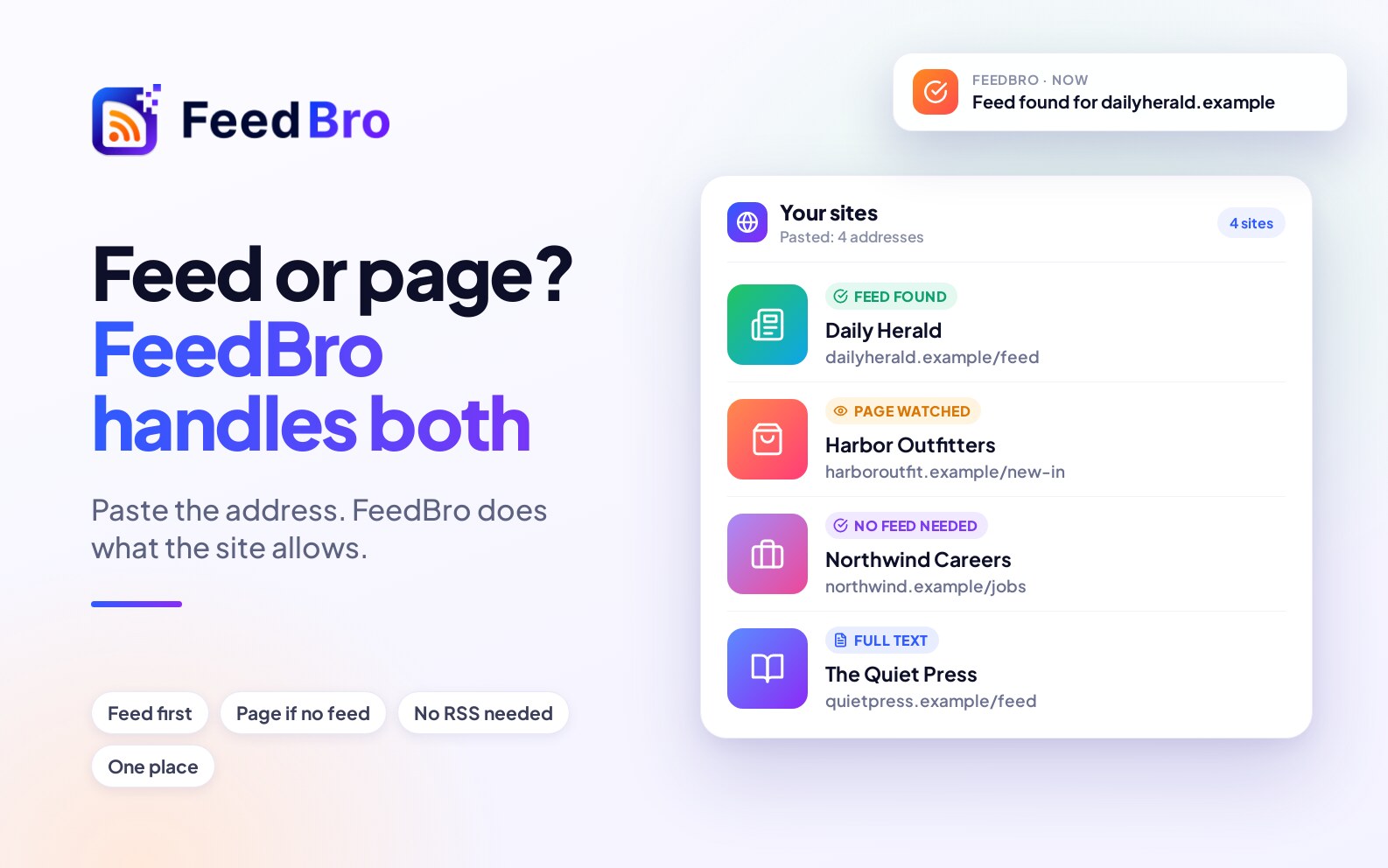
RSS is still the best way to follow a site that has a feed, but many sites don't have one. FeedBro finds the feed when there is one and watches the page itself when there isn't.
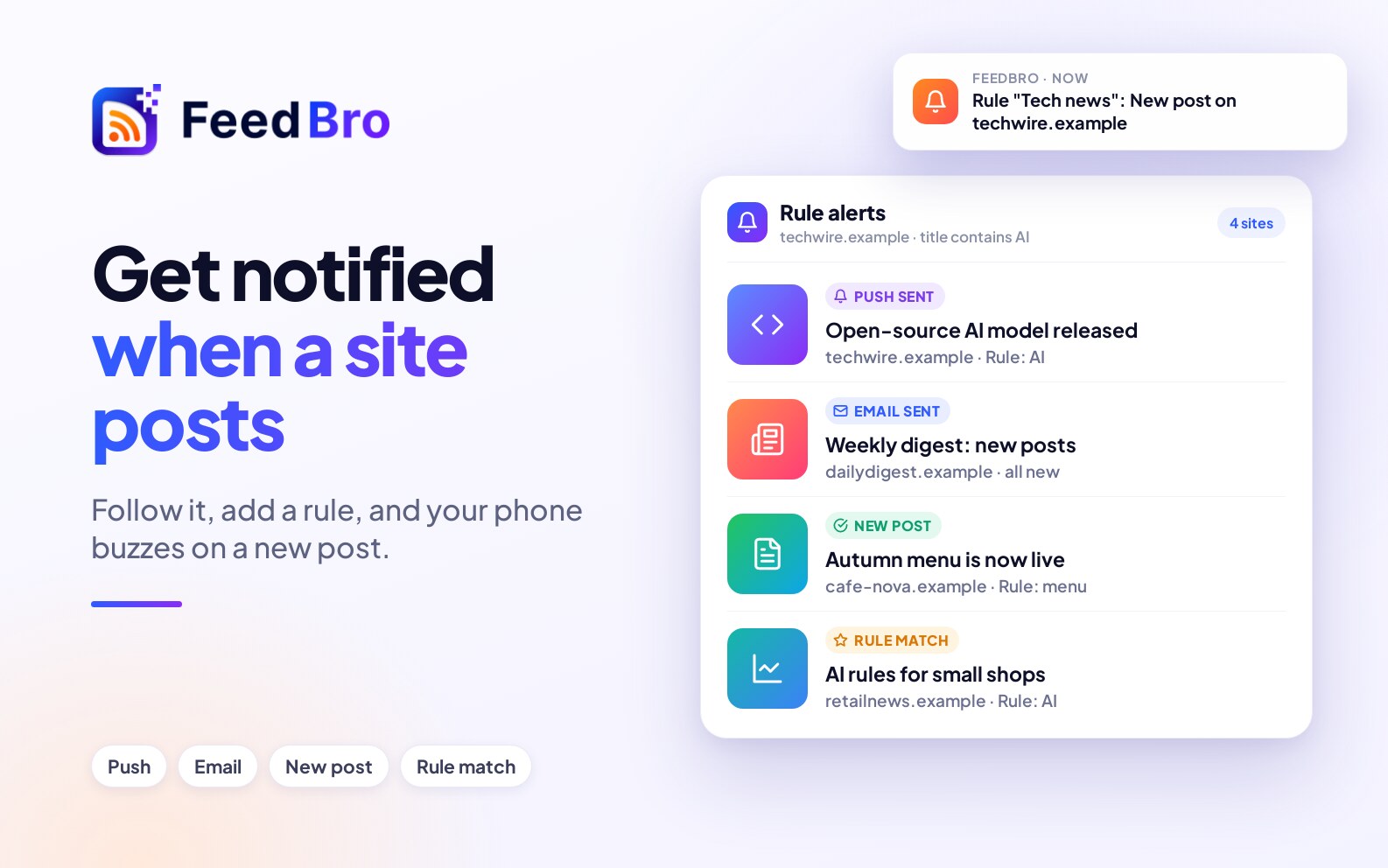
Follow the website in FeedBro and turn on alerts for every new post, or add a rule for only the posts that match. It works even when the site has no RSS feed.
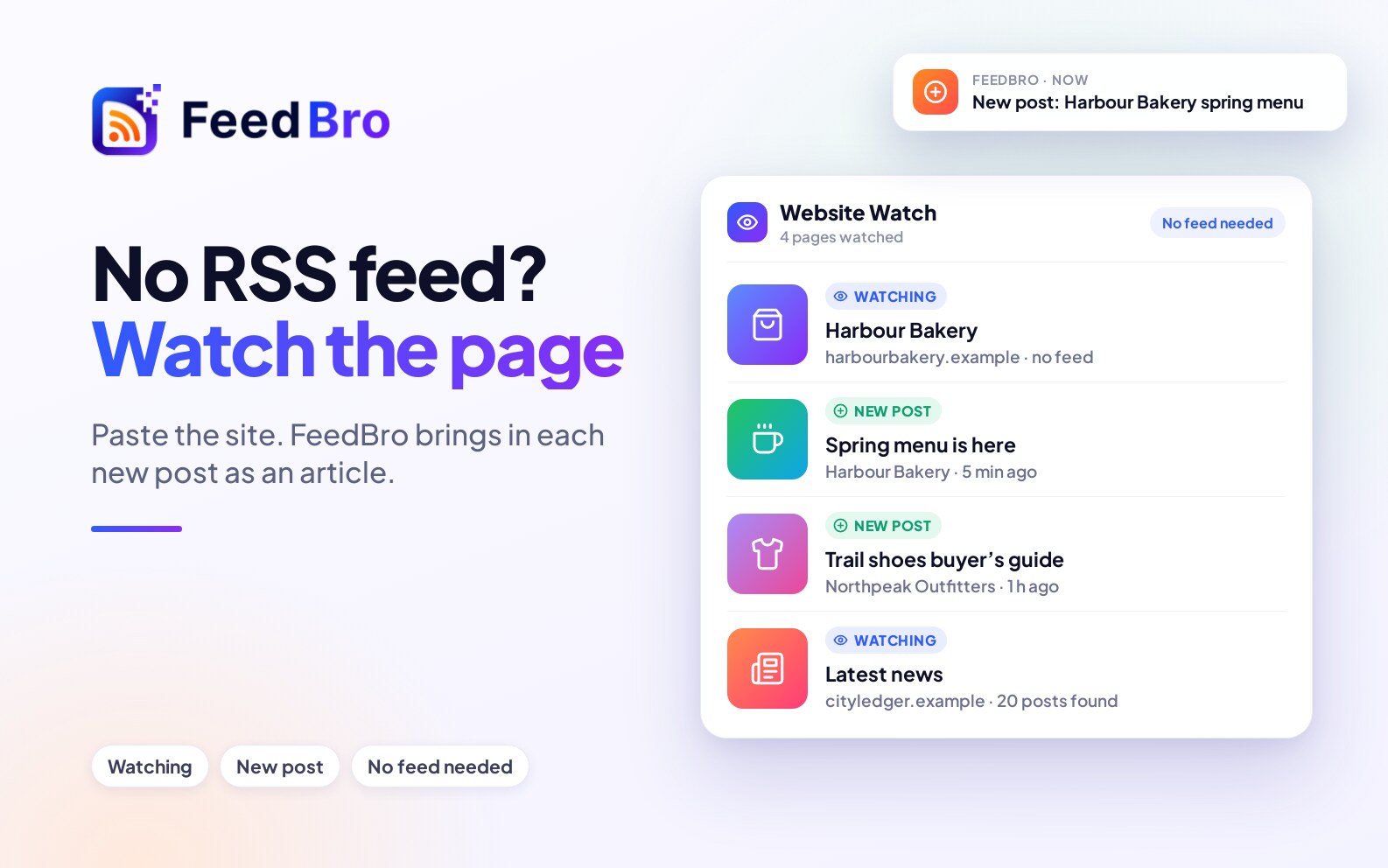
Paste the website into FeedBro. It looks for a hidden feed and, if there is none, watches the page itself and brings in each new post. You don't need a feed address or any setup.
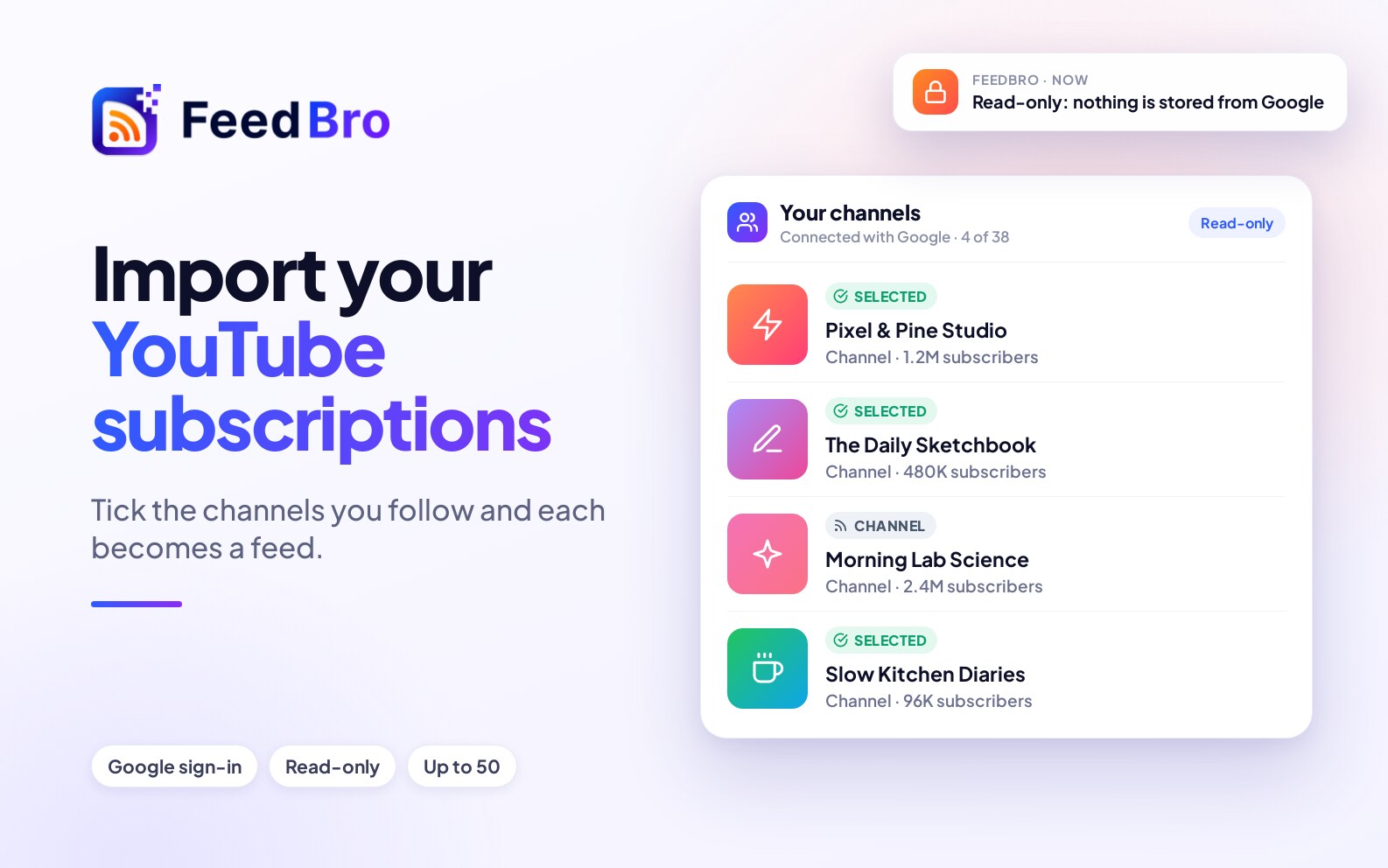
Bring the channels you follow on YouTube into FeedBro in one step: sign in with Google once, tick the channels you want, and each becomes a feed. The access is read-only and nothing else from Google is kept.