Guides and updates on RSS/Atom feeds and using FeedBro to read them.
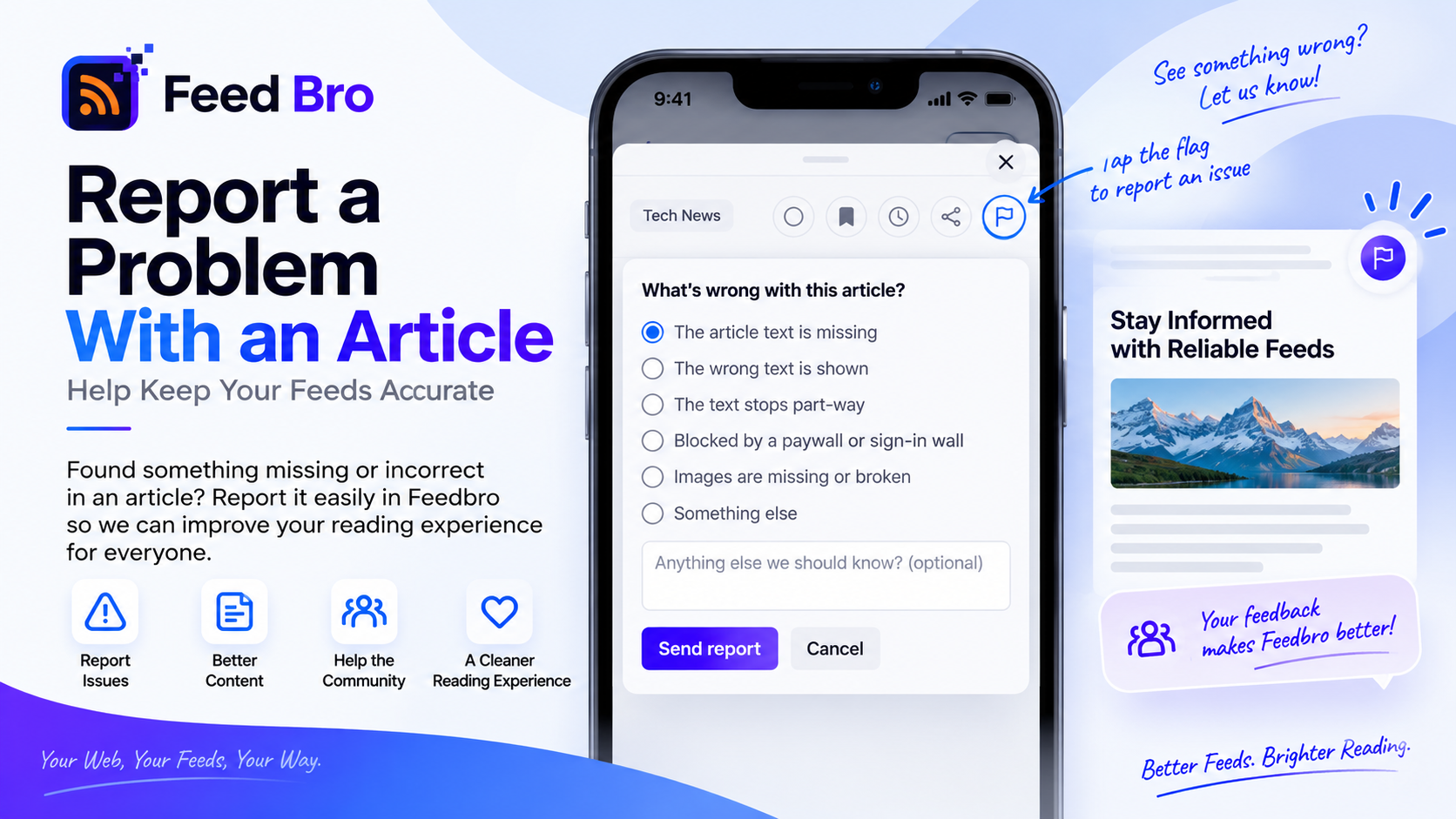
FeedBro fetches the full text of the articles you read. When that comes back missing, cut off, or simply wrong, the flag button in the reader tells us — and refetches the article straight away.
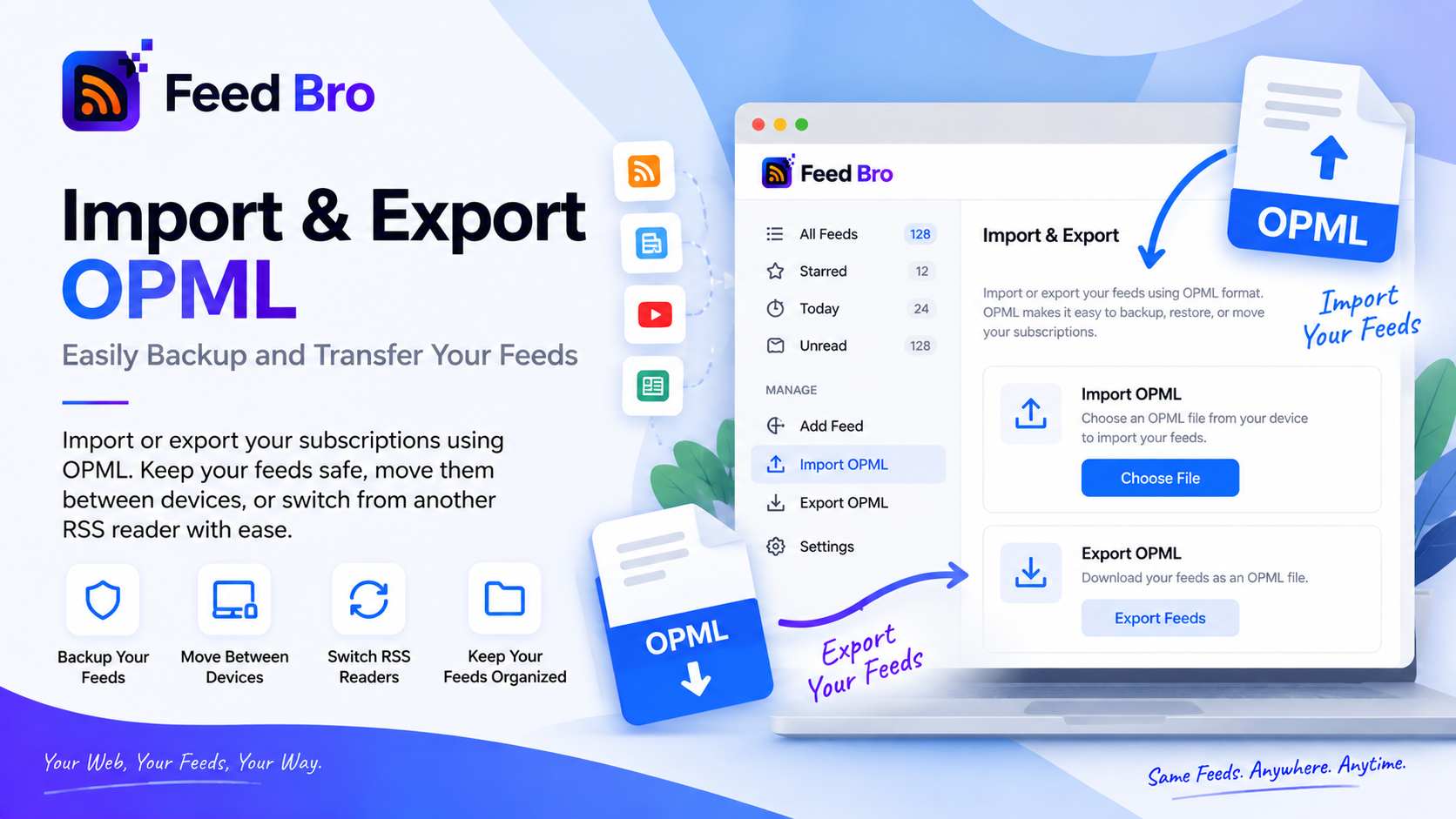
Your subscriptions belong to you. Import an OPML file from any reader in seconds, and export yours whenever you like — both free, on every plan.
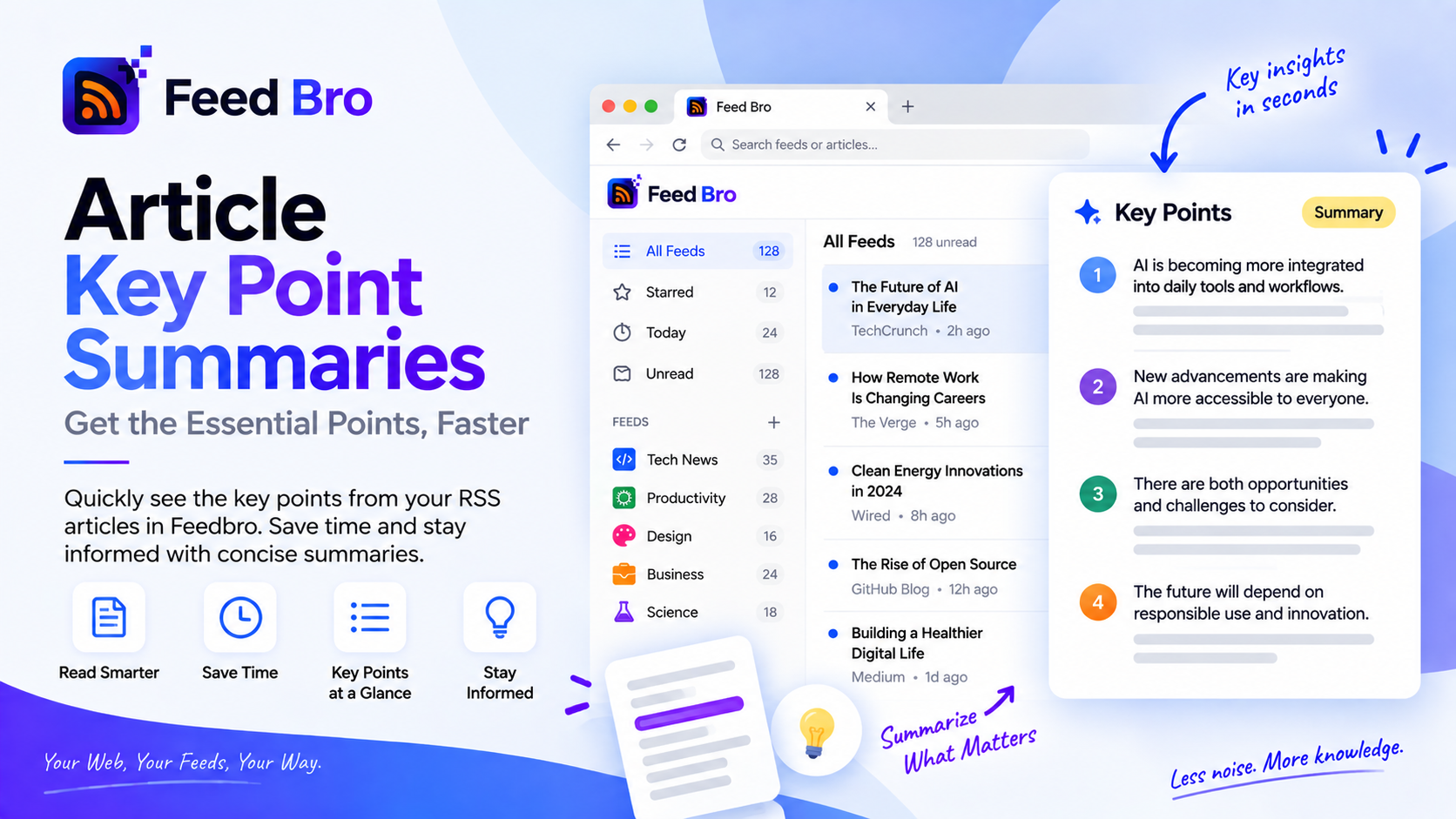
FeedBro summarises a long article using its own sentences rather than writing new prose about it — so a summary cannot invent a fact you then repeat.
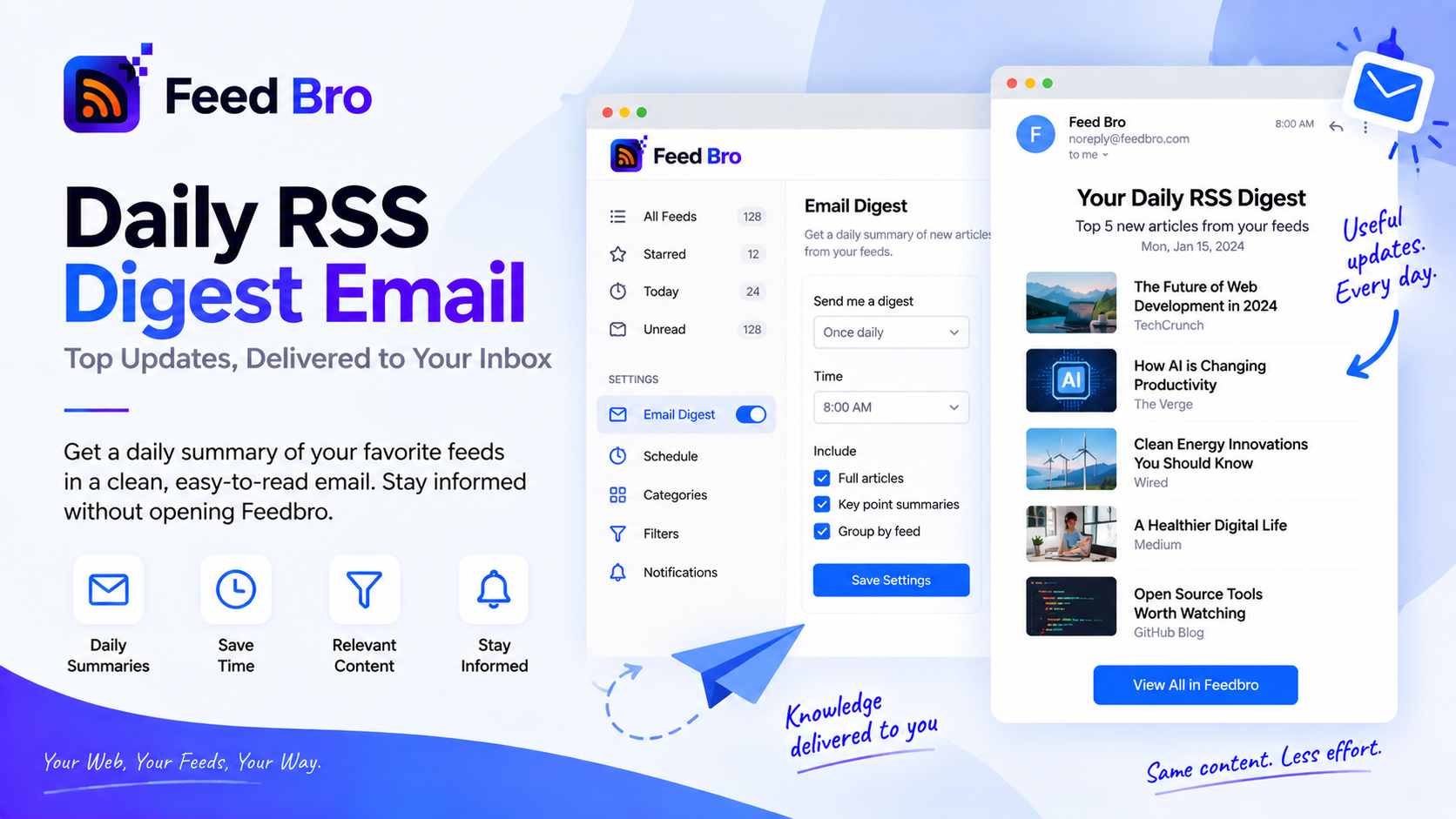
A daily or weekly email with the newest articles from the feeds you follow — nothing recommended, nothing promoted, and nothing at all on quiet days.
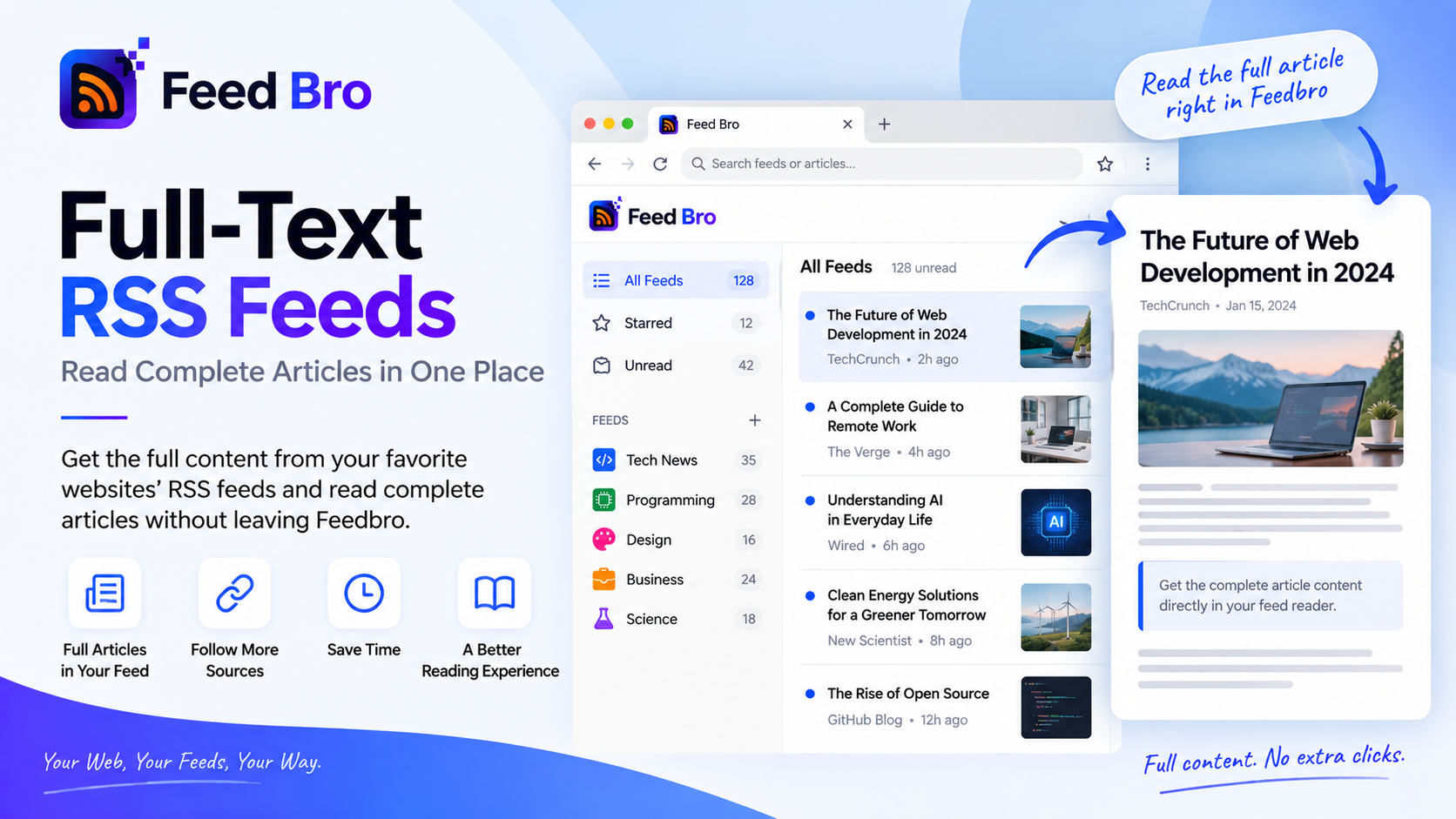
Truncated feeds are the oldest annoyance in RSS. FeedBro fetches the original article, strips the page furniture, and keeps the text with your copy — on every plan, including Free.
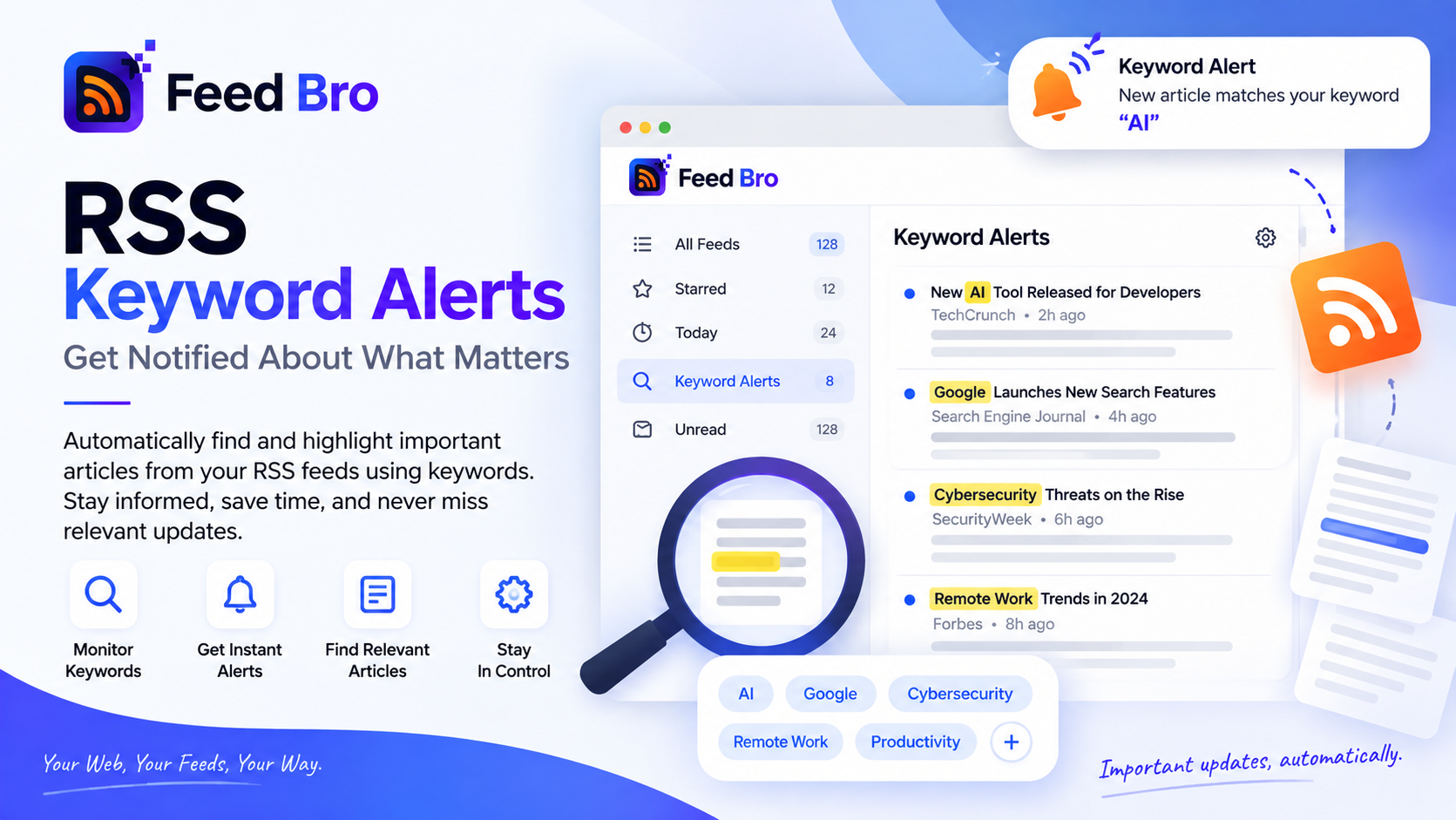
Follow thirty feeds but only care about one word? FeedBro rules watch your feeds and email, notify, highlight, tag or hide articles that match — five rules free, unlimited on Coffee Club.
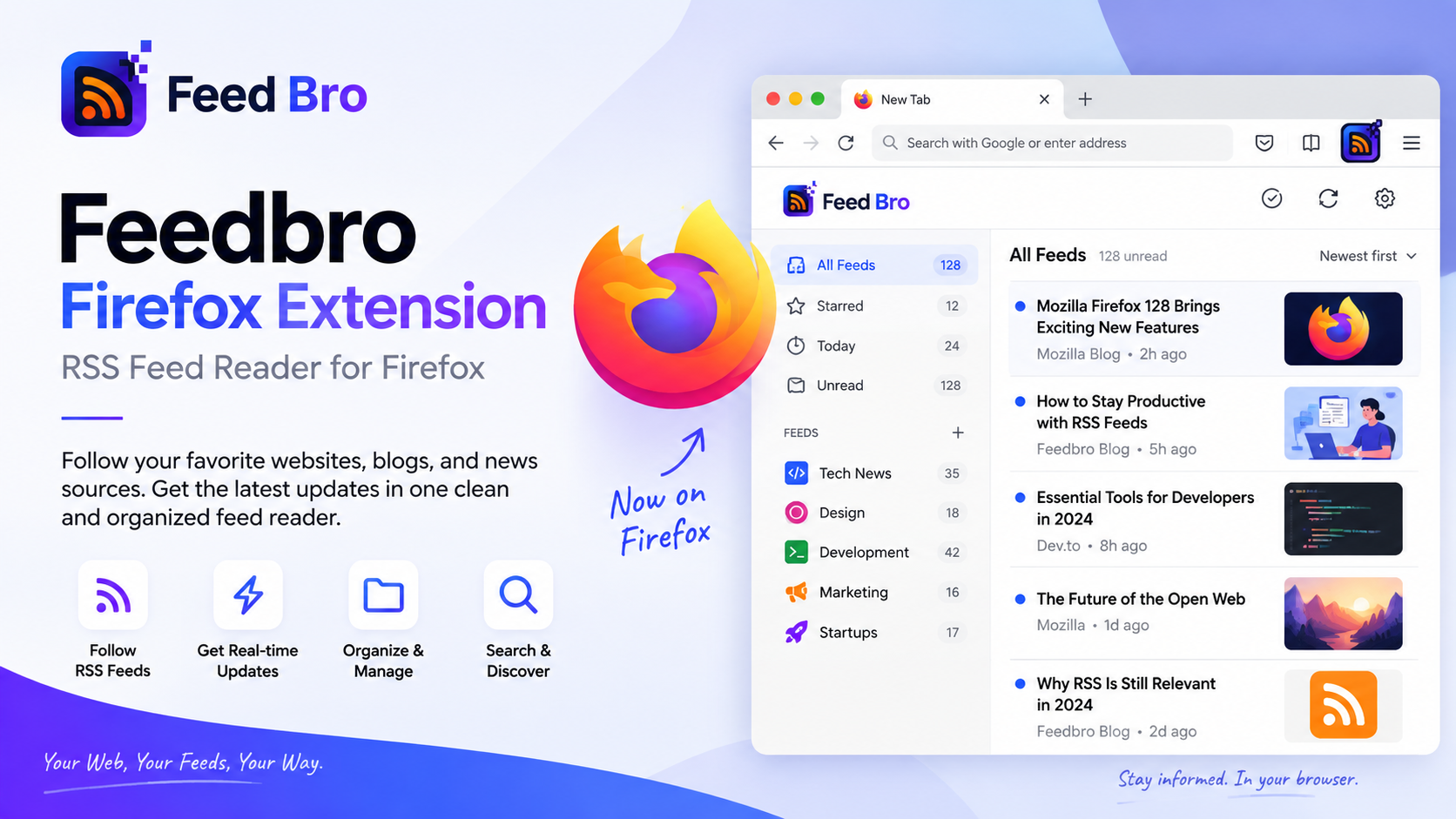
Firefox dropped its feed reader years ago; the sites kept publishing feeds. Here's what the FeedBro add-on does, how to set it up, and why RSS is still the calmest way to follow a site.
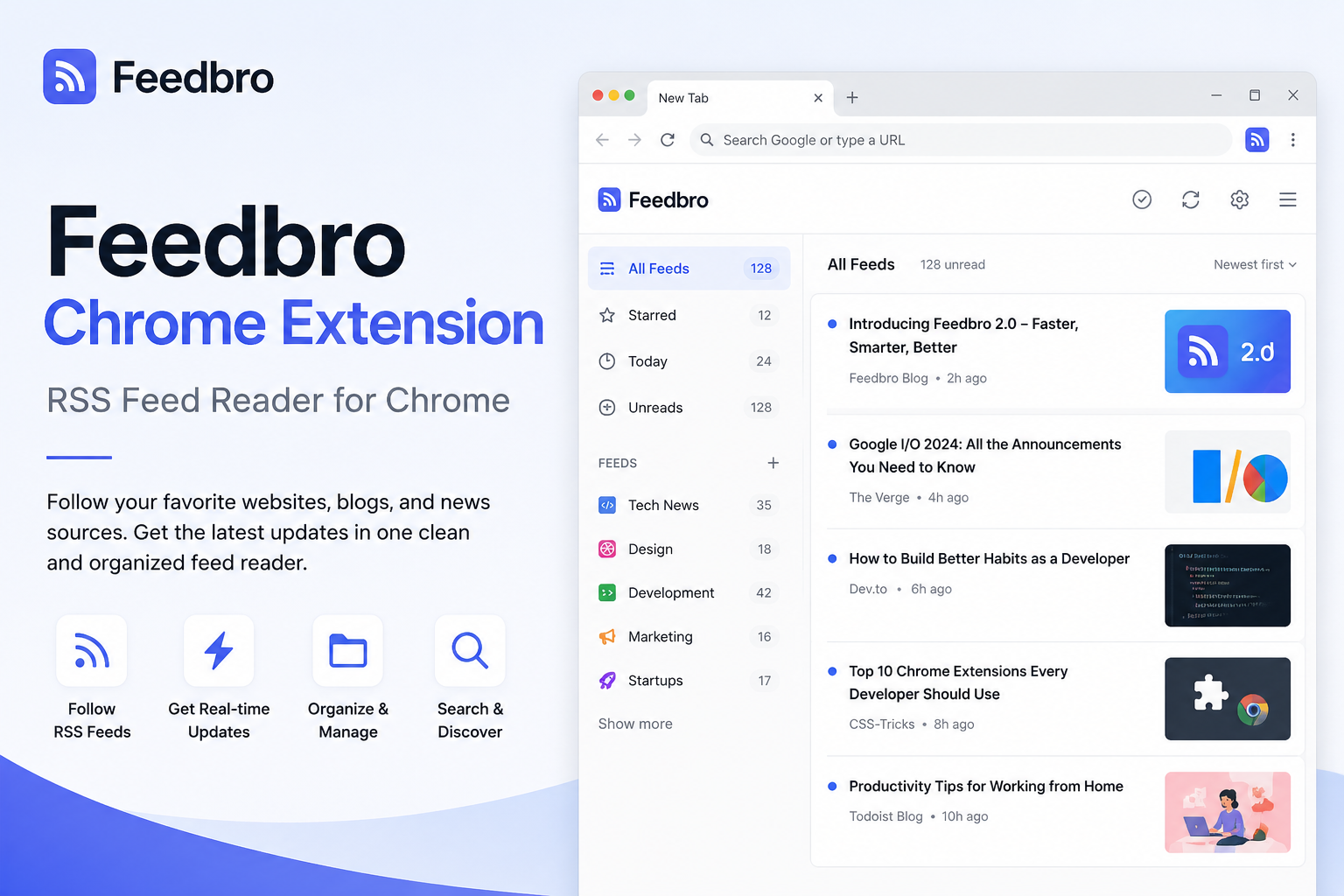
The Feedbro Chrome extension lets you follow RSS and Atom feeds, save pages, and read new articles right from your browser — connected to your FeedBro account.
