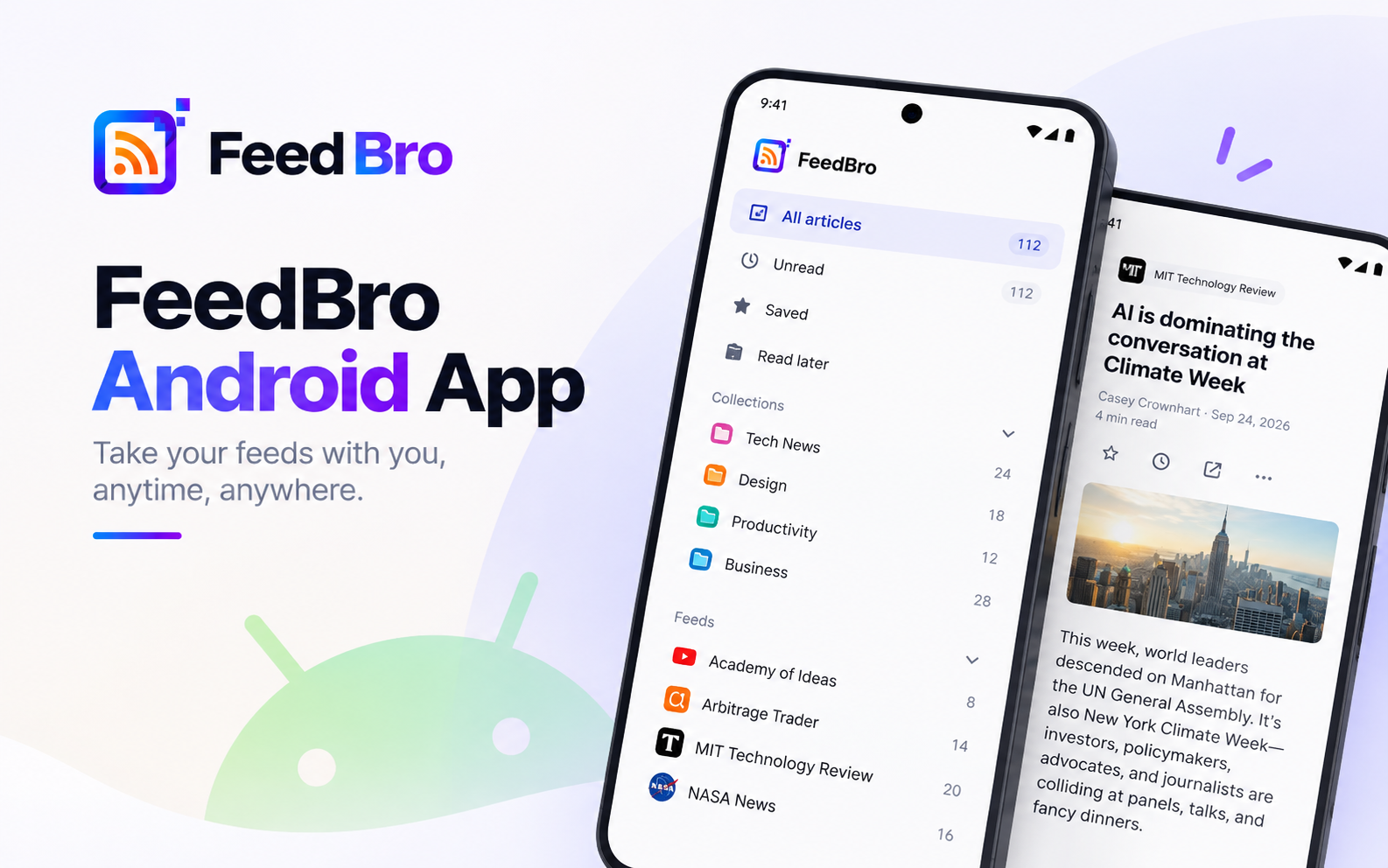
FeedBro is now on Google Play. The app brings the reader you already use on feedbro.com to your Android phone: the same feeds, collections, saved articles and rules, signed in to the same account. And it adds a few things only a phone can do.
What You Get
Your whole reader, one tap away
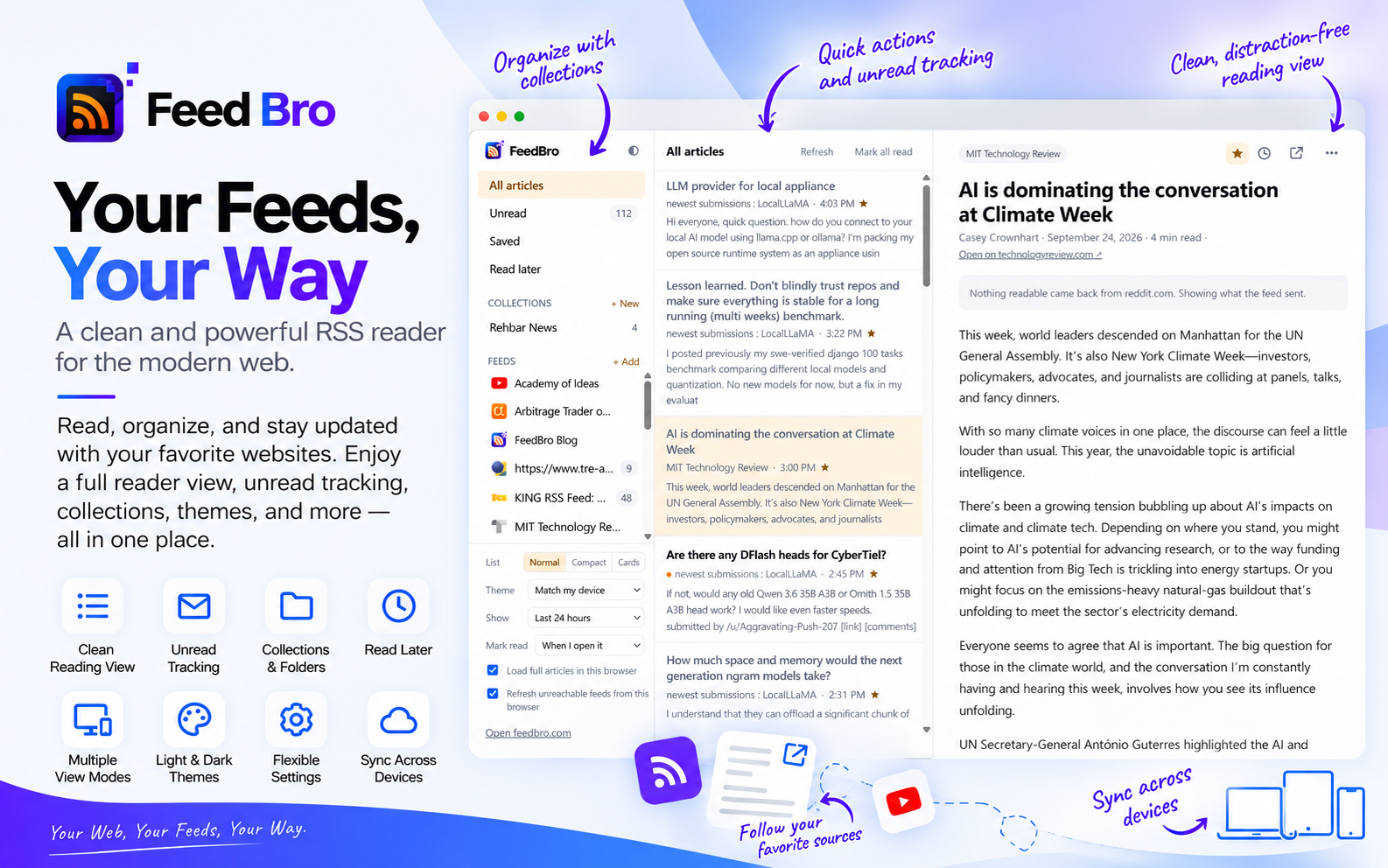
Open the app and you're in your reading list: your feeds and collections, the newest articles first, full articles in the reader. Pull down at the top of the page to refresh. The back button and the back gesture take you to the previous page, the way you'd expect.
Notifications when a rule matches
Rules watch your feeds for a word or a phrase. Give a rule the Push notification action and your phone tells you the moment a matching article arrives: a competitor's name, a product you're waiting for, the one topic you never want to miss. Rules you make in the app work on feedbro.com and in the browser extension too.
Reading with no connection
The app keeps your latest, saved and read-later articles on the phone. On a plane or in a tunnel, it opens them instead of an error page, as long as you've opened FeedBro online at least once.
Light or dark, like your phone
Set FeedBro's theme to Match my device and it follows your phone's dark mode, switching when your phone does. Light, dark and sepia are there too if you'd rather choose.
Sign in with Google
One tap with your Google account, or your FeedBro email and password. Nothing to set up twice.
The Feeds Servers Can't Reach
Some sites block the countries FeedBro's servers run from, or turn away anything that isn't a person on a phone or laptop. Your phone can get through where our servers can't. In Settings, switch on Fetch blocked feeds on my phone: while the app is open, it downloads the few feeds you follow that our servers can't reach (a handful at most, every 30 minutes at most), so they keep updating on every device you use. Nothing else on your phone is read or sent, and it stays off until you turn it on.
One Account, Everywhere
The app, feedbro.com and the browser extension for Chrome and Firefox are one FeedBro. Follow a feed on your laptop and it's on your phone. Read an article on the phone and it's read everywhere. Keep one for later in the extension and it's waiting in the app.
Free and Coffee Club
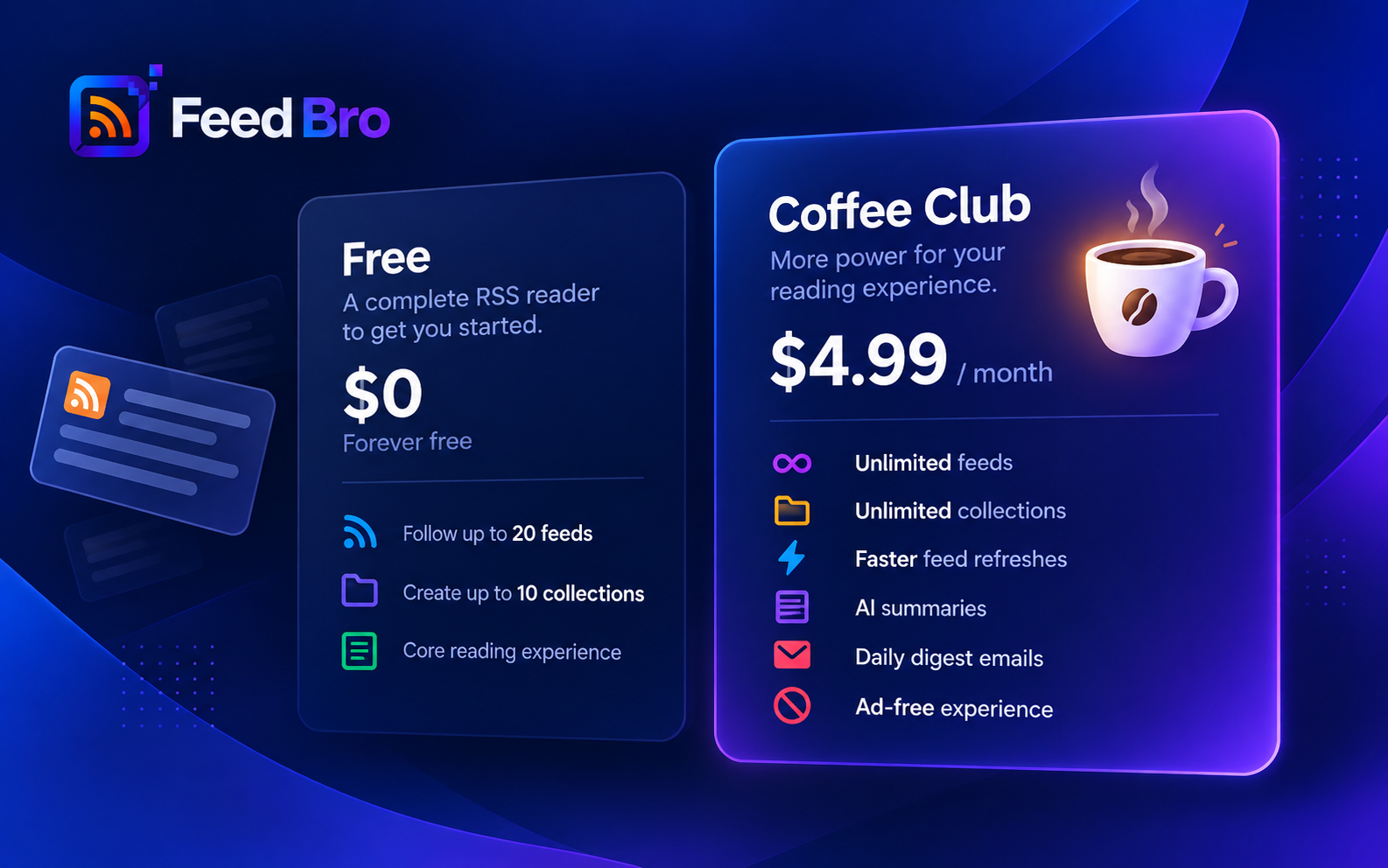
The app is free to install, and your plan comes with you. Free covers 20 feeds, 10 collections and 5 rules. The Coffee Club lifts the limits and adds smart summaries, email digests, faster refreshes, no ads and premium fetching for hard-to-reach sites. Read Free vs Coffee Club for the full comparison.
Get It
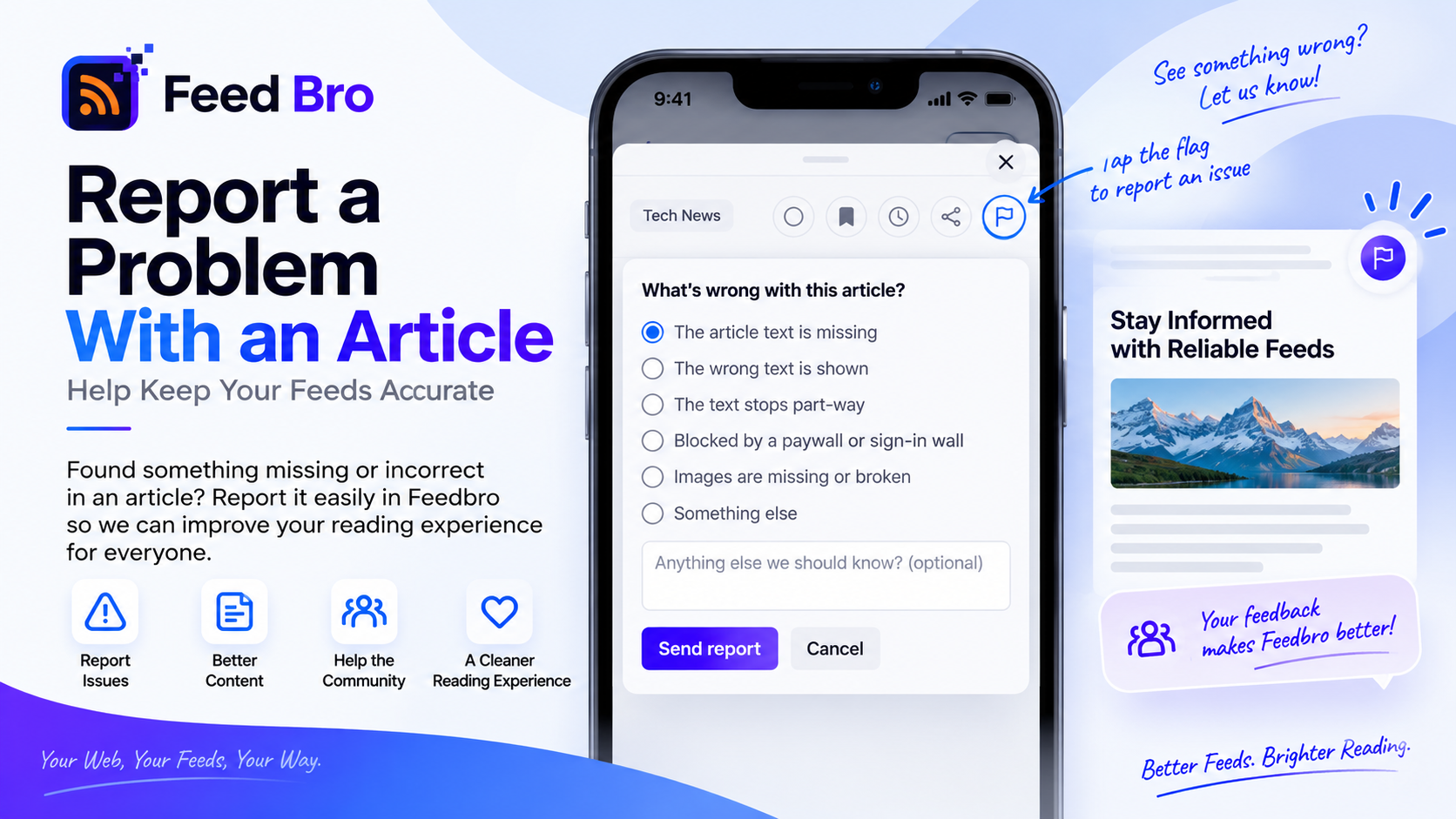
FeedBro runs on Android 5.0 and newer. Install FeedBro from Google Play, sign in, and your feeds are already there. If something doesn't look right, the flag button on any article and our contact page reach us directly.