RSS is still the best way to follow a website — when the website has a feed. Many don't: company newsrooms, careers pages, product pages, small online shops, government media pages. Until now, the only way to keep up with them was to remember to check.
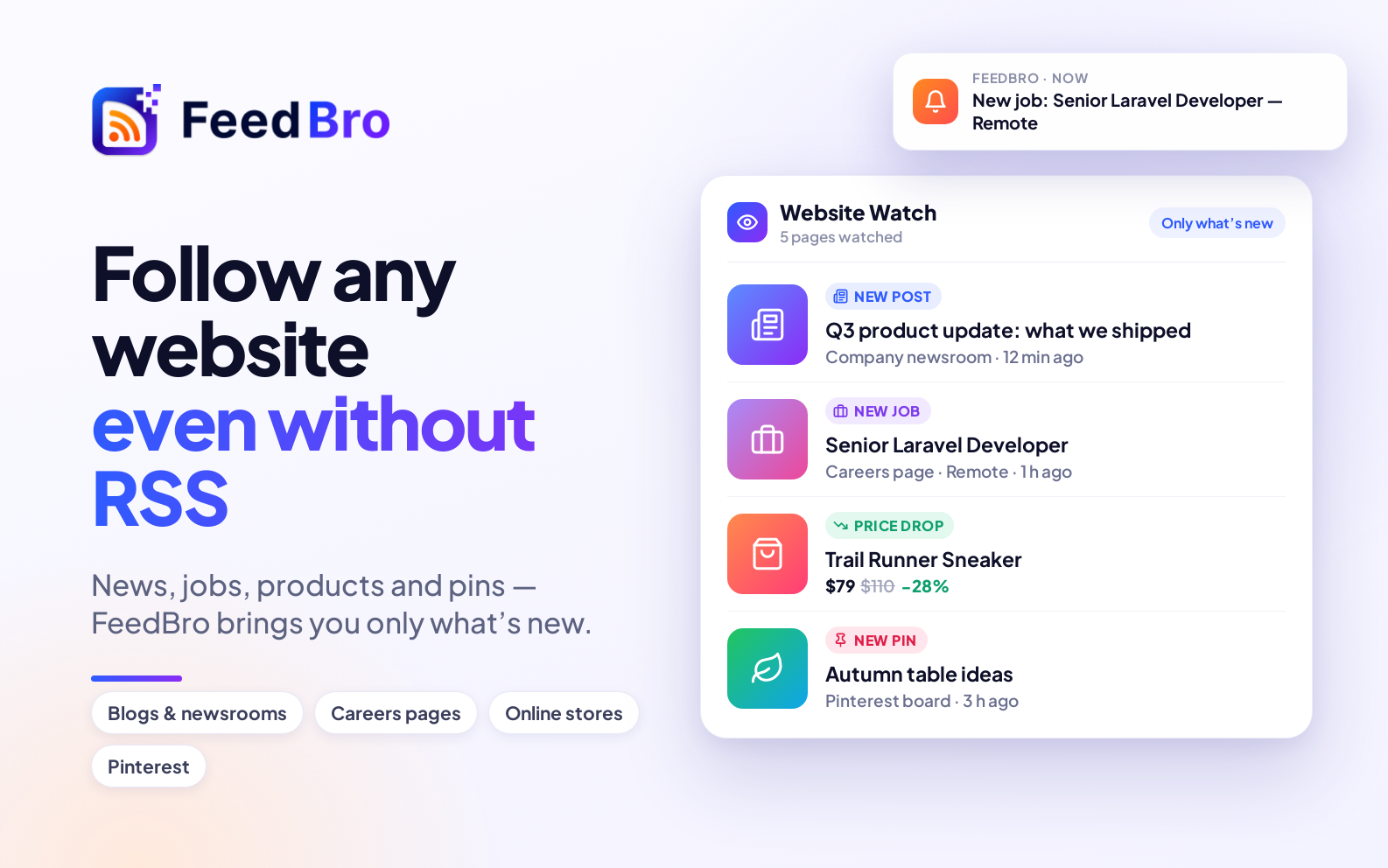
Website Watch fixes that. Give FeedBro the address of any page that lists things — posts, news, jobs, products — and it follows the page for you. Whenever something new appears there, it shows up in your FeedBro reader like an article from any feed, and your alerts can tell you about it.
How it works
FeedBro finds the list on the page
When you add a page, FeedBro looks at it the way you would: it finds the part that repeats — the cards, the rows, the list of links — and works out where each entry's title, link, date and picture are. It does that once, saves it, and reuses it on every check, so checks are fast and consistent.
Only new things reach you
The first check simply notes what's already on the page. You won't get fifty "new" items the moment you start watching. From then on, only entries that appear after that point arrive in your reader.
Sites that change their design
If a site redesigns its page and the saved way of reading it stops finding entries, FeedBro analyses the page again automatically. If it still can't find the list, the watch shows a clear note so you know.
What you can watch
- Blogs and newsrooms without a feed — company news, press releases, product updates.
- Careers pages — new job openings the day they're posted.
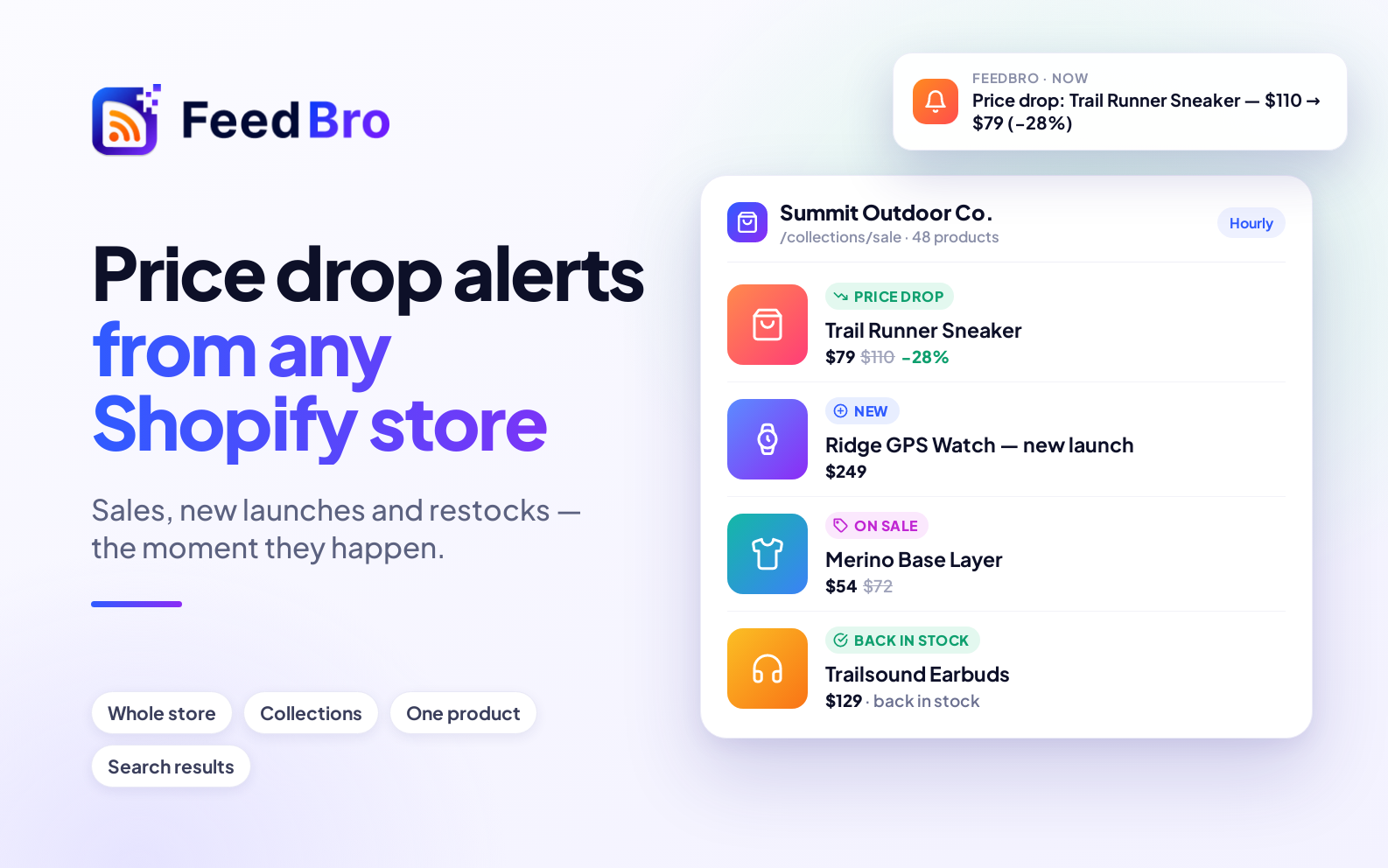
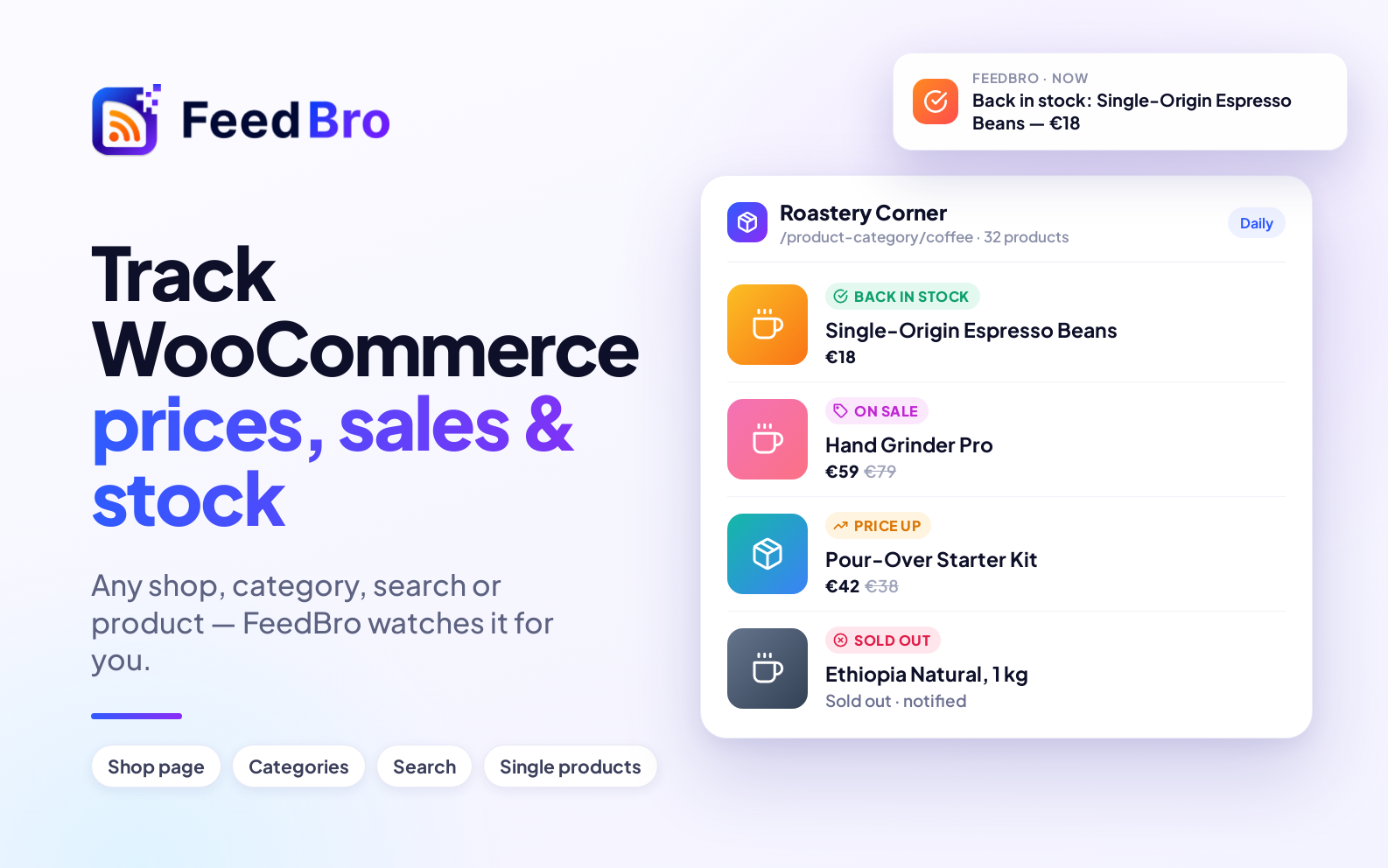
- Online stores — new products, price drops and rises, sales, and items coming back in stock. Shopify, WooCommerce, Magento, Wix and most shops that show prices.
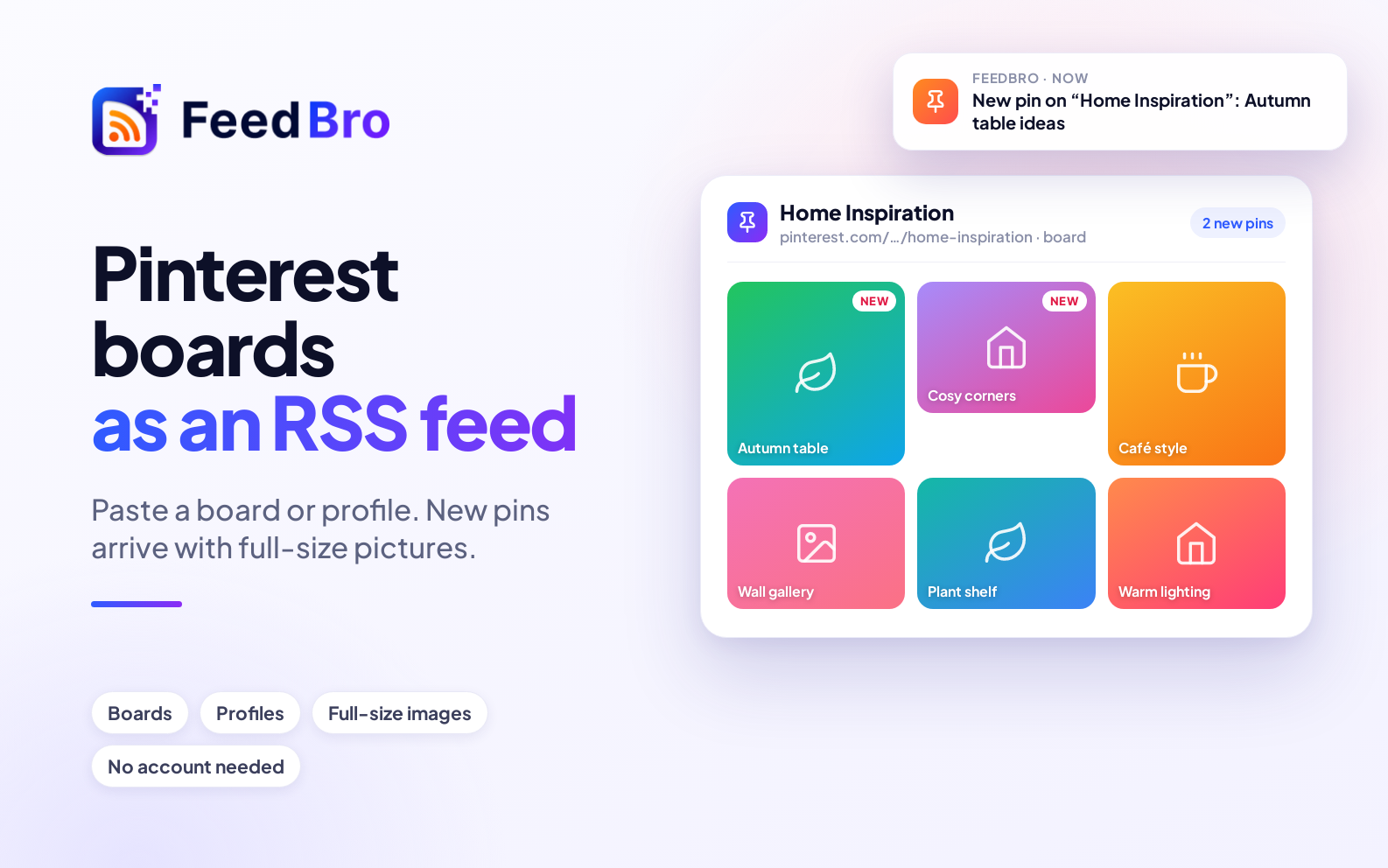
- Pinterest boards and profiles — new pins, with their full-size pictures.
- Government and organisation pages — media statements, notices, announcements.
Three ways to start
- Open Website Watch from the menu, paste the page's address and press Watch this page.
- Adding a feed and FeedBro finds none? You'll see a Watch this page instead button right there.
- In the FeedBro browser extension, press Monitor Website on the page you're looking at.
Get alerted, not just updated
Everything Website Watch finds is an item in your reader, so Rules work on it exactly as they do on feeds. Ask for a push notification on your phone or an email when a new job mentions "Laravel", when a store's item says "Price drop", or when a newsroom post mentions your company.
Free and Coffee Club
- Free: watch up to 3 pages or stores, checked once a day (the first page of each list).
- Coffee Club ($4.99/month): up to 10, checked every hour, every page of a long list read, and pages that build their list with JavaScript.
Tips for the best results
- Use the page that lists things — a blog's main page, a shop's category — rather than a single post.
- For a store, a category or a search results page narrows the watch to what you care about.
- If a page loads its list with JavaScript (you'll see a message saying so), the Coffee Club can watch it.