WooCommerce powers a huge share of the world's online shops — independent brands, local stores, makers and specialist retailers. If there's one you buy from, keep an eye on, or compete with, FeedBro can watch it for you.
What you'll see
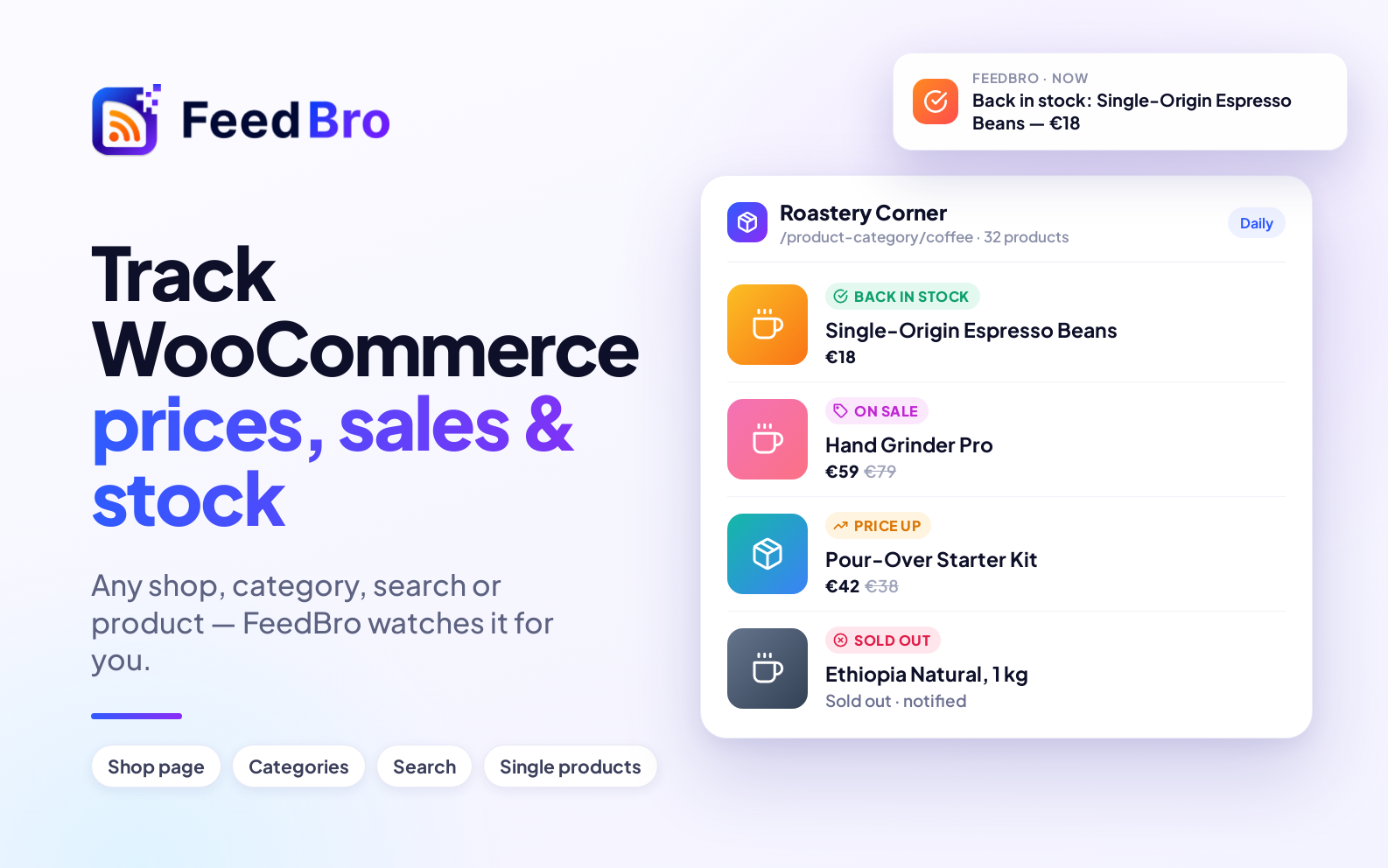
- 🆕 New products as they're added
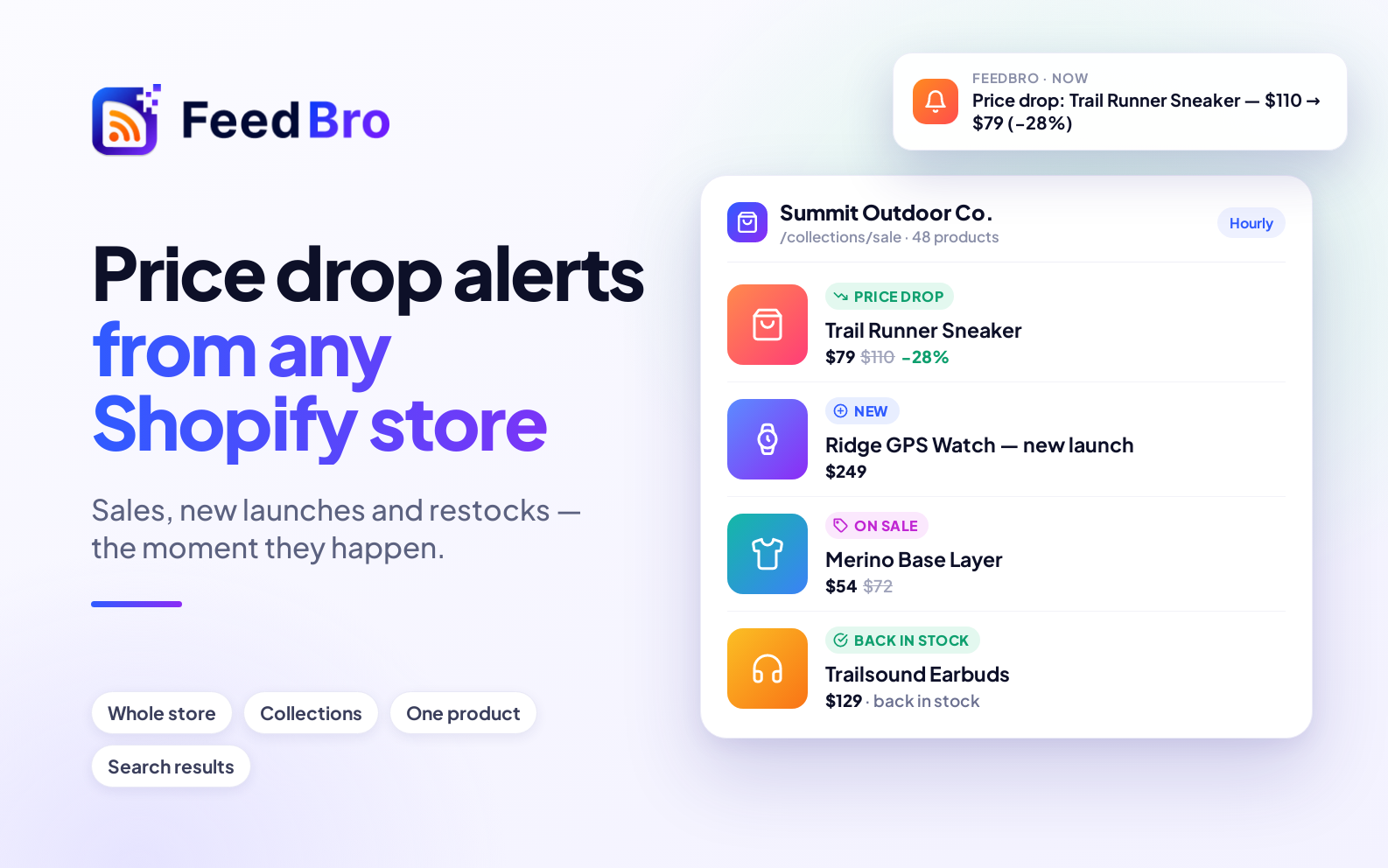
- 💸 Price drops, with the percentage off
- 🏷️ Sales starting, with the regular price shown
- 📈 Price rises
- ✅ Items back in stock and ⛔ items selling out
Shop, category, search or one product
Paste the page that matches what you want to follow:
- the shop's main page or its
/shoppage, - a category, like
/product-category/coffee, - a search results page,
- or a single product.
FeedBro recognises WooCommerce stores and reads their product information directly — prices, sale prices and stock come from the shop itself, not from the page's layout, so they're exact even if the theme changes.
Setting it up
- Open Website Watch.
- Paste the shop, category, search or product address and press Watch this page.
- The first check brings in what's there now, one article per product. After that, only changes reach you.
Useful for shoppers and for shop owners
- Shoppers: catch a sale on something you've been waiting to buy, or a restock of a sold-out item.
- Shop owners: keep an eye on a supplier's new products, or on prices in your market, without visiting a dozen sites.
Alerts
With Rules, the changes you care about can reach you as a push notification or an email: title contains "Back in stock", title contains "Price drop", or a product name.
Free and Coffee Club
- Free: watch up to 3 pages or stores, checked once a day (the first page of each list).
- Coffee Club ($4.99/month): up to 10, checked every hour, every page of a long list read, and pages that build their list with JavaScript.