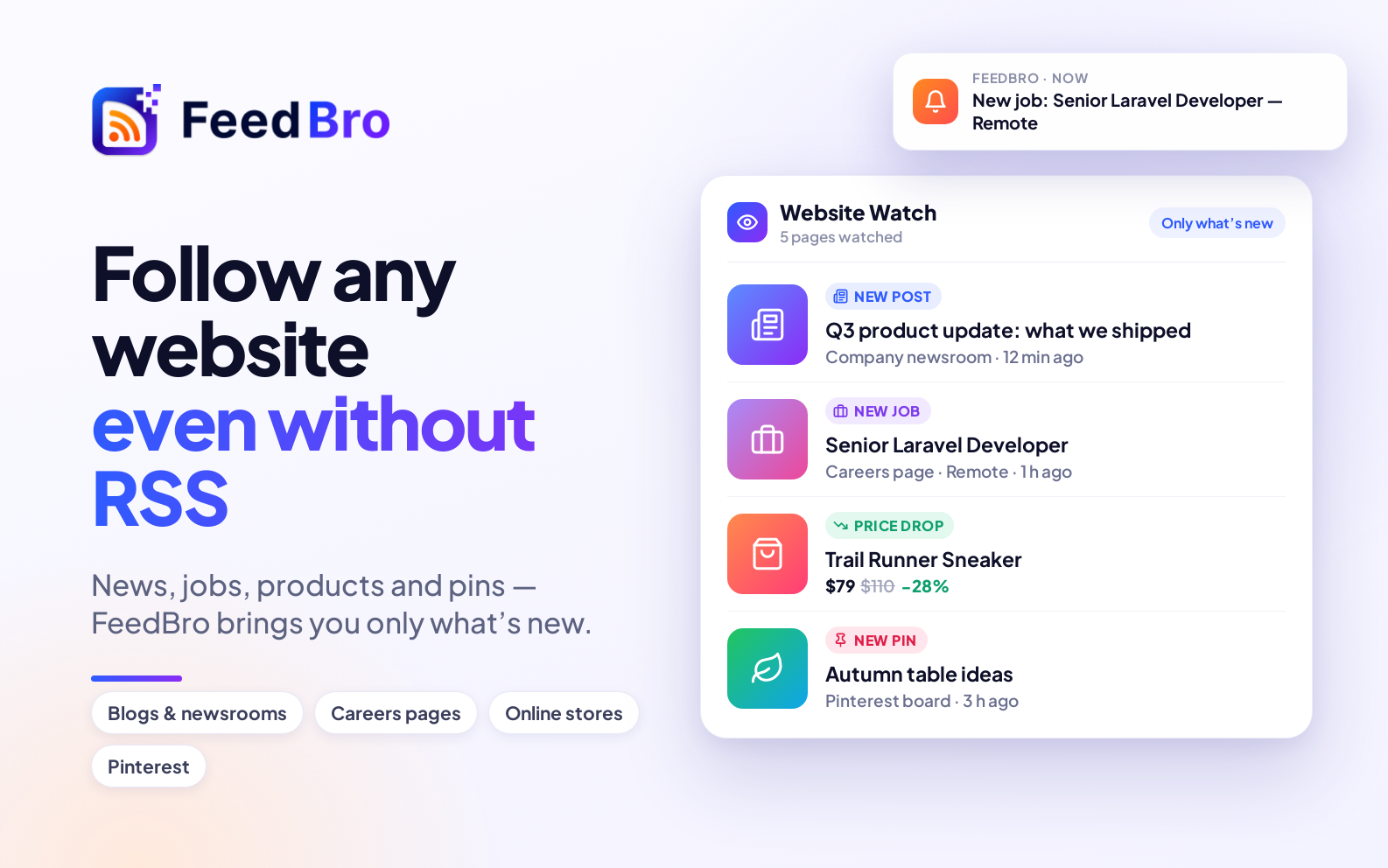
The best jobs often go to people who apply early. But most company careers pages offer no way to be told when something new is posted — no email alerts, no RSS feed. You're left checking the same pages again and again.
FeedBro's Website Watch checks them for you.
How it works
- Find the page that lists a company's open roles — usually
/careersor/jobs. - Paste it into Website Watch and press Watch this page.
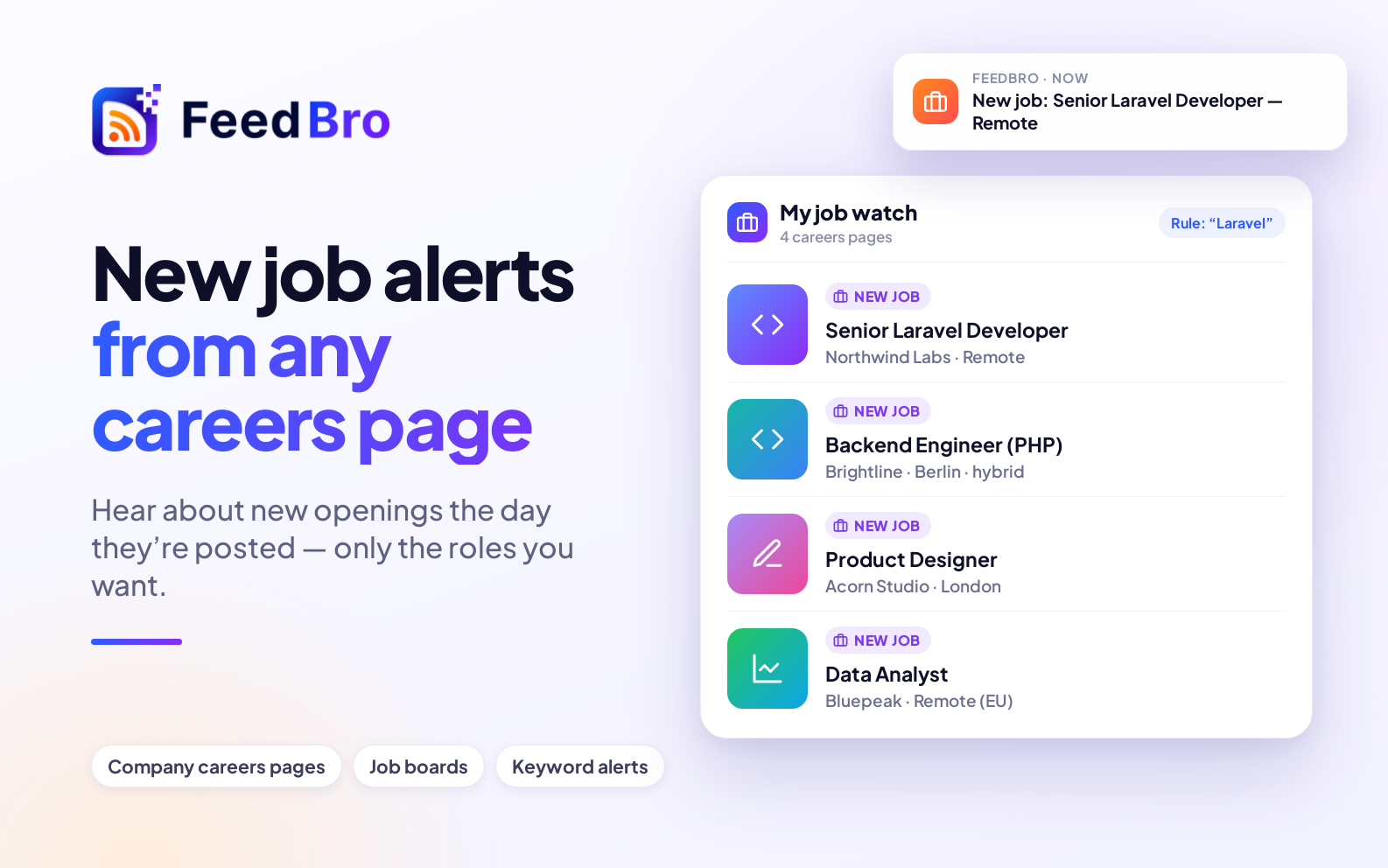
- FeedBro finds the list of jobs and notes the ones already there. From then on, each newly posted job appears in your FeedBro reader with its title and a link to apply.
Only the roles you want
Add a rule in Rules so you only get pinged for relevant roles: title contains "Laravel", "Senior", "Remote", or a city. Choose a push notification to hear about it on your phone (in the FeedBro Android app), or an email.
Watch several companies in one place
Put the careers pages of the companies you'd love to work for into a Collection and you have a single, private job board of your own — new roles from all of them, newest first.
Job boards and recruiters too
It works on any page that lists jobs: a job board's search results for your keywords, a recruiter's openings page, a university or government vacancies page.
Free and Coffee Club
- Free: watch up to 3 pages or stores, checked once a day (the first page of each list).
- Coffee Club ($4.99/month): up to 10, checked every hour, every page of a long list read, and pages that build their list with JavaScript.
Job hunting? The Coffee Club's hourly checks mean you hear about a new opening within the hour, not the next day.