FeedBro reads hundreds of different websites for you, and now and then one of them doesn't cooperate. When that happens, FeedBro tells you what it found and what you can do. Each message below is quoted exactly as it appears on screen, followed by what it means and what to do next. Most problems fix themselves, and many of the rest take one click.
A feed (also called an RSS or Atom feed) is the list of newest articles a website publishes for apps like FeedBro. Fetching means FeedBro's servers downloading that list, or an article's page, from the website.
Where you see these messages
- When you add a feed: in the Add a feed or website box, right after you click Add.
- In your list of feeds: on the Free plan, a yellow warning triangle next to a feed in the left-hand list means it isn't updating. Click it for help.
- On the My Feeds tab: open Explore from the menu and choose My Feeds. A feed that isn't updating has a warning icon next to its name (on every plan). Clicking it opens a window titled Not updating.
- In the feed itself: when a feed has no articles to show, its article list explains why.
- In an article: at the top of the article when FeedBro couldn't get its full text.
- In notifications and email: when something changes, such as a feed working again or being paused.
Messages when you add a feed
"There's no RSS feed on this page." / "We couldn't find an RSS or Atom feed at that address or anywhere on its site."
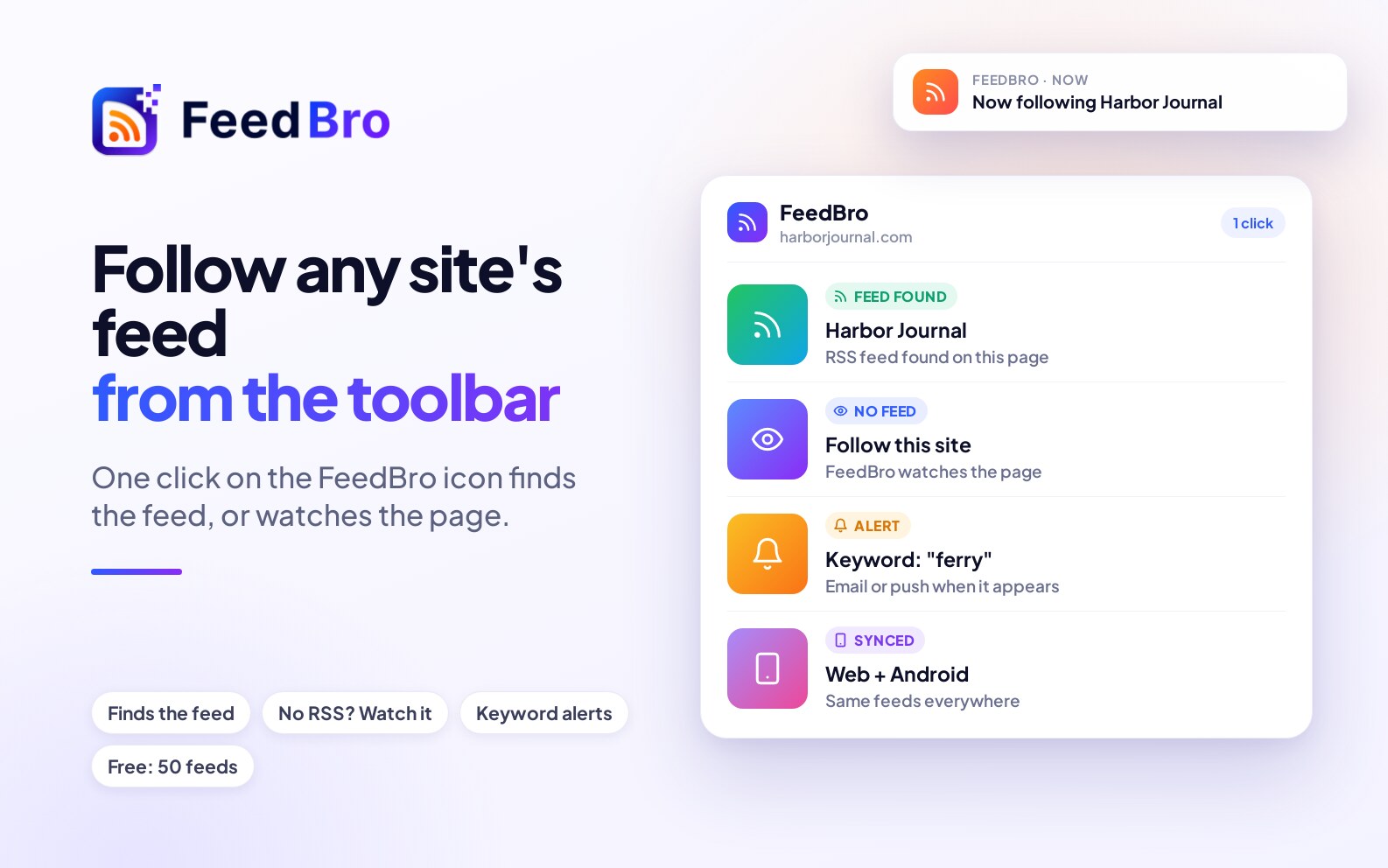
The page opened fine, but the site doesn't publish a feed. FeedBro offers Watch this page instead, which checks the page itself and brings in each new post, product or price change. Click it to start watching, or look on the site for a link called RSS, Feed or Subscribe and paste that address.
"That URL does not look like a valid RSS or Atom feed."
The address answered, but with something that isn't a feed. Check you copied the whole link, or paste the site's home page and let FeedBro find the feed.
"This page lists several feeds. Choose which to follow:"
FeedBro only needs you to choose. Tick the feeds you want and click Follow selected.
"That site is blocking automated access to this URL right now, so it can't be added as a feed."
The site turns away visitors that aren't a person in a browser. Often this message ends with "We'll keep trying in the background and send you a notification when it works." FeedBro then tries again about 15 minutes, 2 hours and 12 hours later and sends you a notice with the result. If it still can't get in, you get "We still can't reach" followed by the site's name, "It keeps turning us away. You can add it from your own browser with the FeedBro extension."
"Added [site], but it isn't answering us right now. We'll keep trying in the background and notify you as soon as it works."
The feed is in your list already. It shows Waiting for first posts until the site answers. You don't need to do anything.
"That site is limiting requests right now. Please try again in a few minutes."
The site is busy or rationing visits. Try again a little later.
"We couldn't reach that address. Check the link and make sure it points to an RSS or Atom feed." / "That address doesn't exist. Check the spelling of the site's name." / "The site didn't answer. It may be down right now, so please try again later."
FeedBro couldn't connect to the address. Check the spelling. If the address is right, the site may be down, so try again later.
"That page doesn't exist on the site (error 404). Check the link, or paste the site's home page instead."
The site says the page isn't there. Paste the site's home page and FeedBro will look for its feed.
"That doesn't look like a valid URL." and messages about a domain
Messages such as "doesn't look like a real domain" or "looks like a local/internal address" mean the address has a typo or isn't a public website. Copy it again from your browser's address bar.
"The service that publishes this feed has stopped serving it until its owner pays (for example, an rss.app feed whose trial ended). Whoever created the feed needs to renew it there."
Some feeds are made by a separate feed-making service. This one has stopped because the person who created it hasn't paid that service, and FeedBro can't get around this. If it is your feed, renew it with that service, or look for the website's own feed.
"YouTube isn't serving this channel's feed right now. It does this for a few hours most days, so please try again later."
See Waiting for YouTube below. You may also see "Channel added. YouTube is pausing its channel feeds for a few hours right now, as it does most days. The videos will show up by themselves once YouTube is back." In that case the channel is already followed.
"The feed answered with an empty page. Publishers do this briefly while regenerating a feed, so it will be retried on the next refresh."
The site had a short hiccup, and FeedBro tries again by itself.
"We hit a temporary problem on our side and couldn't reach that URL. Please try again in a moment."
The problem is on FeedBro's side. Wait a minute and add it again.
"You've reached the Free plan's feed limit (50 feeds)."
Free accounts can follow up to 50 feeds. Unfollow one you no longer read, or join Coffee Club for unlimited feeds.
Messages about a feed you follow
Waiting for first posts
The My Feeds tab shows this with an hourglass. The tip says: "FeedBro follows this feed and will load its posts as soon as the site answers." Give it time. If the site never answers within a week, FeedBro stops trying and pauses the feed, and anyone who asked to be told gets "We couldn't reach your feed".
"We can't reach this feed yet"
This shows inside the feed when it has no articles yet: "The site is blocking automated readers or is slow to answer. We keep trying in the background and will tell you as soon as it works." On the website you also get Fix in my browser ("Your own browser can often reach a site that blocks FeedBro's servers."). It needs the FeedBro browser extension, version 0.6.2 or later. Click it, and when the small window says the feed was saved, reload the page. After a day you are also offered Watch the site's page instead.
"This website is blocking FeedBro"
This shows in the Not updating window: "The site sees FeedBro's servers as robots and turns them away, even though the feed itself is public. We tried several different ways and will keep trying." The feed itself is fine, but the site won't let servers in. You can:
- Install the browser extension (Get the extension). It fetches feeds that block servers from your own browser.
- In the Android app, tap Try on my phone (on the My Feeds tab) or Open & fix on my phone. Your phone opens the feed and FeedBro saves the new articles. The app can also do this on its own: in Settings, Feeds, the Blocked feeds card has "Refresh unreachable feeds from this phone (Android app)".
- Click Tell me when it works again to get a notice when it starts updating.
On the Free plan the window adds "Free plan: a few extra retries a day. Coffee Club: retries every time." Free gets premium fetching up to 3 times a day per feed, and Coffee Club gets it on every fetch.
The Free plan's warning window
The yellow triangle in the left-hand list opens a window titled Not updating. It starts with the feed's name and "is taking a break from updating.", then the site's name and "is blocking us for now. We tried several ways today, including our premium fetching, and we'll keep trying. Meanwhile:". It offers the same two options, Use the FeedBro browser extension and Coffee Club under Want FeedBro to keep trying for you?, plus Tell me when it works again.
"This feed is behind a sign-in"
The site only shows its feed to people who are signed in, and FeedBro's servers got the sign-in page. The message continues: "To read it here: install the FeedBro extension in Chrome or Firefox, make sure you are signed in to the site in that browser, then press Fix in my browser. FeedBro then keeps it updated from your browser while it is open."
With Coffee Club you can instead click Authentication required and give FeedBro your own sign-in for that site. It is stored encrypted and used only for that feed, and your copy of the feed becomes private to you. If that sign-in later stops working, you get one notice, "Your sign-in for [site] expired", and the feed settings say "Your sign-in expired. Paste a new cookie."
Waiting for YouTube
YouTube's own channel feeds go missing for a few hours most days (roughly 03:00 to 07:00 UTC). The tip says: "YouTube pauses its channel feeds for a few hours most days. That's on YouTube's side, not FeedBro's. New videos show up here by themselves once YouTube is back." There is nothing to fix. If you added channels during the pause, you may get "YouTube is pausing its feeds", and later "YouTube is back" once their videos are in.
"This feed's address has a problem"
The site itself answered with an error. There are two versions (the number in brackets is the error code the site sent):
- "The site answered with an error (404): the feed address is no longer there. It may have moved or been switched off." The feed was probably moved or removed.
- "The site answered with an error (500): its feed is broken or switched off on its side. FeedBro keeps trying, but you may want to open the address to check it, or watch the site's page instead." The site has a fault of its own.
Click Open the feed address to see it yourself, or Watch the site's page instead.
On the My Feeds tab, the Not updating window gives you three buttons for a "404 Not Found": Open the address, It opens for me and It does not open: unfollow. If it opens fine for you, click It opens for me. FeedBro tries again at once and the team is told ("Thanks. FeedBro will try it again now, and our team has been told."). While FeedBro is still double-checking, the window says "We are still confirming it from other routes before we call it gone."
A feed was paused
FeedBro stops checking a feed (pauses it) in these cases:
- Its address answered "not found" 10 checks in a row. You get an email with the subject We paused "[feed]": its address keeps coming back "not found".
- The feed-making service that publishes it asked for payment 2 checks in a row. The email subject is We paused "[feed]": the service that publishes it has stopped serving it.
- It never answered in the week after it was added.
A paused feed shows Paused in the list on Settings, Feeds. You keep every article already saved from it. In the first two cases FeedBro checks the feed again every day and switches it back on when it answers, with an email saying the feed "is working again". If you think a feed was paused by mistake and it opens fine in your browser, tell us.
"A feed moved, and we followed it"
The site now publishes its feed somewhere else, and FeedBro switched your feed to the new address by itself. You don't need to do anything.
Empty right now / "No posts in this feed right now"
FeedBro reached the feed without trouble, but the site hasn't published anything in it: "The publisher's feed is empty at the moment. New posts will appear here as soon as they publish." This is not an error. If it stays empty for a long time, the site may have stopped using that feed, so check the site for a newer one.
"This is the comments on one post, not the blog."
You followed the comments of a single article by accident. Click Follow the blog instead.
"FeedBro could not read this feed the last time it tried. It keeps trying in the background."
This is a general failure that doesn't fit the cases above, and it usually passes by itself. You can open Technical details in the window to see the address and what the site answered, which is useful if you report it.
Messages about an article
"This article needs a subscription to [publisher]."
The rest reads: "FeedBro shows the summary the feed publishes; the full text is the publisher's to sell." The site only gives subscribers the full article, so FeedBro shows the feed's summary instead of the publisher's subscribe box. Click Read it on [publisher] to read it there. If you are a subscriber:
- With the browser extension, open the article in your browser while signed in, then choose Fix this page on FeedBro from the right-click menu.
- In the Android app, the note says: "Tap Fix article, sign in on [site] in the window that opens, then tap Save."
"We couldn't pull the full article from [feed]. Some publishers block automated readers from fetching their pages."
FeedBro has the title and summary but not the full text. Click Read it on [feed] to open the original. On the Free plan the article also says the site "is being stubborn with this article." and offers:
- Use the FeedBro browser extension: open the article on the site, right-click the page and choose Fix this page on FeedBro. The full text is saved to FeedBro.
- Coffee Club, which uses premium fetching on every article.
Click Tell me when it's ready and FeedBro keeps trying in the background and sends a notification ("Ready to read") when the full text is in. In the Android app, Open & fix on my phone loads the page on your phone and saves the full article for everyone who follows the feed.
On Free you may also see "As part of your free trial, FeedBro loaded this article with its advanced tools." Free accounts get 10 such articles in total. When they are used up, the help says "Your 10 trial articles are used up."
Other article notices
- "This is a Google News link. Google routes it through its own redirect page instead of the publisher's, so we can't pull the full article text here." Open the original, or follow the publisher's own feed instead of Google News.
- "This item links to a PDF document rather than a web article, so there's no page text to show here." Click Open PDF. Coffee Club shows PDFs right inside the reader.
- "This item is a file to download, not an article." Use the download button if you want the file.
- "This is a video. It plays on [site]." Click Watch video. Videos from YouTube and many other sites play right in the article.
- "This video couldn't load here. Your connection may be blocking Reddit's video server." Watch it on Reddit instead.
Good to know
- A feed is fetched once for everyone who follows it. When one reader fixes a feed or article from their browser or phone, everyone who follows it benefits.
- How often a feed is checked depends on its most active reader: hourly for people who use FeedBro regularly (every 15 minutes with Coffee Club, if you choose it), once a day for readers who haven't been back for a while. Feeds whose readers have all been away for over a month aren't checked until someone comes back, and then they refresh at once. This is not an error.
- A feed that is failing but already has articles still shows them. The warning icon tells you that new ones aren't arriving.
- Every night FeedBro also checks failing feeds against what the site publishes, and the team looks at any that turn out to be FeedBro's own mistake. Feeds that have gone quiet are checked too, and moved to the site's current feed address when it has a new one.
If something still doesn't work
Report it
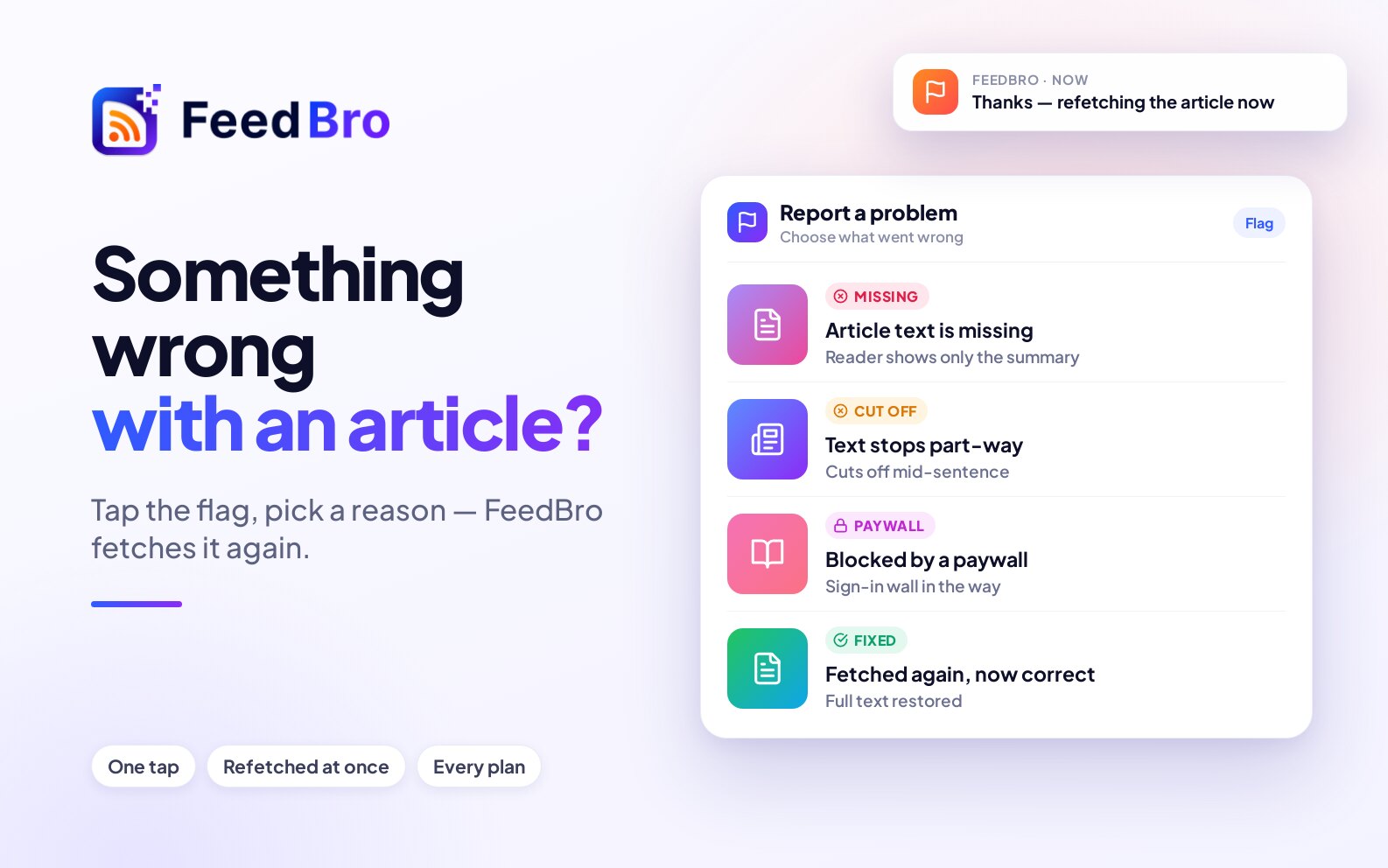
On the My Feeds tab, click the flag icon next to the feed (Report a problem). In an article, click the flag at the top (Report a problem with this article), choose what's wrong, and click Send report. Reporting an article also makes FeedBro try to read it again.
Check the address in your browser
If the feed address doesn't open for you either, the site has removed or moved it. Look on the site for its current feed, or watch the page instead.
Refresh it yourself
When a feed hasn't been checked for a while, the left-hand list shows a Refresh this feed now button next to it. New articles appear a minute or two later.
Contact us
If none of this helps, contact us with the feed's address. We read every message.