An RSS feed lets you follow a site without checking it by hand, but first you have to find the feed address. The FeedBro extension for Chrome does that part: it looks at the page you are on, and when there is a feed it offers to follow it.
Follow a feed in three steps
- Open the site you want to follow in Chrome: a blog, a news site, a YouTube channel or a podcast page.
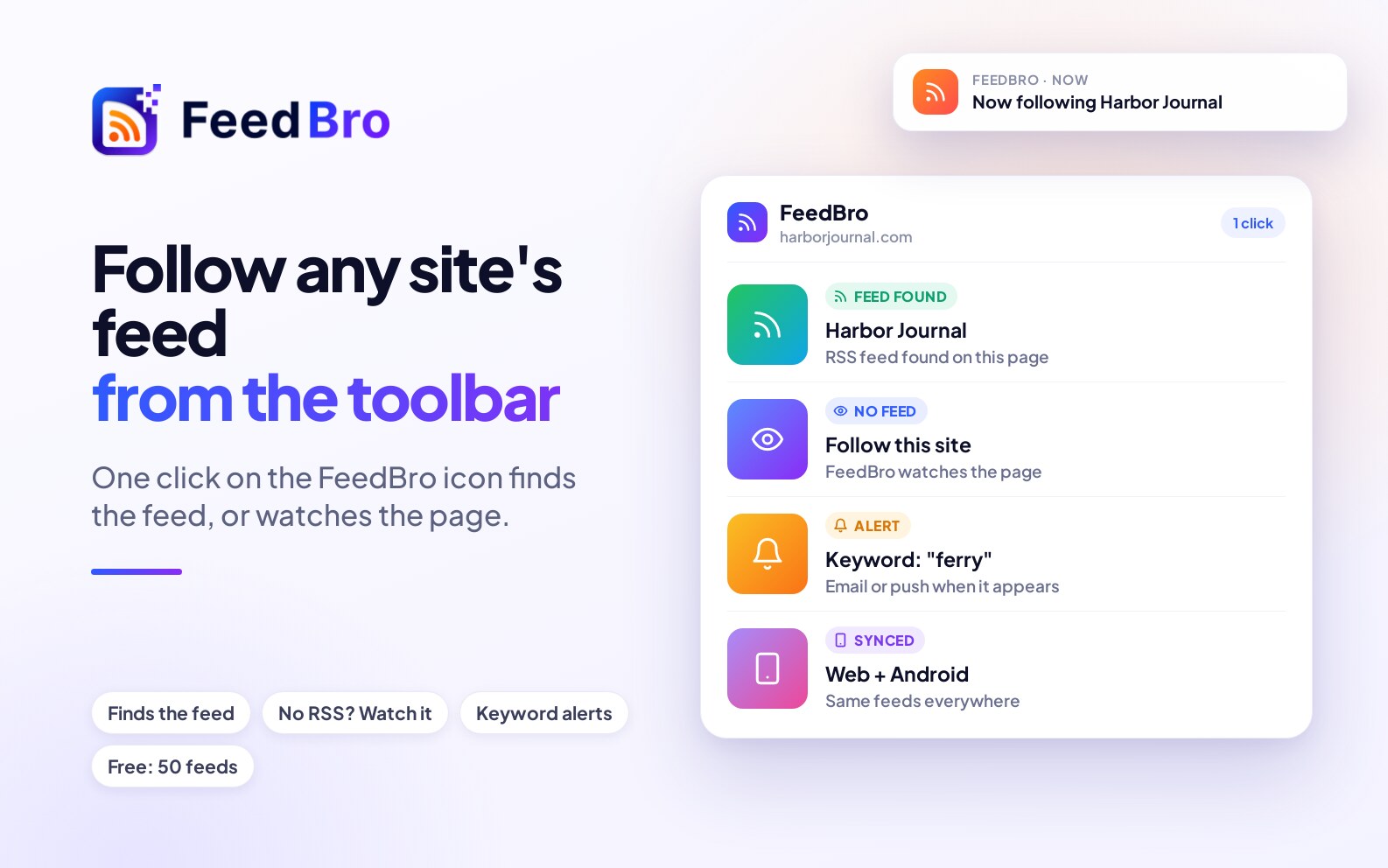
- Click the FeedBro icon in the toolbar. If the page has a feed, you see its name and a Follow Feed button. You can pick a collection first.
- Click Follow Feed. New articles now arrive in your reader, in the popup and in the full-page view.
What if the site has no feed?
Many sites do not publish one. For those the popup offers Follow this site, and FeedBro watches the page and tells you when something new appears. The same button works on shop pages and careers pages, where you may want updates without any RSS feed.
Read what you follow
The popup lists your unread articles, so you can skim headlines without leaving the page you are on. Open the full-page reader for the whole article, collections, saved pages and settings.
Get an alert for a topic
Set a keyword alert and FeedBro emails you or sends a push notification when a followed feed mentions your word, for example a competitor, a city or a product name.
Move your old feeds across
If you already follow feeds in another reader, you can import them with an OPML file in a minute.
Install
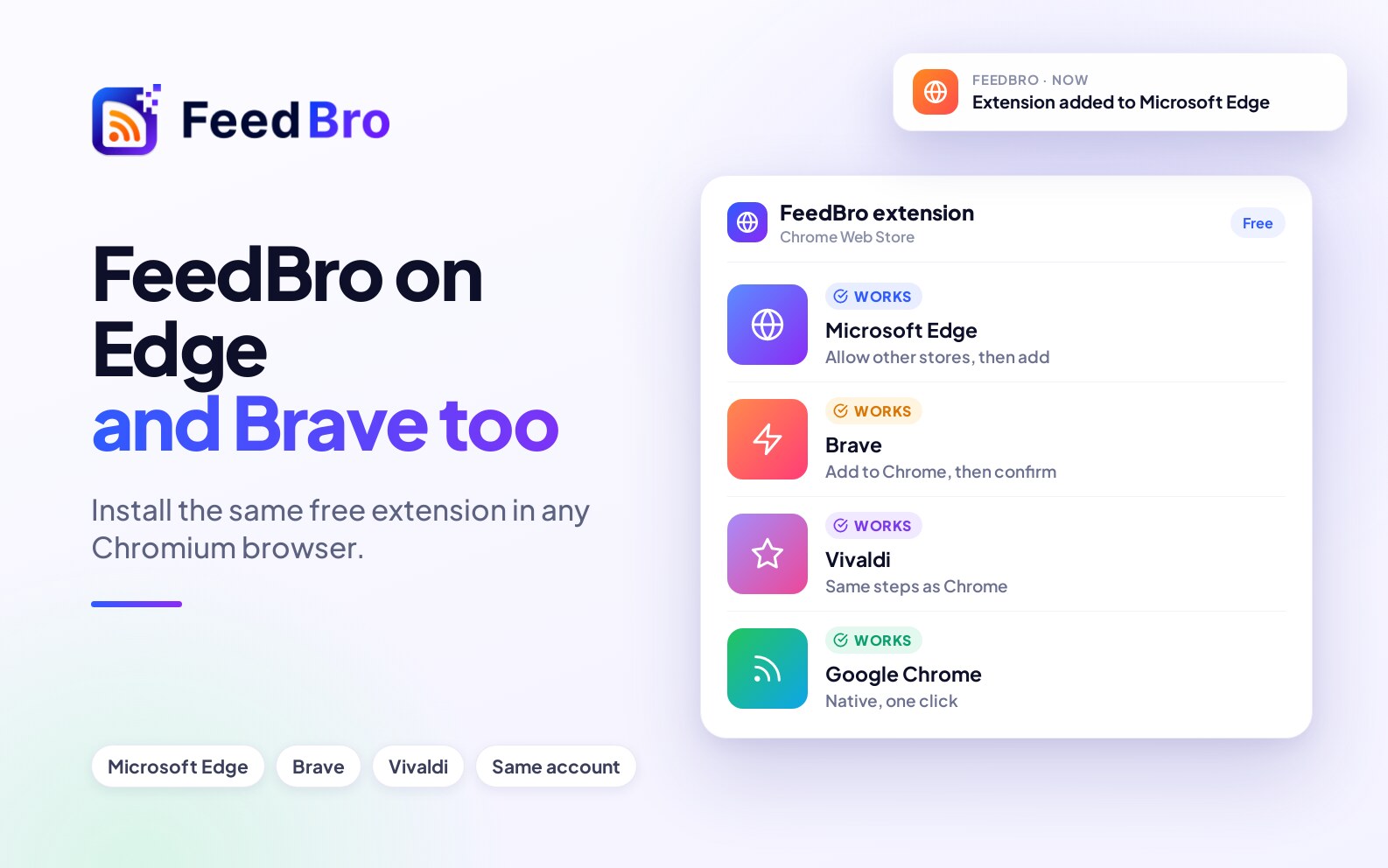
The extension is free and works in Chrome, Edge and Brave: add FeedBro to Chrome. On Firefox, use FeedBro for Firefox.
Frequently asked
Does it work with YouTube channels?
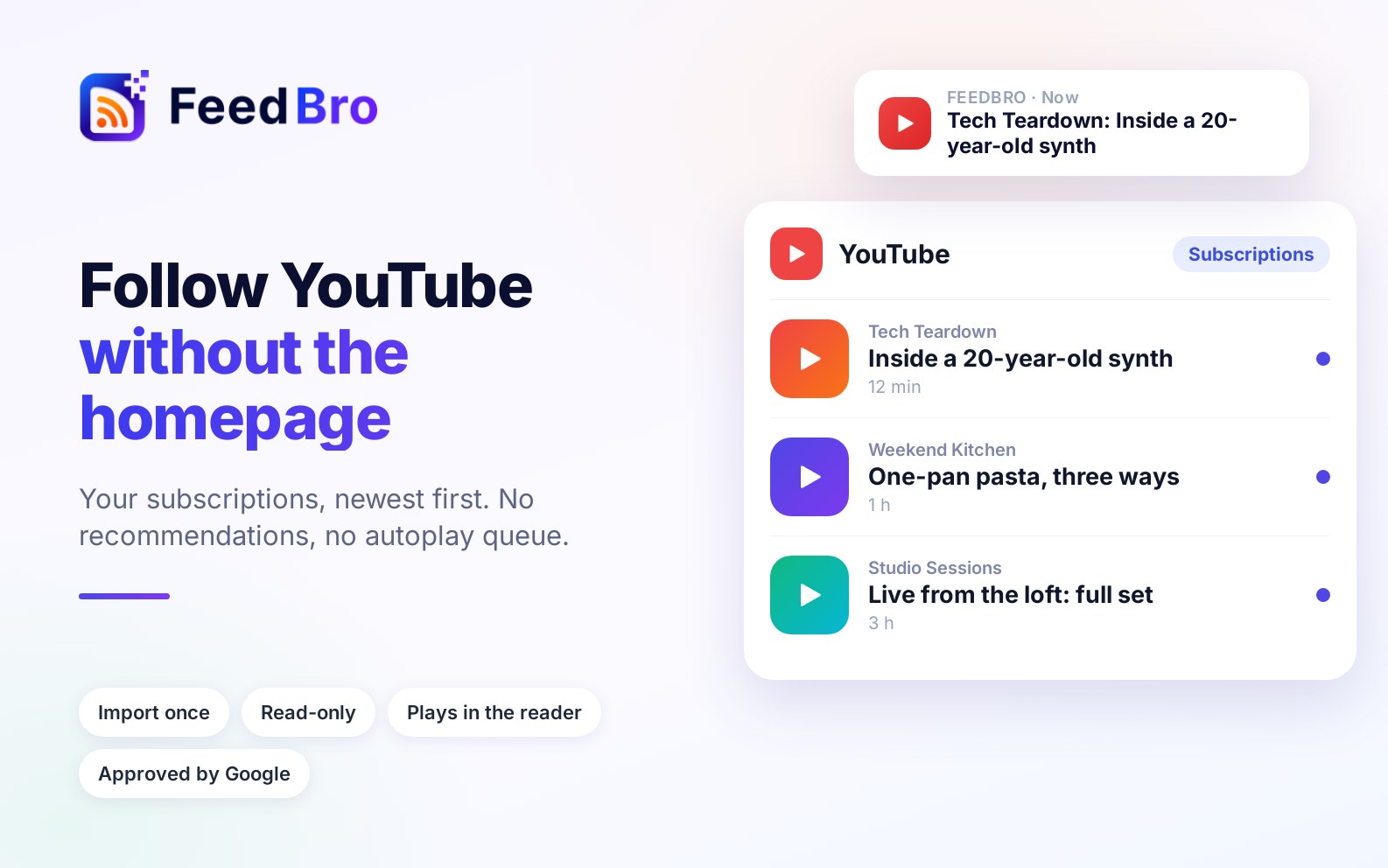
Yes. Open the channel in Chrome and follow it from the toolbar; see how to follow YouTube channels without the homepage.
How many feeds can I follow for free?
Up to 50 on the free plan.
Do my feeds show up on my phone?
Yes. They sync with feedbro.com and the Android app.