Guides, tips and updates on RSS and Atom feeds, and on using FeedBro to read and organise them all in one place.
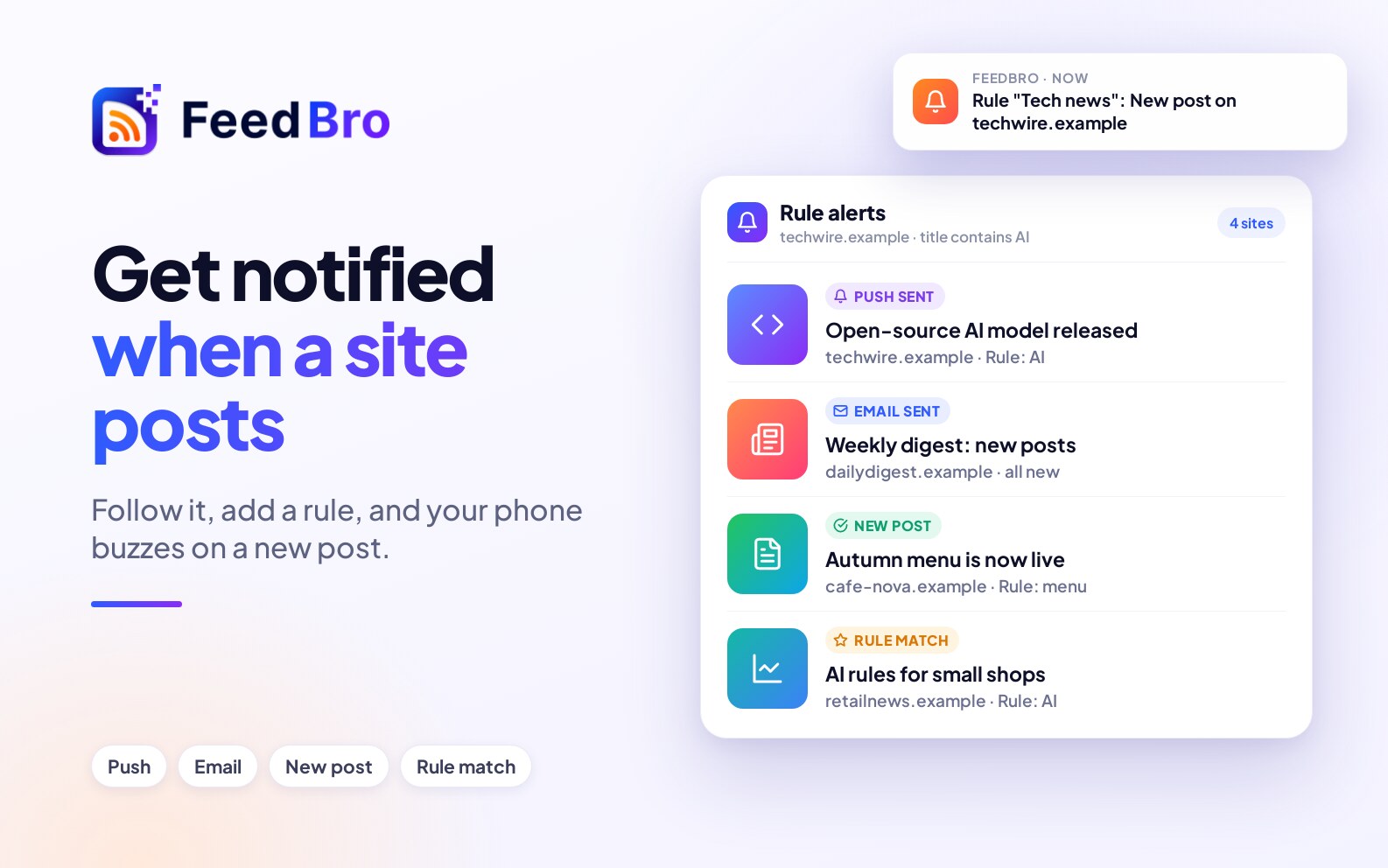
Follow the website in FeedBro and turn on alerts for every new post, or add a rule for only the posts that match. It works even when the site has no RSS feed.
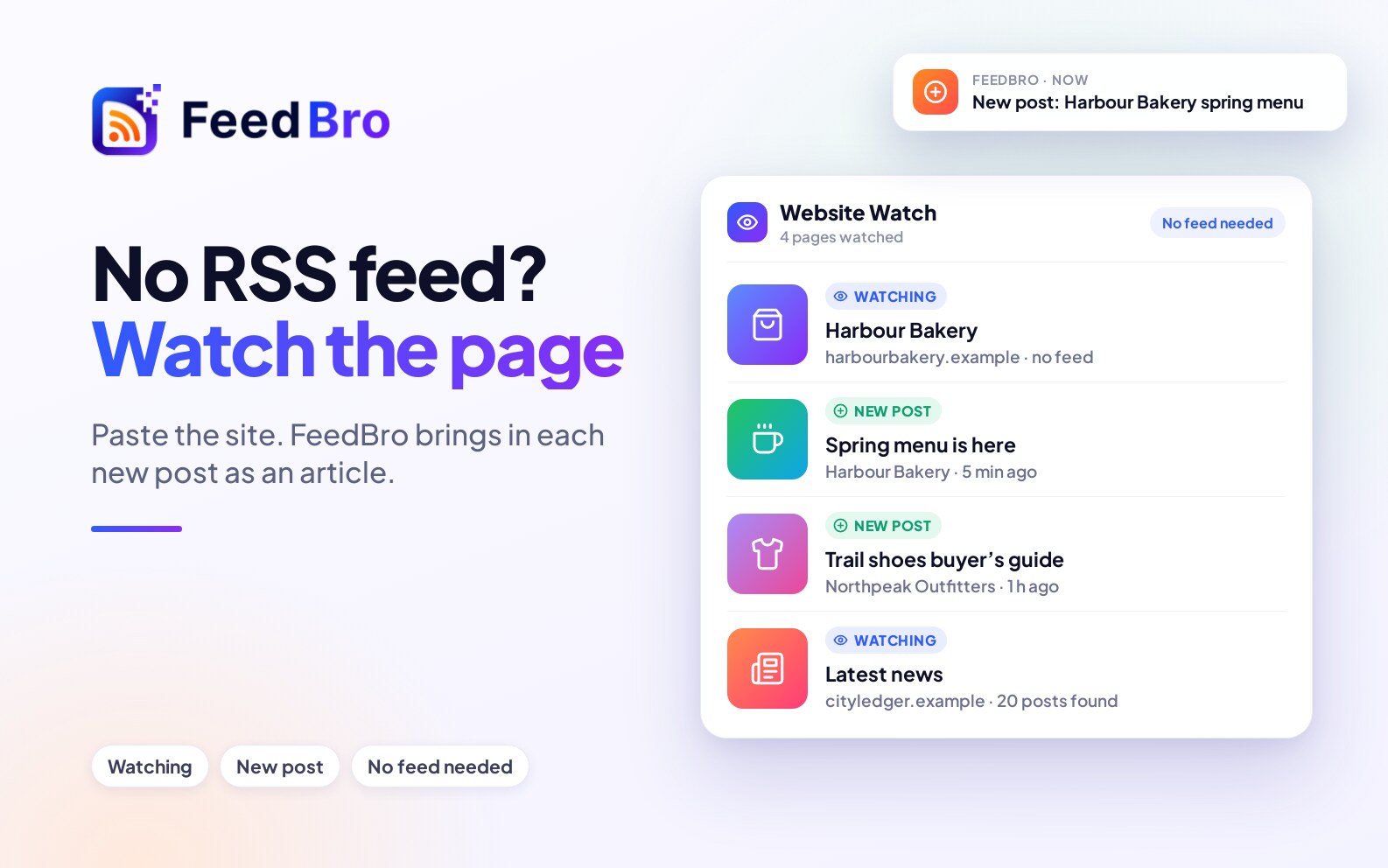
Paste the website into FeedBro. It looks for a hidden feed and, if there is none, watches the page itself and brings in each new post. You don't need a feed address or any setup.
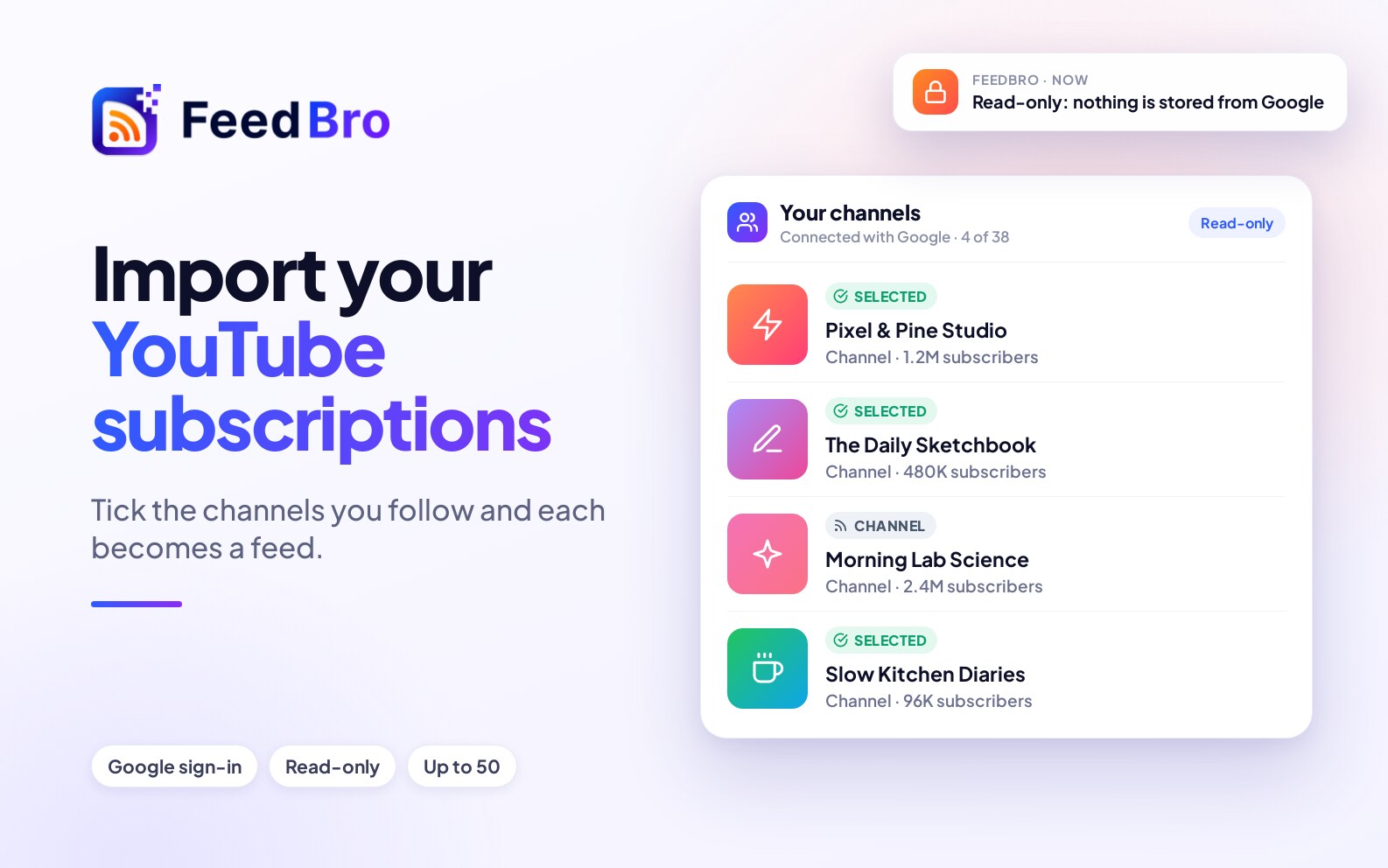
Bring the channels you follow on YouTube into FeedBro in one step: sign in with Google once, tick the channels you want, and each becomes a feed. The access is read-only and nothing else from Google is kept.
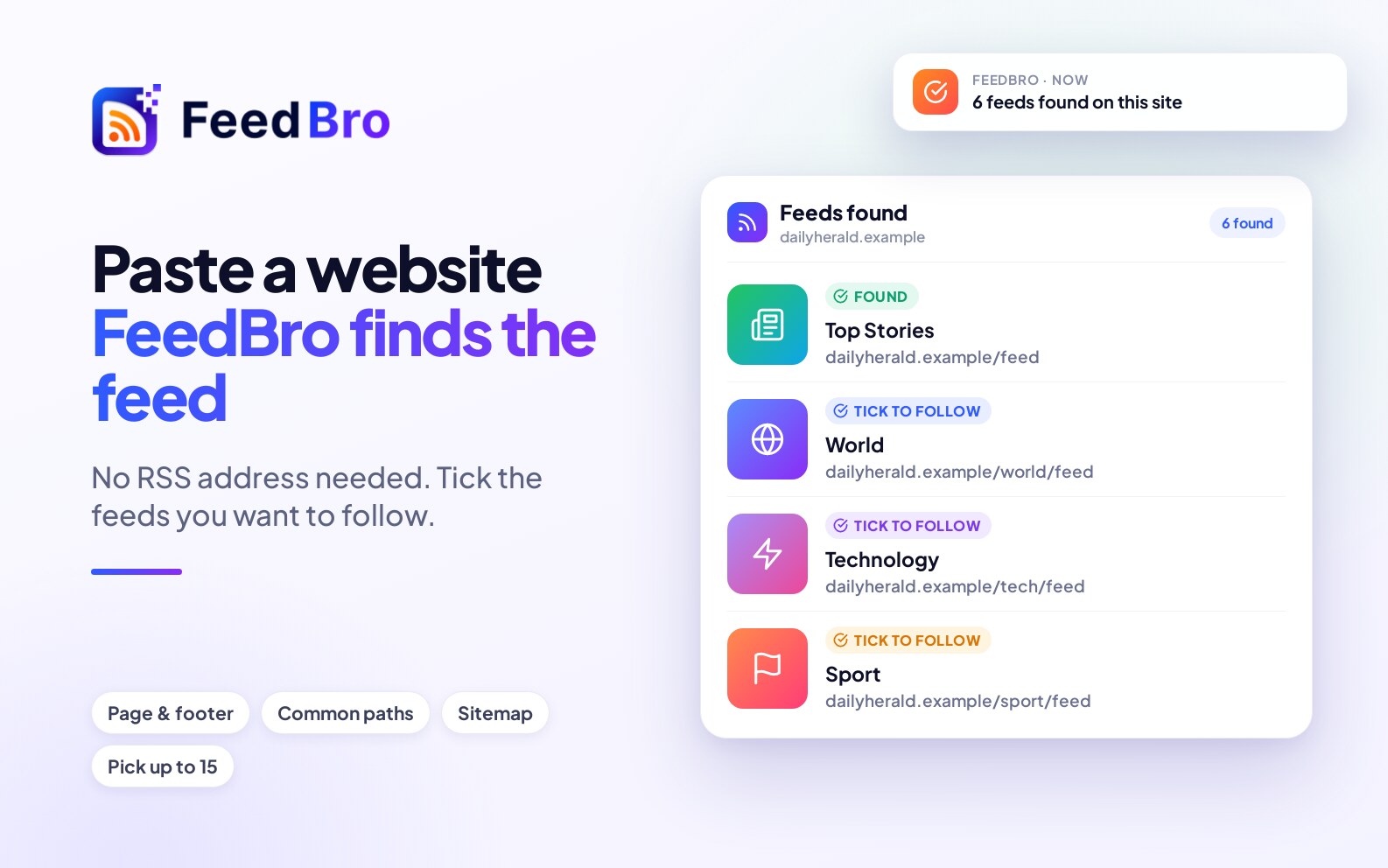
Paste any website address and FeedBro looks for its feed in the page, the footer, common paths and the sitemap. If a site has several feeds, you choose which to follow.
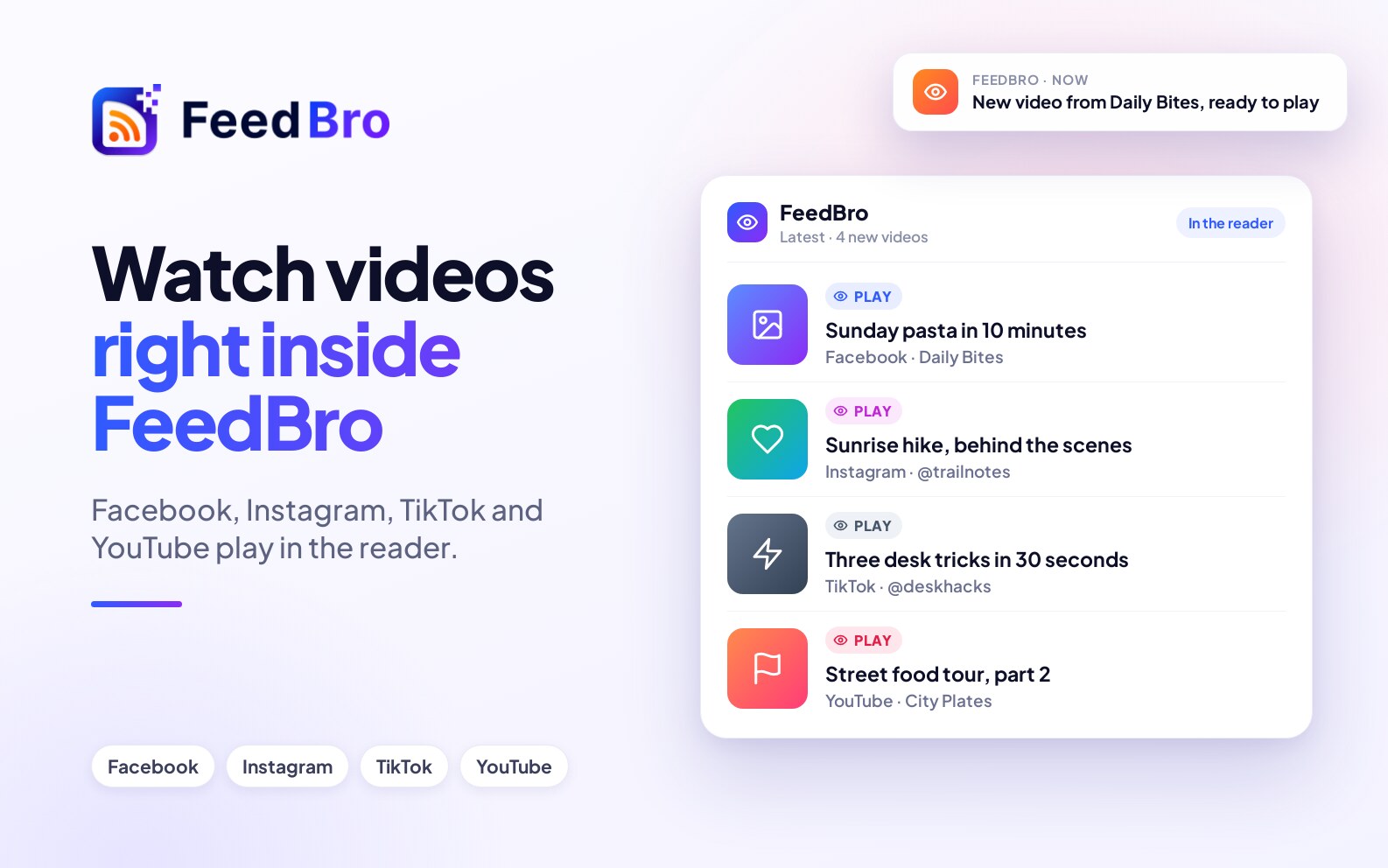
Videos from Facebook, Instagram, TikTok and YouTube now play in their own player inside the FeedBro reader. You stay in the reader, and the thumbnail is no longer shown twice.
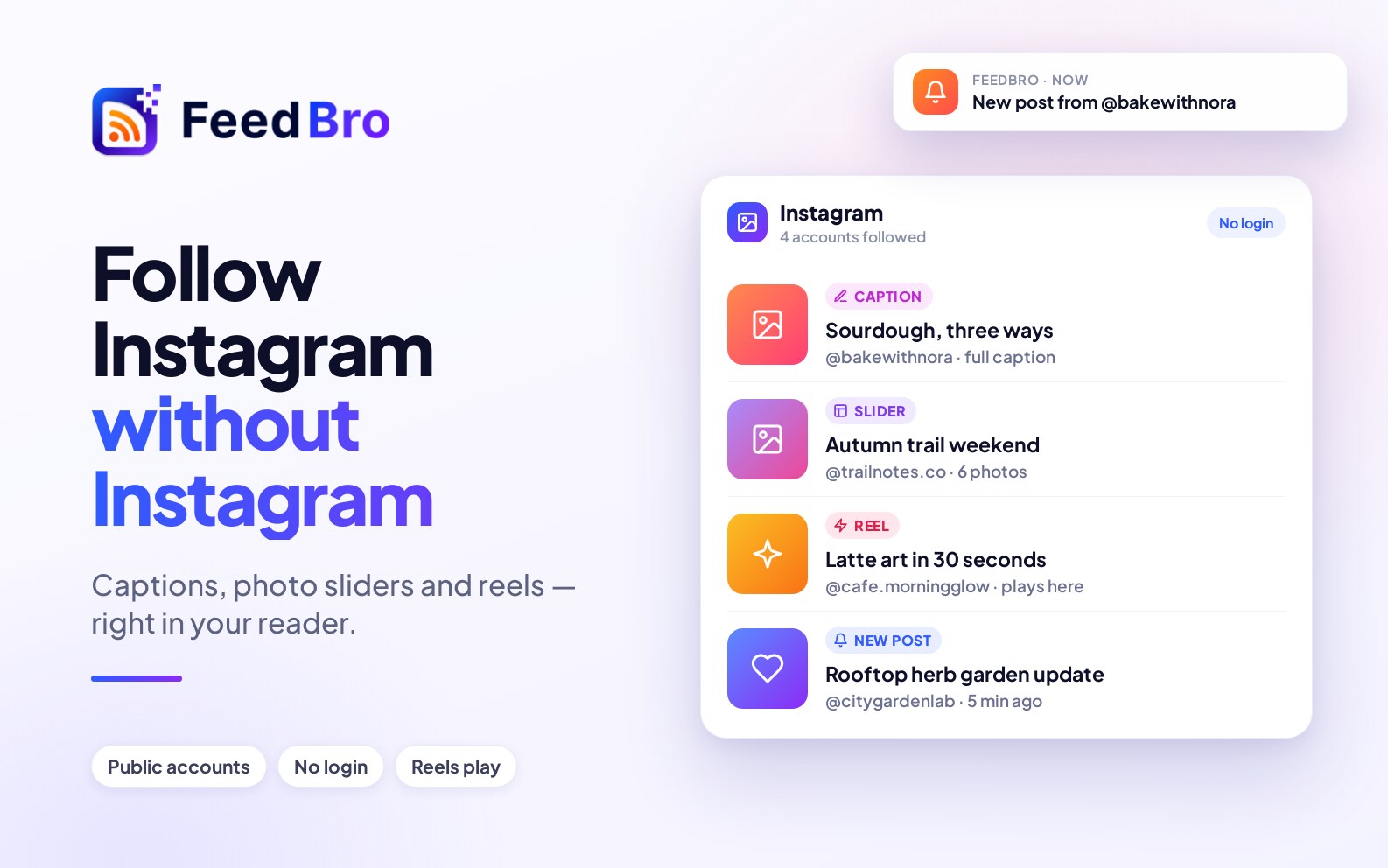
Paste an Instagram account's address and its new posts arrive in your reader with their captions and pictures, and its reels play right there. You don't need an Instagram login or the app.
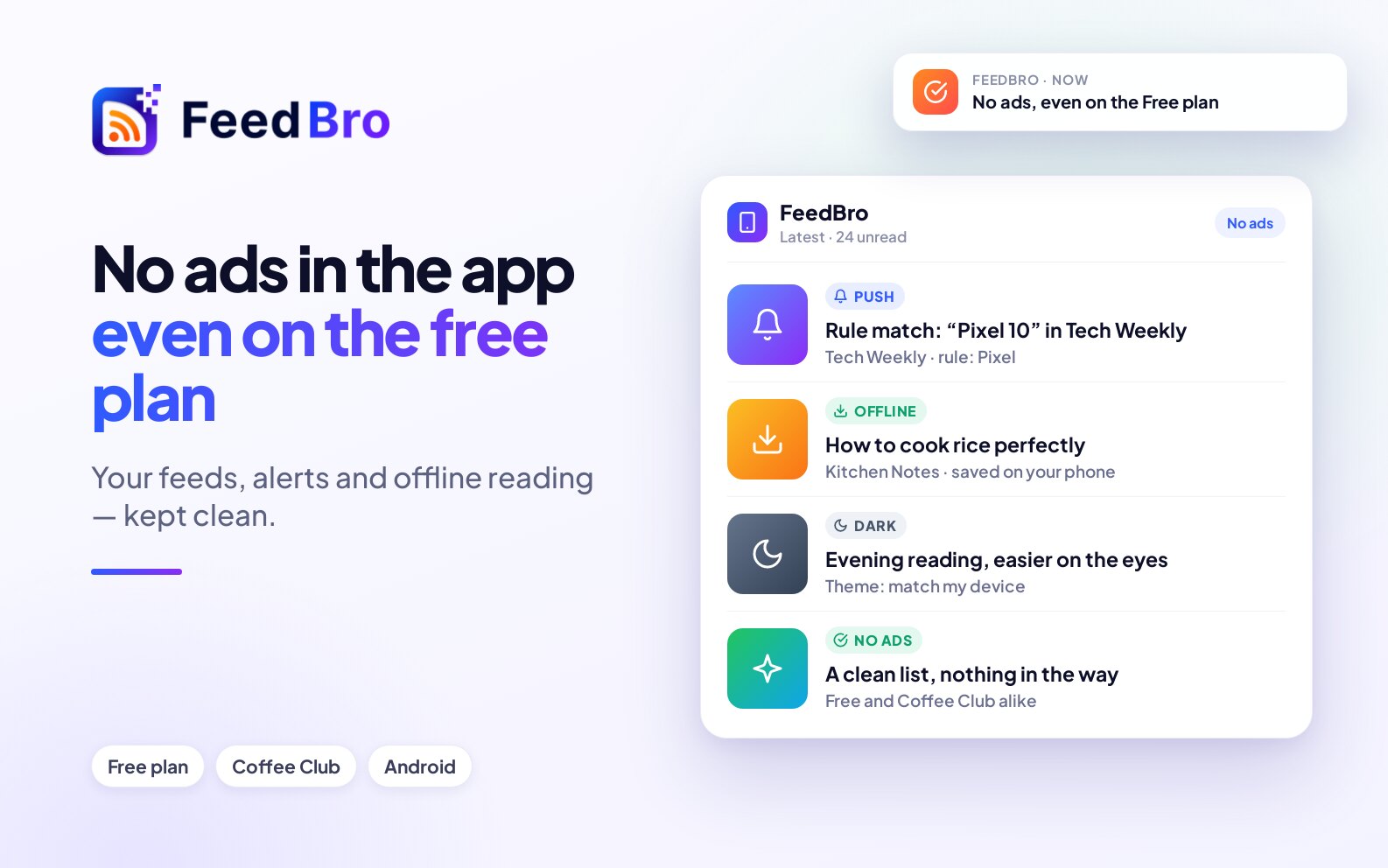
The FeedBro app for Android shows no ads to anyone, on Free or Coffee Club. Same account, push notifications for your rules, offline reading and dark mode.
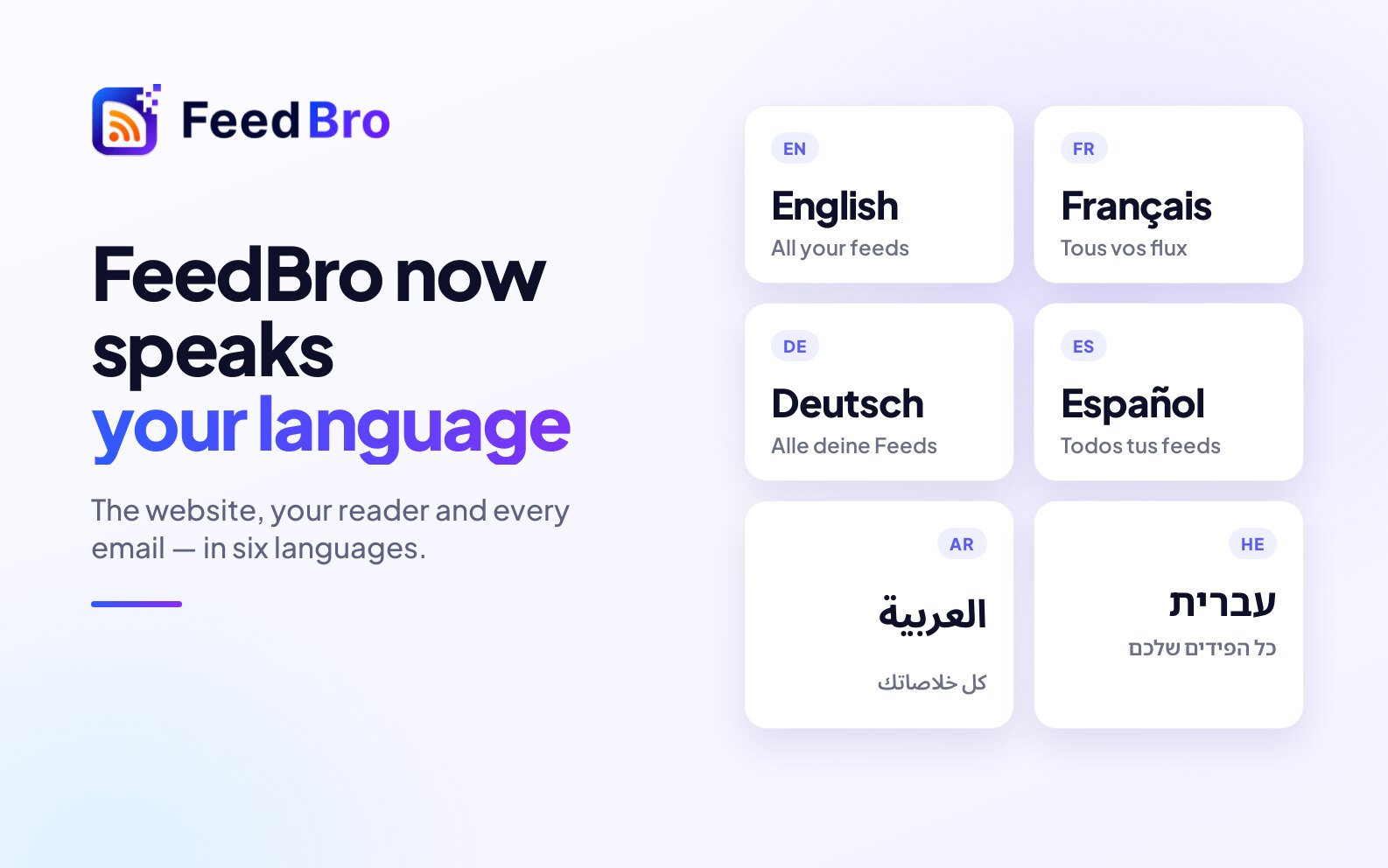
FeedBro is now available in ten languages: the website, your reader, and every email we send you.
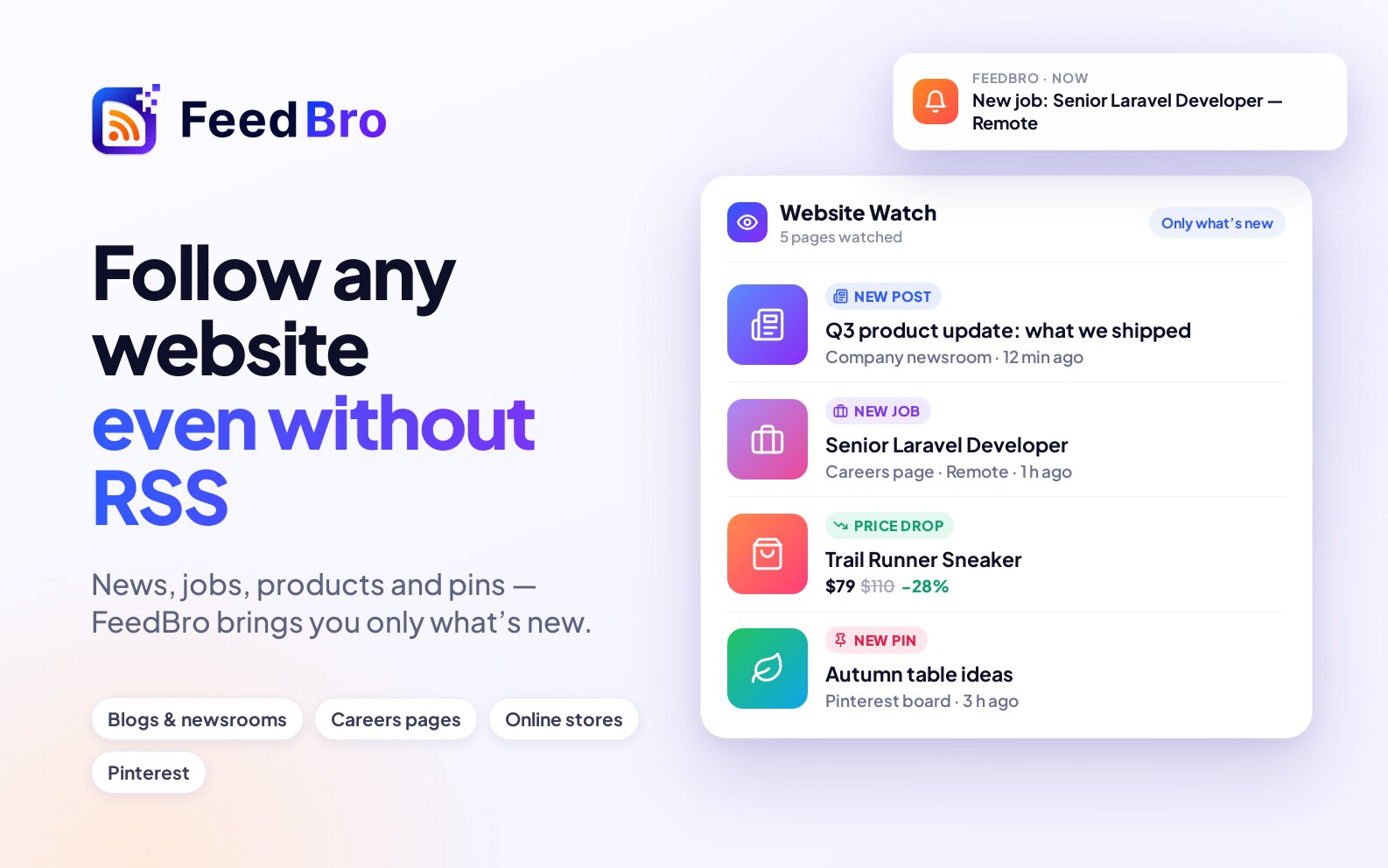
Not every site has an RSS feed. FeedBro's Website Watch follows the page itself (a blog, a newsroom, a careers page, an online store) and brings you only what's new: new posts, new products, price drops, sales and restocks.
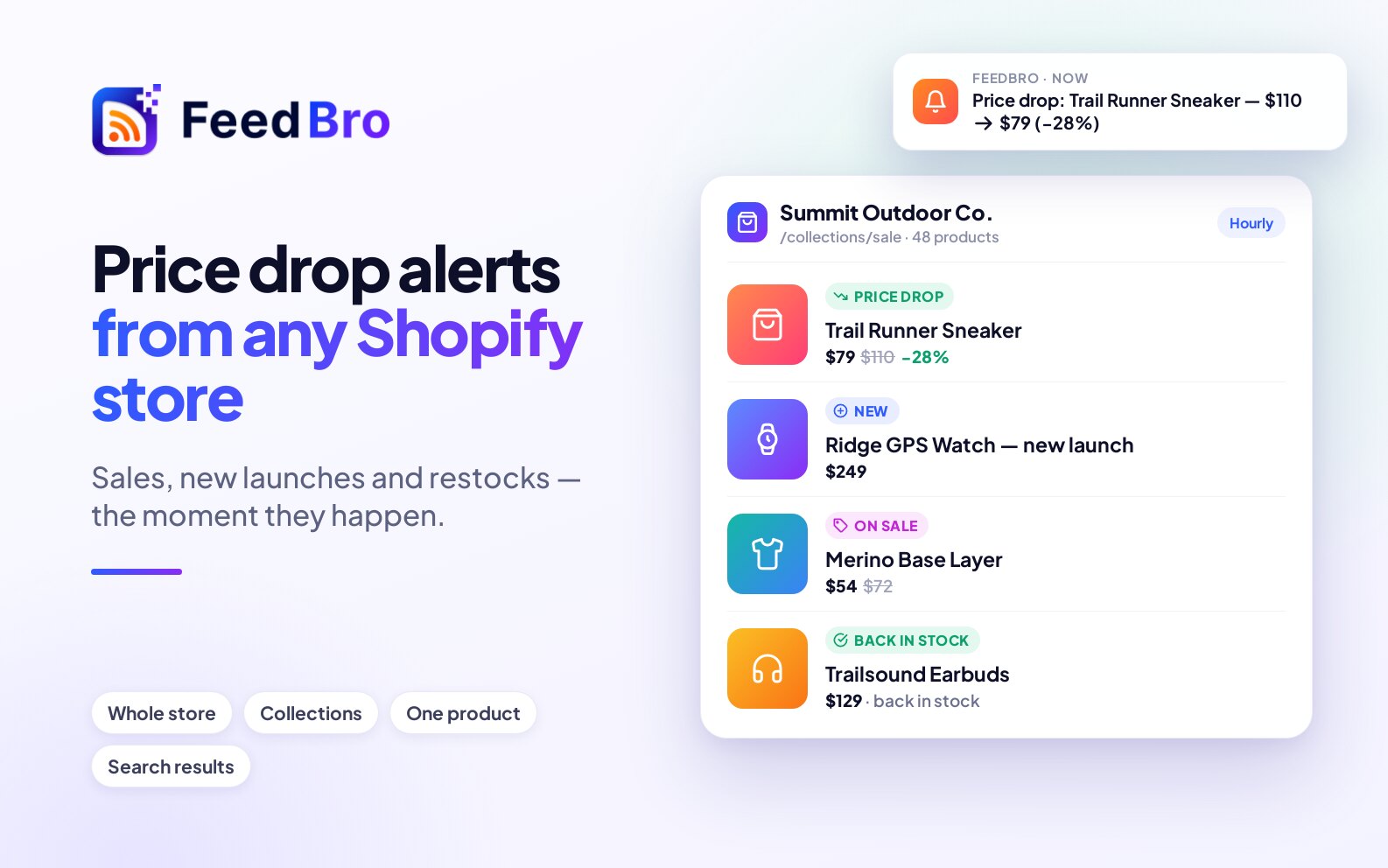
Watch any Shopify store, collection or product with FeedBro and get told when prices drop, sales start, new products launch or sold-out items come back, with a push alert if you want one.
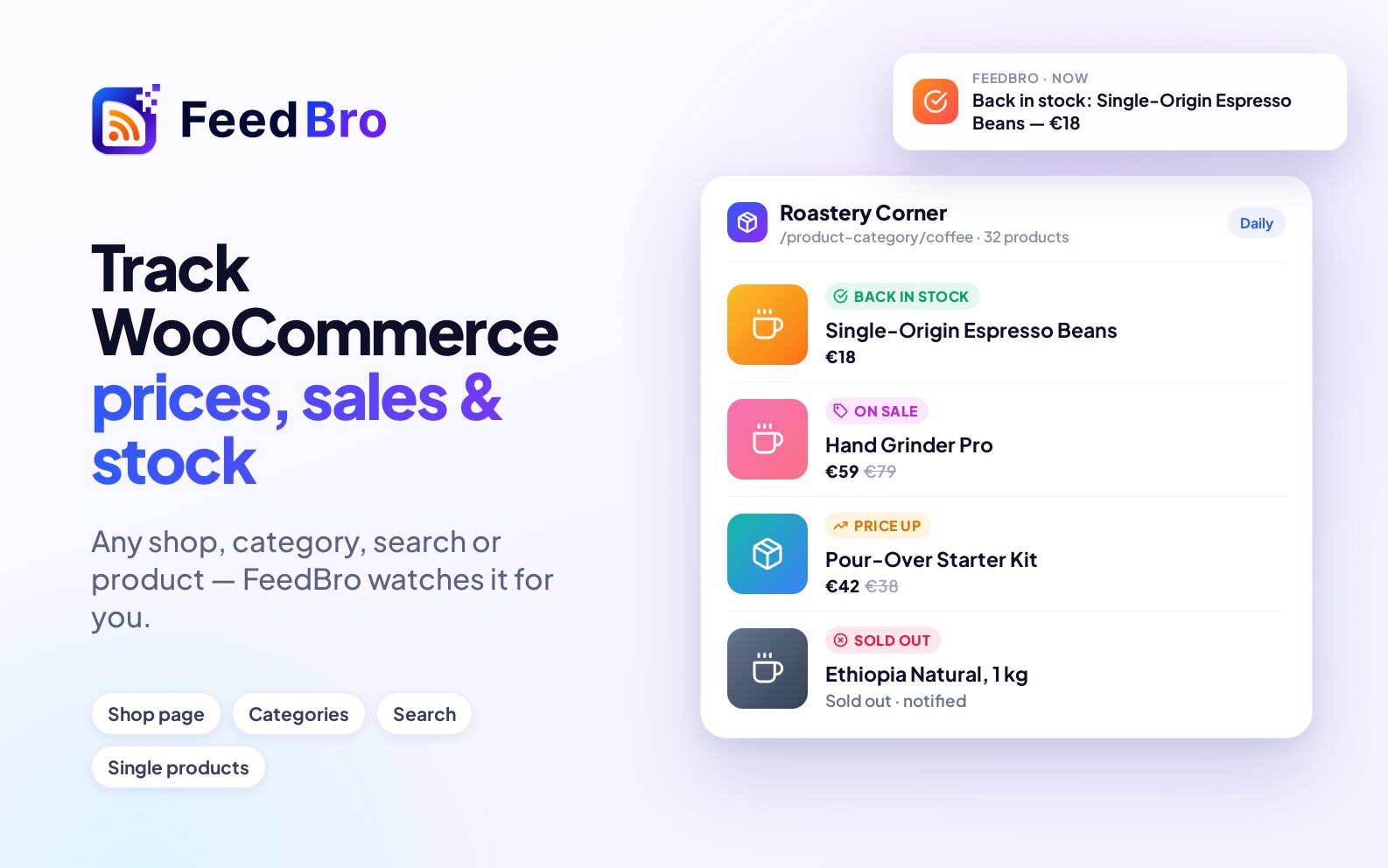
Follow any WooCommerce shop, category or product with FeedBro: new products, price changes, sales and stock updates arrive in your reader, with optional alerts.
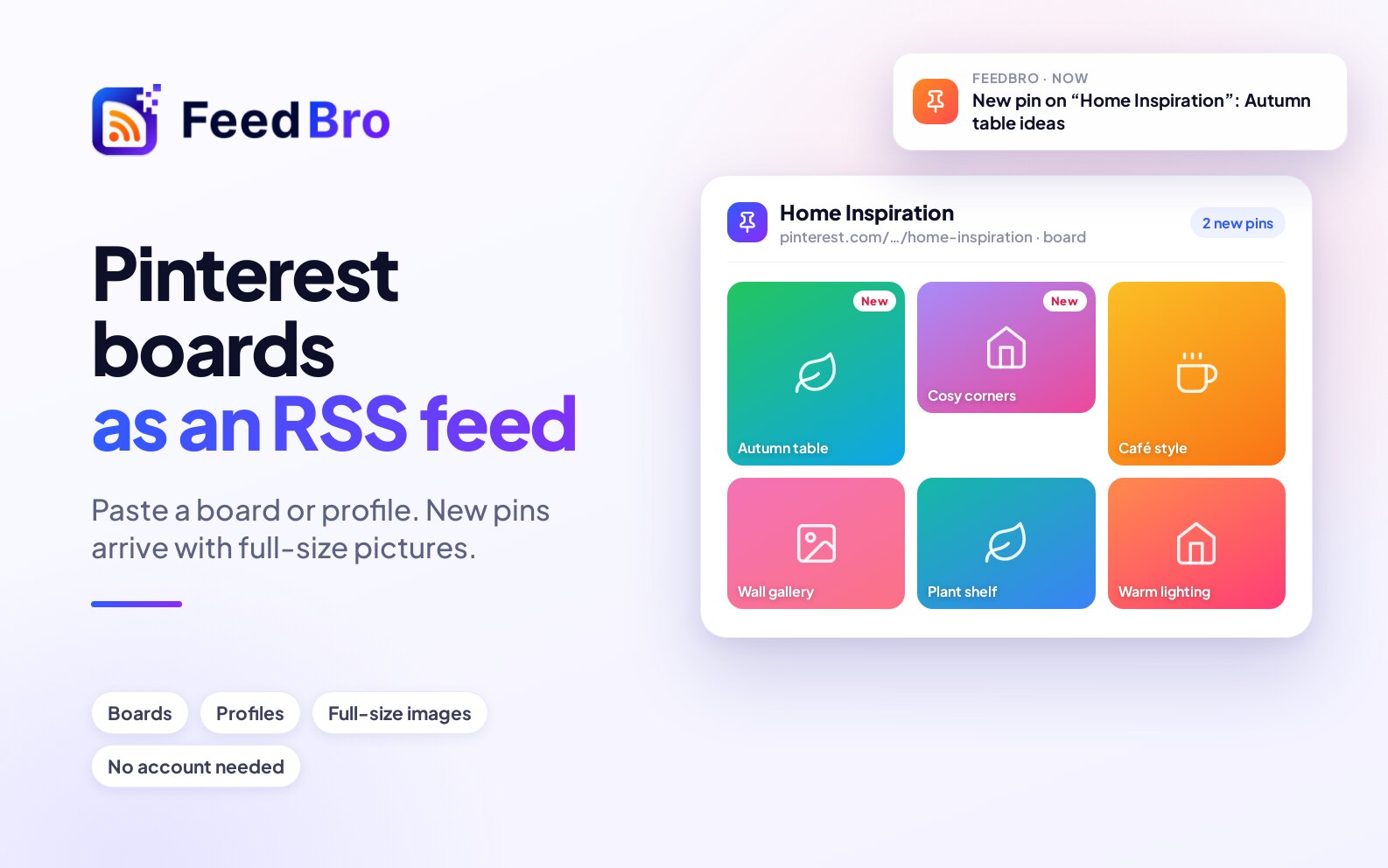
Every public Pinterest board and profile has an RSS feed. Paste the board into FeedBro and its new pins arrive in your reader with full-size pictures. You don't need a Pinterest account.