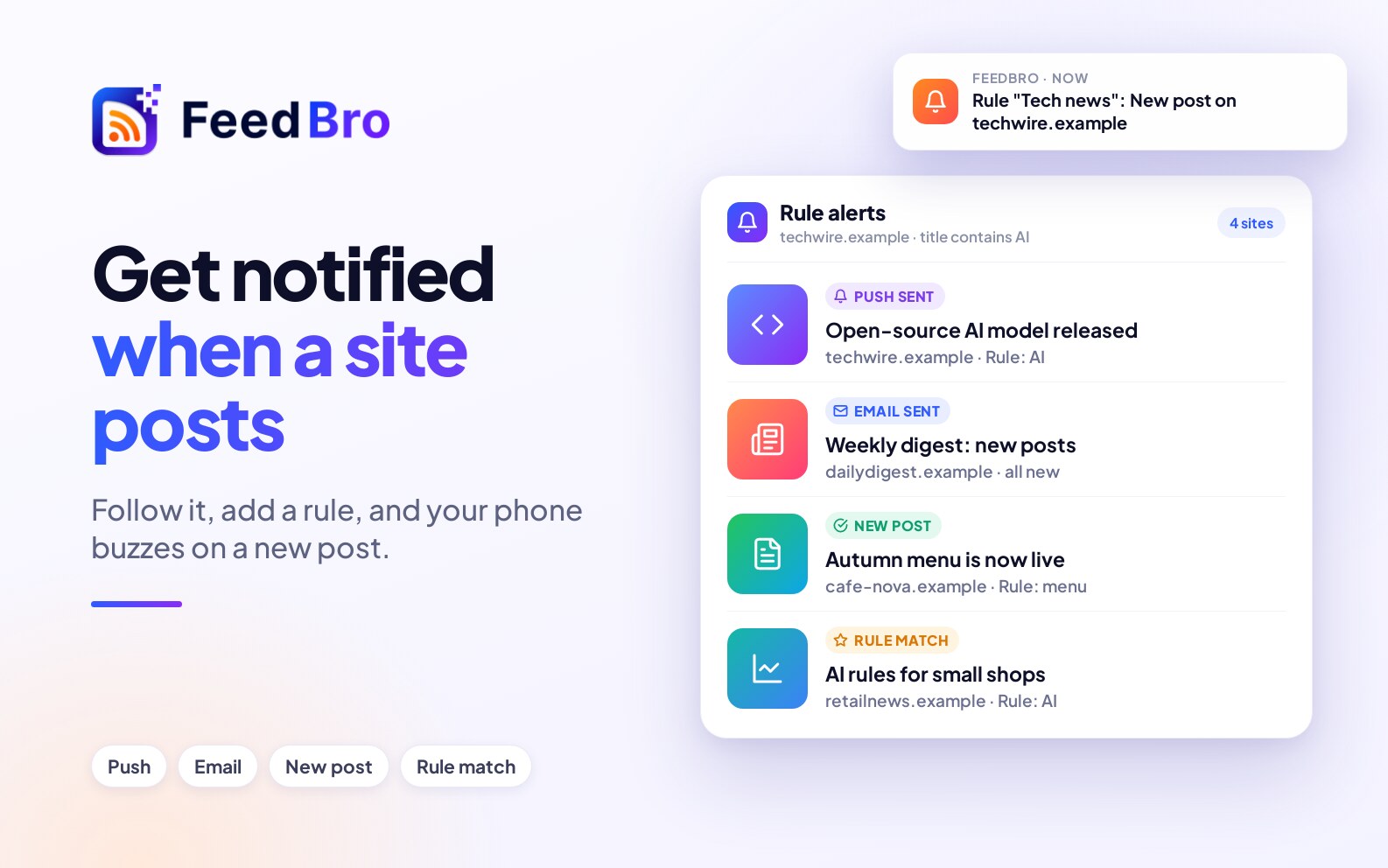
Follow the website in FeedBro, then give it a rule. When a new post matches the rule, FeedBro sends a push notification to your phone or an email. It works for ordinary blogs and for pages that have no RSS feed.
Step 1: follow the website
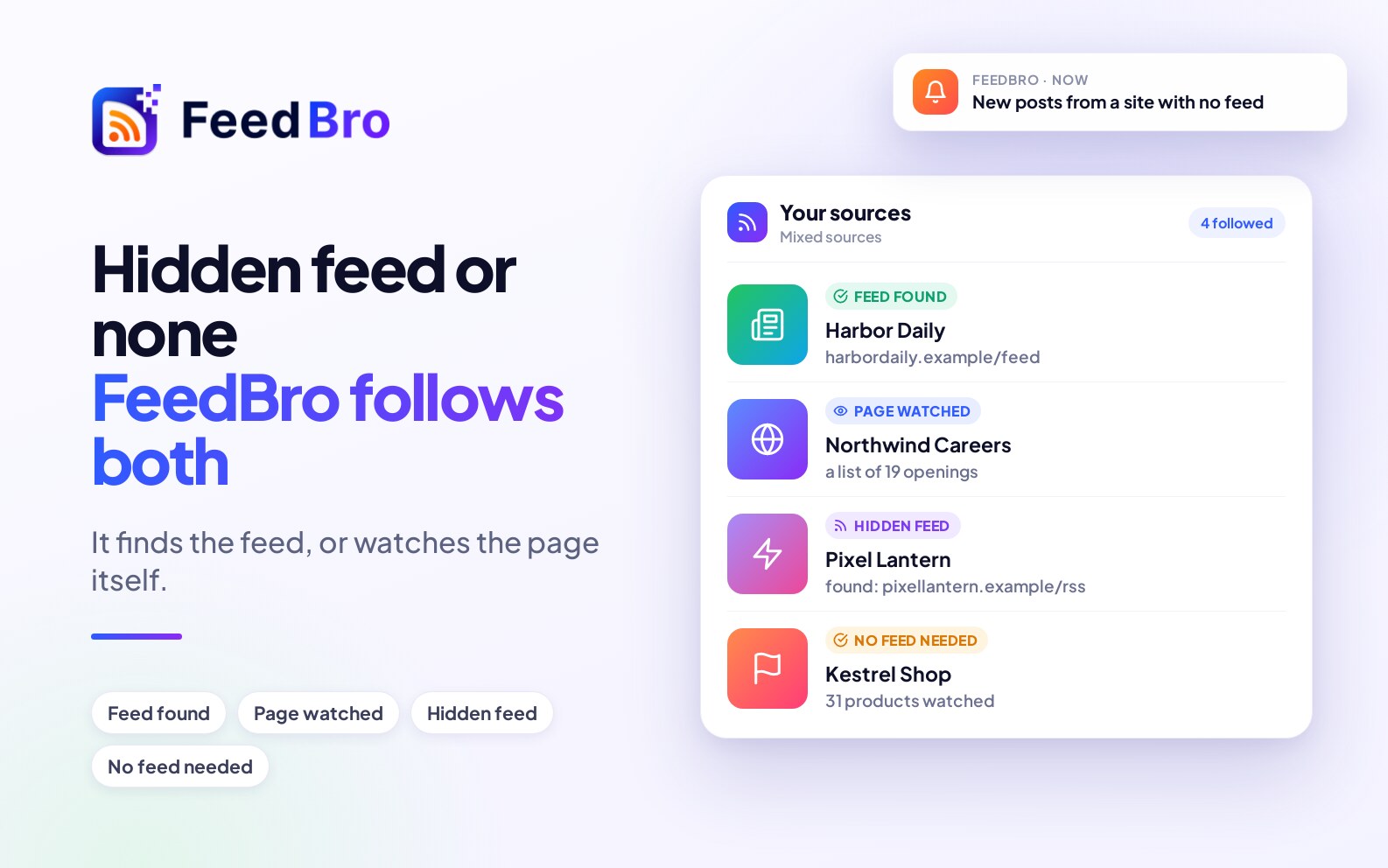
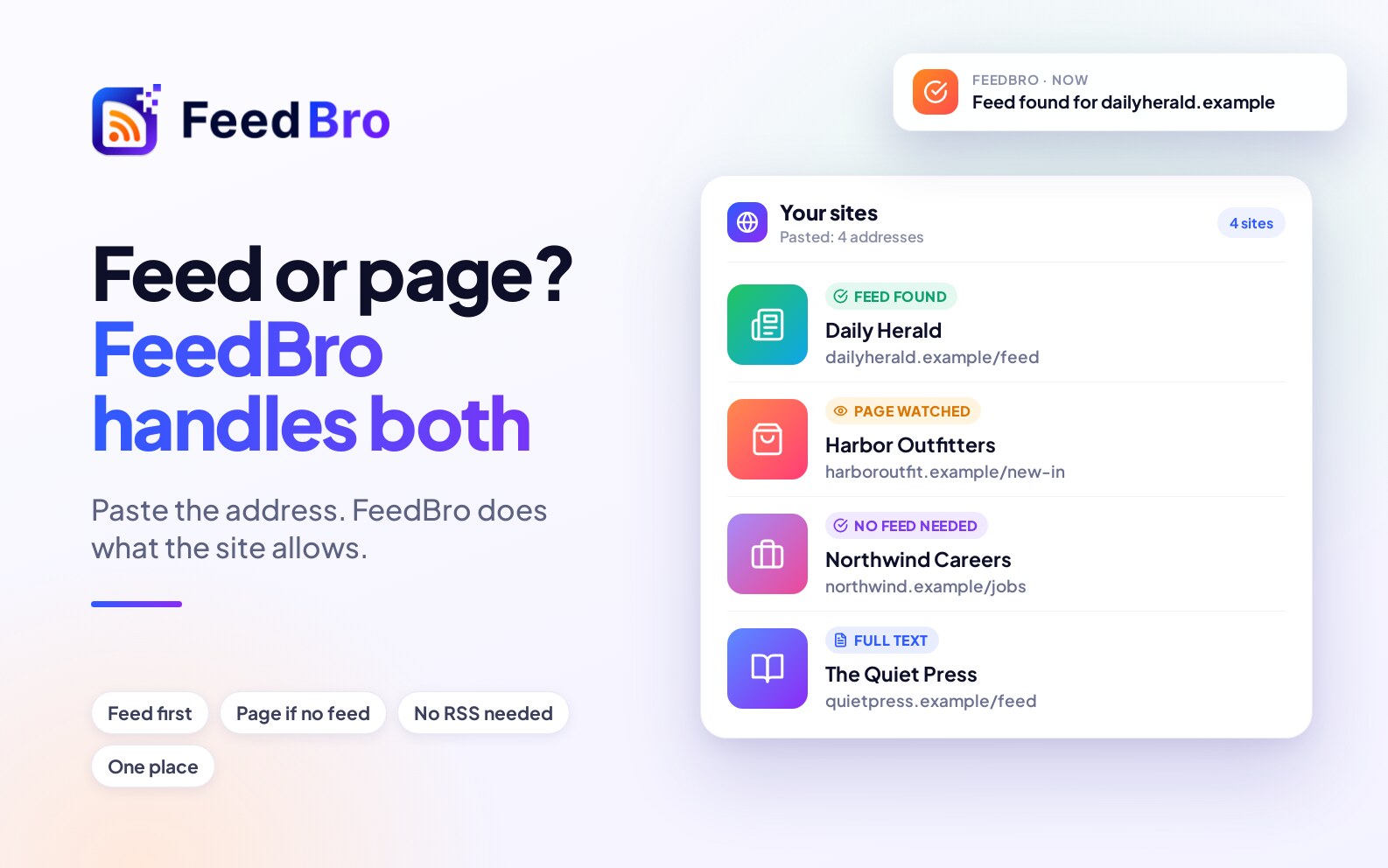
Open Add and paste the address. FeedBro follows its feed if it has one, and watches the page if it doesn't. The details are in how to subscribe to a website that has no RSS feed.
Step 2: add a rule
A rule watches the new articles that arrive and acts on the ones that match. You choose what it looks for, such as a word or phrase in the title or text, and what it does. One of the actions is a push notification: your phone tells you the moment a matching post arrives, with the title and a tap to open it. Other actions send you an email, highlight the article, tag it, save it or hide it. A rule can also play a sound, so an alert doesn't get lost among your other notifications.
Where the alerts reach you
- Your phone. The FeedBro app for Android sends the push notification, and you can read the article there, even offline.
- Your browser. Allow notifications and FeedBro can alert you on the website too.
- Your inbox. Choose the email action, or turn on the daily digest to get one email with everything new.
It is all one account, so a rule you make on the website works on your phone.
Watching a shop for price drops
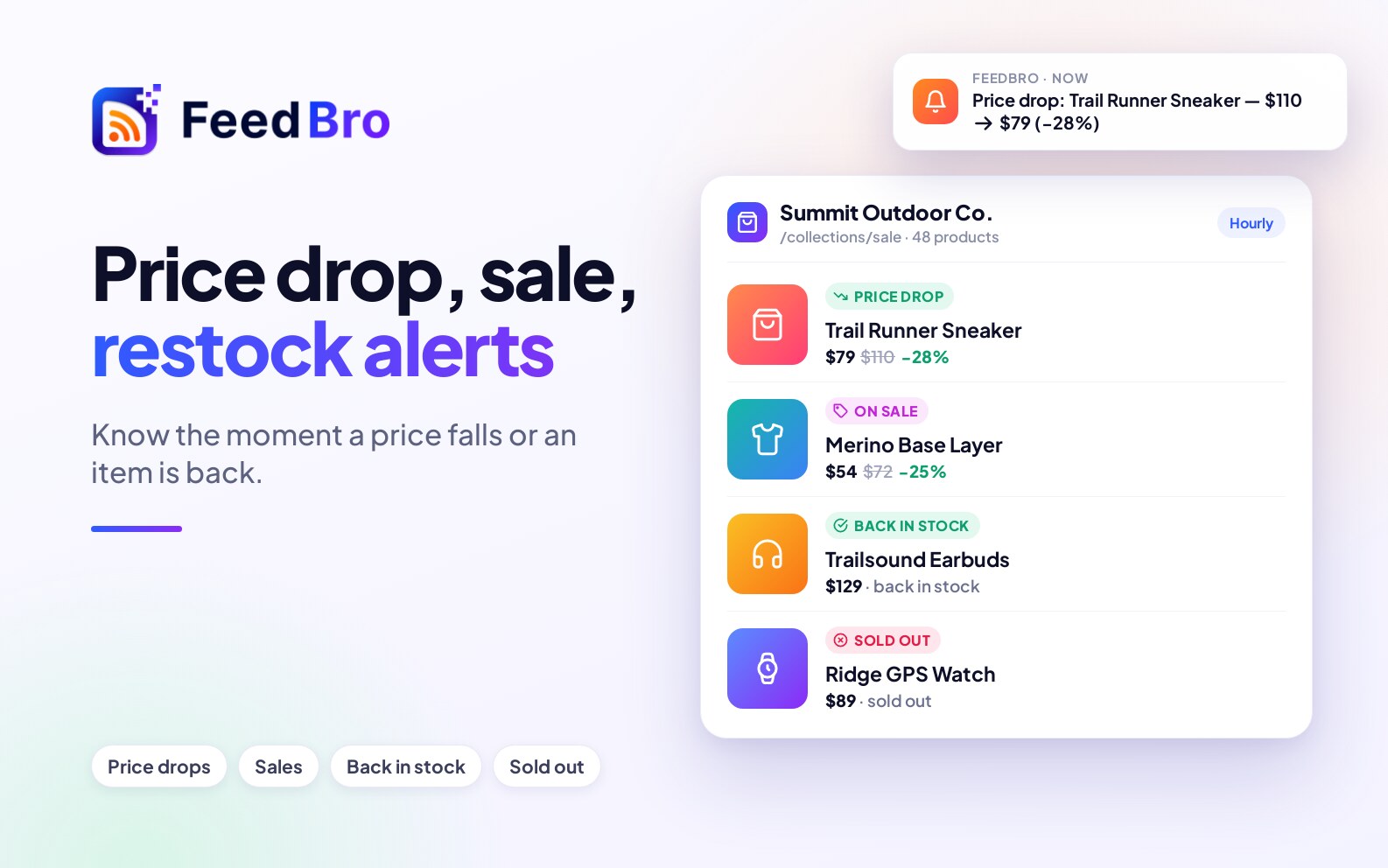
For a shop, a rule can use the price itself: tell me when a price drops, drops by at least a percentage, falls to a price or below, or when something is back in stock. See what FeedBro tracks in shops.
How soon will it tell me?
FeedBro tells you when it next checks the site. A feed is refreshed regularly. A page you watch is checked once a day on the Free plan and every hour with Coffee Club. The first check only records what is already there, so you aren't alerted about old posts.