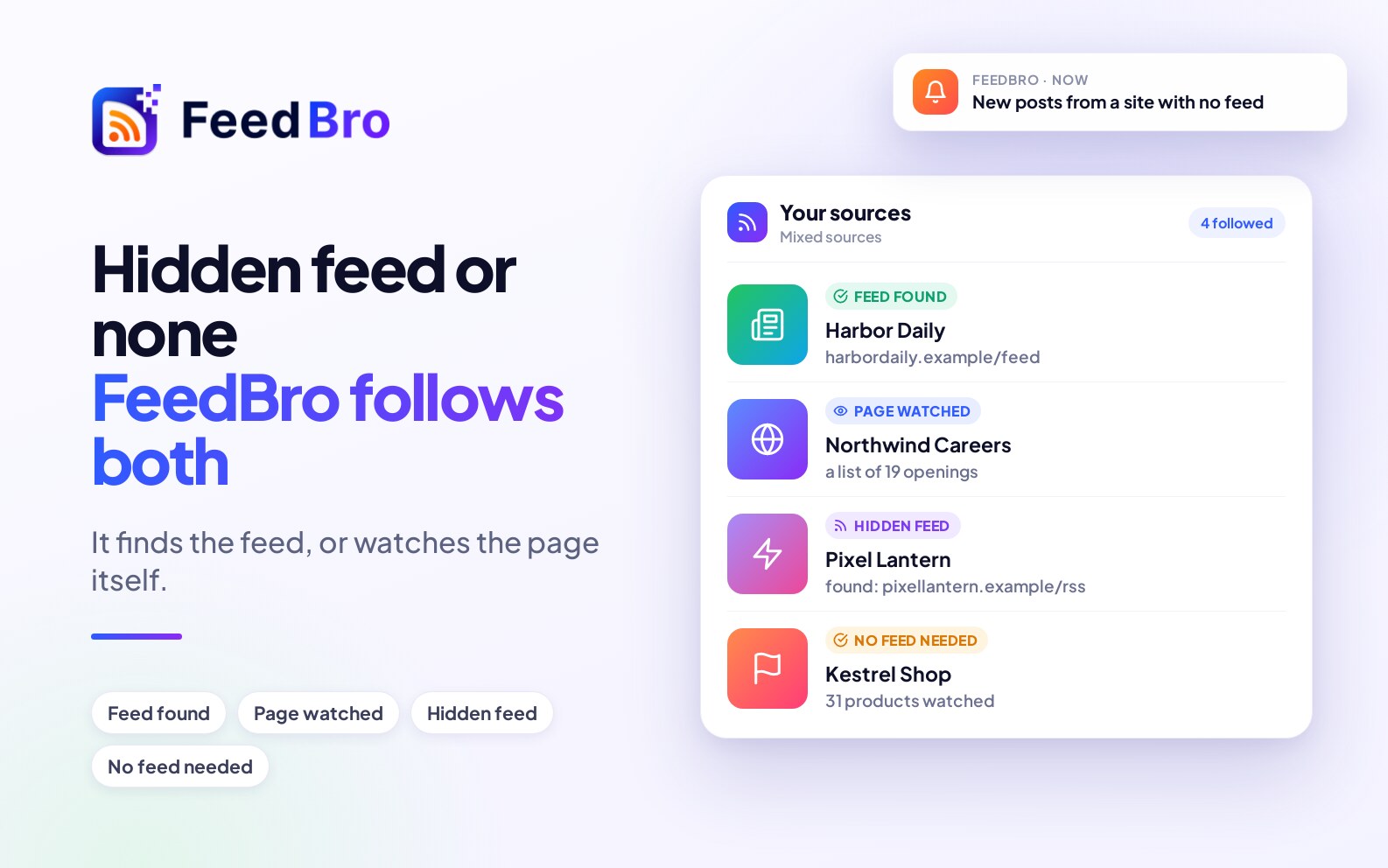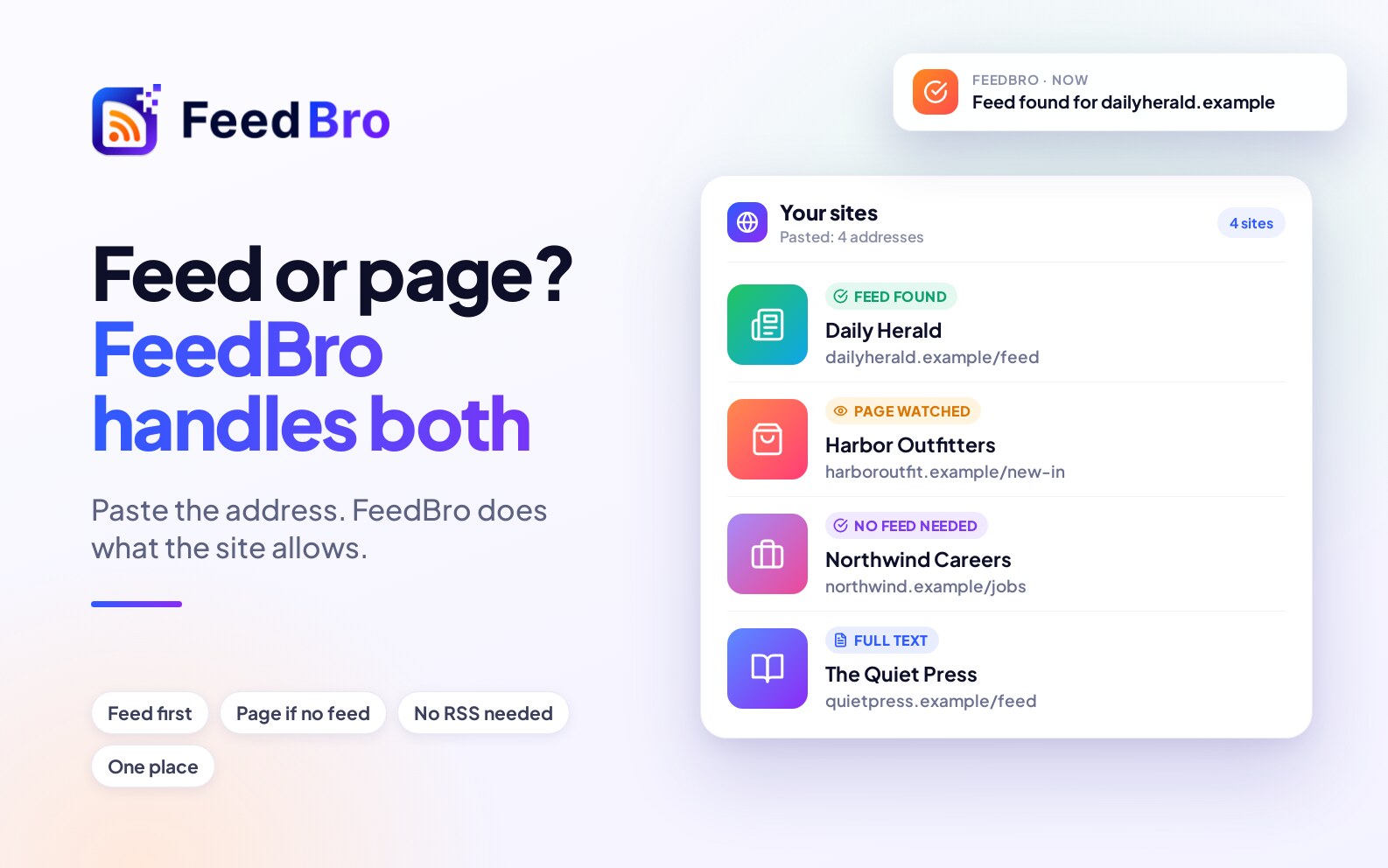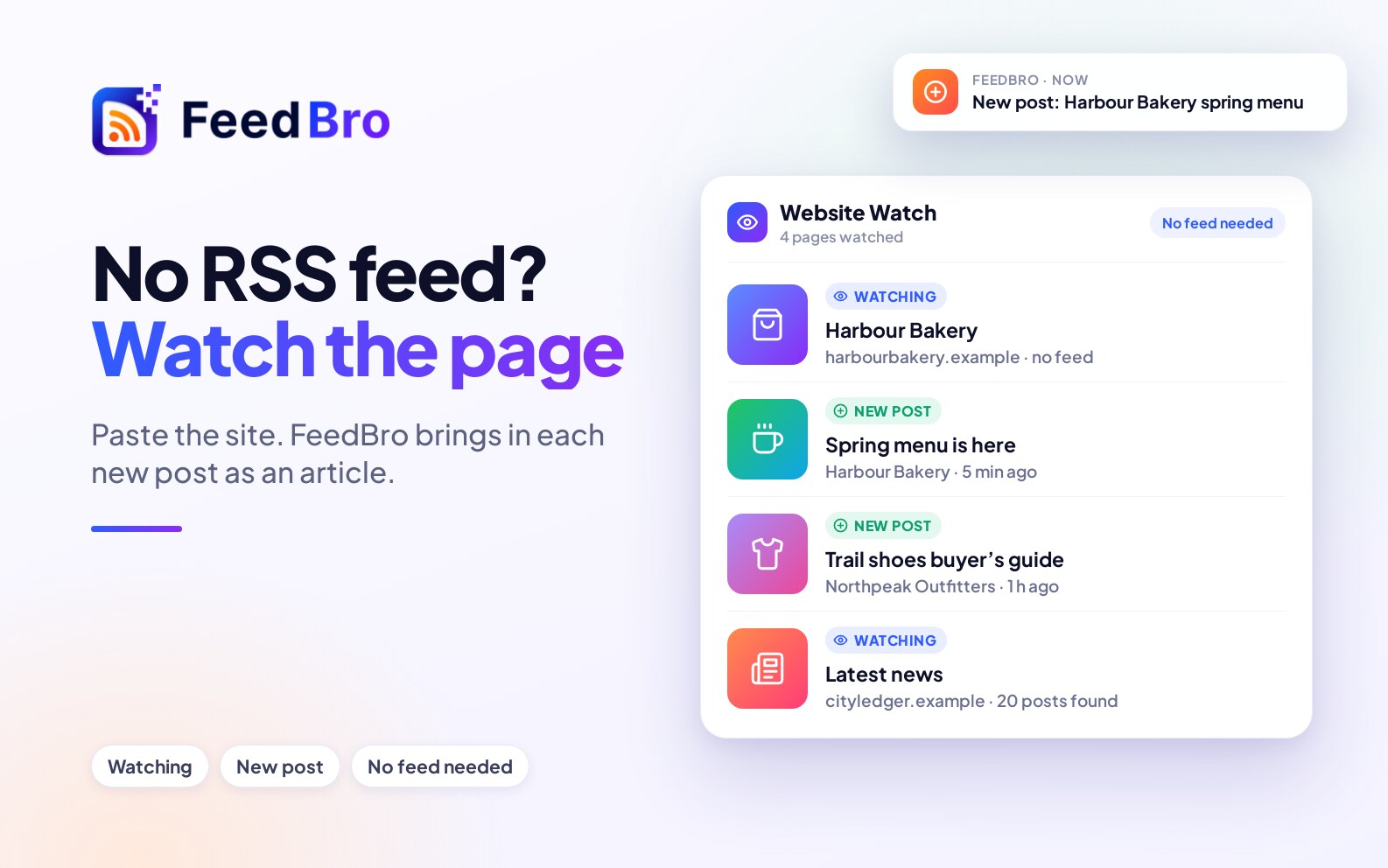
Paste the website's address into FeedBro. If the site has a feed, even a hidden one, FeedBro finds it. If it has none, FeedBro watches the page itself and brings in each new post as an article. You don't need to know what an RSS address looks like.
Why some websites have no feed
RSS is a list of a site's latest posts that a reader can follow. Many sites still publish one. Others never did, hid it, or dropped it when they redesigned. A shop, a newsroom, a careers page or a company's "latest news" section often has no feed at all, even though the page itself is a list of new things.
How to subscribe, step by step
- Open Add in FeedBro and paste the address of the page you want to follow. You can leave out the https://.
- Let FeedBro look for a feed. It reads the page's header and links, tries the usual addresses such as /feed and /rss.xml, and checks the site's sitemap. If it finds one, it follows it. If a page lists several feeds, you choose which to follow.
- If there is no feed, watch the page. FeedBro tells you what it found, for example "a list of 20 posts" or "a shop page with 31 products", and asks if that is what you want to follow. Choose Watch this page.
- Read it with everything else. New posts arrive in your reader like any other article. The posts already on the page when you start are only the starting point, so you won't get a flood of old ones.
What FeedBro can watch
- Blogs and newsrooms that have no feed.
- Careers pages, so each new job arrives as an article.
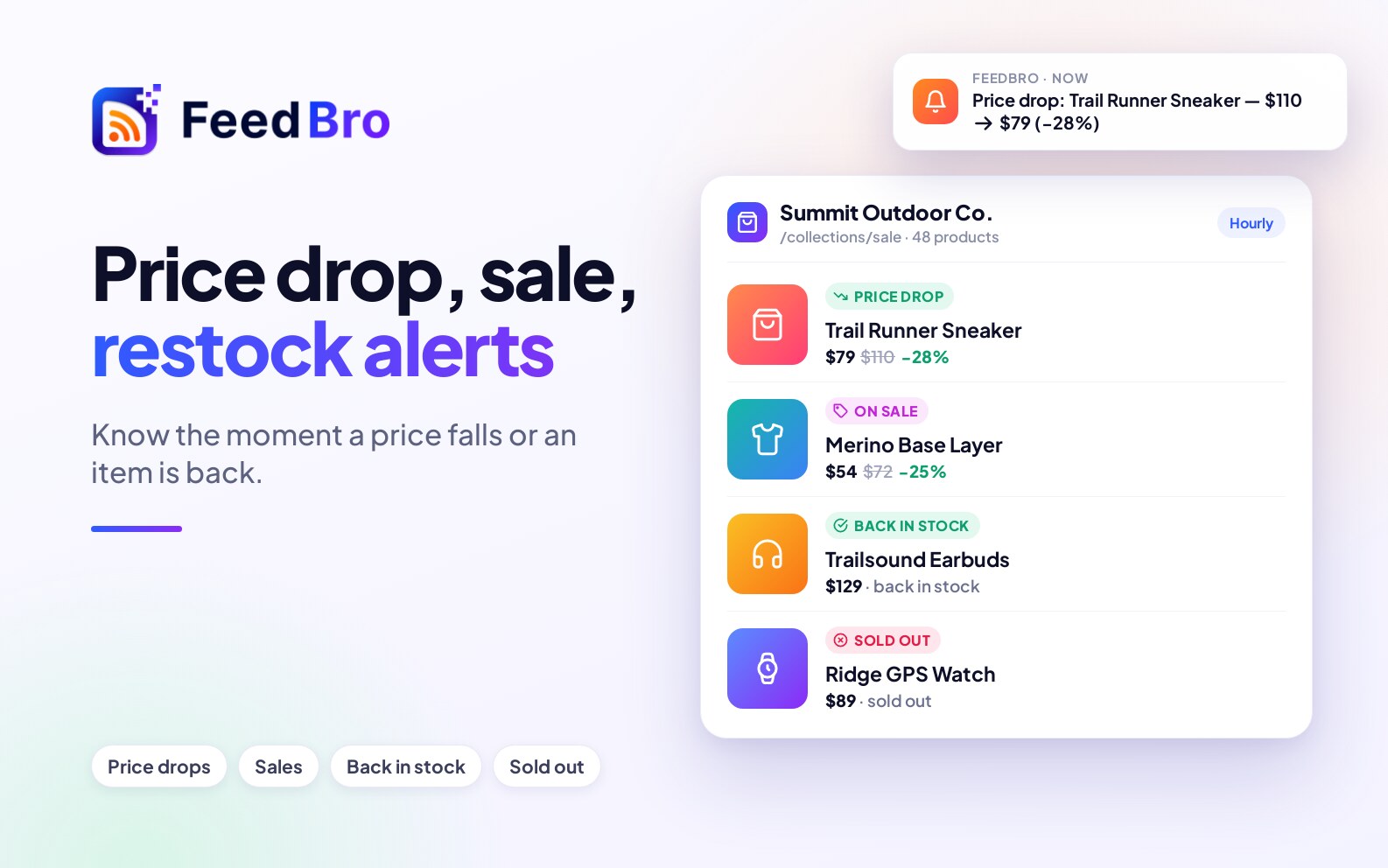
- Online shops, where each product comes with its price and alerts for price drops and restocks.
- Public Instagram accounts, with their captions, pictures and reels.
Good to know
- Public pages only. A page that needs you to sign in can't be read by FeedBro.
- How often it checks. On the Free plan a watched page is checked once a day. With Coffee Club it is checked every hour. The limits are in Free vs Coffee Club.
- Redesigns. If a site changes its layout, FeedBro looks at the page again and finds the list again. If it can't, the watch shows a clear note.
Want to get a notification too?
Give the feed a rule and your phone tells you when something new matches. See how to get notified when a website posts something new. For more on the page-watching side, read Follow Any Website, Even Without an RSS Feed.