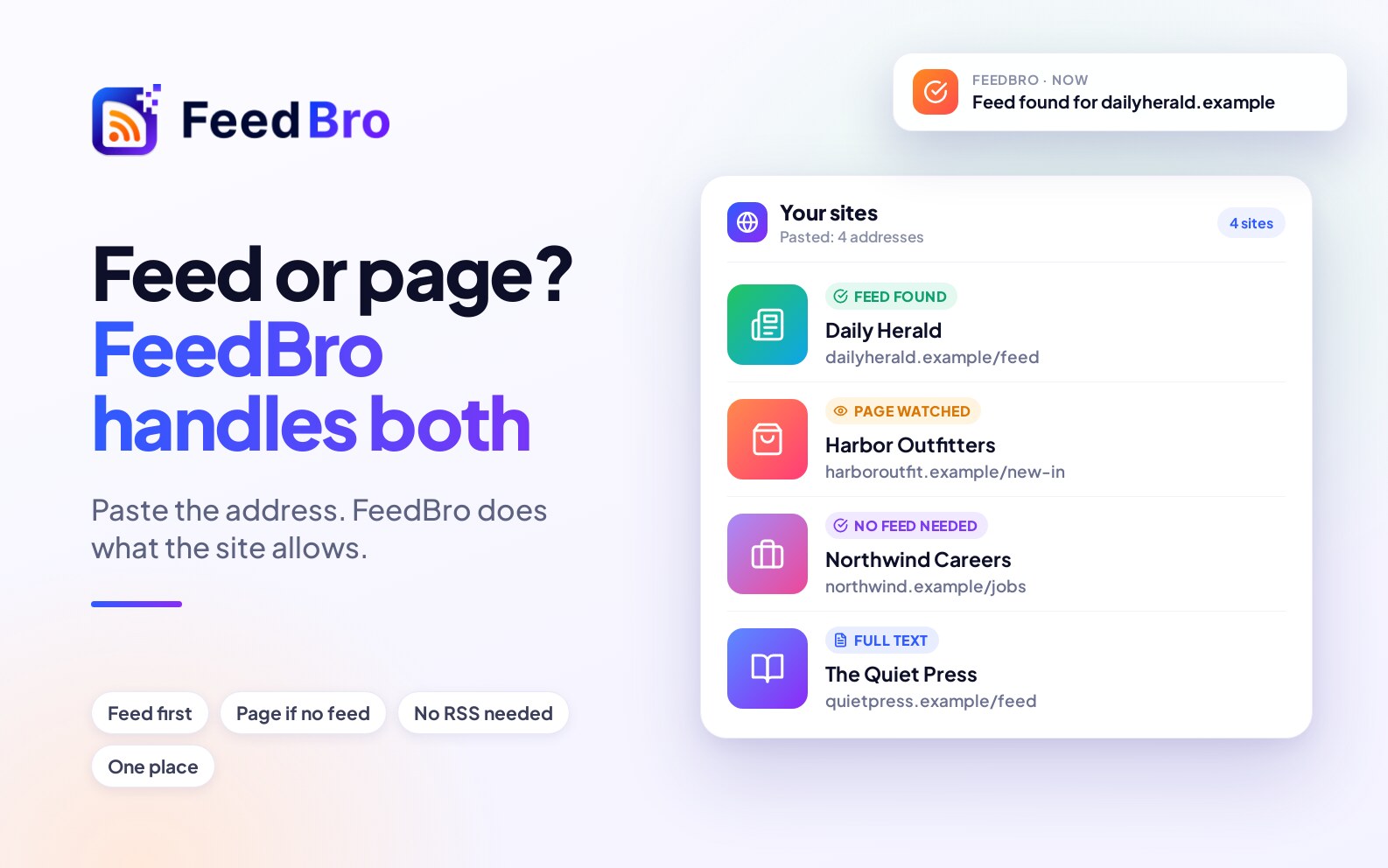
RSS is still the best way to follow a website when the website has a feed. Many don't. FeedBro uses the feed when there is one and watches the page itself when there isn't, so you can follow those sites anyway.
What RSS gives you
A feed is the site's own list of its latest posts, in a form a reader understands. Because the site publishes it, it is exact: each post has its title, link, date and often its text. That is why a feed is the most reliable thing to follow, and why FeedBro always looks for one first.
Why you may not find one
- Some sites never offered a feed, or removed it in a redesign.
- Some hide it, so the usual RSS icon isn't there.
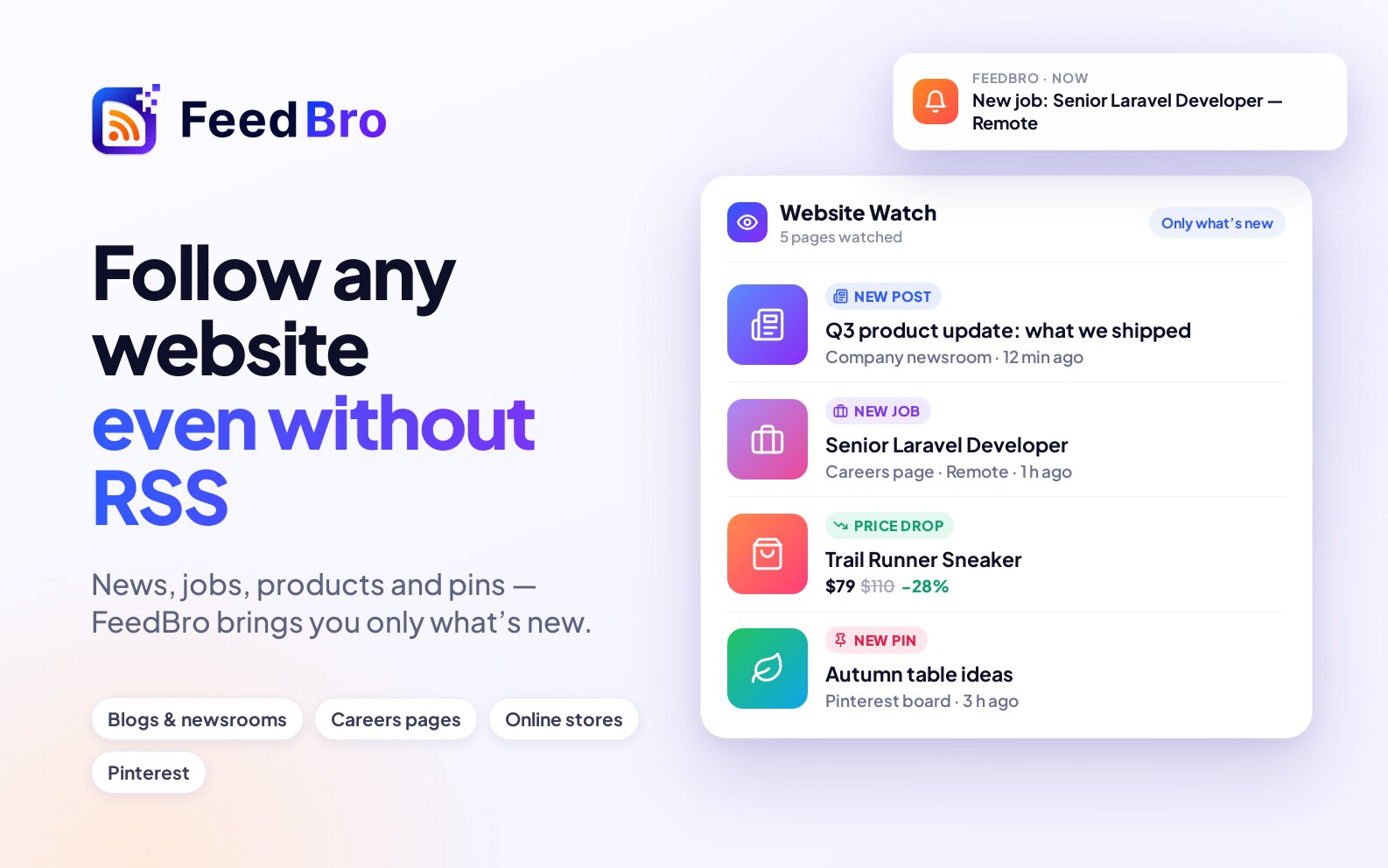
- Many pages are not "blogs" at all. Shops, careers pages and company news sections are lists of new things, but they aren't feeds.
What FeedBro does about it
- It looks for the feed for you. It reads the page's header and links, tries the usual addresses, and checks the sitemap. If you type a feed address that is wrong, it looks from the site's home page.
- If there is no feed, it watches the page. FeedBro finds the list of posts or products on the page, works out where each title, link, date and picture is, and brings in each new one as an article.
You don't have to choose between the two. Paste the address and FeedBro does what the site allows.
Feed or page: what is different?
- A feed comes from the site itself, so it is the most exact. Full text and summaries work best with it.
- A watched page is read from what the page shows, so it depends on the page's layout. If a site redesigns, FeedBro looks again and finds the list again, and tells you if it can't.
So do you need RSS?
You don't need to know about it, only the website you want to follow, and you read everything in one place. To try it, follow a website that has no feed, or read how FeedBro finds the feed for you.