Most feeds are for browsing. A few are the ones you never want to miss: a site you work with, a competitor, a newsletter that publishes twice a month. For those, FeedBro can now tell you the moment something new appears.
Turn it on for one feed
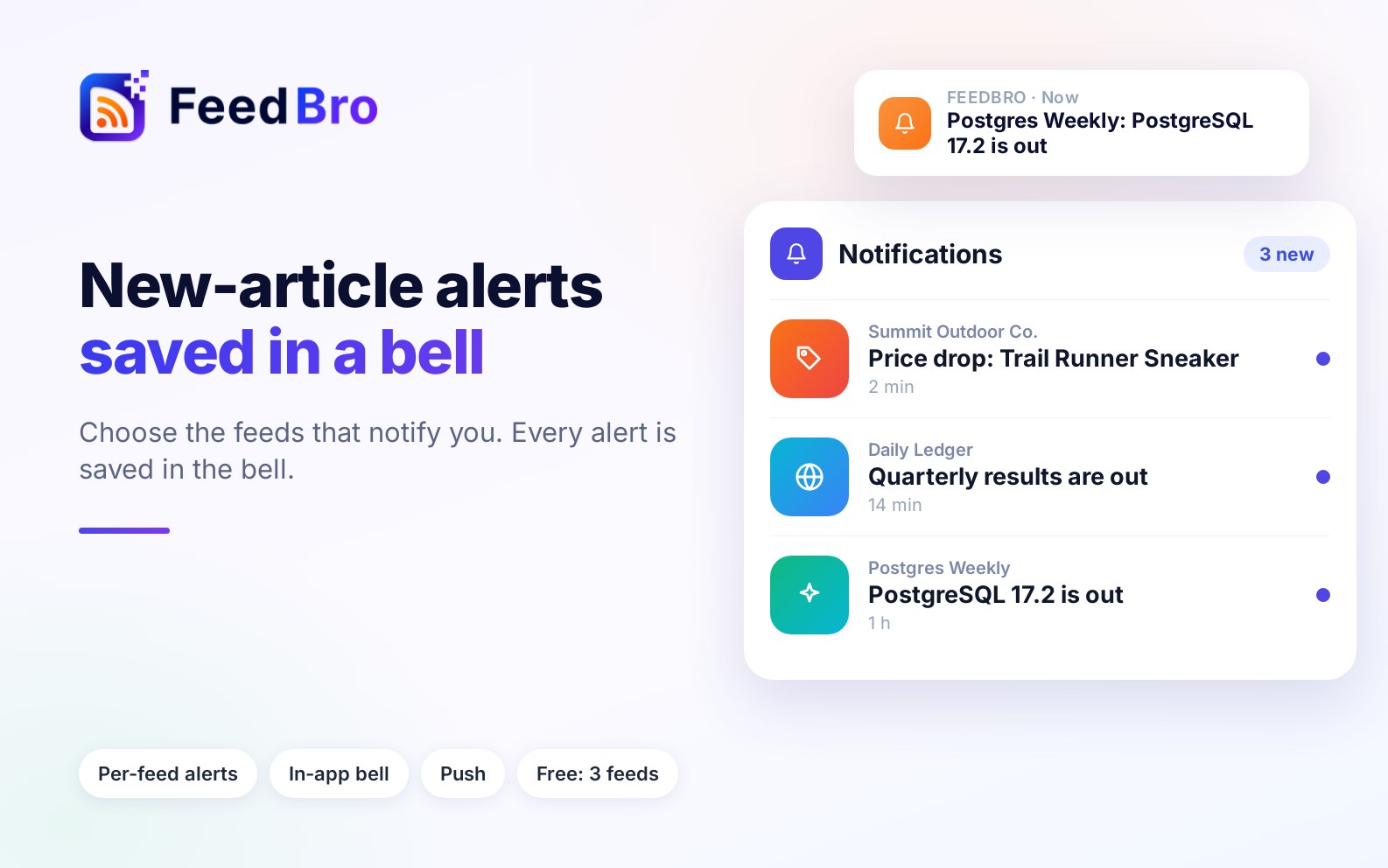
Open the feed's menu and choose Notify me of new articles. From then on, a new article from that feed sends you a notification: a push on your phone in the Android app, or in your browser if you have allowed notifications.
The bell keeps every notification
A push is easy to swipe away. So every notification FeedBro sends is also saved in the bell at the top of the page, on the web and in the app. Open it to see what you missed, newest first. Tap one and the article opens inside its own feed. On a phone the bell opens as a full-screen sheet, and the back gesture closes it.
How many feeds can have alerts
- Free: alerts on up to 3 feeds.
- Coffee Club: alerts on as many feeds as you like.
Alerts arrive shortly after FeedBro sees the article. How soon that is depends on how often the feed is refreshed, so it is a quick heads-up, not a stopwatch.
Pick the feeds that deserve an interruption
Alerts work best on feeds that publish rarely but matter. A feed that posts fifty times a day is better read in the list than announced fifty times. Start with three, and swap them as your reading changes.