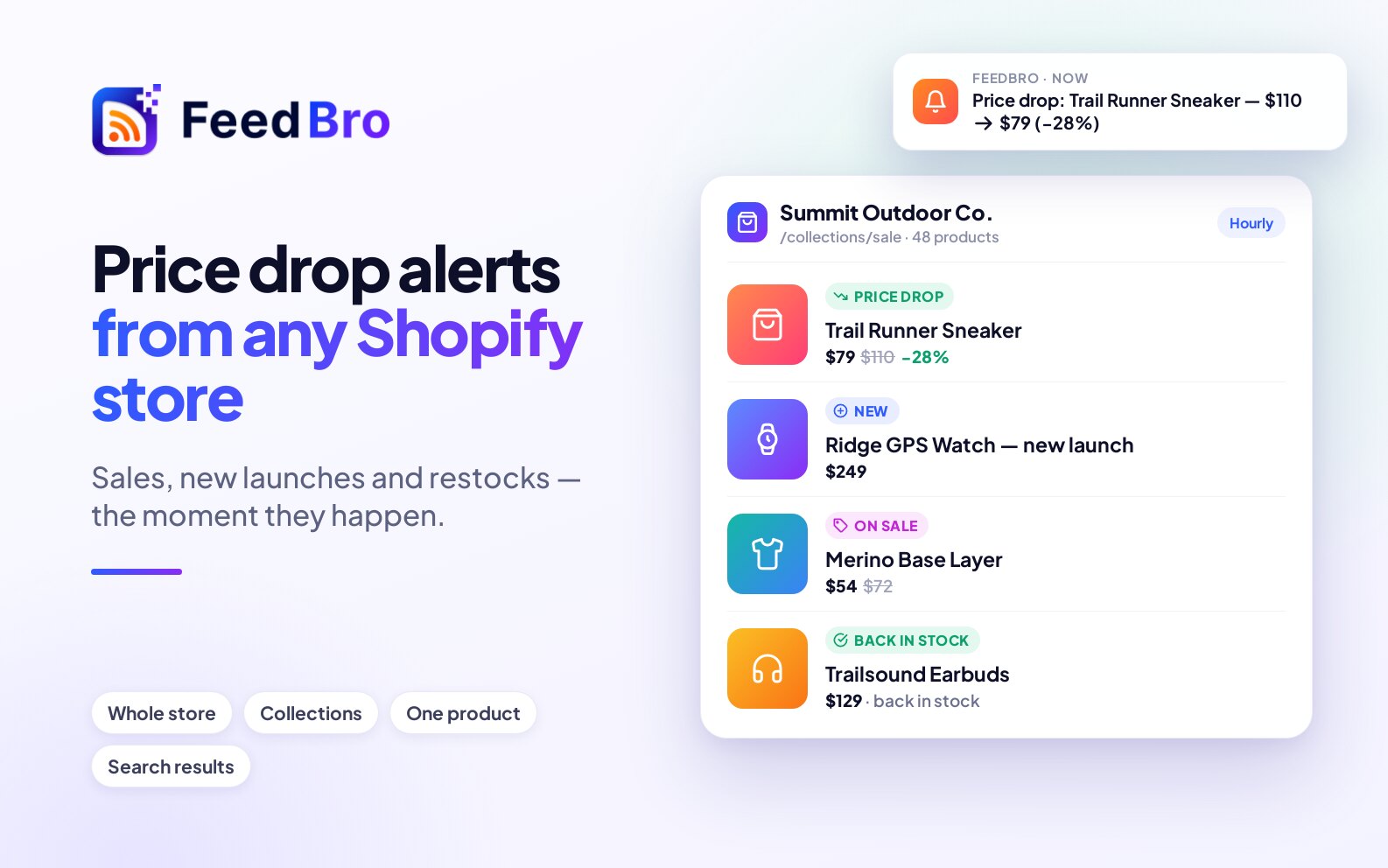

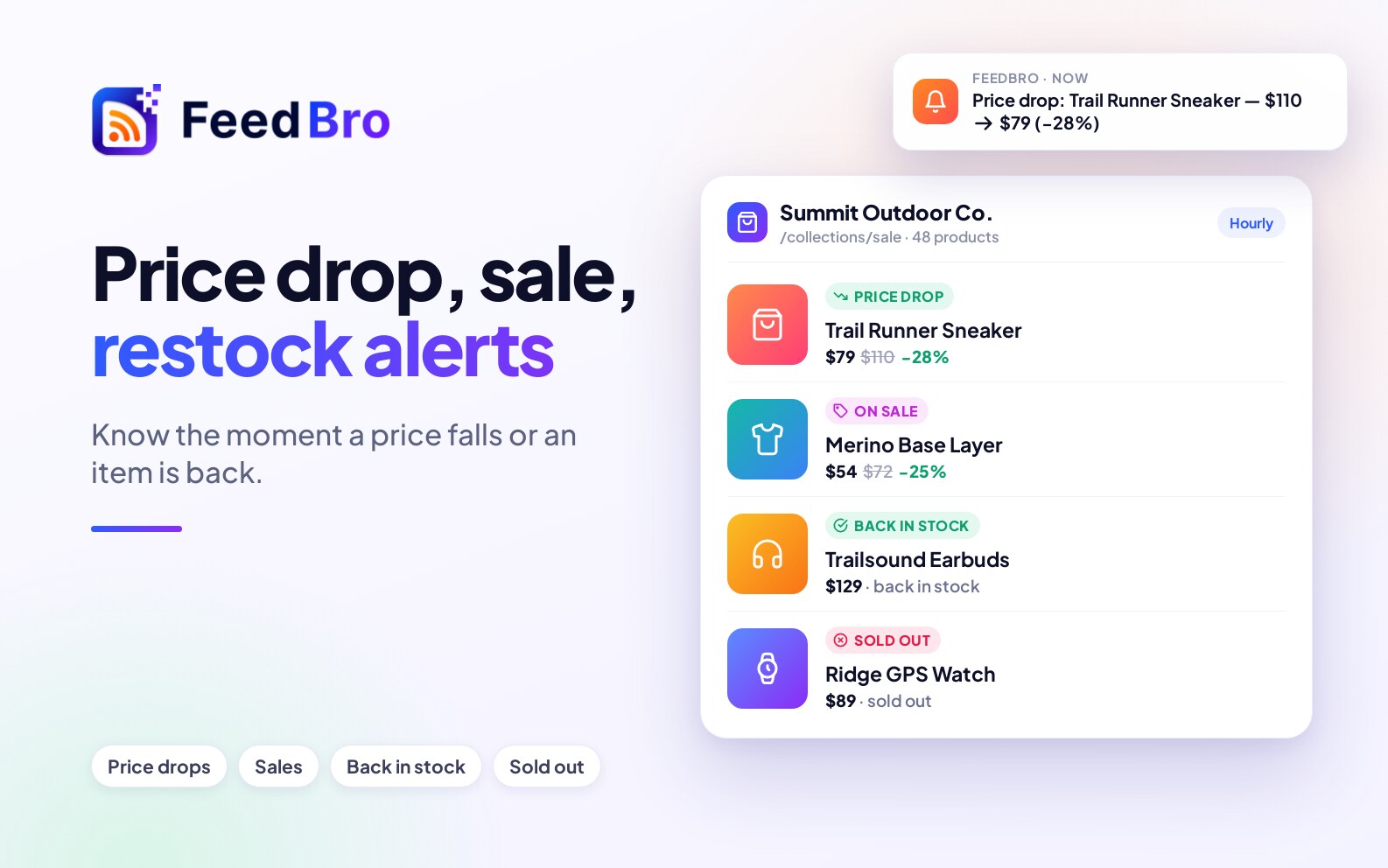
FeedBro can watch an online shop and tell you when a price drops, when something goes on sale, and when an item is back in stock.
What does FeedBro track in a shop?
Each product on a watched page arrives as its own article, with its picture and current price. FeedBro then reports what changes:
- Price drops and price rises.
- Sales, when a product's price falls below its usual price.
- Back in stock and sold out.
- New products that appear on the page.
Which shops work?
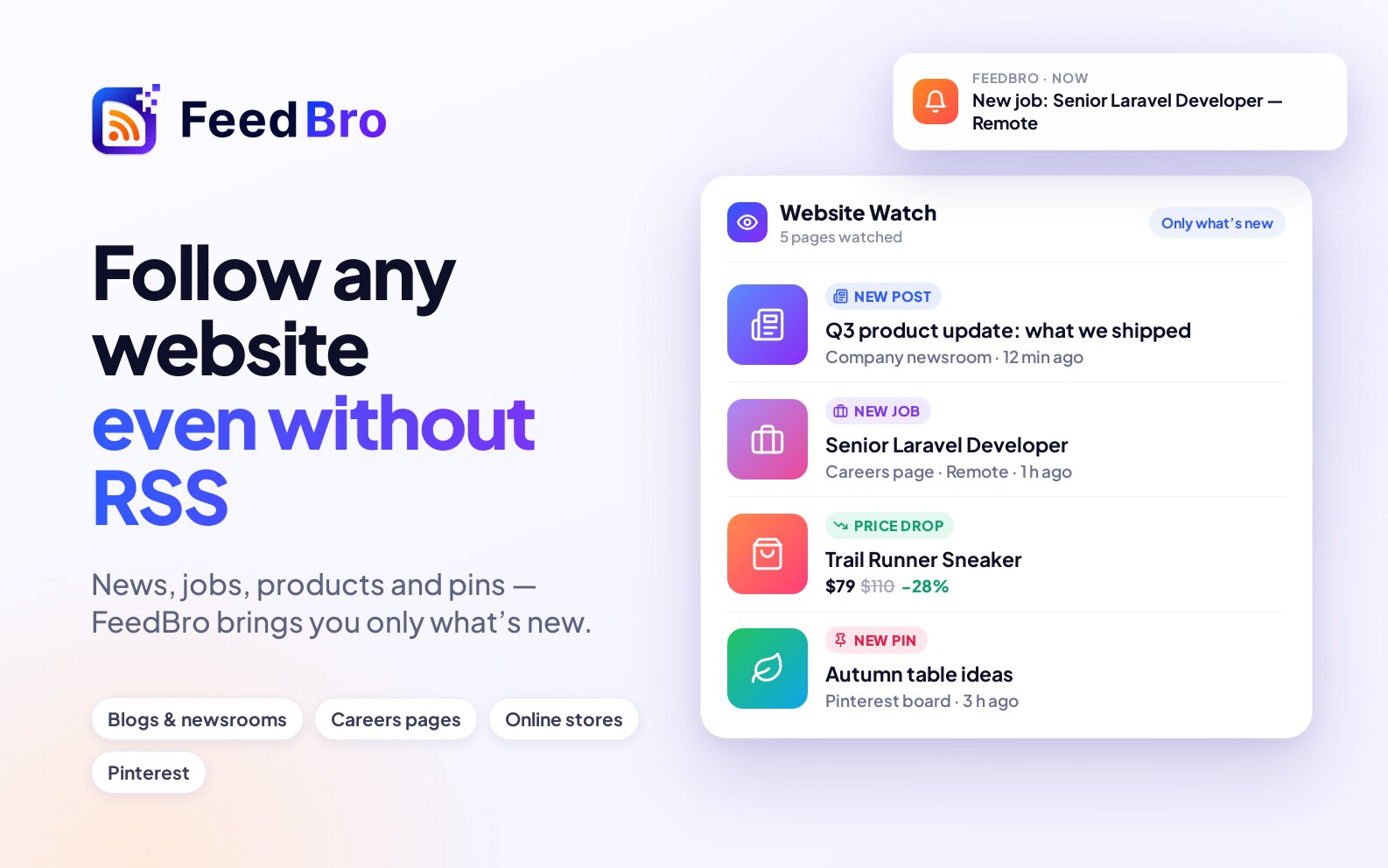
Shopify and WooCommerce stores, other shops that show prices on their pages, and Google Shopping searches. When you open a product you see the description from its own page. More in Watch Online Stores for New Products, Sales and Restocks, Shopify price drop alerts and WooCommerce price tracking.
Can I set a price threshold?
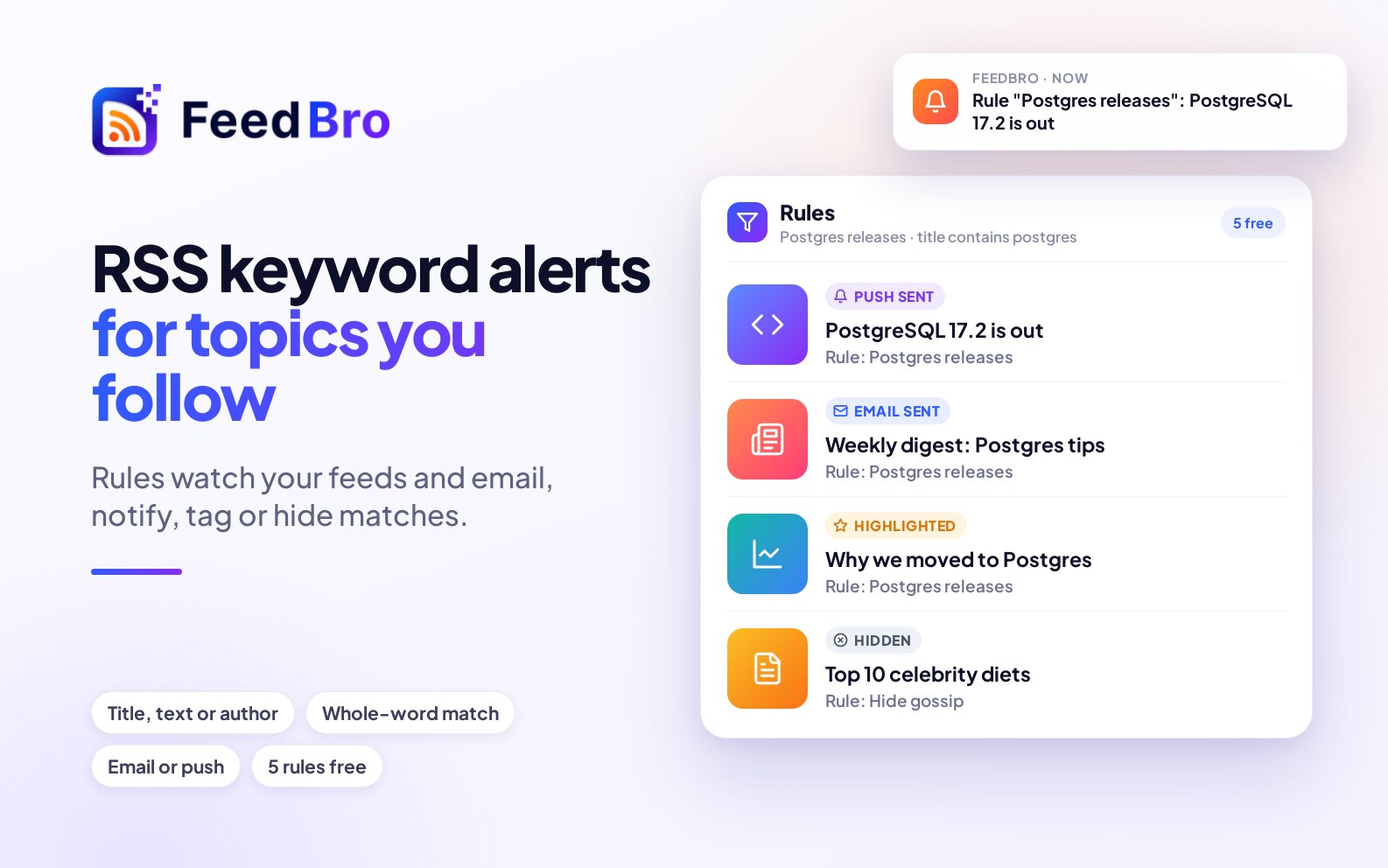
Yes. An automation can use the price directly: tell me when a price drops, drops by at least a percentage you choose, falls to a price you choose or below, rises, or when an item is back in stock or sold out. The automation can then send a push notification, send an email, highlight the product, save it or tag it.
How do the alerts reach me?
As a push notification in the FeedBro app for Android, as a notification in your browser, and as an email if you choose that action. You have one account across the website, the app and the browser extensions, so an automation you make in one place works in the others.
How often does it check?
- Free: up to 3 watched pages, checked once a day, shops that need a browser to show their products included.
- Coffee Club: up to 10 watched pages, checked every hour, with every page of a list read and lists of posts that need a browser to show their content.
The full comparison is in Free vs Coffee Club.
Does FeedBro need my computer or browser to be on?
No. FeedBro checks your feeds and watched pages on its own servers, day and night, even when your computer is off or your browser is closed. The browser extensions don't do the checking. They help you add feeds and read pages, and can fetch a page in your own browser for full text. Alerts reach your phone from the server. Normal feeds are refreshed every hour on the Free plan and every 15 minutes with Coffee Club; watched pages are checked once a day on Free and every hour with Coffee Club.
What it does not do
- It does not compare screenshots of a page. It reads the products on the page as a list.
- It cannot read a page that needs you to sign in.
Is this the Feedbro browser extension?
No. FeedBro at feedbro.com is a separate service with its own website, Android app, and Chrome and Firefox extensions. The standalone Feedbro extension is a different product with a similar name.