YouTube's homepage is built to keep you watching, not to show you what your favourite channels just posted. Your subscriptions are still in there, but they compete with whatever the recommendations want you to see next.
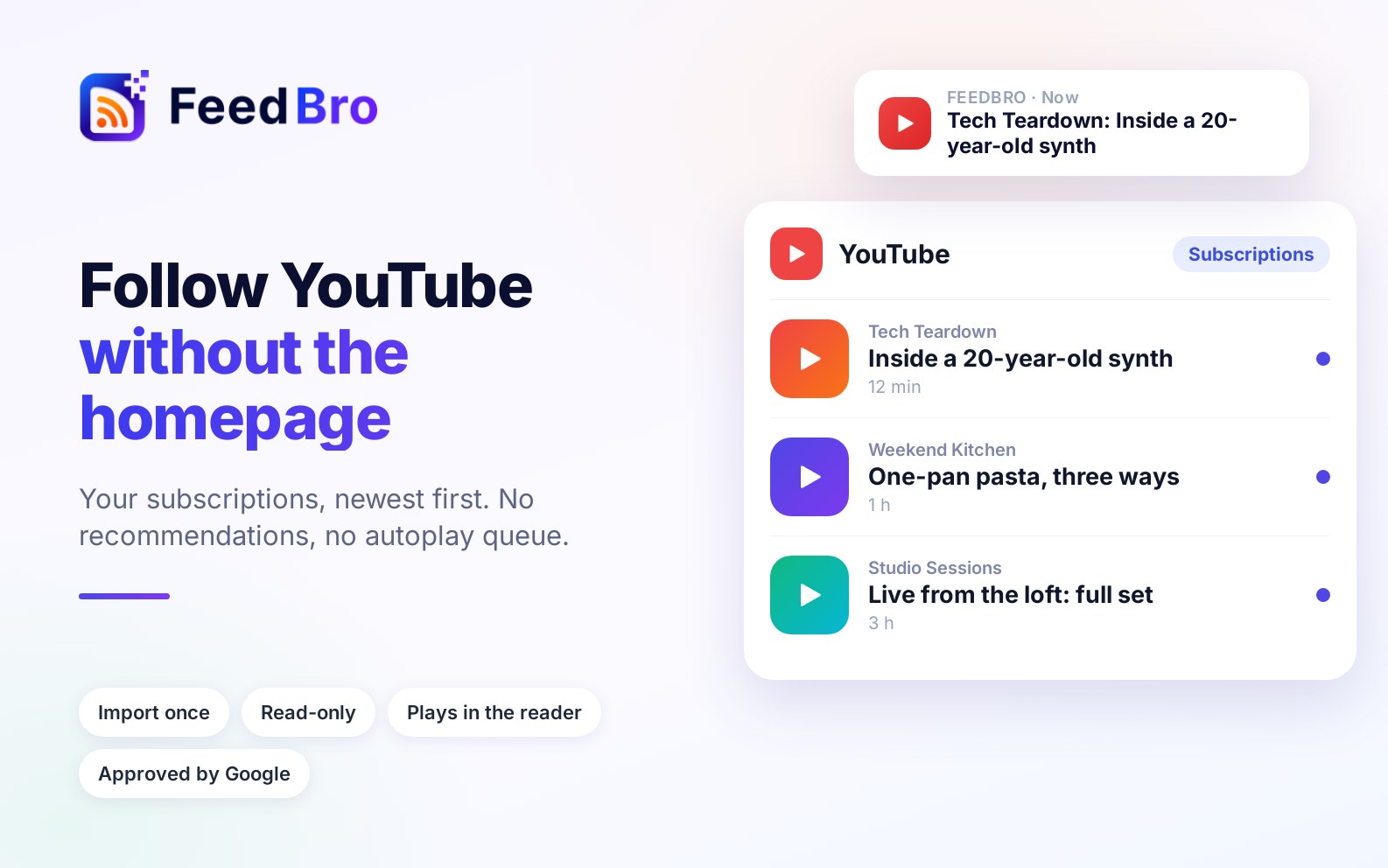
FeedBro turns it around: your subscribed channels, newest first, in one calm list, next to the blogs and news sites you already follow.
What you get
- Only the channels you chose. No recommendations and no autoplay queue.
- Videos play in the reader. Open one and it plays right in the article view.
- Everything in one place. Channels sit beside your other feeds, and you can group them in collections or add rules.
Set it up in a minute
- In FeedBro, choose Add and paste youtube.com/feed/subscriptions.
- Connect YouTube with your Google account. Access is read-only.
- Tick the channels you want, up to 50 at a time, and add them.
The step-by-step details are in our import guide.
Reviewed and approved by Google
Google has reviewed and approved FeedBro's read-only access to your YouTube subscription list. FeedBro reads the list once, saves only the channels you tick as feeds, and keeps no ongoing access. The details are in our privacy policy.
Prefer not to connect your account? You can still add any channel one at a time by pasting its page, for example youtube.com/@channelname.