Step-by-step help for every FeedBro feature, written for everyone.
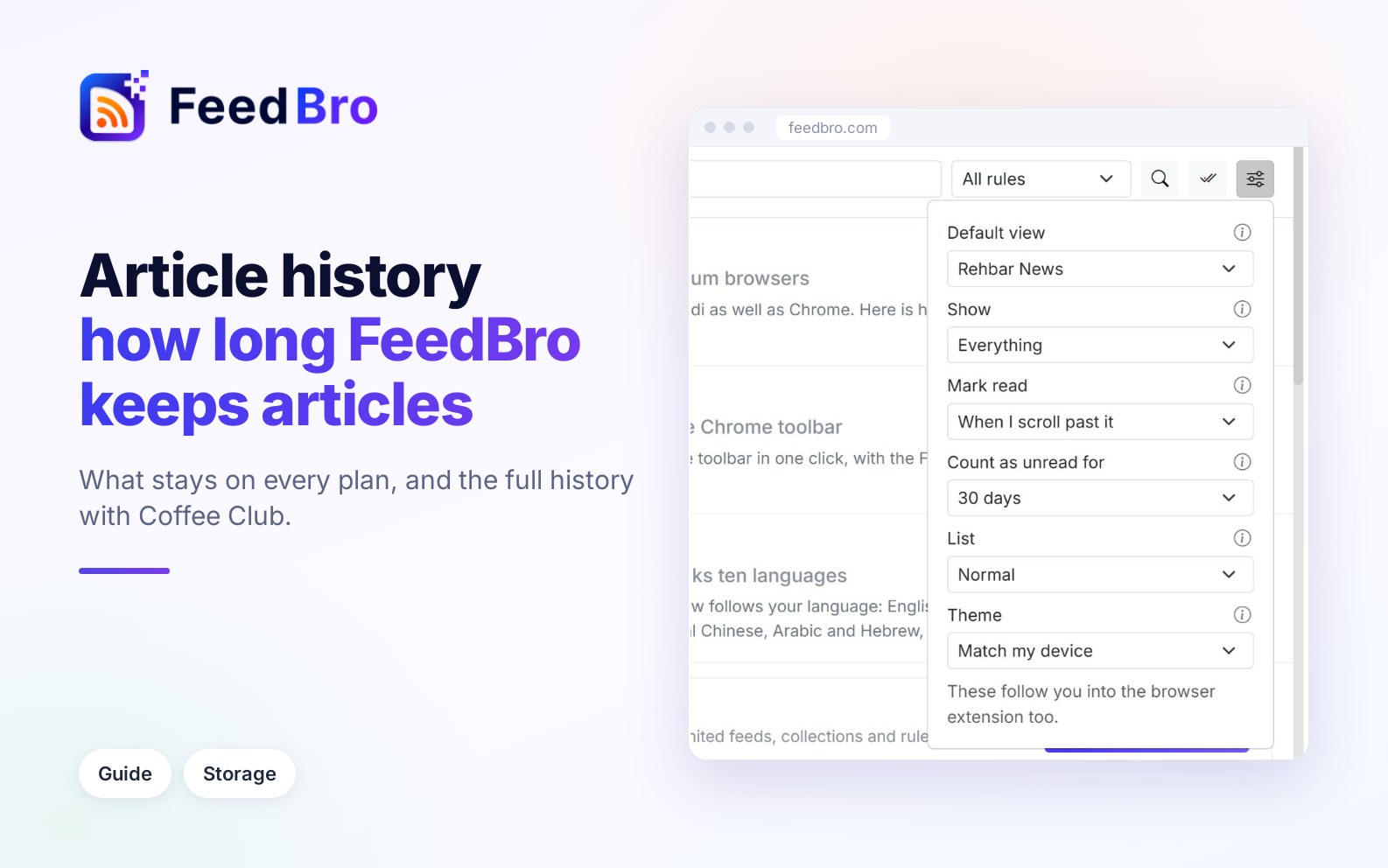
How many articles each feed shows on the Free plan and with Coffee Club, how to reach a feed's older articles, and how the Count as unread for setting decides your unread counts.
Some sites turn away FeedBro's servers but let you in. Your browser extension or the Android app can fetch those feeds for you, and you can switch this on or off at any time.
How to install FeedBro from Google Play, sign in and set up notifications for feeds and rules. It also covers offline reading, Listen and fixing pages that block FeedBro. The app has no ads on any plan.
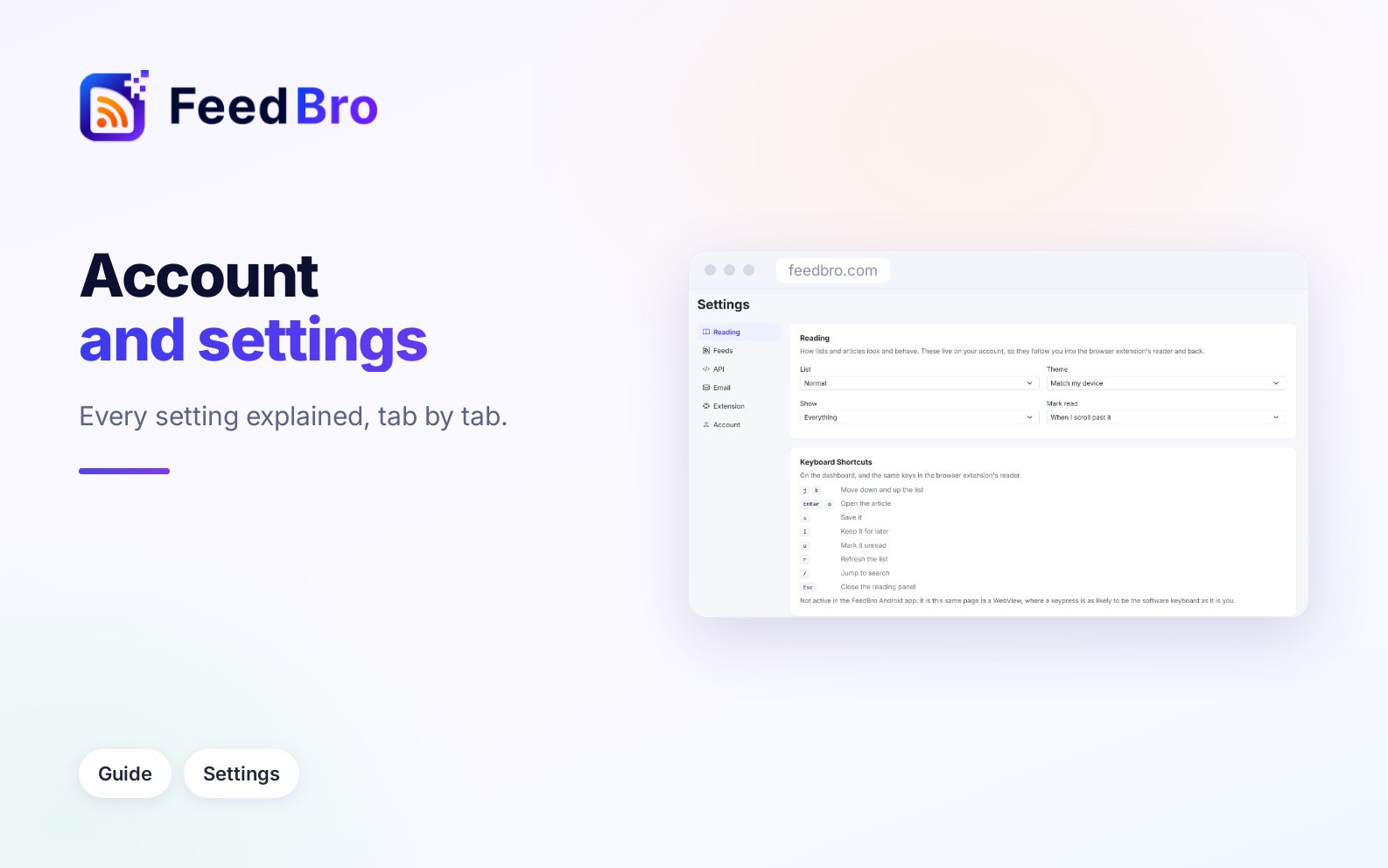
What each part of FeedBro's Settings page does: reading options, feeds and OPML, private RSS links, API keys, emails and the digest, the browser extension, language, password and deleting your account.
What the Free plan and Coffee Club include, how to upgrade and pay, how to update your card or cancel, and what happens to your feeds and articles when you go back to Free.
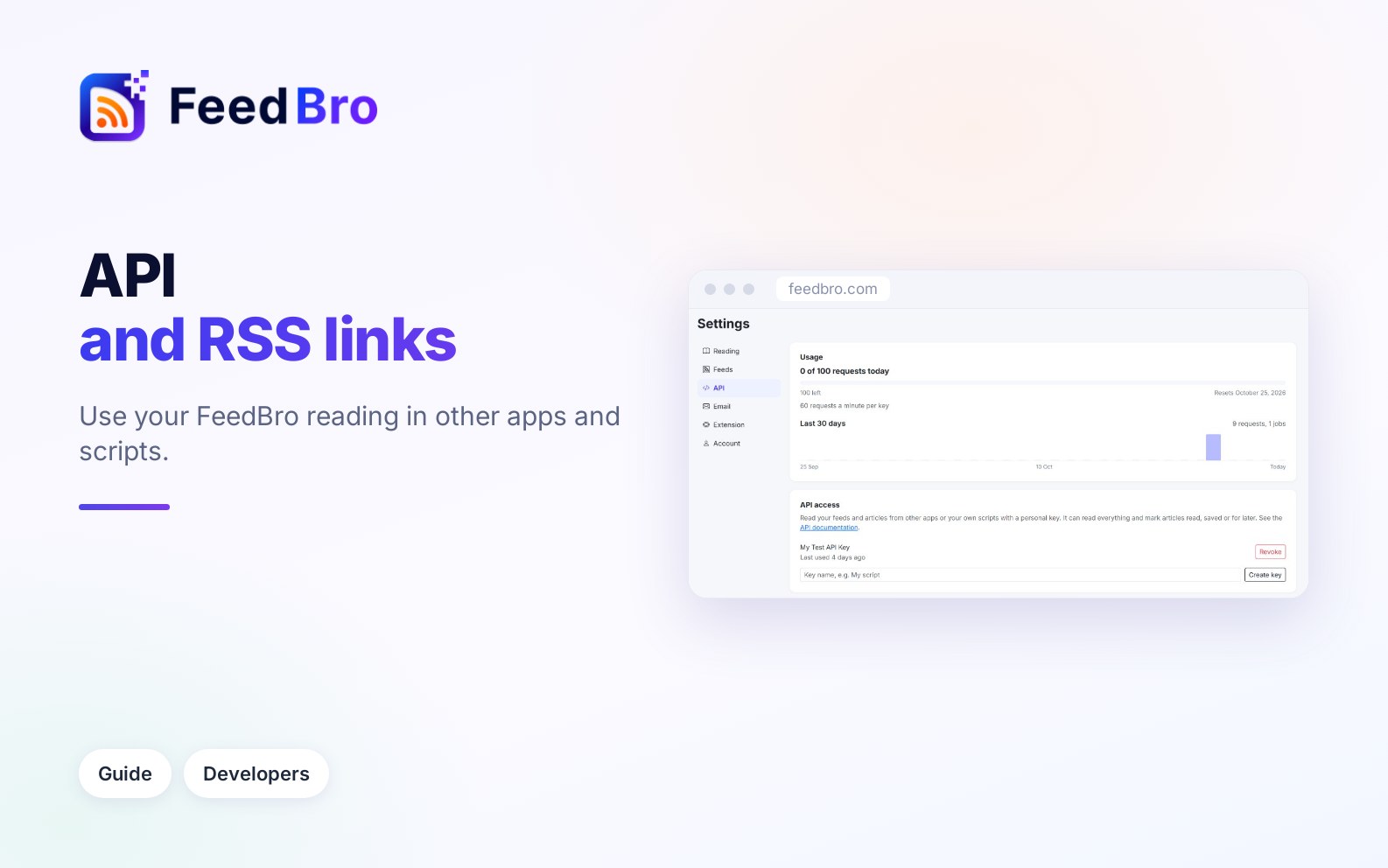
Copy private RSS links for your Saved articles and collections into any RSS app, or create an API key so your own scripts can read your feeds and articles.
What FeedBro's messages about feeds and articles mean and what you can do about them: blocked sites, sign-ins, YouTube's daily pause, moved or paused feeds, and subscriber-only or missing articles.

