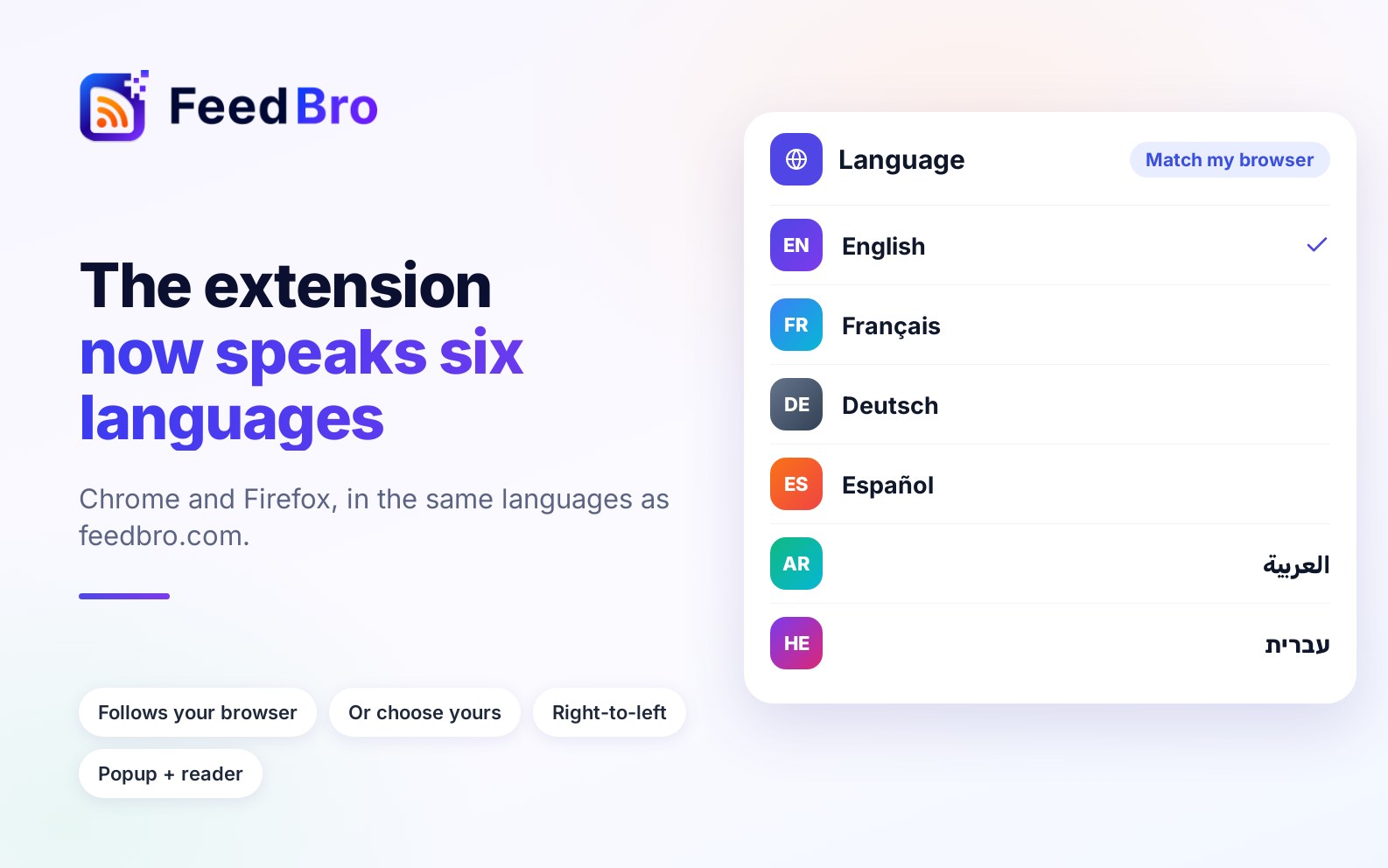
The FeedBro browser extension now speaks the same six languages as feedbro.com: English, French, German, Spanish, Arabic and Hebrew.
What is translated
- The toolbar popup, with your unread articles, collections and feeds.
- The full-page reader and its settings.
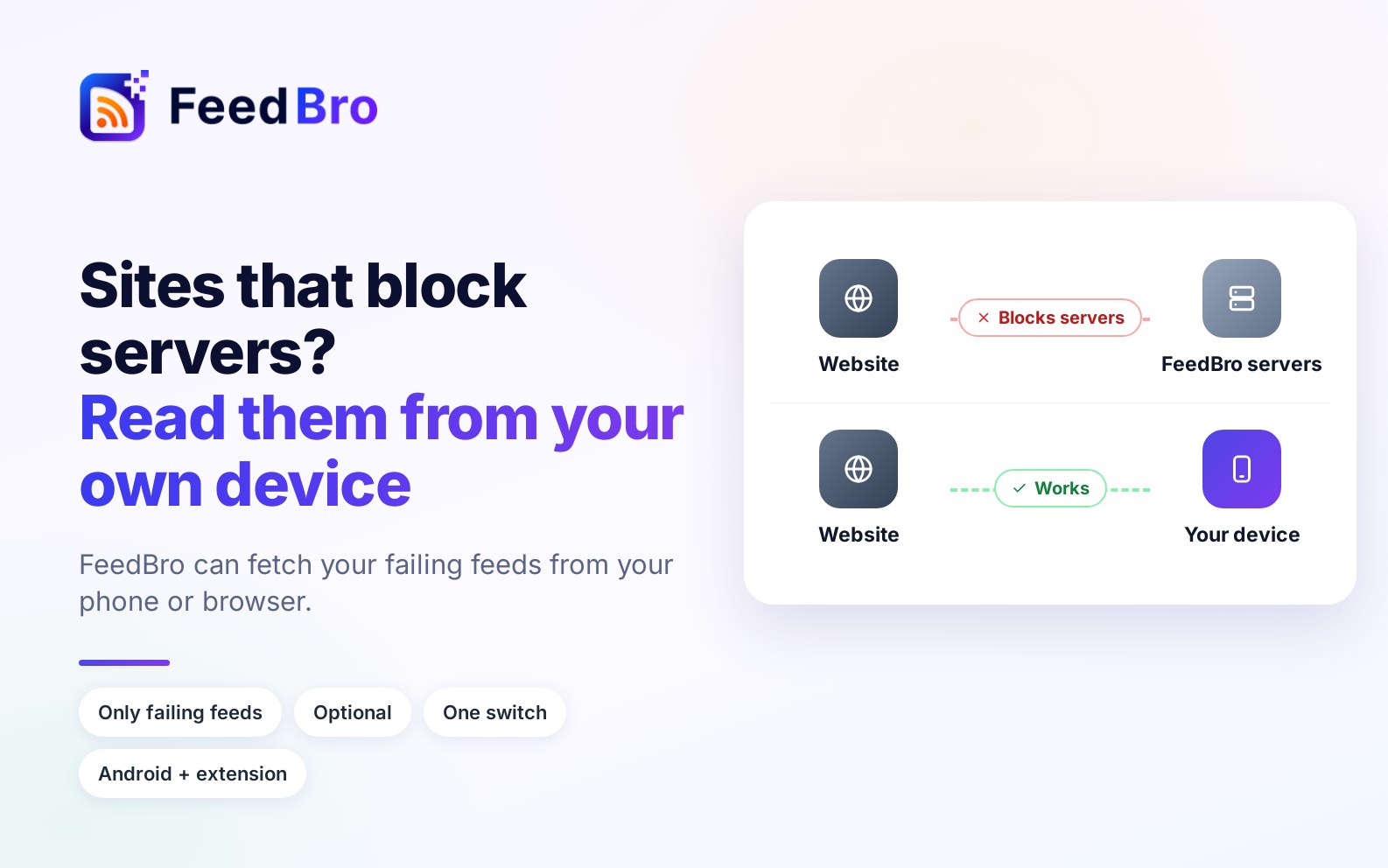
- The "Fix in my browser" window.
- The right-click menu and the notifications.
Arabic and Hebrew switch the whole interface to right-to-left, so it reads the way it should.
How it picks a language
By default the extension follows your browser's language. To choose another one, open Language in the reader's settings panel, or use the small menu at the bottom of the popup. Pick Match my browser to go back to the default.
Article text is never translated: you read each article in the language it was written in. Only FeedBro's own buttons and messages change.
Get it
The extension is free for Chrome (also Edge and Brave) and Firefox. If you already have it, your browser will update it automatically. It is the same account, the same feeds and the same reading state as on feedbro.com and in the apps.