
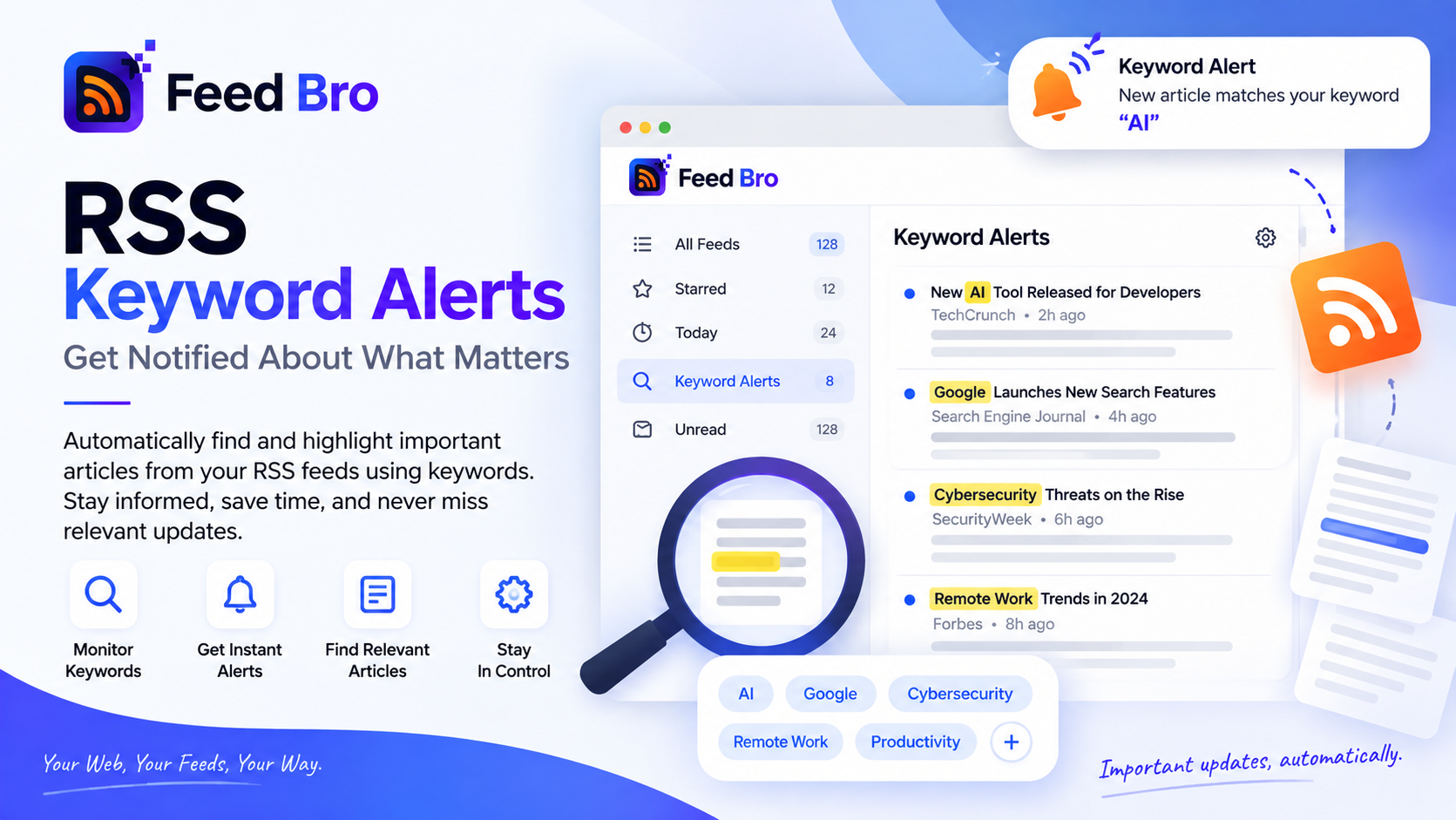
Most people don't want everything a site publishes. They want the one post about the thing they actually care about — a product they use, a company they watch, a bug that's been ruining their week — and they'd rather not read forty headlines a day to catch it.
That's what rules are for in FeedBro. A rule watches the feeds you already follow, and when something matches, it does what you asked: emails you, pings you, highlights it, files it away, or hides it so you never see it at all.
What a Rule Actually Is
Three parts, no more:
- When — a new article arrives in one of your feeds, or you open an article.
- If — your conditions. Match on the title, the article text or the author, and combine several with "all of these" or "any of these".
- Then — what happens: email, push notification, highlight, tag, save, or hide.
No query language to learn. You name the rule, pick the word, choose what happens.
Setting One Up
- Open Rules in your account.
- Name it something you'll recognise in six months. "Postgres releases" beats "rule 3".
- Add a condition — say, the title contains postgres.
- Pick what should happen. Email is the usual choice; push is better for things that are only useful immediately.
- Save. It applies to new articles from then on, and the state actions can be applied to what you already have.
Matching Without Driving Yourself Mad
The difference between a useful alert and a noisy one is usually the match, not the rule.
Whole word is the setting people underuse. Matching the word go catches the language; matching the text go catches "going", "algorithm" and "Chicago". If your keyword is short or common, use whole word.
Title or full text matters too. Title-only keeps alerts rare and precise. Matching the body catches mentions the headline never makes — useful when you're watching for a company that shows up in other people's stories.
And if you genuinely need patterns — a version number, an ID format — conditions accept a regular expression. Most people never need this, and that's fine.
What a Rule Can Do
- Email you. Matches are batched rather than sent one per article, so a busy feed can't turn into forty separate emails.
- Send a push notification to the browser you've allowed, for the things you want to know about now.
- Highlight it — a coloured border or text — so it stands out when you next open your list.
- Tag it, so related pieces collect under one label.
- Save it straight into Saved, to read when you have time.
- Hide it. The one people forget. If a feed you otherwise like keeps posting about a topic you're sick of, a hide rule quietly removes those articles and leaves the rest.
Free or Coffee Club
Every account gets rules. Free includes five of them, with up to five conditions each, which covers most people: a couple of topics you track and one thing you'd rather not see. Coffee Club removes the limit, for when "a couple of topics" has quietly become fifteen.
Questions
Do rules work on feeds I already follow?
Yes — they run against the feeds in your account. New matches are caught as articles arrive, and the state actions like tag and highlight can be applied to articles you already have.
Will I get an email for every single match?
No. Email alerts are batched, so a feed having a busy afternoon doesn't fill your inbox.
Can I use one rule to watch several words?
Yes. Add several conditions and set the rule to match "any of these" — one alert covering a topic and its usual spellings.
Try One
Pick the single word you'd hate to miss this month, make one rule for it, and leave it alone. If it turns out noisy, narrow it to the title or switch on whole-word matching. Rules live in your account settings, and you can edit or switch one off at any time.