
You open an article from your reader and get two sentences and a "Continue reading" link. Then another tab, a cookie banner, a newsletter popup, and eventually the paragraph you wanted.
Truncated feeds are one of the oldest annoyances in RSS, and FeedBro handles them quietly: when a feed sends only a teaser, it goes and gets the article itself.
Why Feeds Get Truncated
It isn't laziness, usually. Publishers cut their feeds because their business depends on people landing on the page — ads, subscription prompts, analytics. Some platforms ship summary-only feeds by default and the author never notices. Either way, the reader gets a stub.
What FeedBro Does About It
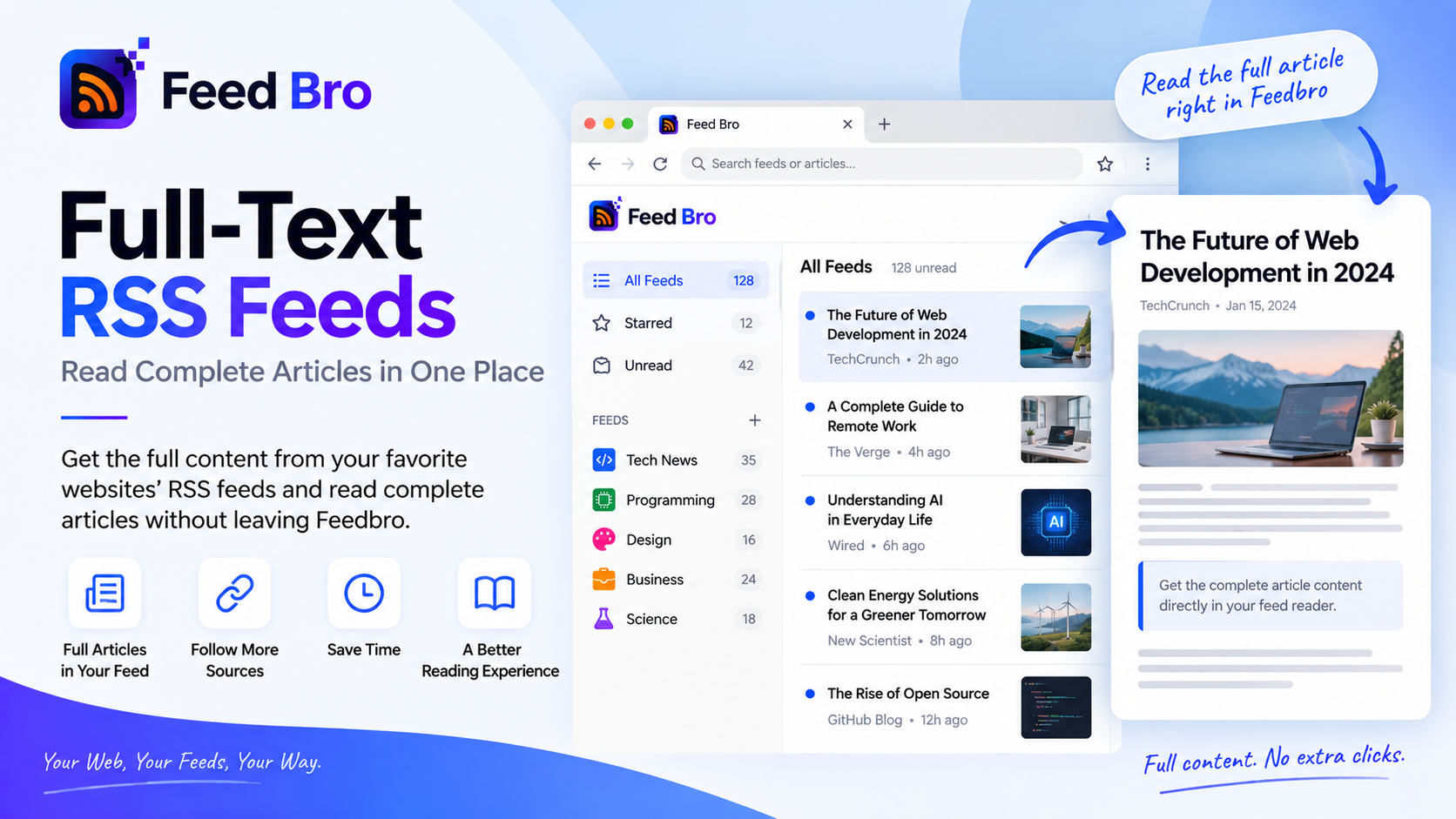
When you open an article whose feed copy is too thin to read, FeedBro fetches the original page, pulls out the article itself — headline, paragraphs, images — and stores that with the article. The next time you open it, it's already there.
The part worth noticing: it keeps the article, not the page. Navigation, related-post rails, newsletter boxes and cookie notices don't make it through. What you get is closer to reader mode than to a copy of the website.
It runs once per article, in the background, on every plan. There's no setting to switch on.
When It Can't Help
Being straight about the limits, since every reader that promises full text runs into the same walls:
- Paywalls. If the text isn't served to a logged-out reader, no reader can conjure it. You'll get the feed's own copy and a link.
- Sites that block automated visitors. Some publishers refuse anything that isn't a human browser.
- Links that aren't articles — a PDF, a video page, a forum thread. Those are kept as they came.
- Feeds that are already complete. Plenty of blogs publish the whole post; there's nothing to fetch, so nothing happens.
There's also a case where the feed's own copy is genuinely better — Reddit posts, for instance, carry the full text in the feed already — so FeedBro leaves those alone rather than making them worse.
Reading What Comes Back
Articles open in a reading panel built for text: one column, sane line length, images kept, everything else gone. If a site does defeat the fetch, the panel says so plainly and links out, instead of pretending a two-sentence stub is the article.
Questions
Is full text a paid feature?
No. It works on every plan, including Free.
Does it store the whole article?
It stores the extracted article with your copy of it, so the second read is instant and works even if the site later moves the page.
What if a site changes and extraction stops working?
You still get the feed's version plus the link — the same thing you'd have had without the feature.
See It on a Feed You Know
The quickest test is a site you already find annoying: follow it in FeedBro, open the next post, and see how much of it arrives without the round trip. If you're weighing up readers, this is the feature to compare — everything else is arranging what you can already read.