
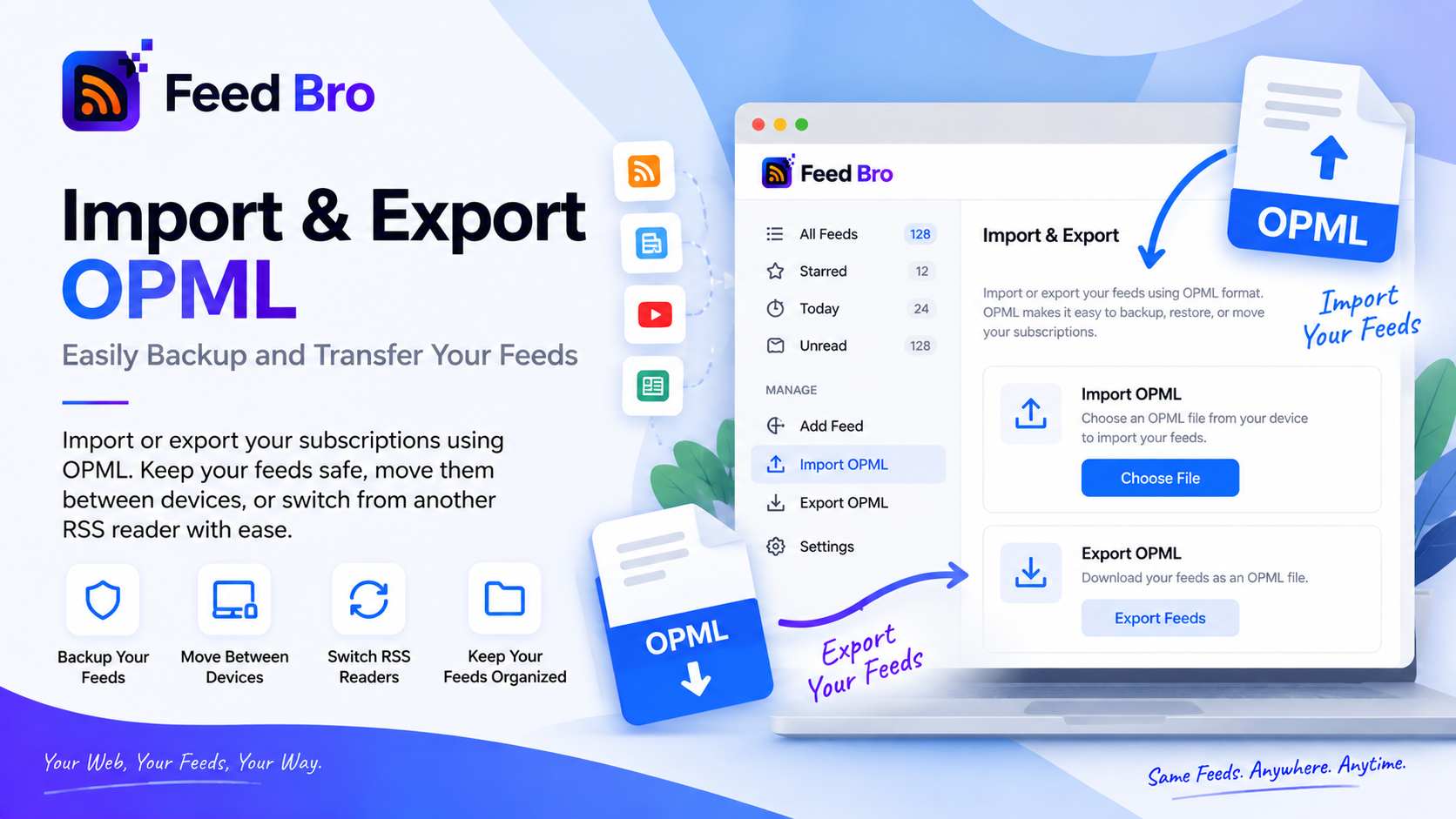
The good thing about RSS is that your subscriptions belong to you. Not to a platform, not to an algorithm — to a file you can take anywhere. That file is OPML, and every serious reader can read and write it.
FeedBro imports it and exports it, on every plan, without asking why you want it.
What OPML Is
A plain list of the feeds you follow: titles, addresses, and any folders you had them in. That's all. Export it from one reader, import it into another, and you've moved your reading in a few seconds instead of retyping thirty addresses.
Nearly every reader supports it — the ones worth using, anyway. It's the reason leaving an RSS reader has never had the sting of leaving a social network.
Bringing Your Feeds In
- Export an OPML file from your current reader — usually under settings, sometimes called "Export subscriptions".
- Open FeedBro settings and choose Import OPML.
- Pick the file. Your feeds start arriving straight away, and FeedBro begins checking them for new articles.
If you're setting up a fresh account, the same import is offered during onboarding, so you can arrive with your reading already in place rather than an empty list.
Taking Them Out Again
Export is one click in the same settings page, and it downloads a standard OPML file of everything you follow.
Worth doing occasionally even if you're staying: it's a backup of a list you'd hate to rebuild, and it's proof you're not locked in. A reader that makes export easy is telling you it intends to keep you by being good, not by being difficult to leave.
Once Your Feeds Are In
- Group them into collections — work, news, hobbies — so you can read one context at a time.
- Set a rule for anything you'd hate to miss, and it'll email or notify you when a match appears.
- Let the truncated ones fill themselves in: when a feed sends two sentences, FeedBro fetches the article.
The Free plan covers twenty feeds and ten collections. If your OPML file is longer than that — plenty are, after years of collecting — Coffee Club removes the limits.
Questions
Will importing keep my folders?
The file carries your structure, and your feeds come across with it so you can organise them into collections in FeedBro.
Can I import more than once?
Yes. Import as often as you like — following a feed you already follow doesn't duplicate it.
Is export available on the Free plan?
Yes. Import and export are both free, on every plan.
Move In
Export from wherever your feeds live now, import the file into FeedBro, and see how the same subscriptions read here. If it isn't for you, the export button is right where you found the import one.