
Some articles earn their length. Plenty don't — and you can't tell which is which until you've read enough of one to regret it.
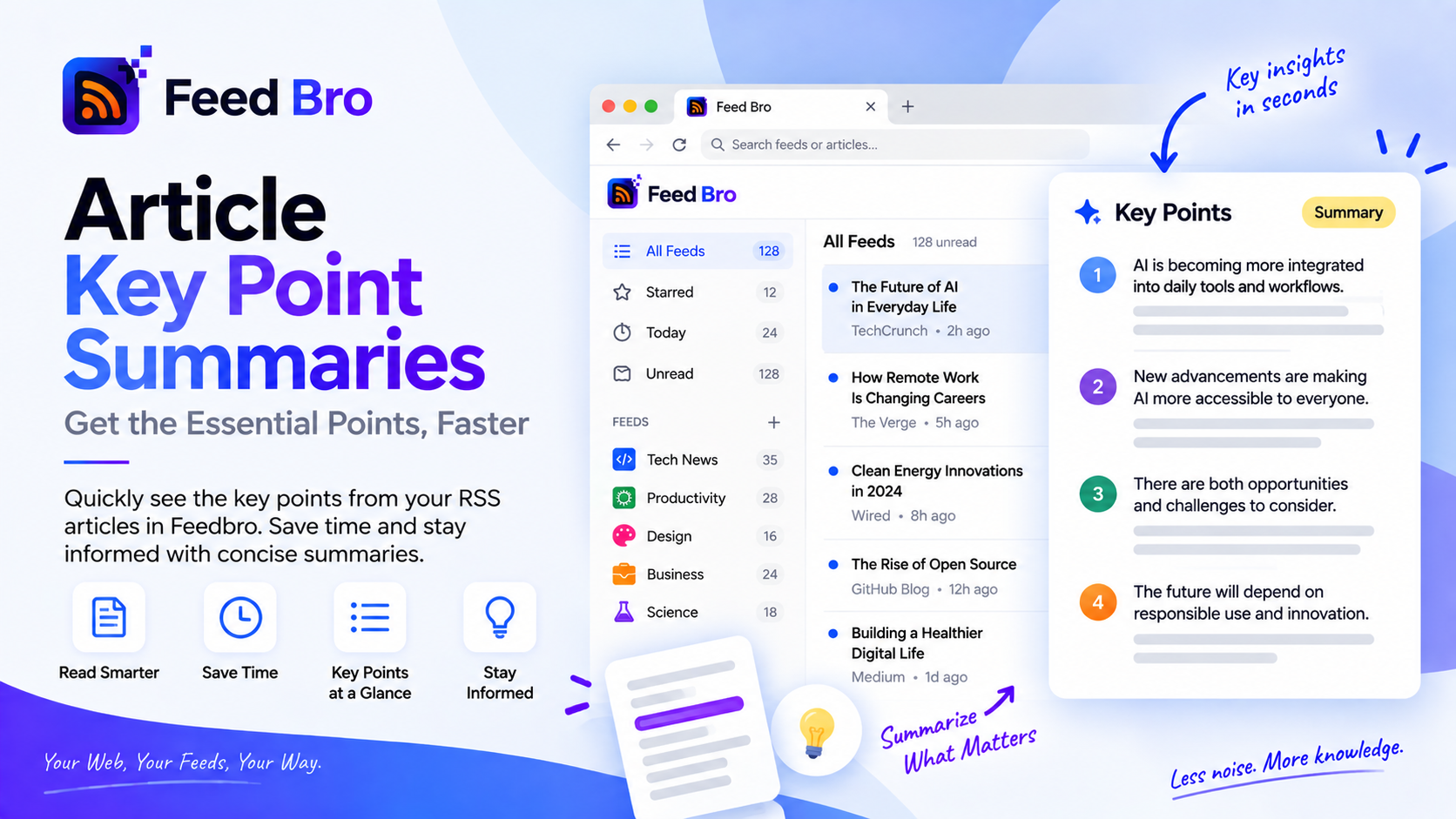
FeedBro's smart summaries exist for that moment. Open a long piece, press the button, and you get its key points in a few seconds, so you can decide whether to read properly or move on.
Where the Summary Comes From
This is the part that makes it trustworthy: the summary is built from the article's own sentences. FeedBro scores the piece, works out which sentences carry it, and shows you those. It doesn't write new prose about the article.
Which means it can't invent a fact, attribute a quote to the wrong person, or confidently describe a conclusion the author never reached. The cost is that a summary reads like an article's own highlights rather than a smooth paragraph — a trade we think is worth making when you're deciding what's true enough to act on.
Using It
- Open any article in FeedBro.
- Press Quick Summary.
- Read the key points, then read the article or move on.
It runs while you wait, not on a queue, so you're not left watching a spinner wondering whether it's coming. Once generated, it stays with the article.
When It Helps Most
- Long analysis pieces where you want the argument before committing twenty minutes.
- Release notes and announcements, where the news is usually three sentences inside a thousand words.
- Backlogs. Twelve unread articles, fifteen minutes: summaries first, then read the two that matter.
- Anything outside your field, where you need the gist rather than the detail.
Where it helps least: short news items, which are already their own summary, and anything you were going to read line by line regardless.
Free or Coffee Club
Summaries are part of Coffee Club, along with unlimited feeds, unlimited collections, unlimited rules and the daily or weekly digest. Everything else here — the reader, the full-text fetching, saved articles, search, five rules and twenty feeds — is on the Free plan, so you can see whether FeedBro suits you before paying for anything.
Questions
Is this an AI chatbot summary?
No. It selects the most important sentences from the article itself rather than generating new text, so nothing in a summary is invented.
Does it work on every article?
It needs enough text to work with, so it's best on longer pieces. If a feed only sent a teaser, FeedBro fetches the full article first anyway.
Can I still read the full article?
Of course — the summary sits alongside it, not instead of it.
Try It on Your Longest Unread Article
Open FeedBro, find the piece you've skipped three times because it's long, and summarise it. You'll either read it properly or finally let it go — both better than it sitting there for another week.