
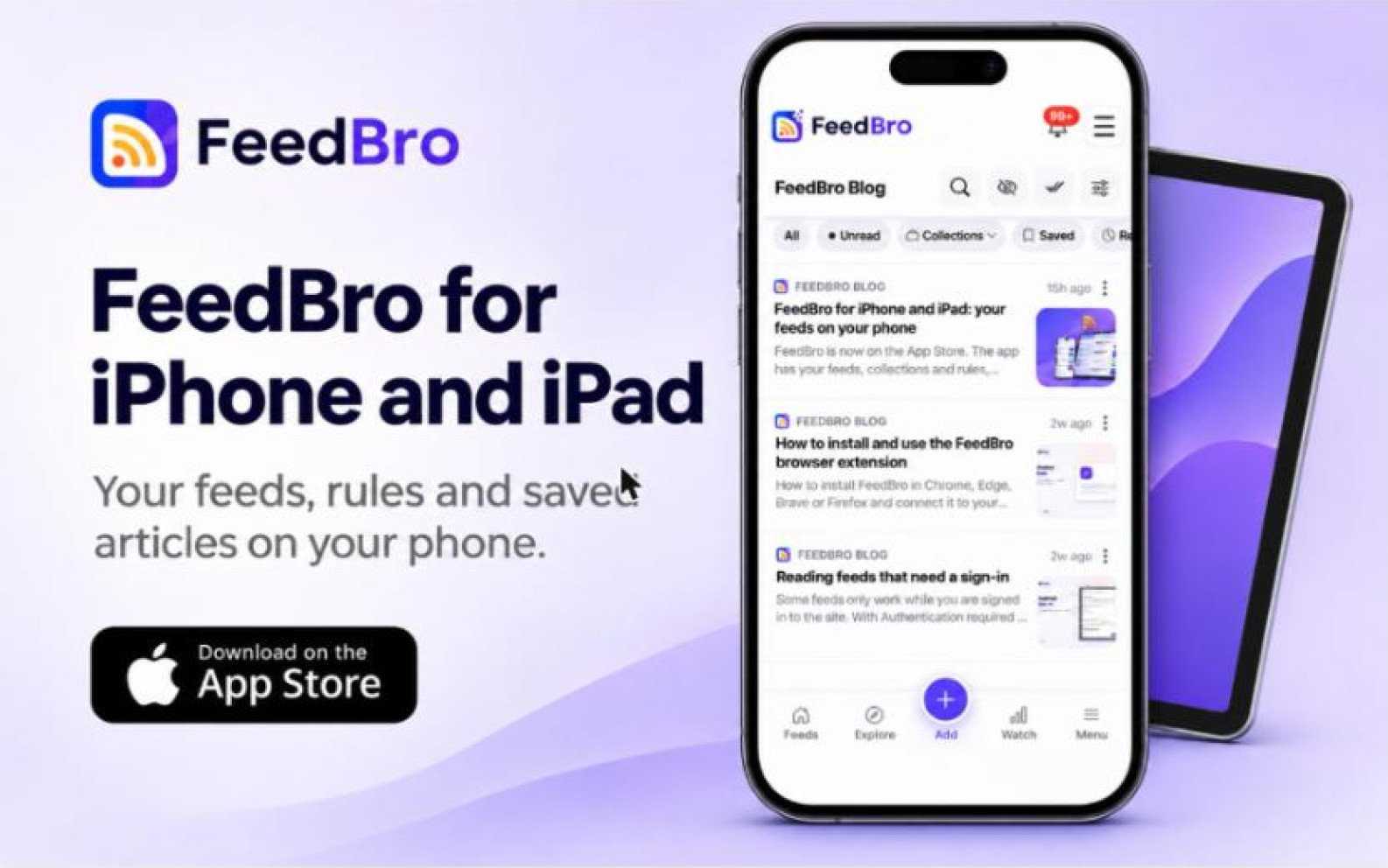
FeedBro is now on the App Store. The app is the reader you already use on feedbro.com, on your iPhone or iPad: the same feeds, collections, saved articles and rules, signed in to the same account. It also does a few things only a phone can do.
What's in the app
Your whole reader in one tap
Open the app and you land in your reading list: your feeds and collections, newest articles first, full articles in the reader. Pull down at the top of the page to refresh, and swipe back to return to the previous page.
Notifications when a rule matches
Rules watch your feeds for a word or a phrase. Give a rule the Push notification action and your phone tells you as soon as a matching article arrives, whether that's a competitor's name or a product you're waiting for. Rules you make in the app also work on feedbro.com and in the browser extension.
Reading with no connection
The app keeps your latest, saved and read-later articles on the device. On a plane or in a tunnel it opens them instead of an error page, as long as you've opened FeedBro online at least once.
Light or dark, like your device
Set FeedBro's theme to Match my device and it follows your iPhone or iPad's dark mode, switching when your device does. You can also pick light, dark or sepia yourself.
Sign in your way
Sign in with your FeedBro email and password, or with your Google or Apple account.
One account everywhere
The app, feedbro.com and the browser extension for Chrome and Firefox share one FeedBro account. A feed you follow on your laptop shows up on your iPhone or iPad, an article you read on the phone is marked read everywhere, and one you keep for later in the extension is waiting in the app. If you also have an Android phone, the same account works there too.
Free and without ads
The app is free to install, and there are no ads in it.
Get the app
Install FeedBro from the App Store, sign in, and your feeds are already there. If something looks wrong, the flag button on any article and our contact page both reach us directly.