FeedBro collects new posts from the sites you follow, so you don't have to visit each one.
Free plan · no credit card needed

Follow sites like these in FeedBro
 Hacker News
 Product Hunt
 Medium
 Substack
A short look at what FeedBro does and how it keeps everything you follow in one place.
Select text in an article, or tap a sentence, and it is marked in yellow, green, blue or pink. Your highlights are kept on every device and in the apps, and the Highlights list shows them all. Free for everyone.
Press Listen and your device reads the article aloud, with pause, skip and speed. It uses your device's own voices, so there is nothing to generate and nothing to pay for.
Sign in with Google once, read-only, to bring in the channels you follow. Videos from YouTube, Reddit and RedGIFs play right in the article.
FeedBro and its browser extension in ten languages: English, French, German, Spanish, Italian, Portuguese, Japanese, Traditional Chinese, Arabic and Hebrew, with right-to-left layout for Arabic and Hebrew.
When a site blocks servers or sits behind your sign-in, your own browser or phone can fetch it for you, once, when you ask.
A full-page reader in the browser extension, a popup with your unread count, and the iPhone, iPad and Android apps, all on the same account.
Some feeds only work when you are signed in. With Coffee Club, save your login for that feed and FeedBro refreshes it like any other. Your login is stored encrypted and sent only to that site.
With Coffee Club, older articles stay in your feeds and in search, as far back as FeedBro has them, and you decide how long unread articles stay unread.
Get the main points of a long article before you decide to read it.
Folders and tags keep your feeds sorted. Filters and automations pick out or hide articles for you.
FeedBro notifies you when it detects new content: hourly checks on a free account, every 15 minutes with Coffee Club.
A distraction-free reader mode with your choice of theme, font and layout.
Read your feeds on any device. Everything stays in sync.
Import your OPML file, and export your subscriptions whenever you want.
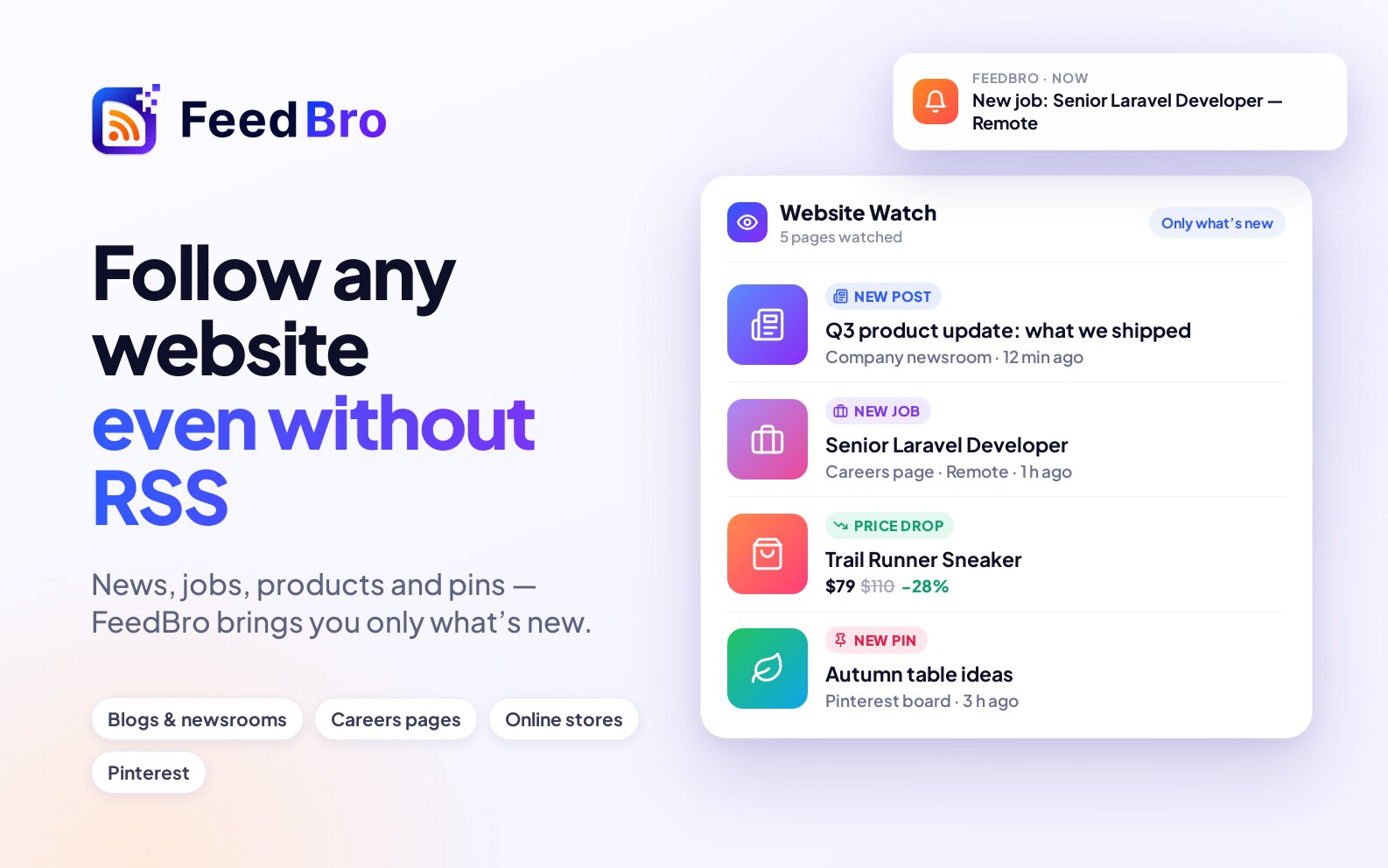
Paste a page's address and FeedBro checks it for you. Only what's new reaches your reader, and your automations can alert you about it.
Free: 3 pages, checked once a day. Coffee Club: 10 pages, checked every hour.
FeedBro fetches the full article when a feed sends only a teaser, pulls out the key points of long reads, and tells you when the topics you follow come up.

Need premium fetching for a high volume of feeds? Enterprise pricing is based on your volume.
Contact usFeedBro is an RSS reader and feed aggregator. Follow blogs, news sites, YouTube channels and podcasts, and read everything new in one list on feedbro.com, in the Android app, or in the FeedBro extension for Chrome and Firefox.
Yes. The Free plan has no time limit and needs no credit card: up to 50 feeds, 10 collections and 5 rules. The Coffee Club ($4.99 a month, cancel any time) removes the limits and adds summaries, email digests, refreshes every 15 minutes, no ads, premium fetching for the feeds you read (a daily limit applies), feeds behind a sign-in and your full article history.
Yes. FeedBro fetches the article itself and shows it as clean text, without pop-ups or cookie banners. The browser extension can also load it in your own browser, which works on sites that block servers and on publications you are signed in to.
Yes. A rule watches your feeds for a word or phrase and can email you, send a push notification to your phone, highlight the article, save it, tag it or hide it.
Yes. FeedBro is available on the App Store for iPhone and iPad and on Google Play for Android, and there is an extension for Chrome and Firefox. They all use the same account. feedbro.com also works in any mobile browser.
Yes. Export an OPML file from your current reader (Feedly, Inoreader, NewsBlur and most others offer one) and import it in FeedBro's settings. You can export your FeedBro feeds the same way, on every plan.
Paste the website's address instead. FeedBro looks for the site's feed in the page, in its links and at the usual addresses, and follows it.
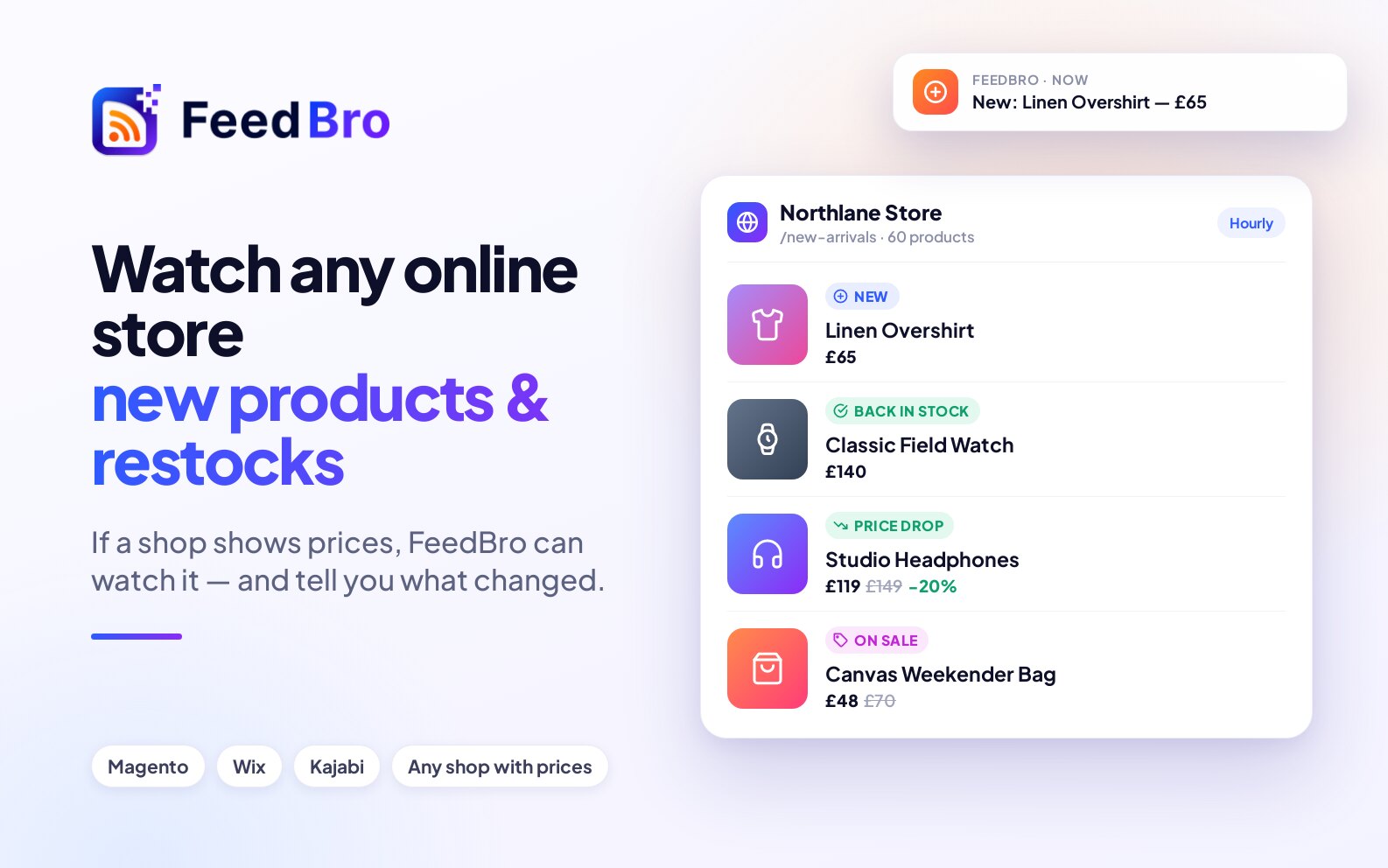
Yes. With Website Watch, paste the page's address (a newsroom, a careers page, an online store or a Google Shopping search) and FeedBro checks it for you. Each new post or product arrives as its own article, and price drops, sales and restocks arrive as alerts your rules can act on. The Free plan watches 3 pages once a day; the Coffee Club watches 10 every hour.
Yes. Press Listen in an open article and your device reads it aloud, sentence by sentence, with pause, skip and speed controls. It uses your device's own voices, so there is nothing extra to pay for.
FeedBro, its emails and the browser extension are available in ten languages: English, French, German, Spanish, Italian, Portuguese, Japanese, Traditional Chinese, Arabic and Hebrew. The extension follows your browser's language, or you can choose one in its settings.
Yes, with Coffee Club. Open the feed's settings (the gear), choose Authentication required and paste your sign-in cookie; a short guide in that window shows how. On the Free plan, your browser or phone can still fetch such a page for you when you ask.
Anything you save, put in Read Later or tag stays forever, on every plan. On the Free plan, other articles are kept for 90 days after they arrive in FeedBro. Coffee Club keeps every article forever, in your feeds and in search.
Yes. Coffee Club includes premium fetching for the feeds you read, with a daily limit. If you follow a very large number of feeds and need more premium fetching than that, our Enterprise plan is priced around your volume. Contact us to talk about it.

Follow the sites you care about in one reader. Free to start.
Subscribe to your favorite websites, blogs, YouTube channels and more.
FeedBro checks your feeds for new posts and keeps them organized for you.
Read now, get a summary, or save it for later.